
Introduction
This manual provides essential instructions for the safe and effective use of your Sunbeam Loftec Wi-Fi Connected Electric Heated Blanket. This blanket offers customizable warmth through a wired digital controller, a dedicated mobile application, and voice assistant integration. Please read all instructions carefully before use and retain this manual for future reference.
The Sunbeam Loftec Electric Heated Blanket features 10 heat settings, a 10-hour auto-shut off, and is constructed with soft Lofttec fabric. It incorporates advanced heating technology designed for continuous, even heat distribution and safe operation.
Safety Information
Always follow basic safety precautions when using electrical appliances to reduce the risk of fire, electric shock, and personal injury. This blanket is designed for household use only.
- Do not use with infants, children, incapacitated persons, or persons insensitive to heat.
- Do not use with pets.
- Never use the blanket if it is wet.
- Do not use with a generator, power inverter, or DC-to-AC converter.
- Ensure the blanket is not folded, bunched, or tucked in when in use, as this can cause overheating.
- Always unplug the blanket from the wall outlet when not in use.
- Inspect the blanket, cord, and controller regularly for any signs of damage. If damaged, discontinue use immediately.
- Do not dry clean this product. Dry cleaning solvents may damage the insulation of the heating element.
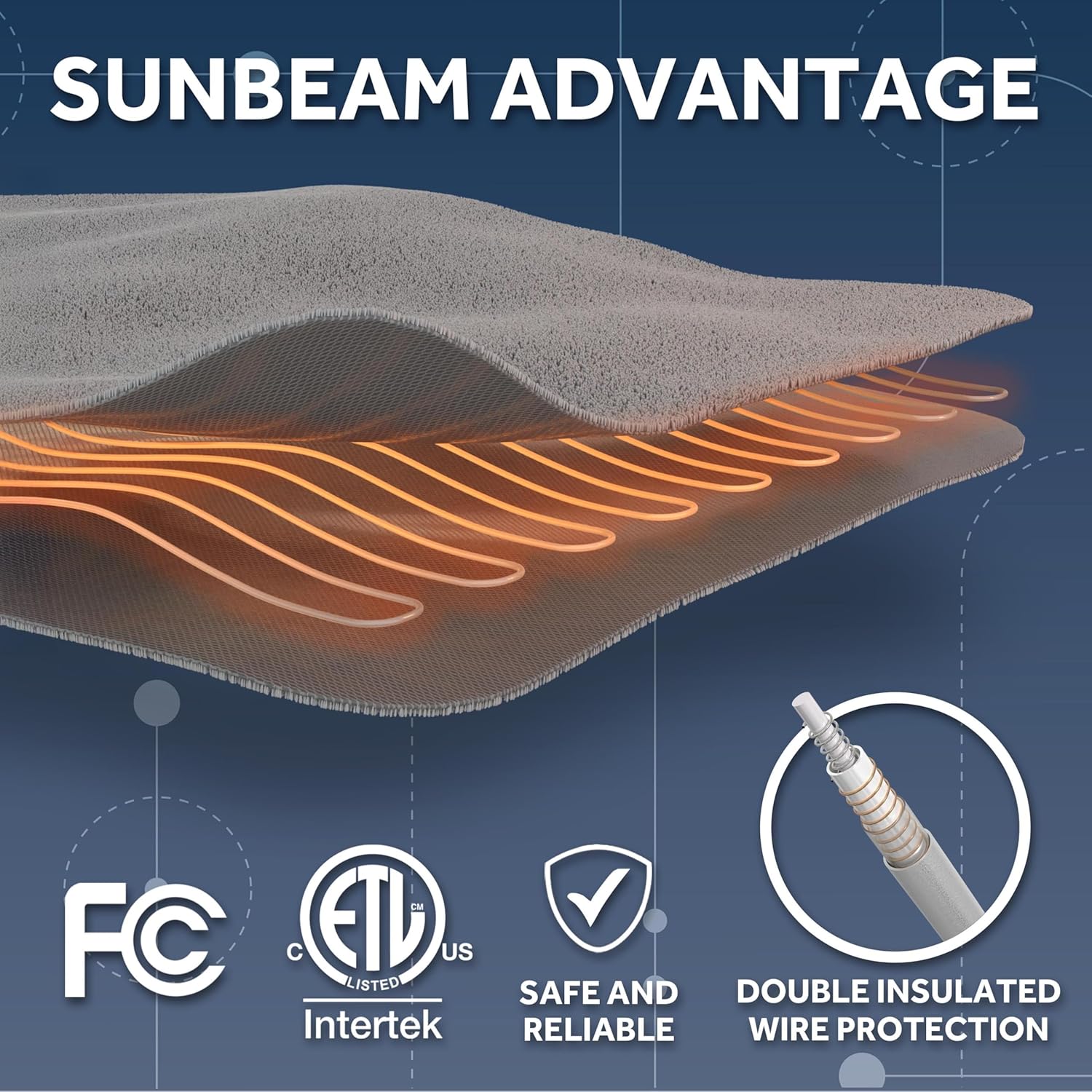
Image: Sunbeam Advantage highlights safety features including FCC and ETL certifications, indicating safe and reliable operation with double insulated wire protection.
Setup Instructions
- Unpack the Blanket: Carefully remove the blanket and controller from the packaging. Ensure all components are present: the heated blanket and the wired digital controller.
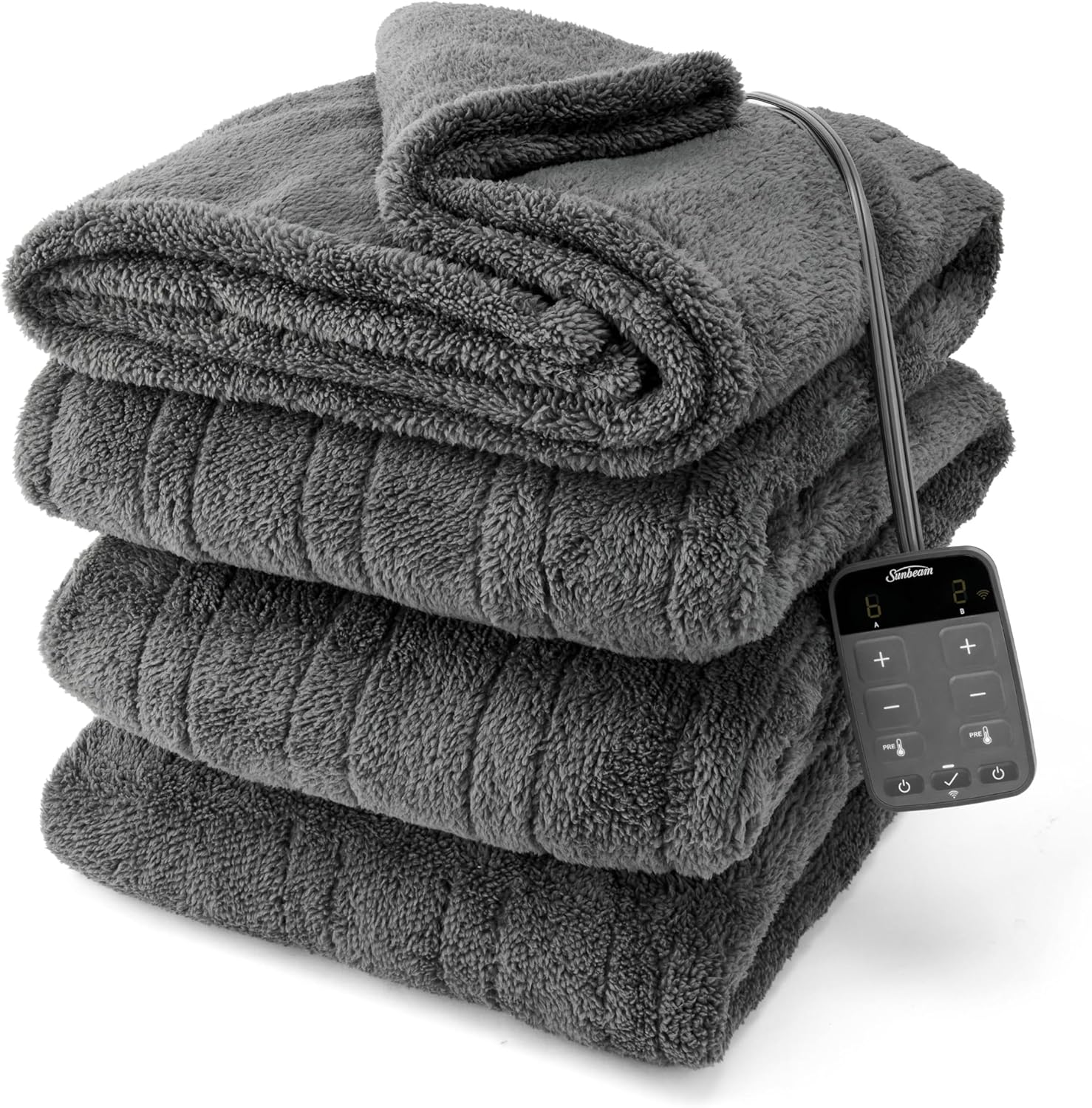
Image: The Sunbeam Loftec Electric Heated Blanket, folded, with its wired digital controller visible.
- Position the Blanket: Lay the heated blanket flat on your bed, ensuring it is not folded or bunched. The connector for the controller should be positioned at the foot of the bed.
- Connect the Controller: Firmly plug the controller cord into the blanket's connector. Ensure a secure connection.
- Plug into Power: Plug the controller's power cord into a 120V AC electrical wall outlet. Do not use with extension cords or power strips.
- App Setup (Optional but Recommended):
- Download the Sunbeam app from your device's app store (iOS or Android).
- Create an account or log in.
- Follow the in-app instructions to add your Sunbeam Loftec Heated Blanket. This typically involves putting the blanket into pairing mode and connecting it to your home Wi-Fi network.
- Ensure your Wi-Fi network is 2.4 GHz for optimal connectivity.
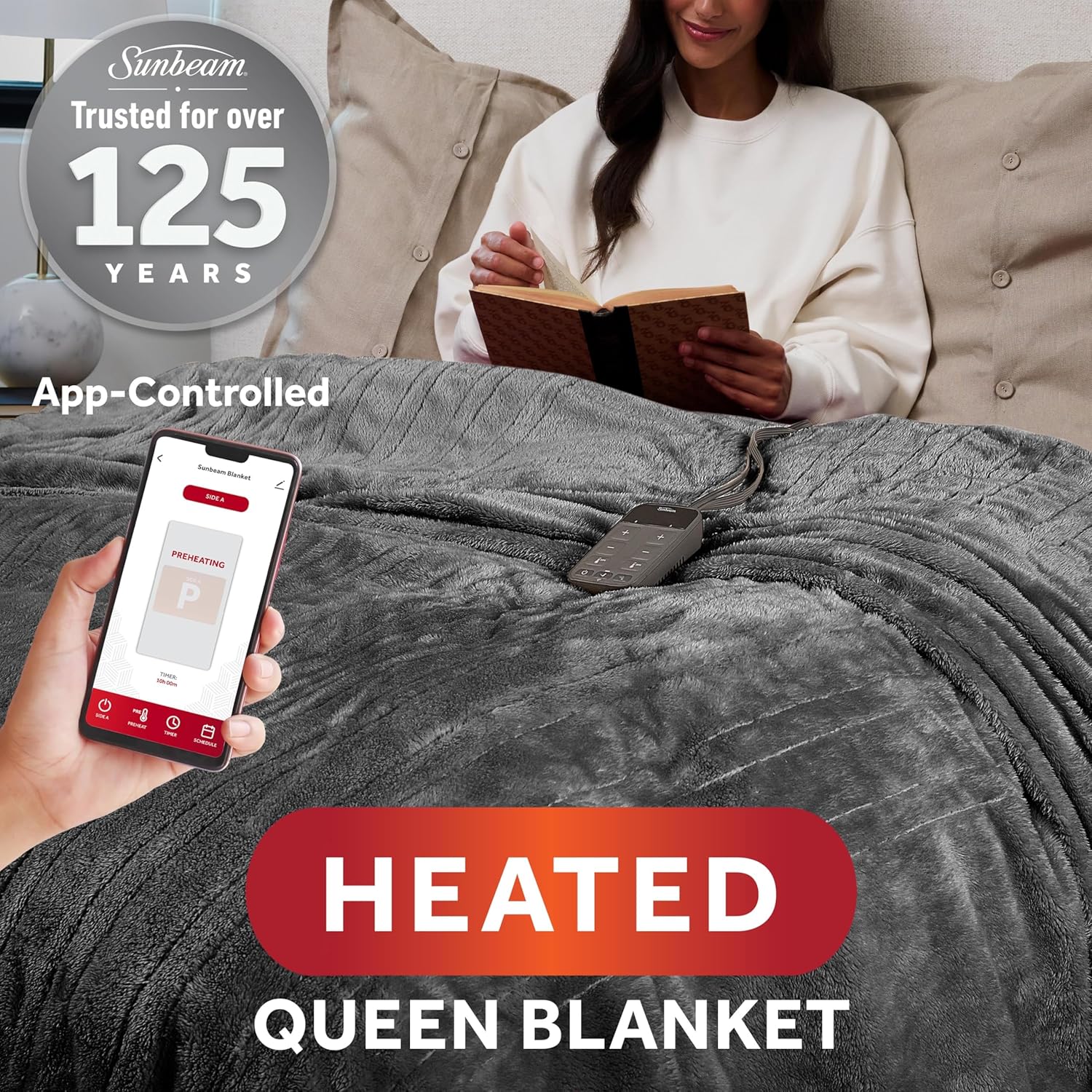
Image: A user interacting with the Sunbeam mobile application on a smartphone to control the heated blanket, demonstrating the app-controlled functionality.
- Voice Assistant Integration (Optional): Once connected to the Sunbeam app, you can link your blanket to compatible voice assistants like Google Home or Amazon Alexa by following the instructions within the Sunbeam app or your voice assistant's application.
Operating Instructions
Using the Wired Digital Controller
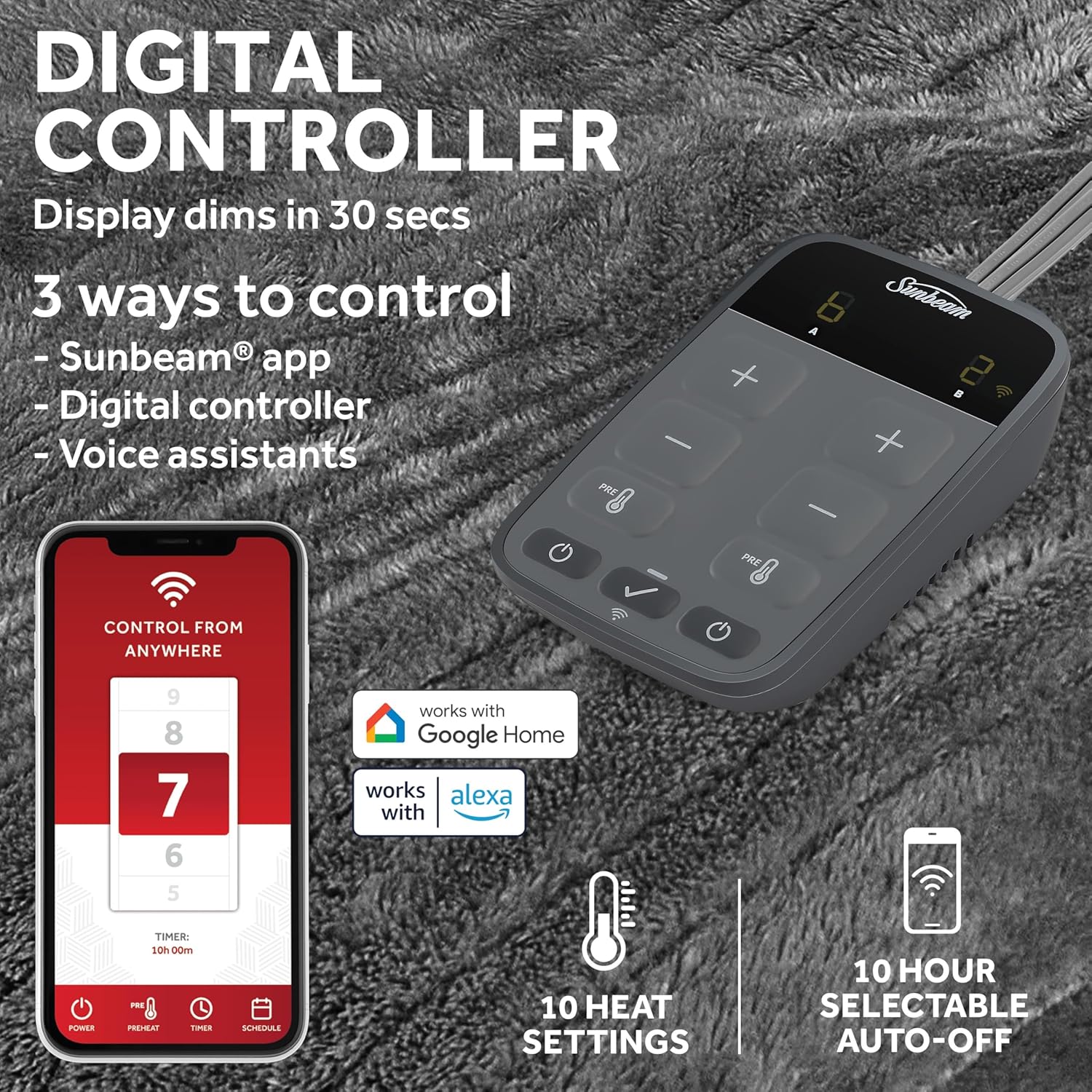
Image: The digital controller and a smartphone screen displaying the Sunbeam app, illustrating the three control methods: app, digital controller, and voice assistants. Features like 10 heat settings and 10-hour auto-off are highlighted.
- Power On/Off: Press the power button (⏻) to turn the blanket on or off.
- Adjust Heat Settings: Use the '+' and '-' buttons to cycle through the 10 available heat settings. The current setting will be displayed on the controller.
- Preheat Function: Press the 'PREHEAT' button to quickly warm the blanket before use.
- Auto Shut-Off: The blanket features a 10-hour auto shut-off for safety. This can be adjusted via the app.
- Individualized Comfort: Queen and King size blankets feature dual controls, allowing separate heat settings for each side of the bed.
Using the Sunbeam Mobile App
- Remote Control: Control the blanket's power and heat settings from anywhere using your smartphone.
- Preheat: Activate the preheat function remotely to warm your bed before you get in.
- Scheduling: Set custom schedules for the blanket to turn on and off, or adjust heat levels at specific times.
- Dual Zone Control: For Queen and King sizes, the app allows independent control of heat settings for each side.

Image: An overhead view of a bed with the heated blanket, visually representing two distinct heating zones, illustrating the individualized comfort feature for users.
Using Voice Assistants
- Once linked, use voice commands to turn the blanket on/off and adjust heat settings.
- Example commands: "Alexa, turn on my heated blanket," or "Hey Google, set heated blanket to level 7."
Maintenance and Care
Proper care ensures the longevity and performance of your heated blanket. Always follow these instructions carefully.
- Before Cleaning: Always unplug the blanket from the wall outlet and detach the controller from the blanket. Do not immerse the controller in water.
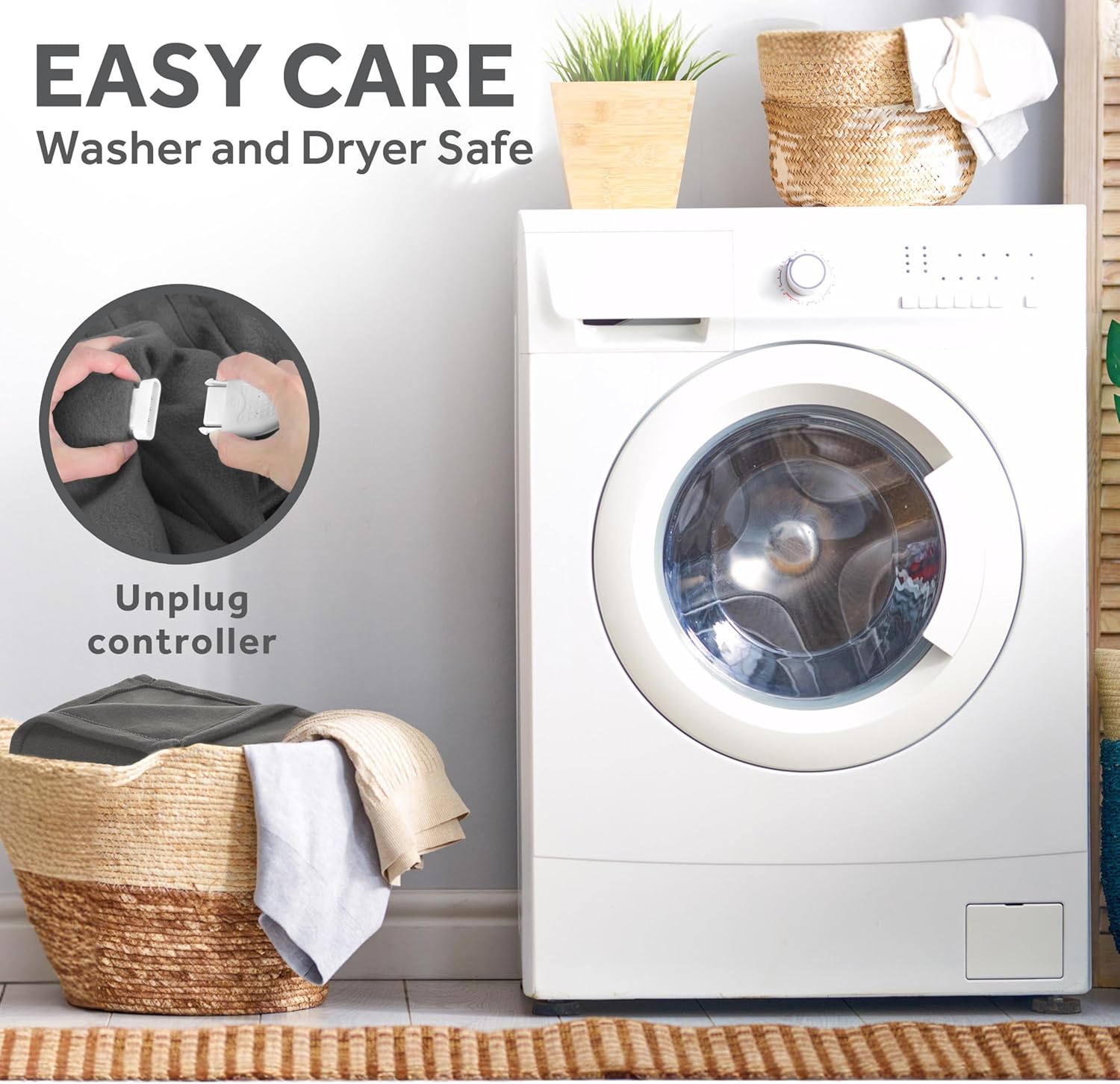
Image: A close-up demonstrating the process of unplugging the controller from the heated blanket, emphasizing the "Easy Care" and "Washer and Dryer Safe" features.
- Machine Washing:
- Wash on a gentle cycle in cold water (maximum 30°C / 86°F).
- Use a mild detergent.
- Do not bleach.
- Drying:
- Tumble dry on low heat or hang dry.
- Ensure the blanket is completely dry before reconnecting the controller and plugging it in.
- Do not iron.
- Storage: When not in use, store the blanket loosely folded in a cool, dry place. Avoid tightly folding or creasing the blanket, as this can damage the internal wiring.
Troubleshooting
If you experience issues with your Sunbeam Loftec Electric Heated Blanket, please consult the following common problems and solutions before contacting support.
| Problem | Possible Cause | Solution |
|---|---|---|
| Blanket is not heating. |
|
|
| Wi-Fi connection issues. |
|
|
| Controller display dims or turns off. |
|
|
| App not responding or blanket offline. |
|
|
Specifications
| Feature | Detail |
|---|---|
| Brand | Sunbeam |
| Model Number | 32810042 |
| Material | 100% Polyester (Lofttec fabric) |
| Color | Night Fog Grey |
| Size (Queen) | 90" x 84" |
| Heat Settings | 10 |
| Auto Shut-Off | 10-Hour (selectable) |
| Control Methods | Wired Digital Controller, Sunbeam App (Wi-Fi), Voice Assistants (Alexa, Google Home) |
| Special Features | Machine Washable, Wi-Fi Connected, Dual Zone Control (Queen/King sizes) |
| Included Components | Heated Blanket, Digital Controller |
| Item Weight | 5.88 pounds |
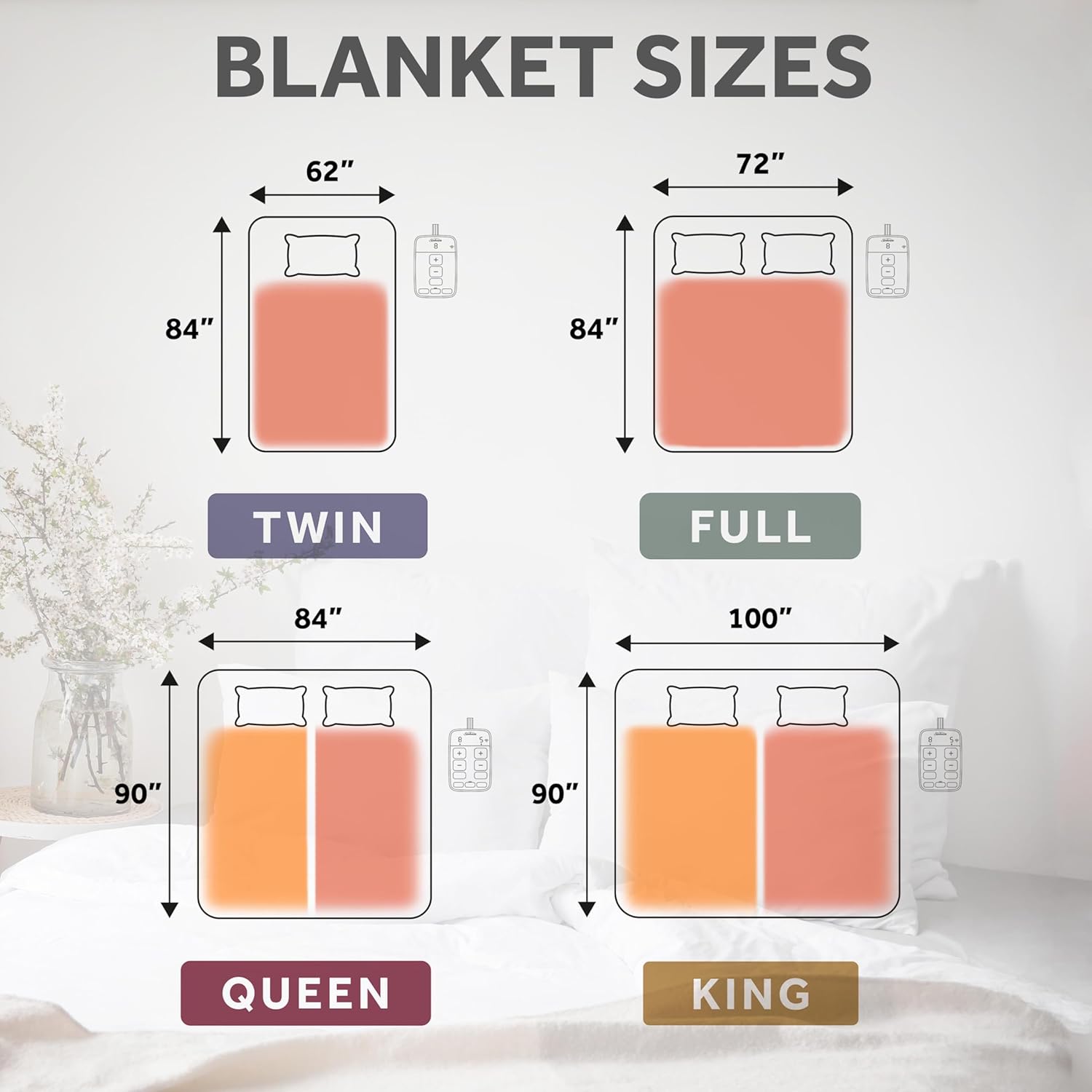
Image: A visual guide illustrating the dimensions for various blanket sizes: Twin, Full, Queen, and King, along with their respective controllers.
Warranty and Support
Your Sunbeam Loftec Wi-Fi Connected Electric Heated Blanket is covered by a 5-Year Limited Warranty by Manufacturer. This warranty covers defects in materials and workmanship under normal household use.
For warranty claims, technical support, or further assistance, please contact Sunbeam Customer Service. Refer to the contact information provided on the product packaging or the official Sunbeam website.
Online Resources: For additional information, FAQs, and the latest app updates, visit the official Sunbeam website or the support section within the Sunbeam mobile application.


