Introduction
The Samsung Soundbar A650 is designed to enhance your home audio experience. It features 3D sound technology with a dedicated center channel to provide clear and balanced sound, creating an immersive home theater experience. This manual provides essential information for setting up, operating, and maintaining your Soundbar A650.

Figure 1: Samsung 3.1ch A650 Soundbar, wireless subwoofer, and remote control.
What's in the Box
Upon unboxing your Samsung Soundbar A650, please verify that all the following components are included:
- Soundbar Unit (HW-A650)
- Wireless Subwoofer
- Remote Controller
- Battery for Remote Controller
- Optical Cable
- Power Adapter
- Wallmount Kit
Product Overview
The Samsung A650 Soundbar is engineered for superior audio performance, integrating advanced sound technologies and user-friendly features.
Key Features:
- DOLBY DIGITAL 5.1 / DTS VIRTUAL:X: Experience immersive surround sound simulation that draws you into the action.
- BUILT-IN CENTER SPEAKER: A dedicated speaker enhances dialogue clarity, ensuring you hear every word.
- ADAPTIVE SOUND LITE: Optimizes sound settings automatically based on the content you are watching.
- WIRELESS SUBWOOFER: Delivers deep, rich bass for a more impactful audio experience.
- BASS BOOST: Instantly amplify the bass with the touch of a button on the remote.

Figure 2: Visual representation of the soundbar's immersive audio capabilities, with sound waves filling a room.
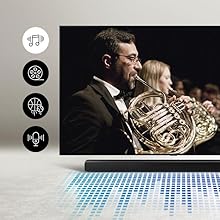
Figure 3: The built-in center speaker enhances dialogue, making voices clearer and more distinct.
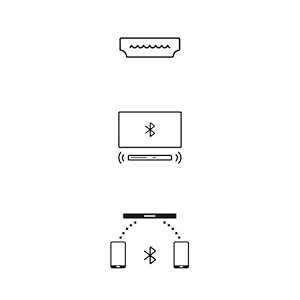
Figure 4: The included wireless subwoofer provides deep, resonant bass, enhancing the overall audio experience.
Setup
Proper setup ensures optimal performance of your Samsung Soundbar A650.
Placement:
Place the soundbar directly in front of your television, centered for the best audio alignment. The compact design (4.1"D x 38.6"W x 2.3"H) allows for versatile placement. The soundbar can also be wall-mounted using the included wallmount kit.
Connections:
- Power Connection: Connect the power adapter to the soundbar and then to a wall outlet.
- Subwoofer Pairing: The wireless subwoofer should automatically pair with the soundbar upon power-up. If not, refer to the troubleshooting section for manual pairing instructions.
- Audio Connection to TV:
- Optical Cable (Recommended): Connect the included optical cable from the soundbar's OPTICAL IN port to your TV's Optical Digital Audio Out port.
- HDMI ARC: If your TV supports HDMI ARC (Audio Return Channel), connect an HDMI cable (not included) from the soundbar's HDMI OUT (TV-ARC) port to your TV's HDMI ARC port. This allows for TV remote control of the soundbar volume.
- Bluetooth: For wireless audio from compatible devices, enable Bluetooth on your device and pair with the soundbar.
Operating Instructions
Familiarize yourself with the soundbar's controls and features for an optimal audio experience.
Soundbar Controls:
The soundbar features intuitive controls on its top panel for power, volume adjustment, and input selection. A digital display on the front will show volume levels and selected input.
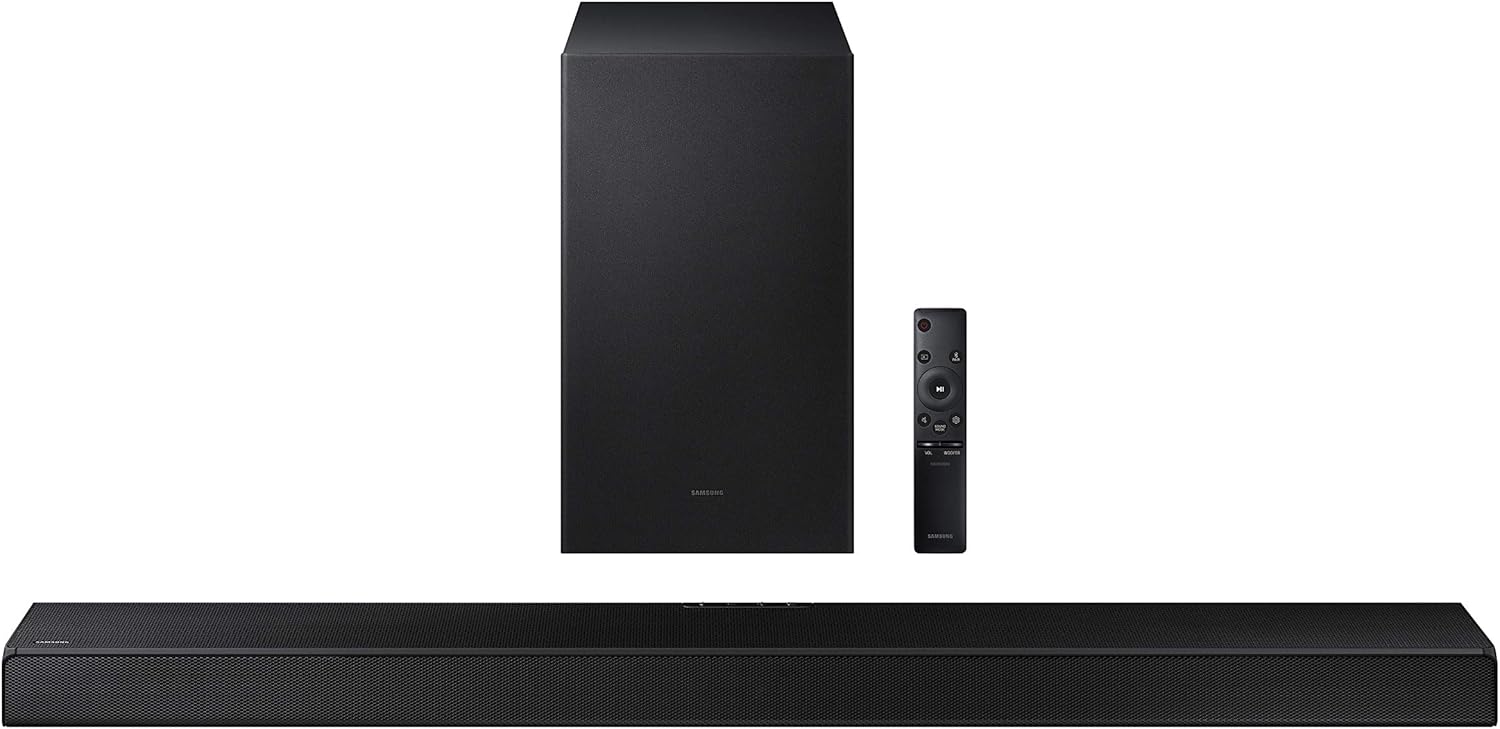
Figure 5: Top panel controls for power, volume, and input selection.
Remote Control:
Use the included remote control to access all functions, including power, volume, sound modes, and input selection.

Figure 6: The remote control allows for comprehensive management of the soundbar's features.
Sound Modes:
- Standard: Default sound mode.
- Surround: Activates Dolby Digital 5.1 / DTS Virtual:X for an expanded soundstage.
- Game: Optimizes audio for gaming, providing enhanced directional sound.
- Adaptive Sound Lite: Automatically adjusts sound based on content type (e.g., movies, music, news).
- Bass Boost: Press the BASS button on the remote to instantly increase bass intensity.

Figure 7: Game Mode provides optimized audio for an immersive gaming experience.
Maintenance
To ensure the longevity and optimal performance of your Samsung Soundbar A650, follow these maintenance guidelines:
- Cleaning: Gently wipe the surfaces of the soundbar and subwoofer with a soft, dry cloth. Avoid using liquid cleaners or abrasive materials.
- Ventilation: Ensure proper ventilation around the soundbar and subwoofer to prevent overheating. Do not block any ventilation openings.
- Software Updates: Periodically check the Samsung support website for firmware updates. Updates can improve performance and add new features. Instructions for updating typically involve downloading a file to a USB drive and connecting it to the soundbar.
Troubleshooting
If you encounter issues with your Samsung Soundbar A650, refer to the common solutions below:
| Issue | Solution |
|---|---|
| Soundbar disconnects from TV | Replace the audio cable (Optical or HDMI). |
| Rear speakers keep dropping (if applicable) | Update the soundbar software/firmware. |
| Cannot connect to TV | Replace the audio cable. Ensure TV audio output settings are correct. |
| No sound (TV sees soundbar but no audio) | Set the Digital Sound Out on your TV to "Auto" (not "Pass-Through"). |
| Subwoofer stopped working | Likely due to interference. Move the subwoofer closer to the soundbar, then run ID SET again (wireless speaker linking process). |
Specifications
| Feature | Detail |
|---|---|
| Model Name | HW-A650 3.1ch Soundbar w/ Dolby 5.1 / DTS Virtual:X |
| Speaker Type | Soundbar |
| Surround Sound Channel Configuration | 3.1 |
| Mounting Type | Wall Mount |
| Product Dimensions (Soundbar) | 4.1"D x 38.6"W x 2.3"H |
| Item Weight | 18.1 Pounds (Total) |
| Color | Black |
| Connectivity Technology | Bluetooth, HDMI, Optical, USB, Wi-Fi (for subwoofer) |
| Wireless Communication Technology | Bluetooth |
| Subwoofer Connectivity Technology | Wireless |
| Output Wattage | 430 Watts |
| Frequency Response | 20 KHz |
| UPC | 887276522371 |
Warranty and Support
For warranty information and technical support, please refer to the official Samsung website or contact Samsung customer service. A detailed User Manual in PDF format is also available for download from the product's support page.
You can find the official User Manual (PDF) here.