
Introduction
The BoxWave ClearTouch Crystal Screen Protector is designed to safeguard your Samsung SHP-DH537 device screen from scratches, dust, and minor impacts while maintaining optimal visual clarity. This package includes two screen protectors and an application kit to ensure a smooth, bubble-free installation.
Package Contents
Before you begin, please ensure all items are present in your package:
- 2 x BoxWave ClearTouch Crystal Screen Protectors
- 1 x Applicator Card
- 1 x Microfiber Cleaning Cloth
- 1 x Dust Removing Sticker (may be included)
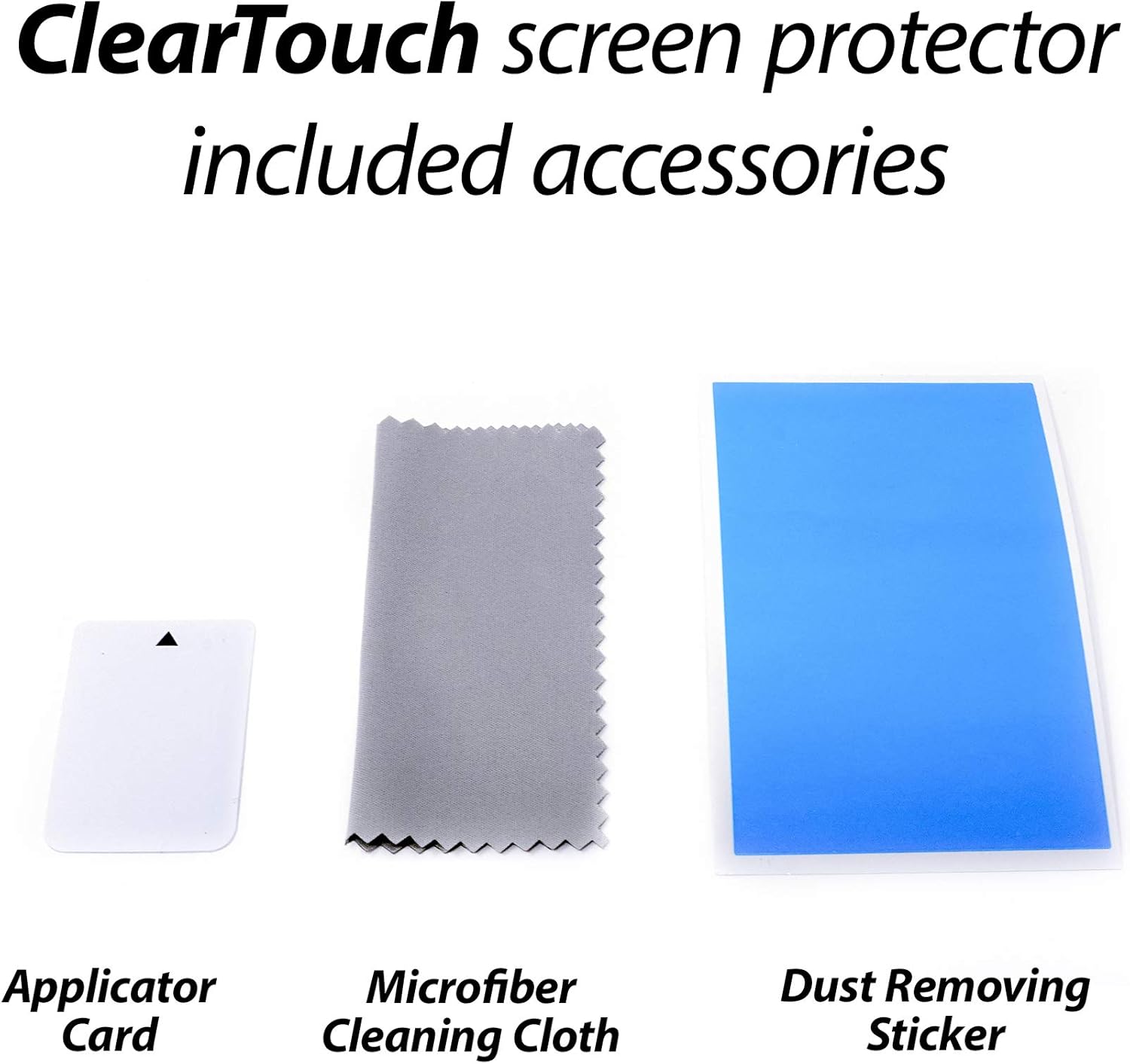
Image: The application kit components, including an applicator card, microfiber cleaning cloth, and a dust removing sticker.
Installation Instructions
Follow these steps carefully for a successful application:
- Prepare Your Device: Ensure your Samsung SHP-DH537 device is powered off. Use the included microfiber cleaning cloth to thoroughly clean the screen surface. Remove any dust, smudges, or fingerprints. For stubborn particles, a small amount of screen cleaner (not included) can be used, followed by drying with the microfiber cloth.
- Remove Dust: Use the dust removing sticker to gently dab the screen surface. This will pick up any remaining dust particles that might cause bubbles.
- Align the Protector: Carefully peel back a small portion of the protective film (usually labeled 'Step 1' or similar) from one end of the screen protector. Align the exposed edge of the screen protector with the corresponding edge of your device screen. Pay close attention to cutouts for cameras or sensors.
- Apply Gradually: Once aligned, slowly and steadily peel back the rest of the protective film while simultaneously using the applicator card to smooth the screen protector onto the device screen. Work from the aligned edge towards the opposite side, pushing out any air bubbles as you go.
- Remove Remaining Bubbles: If small air bubbles remain, use the applicator card to gently push them towards the nearest edge of the screen. For very small bubbles, regular use of the device may help them dissipate over 24-48 hours due to the low-tack adhesive.
- Final Touches: Once the screen protector is fully applied and free of major bubbles, gently peel off the top protective layer (usually labeled 'Step 2' or similar), if present.

Image: The ClearTouch Crystal screen protector provides 99% visual transparency, ensuring high definition clarity for your device's display.
Operating and Features
Once installed, your BoxWave ClearTouch Crystal Screen Protector offers the following benefits:
- High Transparency: Provides up to 99% visual clarity, ensuring a clear and vibrant viewing experience without distortion.
- Durable Protection: Made from high-quality Polyethylene Terephthalate (PET) thermoplastics, it helps protect your screen against everyday scratches, dust, and minor impacts.
- Smooth Surface: Features a smooth, glass-like surface that maintains the original touch sensitivity of your device.

Image: Key features of the ClearTouch Crystal screen protector, including vibrant color preservation, 99% transparency, and precise manufacturing.
Maintenance
To keep your screen protector in optimal condition:
- Cleaning: Use the provided microfiber cleaning cloth to gently wipe the screen protector. Avoid abrasive materials or harsh chemical cleaners, which can damage the film.
- Replacement: If the screen protector becomes heavily scratched or damaged, it can be removed cleanly without leaving residue. Replace it with the second protector included in your package.
Troubleshooting
- Persistent Air Bubbles:
- Small air bubbles are common immediately after application. The low-tack adhesive may take up to 48 hours to fully settle, allowing minor bubbles to clear with regular use. For larger or persistent bubbles, try gently pushing them towards the edge with the applicator card. If a bubble is caused by a dust particle, you may need to carefully lift a corner of the protector, remove the dust with the sticker, and reapply.
- Screen Protector Not Sticking:
- Ensure the screen surface was thoroughly cleaned and free of any oils or residues before application. Extreme temperatures can also affect adhesion; apply in a room temperature environment.
Specifications
| Feature | Detail |
|---|---|
| Compatible Device | Samsung SHP-DH537 |
| Material | Polyethylene Terephthalate (PET) |
| Item Hardness | 9H |
| Special Feature | Scratch Resistant |
| Clarity | 99% |
| Screen Surface Description | Glossy |
| Number of Items | 2 |
| Item Weight | 0.7 ounces |
Warranty and Support
For information regarding product warranty or technical support, please refer to the official BoxWave website or contact their customer service directly. This manual does not contain specific warranty details or support contact information.