
1. Important Safety Information
Read all safety warnings and instructions before using this product. Failure to follow the warnings and instructions may result in electric shock, fire, and/or serious injury.
- Work Area Safety: Keep your work area clean and well-lit. Cluttered or dark areas invite accidents.
- Electrical Safety: Do not expose power tools to rain or wet conditions. Water entering a power tool will increase the risk of electric shock.
- Personal Safety: Stay alert, watch what you are doing, and use common sense when operating a power tool. Do not use a power tool while you are tired or under the influence of drugs, alcohol, or medication.
- Tool Use and Care: Do not force the power tool. Use the correct power tool for your application. The correct power tool will do the job better and safer at the rate for which it was designed.
- Battery Safety: Recharge only with the charger specified by the manufacturer. A charger that is suitable for one type of battery pack may create a risk of fire when used with another battery pack.
2. Package Contents
Verify that all items listed below are present and in good condition upon opening the package.
- Crown CT22023 BMC Cordless Screwdriver
- Lithium-ion Battery (integrated)
- Battery Charger
- Accessory Bit Set
- User Manual
3. Product Overview
The Crown CT22023 BMC is a compact and versatile cordless screwdriver designed for various assembly and DIY tasks. It features a reversible operation and a comfortable flexible grip.
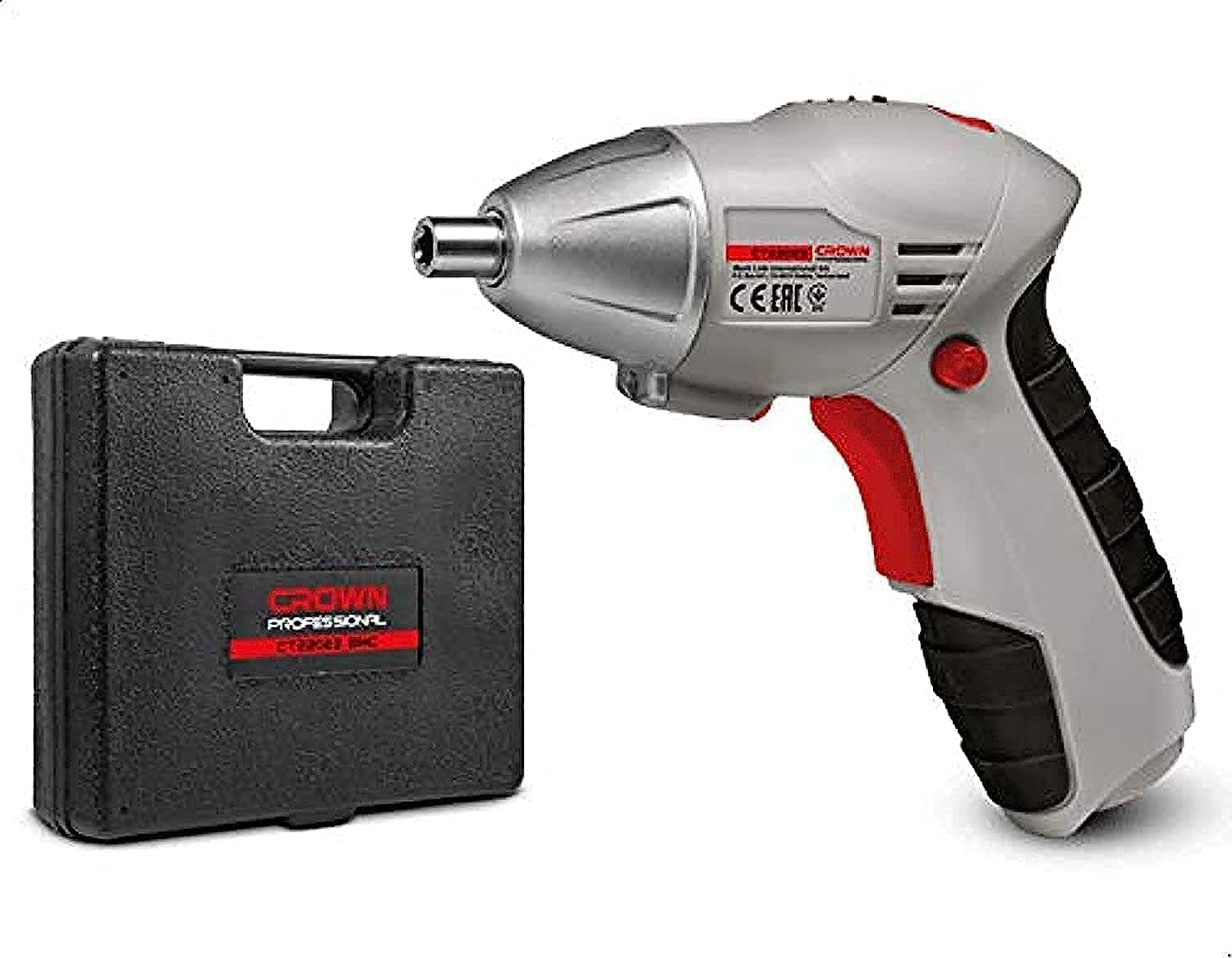
Image 1: The Crown CT22023 BMC Cordless Screwdriver being used to fasten a screw.
4. Setup
4.1. Charging the Battery
The screwdriver is powered by an integrated Lithium-ion battery. Before first use, fully charge the battery.
- Connect the charger to a standard power outlet.
- Connect the charger cable to the charging port on the screwdriver.
- Allow the battery to charge until the charging indicator light (if present) shows a full charge, or for the recommended duration specified in the charger's instructions.
- Disconnect the charger once charging is complete.
4.2. Installing/Changing Bits

Image 2: Close-up view of the screwdriver's bit holder.
- Ensure the screwdriver is turned off and the trigger is not engaged.
- Insert the desired screwdriver bit firmly into the chuck until it clicks into place.
- To remove a bit, pull it straight out from the chuck.
5. Operating Instructions
5.1. Powering On/Off
To operate the screwdriver, press the trigger switch. The tool will start rotating. Release the trigger switch to turn off the tool.
5.2. Forward/Reverse Operation
The screwdriver features a forward/reverse switch to change the direction of rotation. This is typically located near the trigger.
- To drive screws: Push the switch to the forward position (usually left).
- To remove screws: Push the switch to the reverse position (usually right).
- To lock the trigger: Place the switch in the center position. This prevents accidental starting.
5.3. Using the Flexible Grip
The flexible grip is designed for enhanced user comfort and control during operation. Adjust your hand position on the grip to find the most comfortable and stable hold for your task.
6. Maintenance
6.1. Cleaning
Regularly clean the tool to ensure optimal performance and longevity.
- Wipe the exterior of the tool with a soft, damp cloth. Do not use harsh chemicals or abrasive cleaners.
- Keep ventilation openings clear of dust and debris. Use compressed air if necessary.
6.2. Battery Care
- Do not store the battery in a discharged state for extended periods. Recharge it periodically.
- Avoid exposing the battery to extreme temperatures (hot or cold).
- Only use the charger provided with the tool.
6.3. Storage
When not in use, store the screwdriver and its accessories in a clean, dry place, out of reach of children.
7. Troubleshooting
If you encounter issues with your Crown CT22023 BMC screwdriver, refer to the following common problems and solutions:
| Problem | Possible Cause | Solution |
|---|---|---|
| Tool does not start | Battery is discharged Forward/reverse switch is in center (locked) position | Recharge the battery Move the switch to forward or reverse position |
| Reduced power/torque | Battery is low Incorrect bit for task | Recharge the battery Ensure the correct bit is used for the material and fastener |
| Bit slips or falls out | Bit not fully inserted Worn bit | Push bit firmly into chuck Replace with a new, sharp bit |
If the problem persists after trying these solutions, contact customer support.
8. Specifications
Detailed technical specifications for the Crown CT22023 BMC Cordless Screwdriver Kit.

Image 3: Product dimensions of the Crown CT22023 BMC Cordless Screwdriver.
| Specification | Value |
|---|---|
| Manufacturer | Crown |
| Model Number | CT22023-BMC |
| Part Number | CT22023 BMC |
| Item Weight | 1.2 Kilograms |
| Product Dimensions (L x W x H) | 23.2 x 6.6 x 19.4 cm |
| Power Source Type | Battery Powered |
| Voltage | 3.6 Volts |
| Torque | 3 Newton Meters |
| Battery Cell Type | Lithium Ion |
| Batteries Included | Yes (Integrated) |
| Color | Multi |
| Material | Multiple materials |
| Country of Origin | China |
| Recommended Uses | DIY projects, assembly work, construction |
9. Warranty and Support
For warranty information or technical support, please refer to the warranty card included with your product or contact Crown customer service directly. Keep your purchase receipt as proof of purchase.


