
Gemini Sound AS-2115BT-LT-PK
Gemini AS-2115BT-LT-PK 2000W Bluetooth PA Speaker User Manual
Model: AS-2115BT-LT-PK
Brand: Gemini Sound
Product Overview
The Gemini AS-2115BT-LT-PK is a powerful 2000W Bluetooth PA Speaker system designed for various audio applications, from mobile DJ setups to home entertainment. It features a 15-inch woofer with LED lights, USB/SD/FM playback, wireless stereo pairing, and multiple professional audio inputs.

Figure 1: Gemini AS-2115BT-LT-PK PA Speaker with included accessories.
What's in the Box
Upon unboxing, please verify that all components listed below are present:
- AS-2115BT-LT Loudspeaker
- Speaker Stand
- Remote Control
- Wired Microphone
- Power Cable
- User Manual (this document)

Figure 2: All items included in the AS-2115BT-LT-PK package.
Setup
Speaker Placement and Stand Assembly
For optimal sound dispersion, position the speaker on the included tripod stand. Ensure the stand is fully extended and stable on a flat surface before mounting the speaker. The speaker features fly points and a stand mount for versatile placement options.

Figure 3: Speaker fly points for secure installation.
Power Connection
Connect the power cable to the speaker's power input and then to a suitable electrical outlet. The unit supports switchable 110-120V / 220-240V power with fuse protection. Ensure the voltage switch is set correctly for your region before powering on.

Figure 4: Rear control panel with power input and voltage switch.
Operating Instructions
Audio Inputs and Mixer
The AS-2115BT-LT-PK features a 3-channel mixer allowing for multiple audio sources. Connect microphones, guitars, or other line-level devices using the XLR, 1/4-inch, or RCA inputs. Adjust individual channel gain controls as needed.
Figure 5: Mixer controls and input options.
Bluetooth Pairing
To connect a Bluetooth-enabled device, select the Bluetooth mode on the speaker's media player. Search for "Gemini AS-2115BT-LT-PK" on your device and pair. The speaker supports wireless stereo pairing (TWS) with another compatible unit for a wider soundstage.
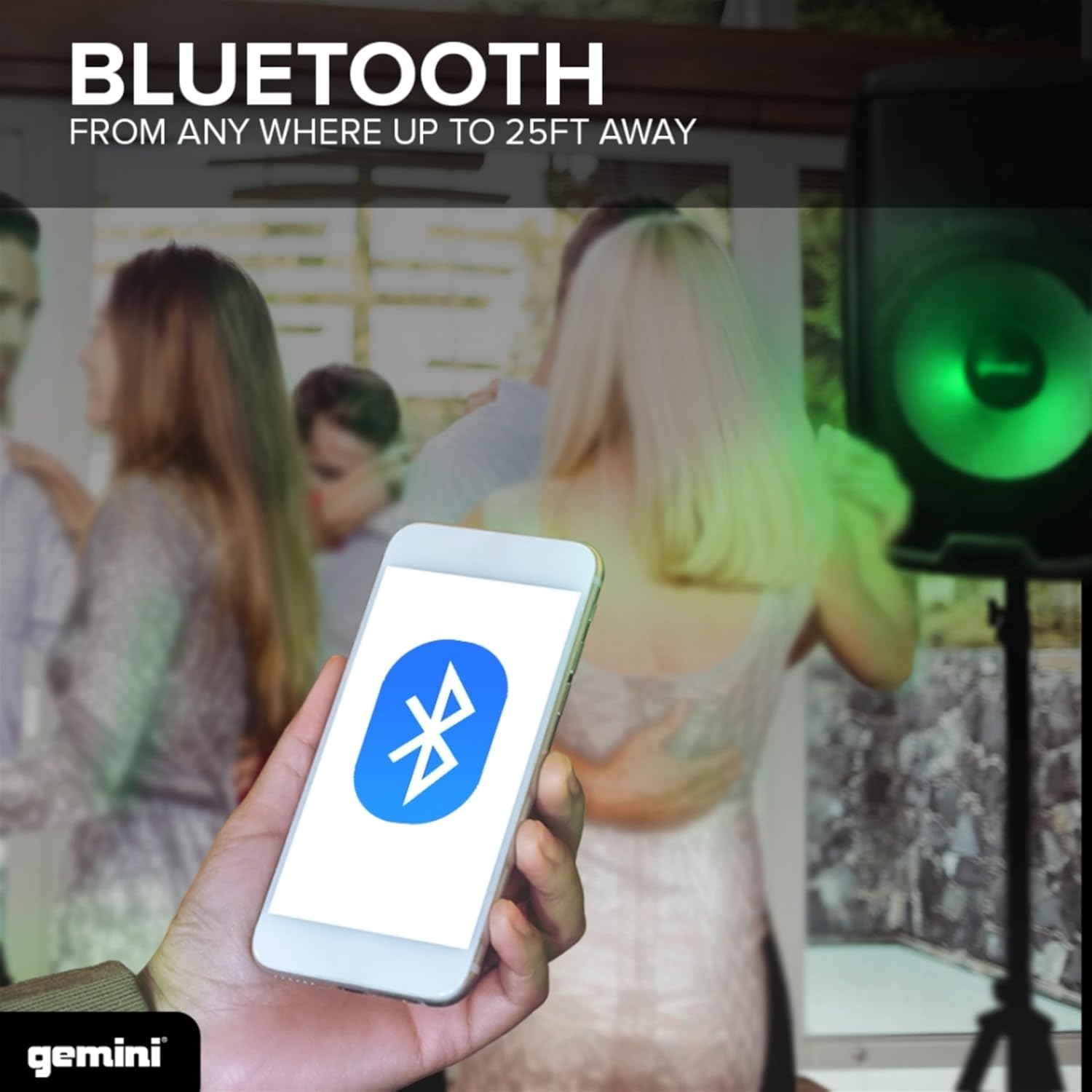
Figure 6: Bluetooth connectivity for wireless audio streaming.

Figure 7: True Wireless Stereo (TWS) pairing for enhanced sound.
Media Player Functions (USB/SD/FM)
Insert a USB drive or SD card into the designated slots on the media player. Use the controls to navigate tracks and adjust playback. The built-in FM radio allows for listening to local stations; extend the internal antenna for better reception.
LED Lighting Control
The speaker features vibrant beat-synced full-color LED woofer lighting. Use the controls on the rear panel or the remote control to select different lighting modes or turn the lights off.

Figure 8: Multi-color LED lighting in action.
Equalizer (EQ) Adjustment
Fine-tune the audio output using the onboard Bass and Treble equalizer controls. Adjust these to suit your listening environment and music genre.
Official Product Video
Video 1: Official product overview of the Gemini AS-2115BT-LT PA Speaker, showcasing its features and capabilities.
Maintenance
To ensure the longevity and optimal performance of your Gemini PA Speaker, follow these maintenance guidelines:
- Cleaning: Use a soft, dry cloth to clean the exterior of the speaker. Avoid using abrasive cleaners, waxes, or solvents.
- Ventilation: Ensure proper ventilation around the speaker to prevent overheating. Do not block any ventilation openings.
- Storage: When not in use for extended periods, store the speaker in a cool, dry place, away from direct sunlight and extreme temperatures.
- Cable Management: Regularly check all cables for signs of wear or damage. Replace any damaged cables immediately.
Troubleshooting
No Power
- Ensure the power cable is securely connected to both the speaker and a working electrical outlet.
- Check the power switch on the rear panel is in the "ON" position.
- Verify the voltage selector switch (110-120V / 220-240V) is set correctly for your region.
- Check the fuse. If blown, replace it with a fuse of the same type and rating.
No Sound Output
- Confirm the Master Volume is turned up.
- Check individual channel gain controls for connected inputs.
- Ensure audio cables are properly connected and not damaged.
- If using Bluetooth, ensure the device is paired and volume is up on both the speaker and the source device.
- If using USB/SD, ensure the media files are in a supported format and the volume is adjusted.
Bluetooth Connection Issues
- Ensure the speaker is in Bluetooth mode.
- Move your Bluetooth device closer to the speaker (within 25 feet).
- Disconnect and re-pair the Bluetooth device.
- Turn off and on both the speaker and the Bluetooth device.
Specifications
| Feature | Detail |
|---|---|
| Model Number | AS-2115BT-LT-PK |
| Output Wattage | 2000 Watts (Peak) |
| Woofer Size | 15 inches with 2" High Temperature Voice Coil |
| Tweeter | 1" Pure Titanium High-Frequency Compression Driver |
| Connectivity Technology | AUX, Bluetooth, NFC, RCA, XLR |
| Number of Channels | 3 |
| Product Dimensions (L x W x H) | 14.57 x 17.4 x 27.02 inches |
| Item Weight | 30.1 pounds |
| Mounting Type | Stand Mount |
| Power Source | Corded Electric |
| Color | Black |
| UPC | 747705007711 |

Figure 9: Speaker components: Woofer and Tweeter.

Figure 10: Product dimensions.
Warranty and Support
Gemini Sound products are designed for reliability and performance. For warranty information and technical support, please refer to the official Gemini Sound website or contact their customer service directly. Keep your purchase receipt as proof of purchase for warranty claims.
For further assistance, you may visit the official Gemini Sound Store: Gemini Sound Store
Related Documents - AS-2115BT-LT-PK
 |
Gemini Sound GMU 512-541.7MHz Frequencies List Official frequency channel list for Gemini Sound GMU series UHF wireless microphone systems, covering the 512 MHz to 541.7 MHz spectrum. Includes channel assignments for Group A and Group B. |
 |
Gemini AS Series User Manual User manual for the Gemini AS Series active loudspeakers, covering features, setup, operation, safety, and warranty information for models like AS-2108P, AS-2110P, AS-2112P, AS-2115P, AS-2108BT, AS-2110BT, AS-2112BT, AS-2115BT, and their LT variants. |
 |
Gemini AS Series Powered Loudspeaker User Manual Comprehensive user manual for Gemini AS Series powered loudspeakers, covering features, operation, safety precautions, warranty, and compliance information for models like AS-2108, AS-2110, AS-2112, and AS-2115. |
 |
Gemini AS Series Powered Speaker System User Manual Comprehensive user manual for the Gemini AS Series powered speaker systems, detailing features, operation, Bluetooth connectivity, lighting effects (LT models), safety precautions, warranty, and compliance information. |
 |
Gemini AS Series Powered Speakers User Manual User manual for Gemini AS Series powered speakers, detailing features, controls, connectivity, and safety information for models like the AS-2108, AS-2110, AS-2112, and AS-2115 BT-LT. |
 |
Gemini AS-215BLU-LT & AS-15BLU-LT PA Loudspeaker User Manual Comprehensive user manual for Gemini AS-215BLU-LT and AS-15BLU-LT PA loudspeakers. Learn about features, setup, operation, and safety for these professional audio devices. |
Ask a question about this manual
Ask about setup, troubleshooting, compatibility, parts, safety, or missing instructions. Manuals+ will review the question and use this page’s manual context to help answer it.