
1. Introduction
This manual provides essential information for the setup, operation, maintenance, and troubleshooting of your new iBUYPOWER Trace 4 MR 165i Gaming PC. Please read this manual thoroughly before using your computer to ensure proper functionality and longevity.
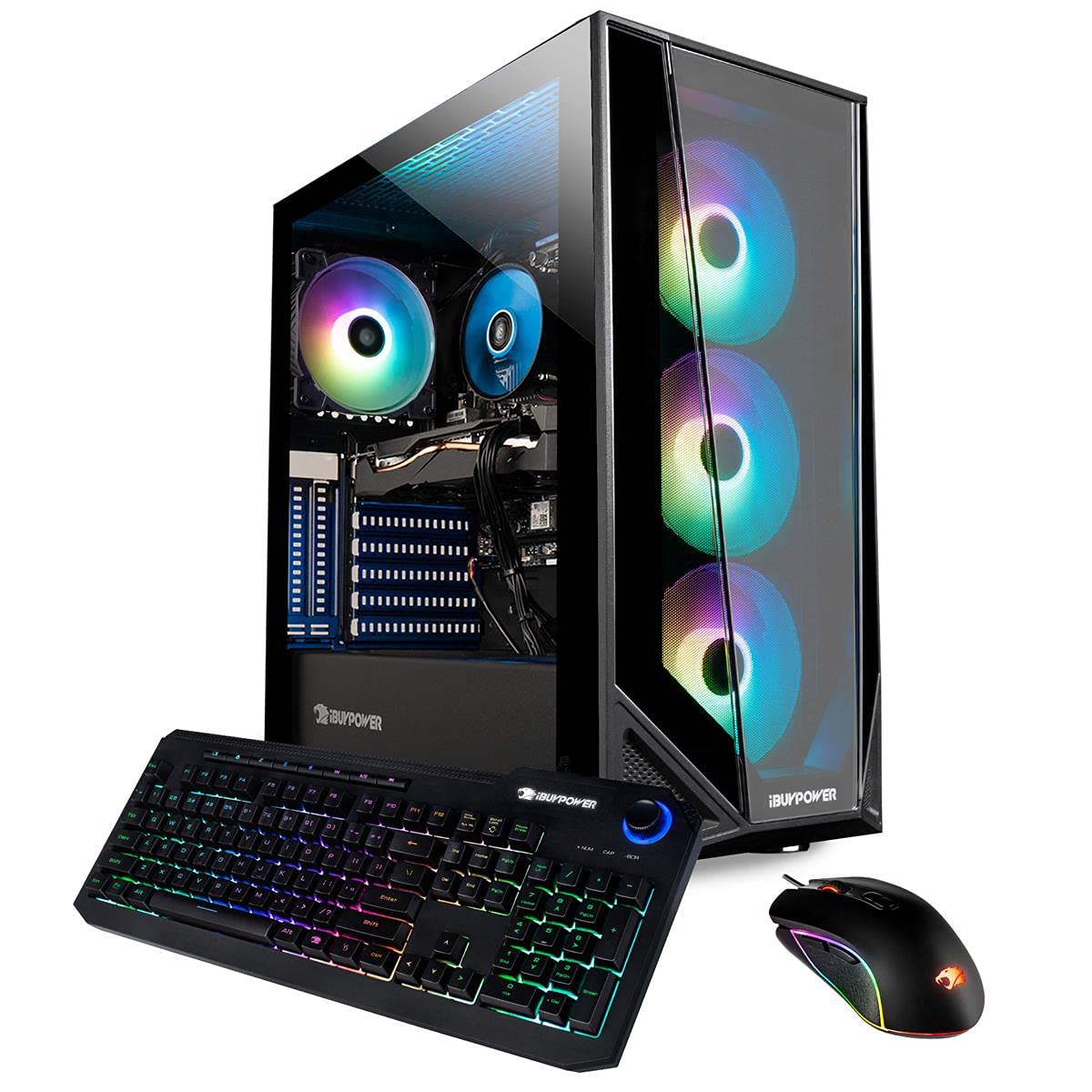
Figure 1: iBUYPOWER Trace 4 MR 165i Gaming PC setup with peripherals.
2. Package Contents
Verify that all items listed below are included in your package:
- iBUYPOWER Trace 4 MR 165i Desktop Computer
- Quick Start Guide
- iBUYPOWER USB Keyboard
- iBUYPOWER USB Mouse
- Power Cord
- Windows Install CD (if applicable)
- Drivers Install CD’s (if applicable)
3. Setup Guide
3.1 Unpacking and Placement
Carefully remove the computer from its packaging. Ensure the PC is placed on a stable, flat surface with adequate ventilation. Avoid placing it in enclosed spaces or near heat sources.

Figure 2: Exterior view of the iBUYPOWER Trace 4 MR 165i PC tower.
3.2 Connecting Peripherals
- Monitor: Connect your monitor to the graphics card's display outputs (DVI-I, HDMI, or DisplayPort) located at the rear of the PC.
- Keyboard and Mouse: Connect the included USB keyboard and mouse to any available USB ports.
- Power: Connect the power cord to the power supply unit (PSU) at the rear of the PC and then to a wall outlet.
- Network: For wired internet, connect an Ethernet cable to the RJ-45 port. For wireless internet, the system is 802.11AC Wi-Fi ready.
- Audio: Connect speakers or headphones to the audio ports as needed.
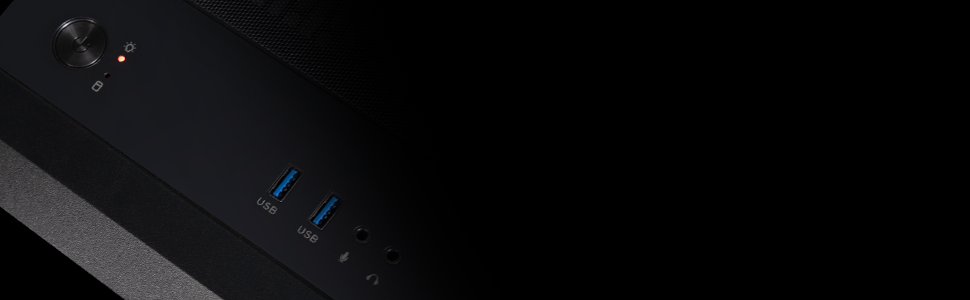
Figure 3: Rear ports for connecting external devices.
4. Operating Instructions
4.1 Powering On
Press the power button located on the top or front of the PC case. The system will boot into Windows 10 Home.
4.2 Initial Windows Setup
Follow the on-screen prompts to complete the initial Windows 10 setup, including region, language, network connection, and user account creation.
4.3 RGB Lighting Control
Your PC features a Tempered Glass RGB Gaming Case with 16-color RGB lighting. Refer to the specific software or physical button on your case (if available) for controlling the lighting effects.
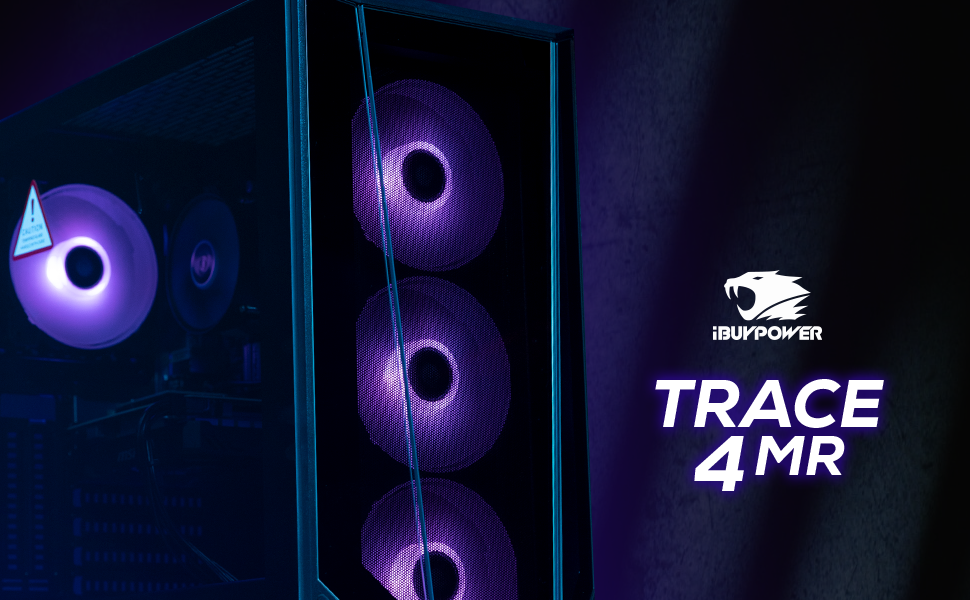
Figure 4: The Trace 4 MR gaming case featuring RGB lighting.
5. Maintenance
5.1 Cleaning
- Regularly clean the exterior of the PC with a soft, dry cloth.
- Use compressed air to clear dust from vents and fans to maintain optimal airflow and cooling. Ensure the PC is powered off before cleaning.

Figure 5: Internal components of the PC, highlighting areas for dust removal.
5.2 Software Updates
Keep your operating system (Windows 10) and graphics drivers updated to ensure system stability and performance. Check for updates regularly through Windows Update and your graphics card manufacturer's website.
6. Troubleshooting
This section addresses common issues you might encounter.
6.1 No Power
- Ensure the power cord is securely connected to both the PC and the wall outlet.
- Verify the power switch on the PSU (located at the rear of the PC) is in the 'ON' position.
- Test the outlet with another device to confirm it has power.
6.2 No Display
- Check that the monitor is powered on and correctly connected to the graphics card's output ports.
- Ensure the correct input source is selected on your monitor.
- Try connecting the monitor to a different display output on the graphics card.
6.3 System Performance Issues
- Close unnecessary background applications.
- Ensure your operating system and drivers are up to date.
- Check for adequate ventilation and clean any dust buildup to prevent overheating.
7. Specifications
Detailed technical specifications for the iBUYPOWER Trace 4 MR 165i Gaming PC:
| Component | Specification |
|---|---|
| Processor | Intel Core i7-10700F (2.9GHz base, up to 4.8GHz Max Turbo) |
| RAM | 16GB DDR4 RAM |
| Storage | 480GB SSD + 1TB HDD |
| Graphics Card | AMD RX 580 8GB |
| Operating System | Windows 10 Home 64-bit |
| Connectivity | 4x USB 3.0, 2x USB 2.0, 1x RJ-45 Ethernet, 802.11AC Wi-Fi, 7.1 Channel Audio |
| Display Outputs | DVI-I, HDMI, DisplayPort |
| Case Features | Tempered Glass RGB Gaming Case, 16 Color RGB Lighting |
| Dimensions | Approximately 22 x 21.5 x 12 inches (55.9 x 54.6 x 30.5 cm) |

Figure 6: PC tower with approximate dimensions.
8. Warranty and Support
8.1 Warranty Information
Your iBUYPOWER Trace 4 MR 165i Gaming PC comes with a 1 Year Parts & Labor Warranty. This warranty covers defects in materials and workmanship under normal use during the warranty period.
8.2 Technical Support
iBUYPOWER provides Free Lifetime US Tech Support for your product. If you encounter any issues not covered in this manual or require further assistance, please contact iBUYPOWER customer support. Refer to the Quick Start Guide or iBUYPOWER's official website for current contact information.