
1. Introduction
Thank you for choosing the CaliHutt 24V 6.0Ah Lithium-Ion Replacement Battery. This manual provides essential information for the safe and effective use of your new battery. These batteries are designed to be fully compatible with a wide range of Kobalt 24V Max cordless power tools and original Kobalt 24V chargers.
Key Features:
- High Capacity: 6.0Ah for extended runtime.
- LED Indicators: Four LED indicators display remaining charge.
- Intelligent Protection: Built-in circuit protection for safety and stability.
- No Memory Effect: Can be charged or discharged as needed without capacity loss.
- Wide Compatibility: Designed for Kobalt 24V Max tools and chargers.

2. Safety Information
Please read and understand all safety warnings and instructions before using this product. Failure to follow the warnings and instructions may result in electric shock, fire, and/or serious injury.
- Do not immerse the battery in water or other liquids.
- Do not store or use the battery in temperatures exceeding 104°F (40°C).
- Do not incinerate the battery, even if it is severely damaged or completely dead. The battery can explode in a fire.
- Do not short-circuit the battery terminals.
- Do not disassemble, open, or shred the battery pack.
- Use only with specified chargers. Using an incompatible charger may create a risk of fire.
- Keep the battery away from children.
- If battery fluid comes into contact with skin, wash immediately with soap and water. If it gets into eyes, rinse with water for at least 15 minutes and seek medical attention.
- Dispose of used batteries responsibly according to local regulations.

3. Setup and Installation
These CaliHutt replacement batteries are designed for seamless integration with your existing Kobalt 24V Max cordless tools.
3.1 Installing the Battery
- Ensure the power tool is turned off and disconnected from any power source.
- Align the battery with the battery port on your Kobalt 24V Max tool.
- Slide the battery firmly into the tool until it clicks securely into place. Do not force the battery.
- To remove, press the release button(s) on the battery and slide it out of the tool.
3.2 Compatibility
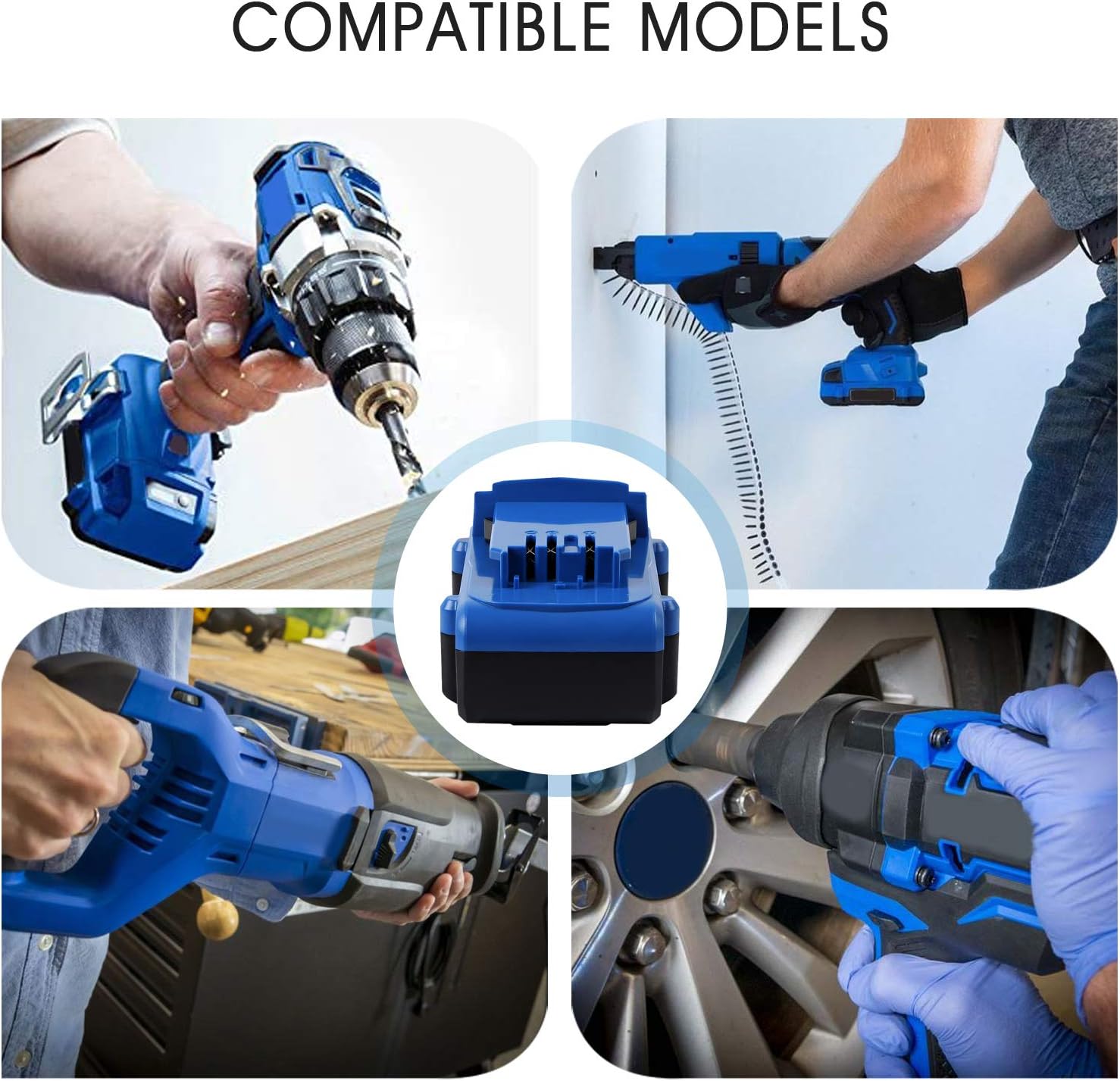
This battery is compatible with Kobalt 24V Max tools and chargers, including but not limited to models:
- Battery Models: KB624-03, KB524-03, KB424-03, KB224-03, KB124-03, 0673802, 1051230
- Charger Models: KRC 2490-03, KRC 2404-03
- Tool Models: KCS 6524B-03, KCW 5024B-03, KDS 124B-03, KDSA 124-03, KHD 524B-03, KIW 3824B-03, KJS 324B-03, KMC 124B-03, KRAIW 124B-03, KRH 124B-03, KRS 124B-03, KRS 1824B-03, KRW 124B-03, KXCS 124B-03, KXRS 124B-03 (e.g., Hammer Drill/Driver, Impact Wrench, Circular Saw, Reciprocating Saw, Jigsaw, etc.)
Note: This battery is not suitable for Snow Joe, Sun Joe, or chainsaw tools.
4. Operation
4.1 Charging the Battery
Use only original Kobalt 24V chargers (e.g., KRC 2490-03, KRC 2404-03) to charge your CaliHutt replacement battery.
- Plug the charger into a standard electrical outlet.
- Slide the battery onto the charger until it is fully seated.
- The charger's indicator lights will show the charging status. Refer to your charger's manual for specific light patterns.
- Once fully charged, remove the battery from the charger. Do not leave batteries on the charger for extended periods after they are fully charged.
4.2 LED Indicators
The battery features four LED indicators that display the remaining charge level. Press the button next to the LEDs to activate the display.
- 4 LEDs lit: 75-100% charge
- 3 LEDs lit: 50-75% charge
- 2 LEDs lit: 25-50% charge
- 1 LED lit: 0-25% charge (recharge soon)
5. Maintenance
Proper maintenance ensures the longevity and performance of your battery.
- Cleaning: Keep the battery terminals clean and free of dirt or debris. Use a clean, dry cloth to wipe the battery.
- Storage: Store the battery in a cool, dry place away from direct sunlight and extreme temperatures. For long-term storage, it is recommended to store the battery with a partial charge (around 50%).
- Charging Cycles: The battery has no memory effect, meaning you can charge it at any time without reducing its overall capacity.
- Avoid Deep Discharge: While the battery has protection against over-discharge, avoiding frequent deep discharges can help extend its lifespan.
6. Troubleshooting
If you encounter issues with your CaliHutt battery, refer to the table below for common problems and solutions.
| Problem | Possible Cause | Solution |
|---|---|---|
| Battery not charging | Charger not plugged in; Faulty charger; Battery too hot/cold; Damaged battery terminals | Ensure charger is plugged in; Try a different outlet; Allow battery to reach room temperature; Inspect terminals for damage; Contact customer support if issues persist. |
| Battery not powering tool | Battery not fully charged; Battery not properly installed; Tool malfunction; Battery fault | Charge battery fully; Re-install battery securely; Test with another battery (if available); Contact customer support. |
| Reduced runtime | Battery not fully charged; Battery nearing end of life; Extreme operating conditions | Ensure full charge before use; Consider replacing battery if significantly old; Operate within recommended temperature ranges. |
| LED indicators not working | Battery completely discharged; Internal fault | Attempt to charge the battery; If still unresponsive, contact customer support. |
7. Specifications
Detailed specifications for the CaliHutt 24V 6.0Ah Lithium-Ion Replacement Battery.
| Feature | Detail |
|---|---|
| Battery Type | Lithium-Ion |
| Voltage | 24V |
| Capacity | 6.0 Amp Hours (6000mAh) |
| Item Weight | 3.25 pounds (per 2-pack) |
| Package Dimensions | 11.5 x 3.9 x 3.5 inches |
| Certifications | CE, FCC, RoHS compliant |
| Recommended Use | Power Tools |

8. Warranty and Customer Support
CaliHutt is committed to providing high-quality products and excellent customer service.
8.1 Warranty Information
Your CaliHutt battery comes with a 1-year free refund or replacement policy from the date of purchase. This warranty covers manufacturing defects and issues arising from normal use.
Please note that the warranty does not cover damage caused by misuse, unauthorized modification, or failure to follow the instructions in this manual.
8.2 Customer Support
If you have any questions, concerns, or require assistance with your CaliHutt battery, please do not hesitate to contact our customer support team. We are dedicated to ensuring your satisfaction.
Contact Information:
- Refer to your purchase platform for direct seller contact options (e.g., Amazon seller page for CaliHutt).
- For general inquiries, visit the CaliHutt brand store: CaliHutt Smart Battery Store


