
Product Overview
The unho Universal Against-The-Wall TV Stand Floor Mount is designed to securely hold flat panel LED, LCD, and Plasma screens ranging from 32 to 85 inches. This free-standing mount features a height-adjustable bracket and a robust iron construction, providing a stable and versatile solution for your display needs. It is intended to be placed against a wall or behind a TV cabinet for optimal stability and safety.
Safety Information
- Weight Capacity: Do not exceed the maximum weight loading of 88 lbs (40 kg).
- TV Size: Compatible with TVs from 32 to 85 inches.
- VESA Compatibility: Ensure your TV's VESA mounting hole pattern is up to 800x400mm. Verify your TV's VESA pattern and weight before purchasing and installation.
- Wall Placement: This TV stand must be placed against a wall for stability. Ensure your TV is safely and stably mounted and hanged on the stand bracket.
- Assembly: Two people are recommended for assembly to ensure safety and proper installation.
- Secure Installation: Use the provided safe screws to fix the TV screen securely on the bracket to prevent falling.
Package Contents
Please verify that all components are present before beginning assembly. Refer to the parts list in your included user manual for detailed identification.
- Base components (feet, main pole segments)
- TV mounting bracket (VESA compatible)
- Hardware fittings (screws, washers, nuts, tools)
- Plastic covers/caps
Setup and Assembly
Follow these steps carefully for proper assembly. Two people are recommended for this process.
Step 1: Assemble the Base
- Secure foot pads to the underside of the feet components.
- Attach the main base crossbar to the feet using the provided screws and washers. Ensure all connections are tight.
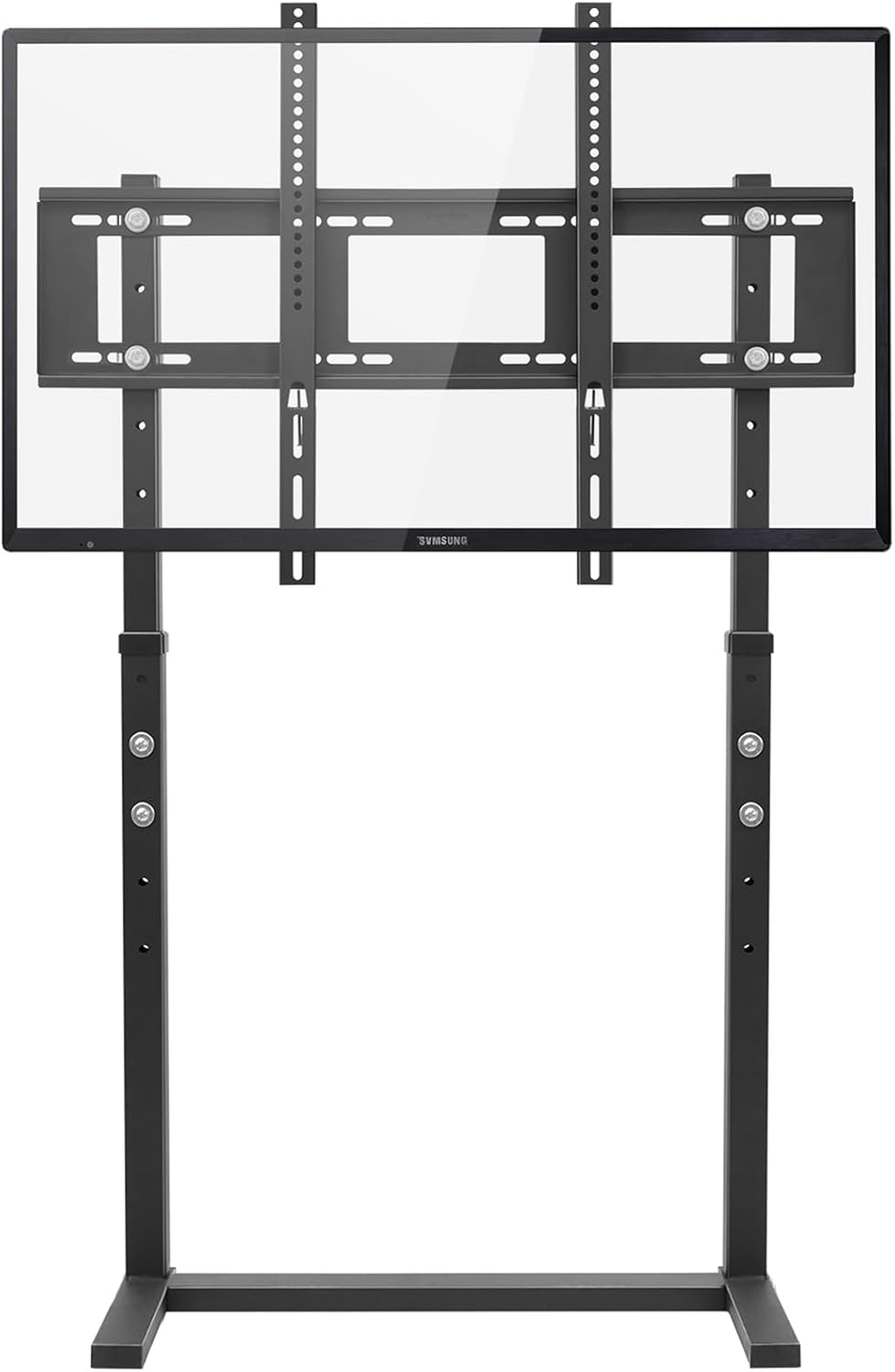
Image: Components of the TV stand base being assembled. This shows the feet and crossbar being connected.
Video: Detailed steps for assembling the base and main pole of the TV stand. This video demonstrates securing foot pads and connecting base components.
Step 2: Prepare the Main Pole
- If the main pole is in segments, remove any pre-installed screws to separate them.
- Slide any plastic covers over the lower pole segment.
- Assemble the upper pole segment using the previously removed hardware.
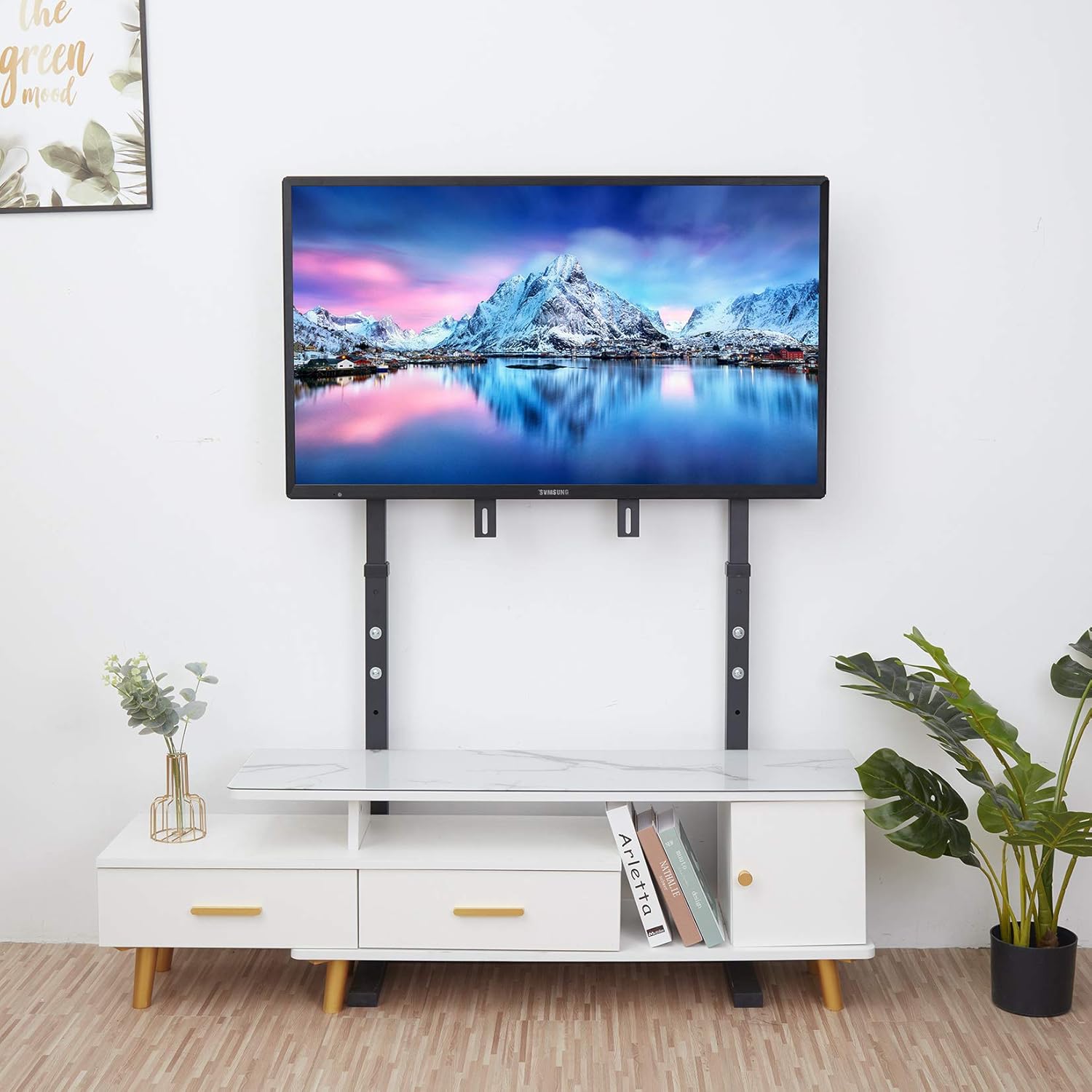
Image: Illustration of the TV stand's height adjustment mechanism, showing the pole segments and adjustment points.
Step 3: Connect Pole to Base
- Lift the plastic cover on the base and carefully insert the main pole into the designated slot.
- Secure the pole to the base using the appropriate screws and tools. Ensure a firm connection.
Step 4: Attach VESA Bracket to TV
- Lay your TV screen face down on a soft, clean surface to prevent scratches.
- Identify the VESA mounting holes on the back of your TV.
- Attach the VESA bracket arms to the back of your TV using the correct screws and any necessary adapters (spacers) provided. Ensure the bracket is securely fastened.

Image: Close-up of the back of a television with the VESA mounting bracket securely attached.
Step 5: Mount TV onto Stand
- With assistance, carefully lift the TV and align the VESA bracket on the TV with the mounting plate on the stand's pole.
- Hook the TV onto the stand.
- Secure the TV by tightening the safety nuts/screws at the top and bottom of the VESA plate. This prevents accidental dislodgement.

Image: The fully assembled TV stand with a television securely mounted, ready for use.
Operating Instructions
Height Adjustment
The TV stand allows for height adjustment from 47.4 inches to 59.8 inches. To adjust the height:
- Loosen the height adjustment screws on the main pole.
- Carefully raise or lower the TV to your desired viewing height.
- Tighten the height adjustment screws securely to lock the TV in place.
Swivel Function (if applicable)
Some models may feature a swivel function. If your model includes this, you can gently rotate the TV left or right to achieve the optimal viewing angle. Ensure the base remains stable during adjustment.
Maintenance
- Regularly check all screws and connections to ensure they remain tight and secure.
- Clean the stand with a soft, dry cloth. Avoid abrasive cleaners or solvents.
- Ensure the stand is always placed against a wall to maintain stability.
Troubleshooting
TV feels unstable or wobbly
- Ensure all assembly screws are fully tightened.
- Verify the TV stand is placed flush against a sturdy wall.
- Check that the TV's weight and VESA pattern are within the stand's specifications.
Difficulty adjusting height
- Loosen the height adjustment screws sufficiently before attempting to move the TV.
- Ensure no cables are snagged or obstructing the pole's movement.
Specifications
| Brand | unho |
| Model | B08VR8WK49 |
| Material | Iron |
| Color | BLACK |
| Item Weight | 23.1 pounds |
| Package Dimensions | 41 x 17 x 2.37 inches |
| Compatible TV Sizes | 32-85 inches |
| VESA Compatibility | Up to 800x400mm |
| Max Load Bearing | 88 lbs (40 kg) |
| Height Adjustment Range | 47.4 inches to 59.8 inches |
Warranty and Support
We are committed to your satisfaction. If you encounter any problems with your TV mount stand, please contact our responsive team. We aim to provide a solution within 12 hours.