
1. Introduction
This manual provides comprehensive instructions for the assembly, operation, and maintenance of your VIVO Electric Corner L-Shaped Standing Desk (Model: DESK-E1L94B). Please read this manual thoroughly before assembly and use to ensure safe and efficient operation. Keep this manual for future reference.

Image 1.1: The VIVO Electric Corner L-Shaped Standing Desk, featuring a black desktop and frame, set up with a monitor, keyboard, and headphones.
2. Safety Information
Adherence to the following safety guidelines is crucial for preventing injury and damage to the product.
- Always follow the assembly instructions carefully.
- Keep the work area clear of obstructions during height adjustment.
- Do not exceed the maximum weight capacity of 154 lbs (70 kg).
- Ensure the desk is properly anchored to the floor to prevent tipping, if applicable.
- Keep children and pets away from the desk during operation.
- Do not sit or stand on the desk.
- Ensure all cables are properly managed to avoid entanglement during height adjustments.
- Disconnect power before cleaning or servicing the desk.
3. Package Contents
Verify that all components are present and undamaged before beginning assembly. If any parts are missing or damaged, contact VIVO customer support.
- L-Shaped Desktop Panels (3 sections)
- Electric Lifting Columns (Legs)
- Foot Supports
- Control Panel with Memory Presets
- Motor and Power Adapter
- Cable Management Tray
- Accessory Hook
- All necessary assembly hardware (screws, bolts, Allen keys)
- Instruction Manual
4. Setup and Assembly
Assembly typically requires one person and includes all necessary tools. Follow these general steps for setting up your desk.
- Unpack Components: Carefully remove all parts from the packaging and lay them out on a clean, soft surface to prevent scratches.
- Assemble Frame: Attach the foot supports to the electric lifting columns. Connect the crossbars to form the L-shaped frame.
- Attach Desktop Panels: Position the desktop panels onto the assembled frame. Secure the panels using the provided screws. Note that some holes may require pre-drilling for optimal fit, as indicated in the detailed instructions.
- Install Control Panel: Mount the push-button control panel to the underside of the desktop in your preferred location.
- Connect Electronics: Connect the motor, control panel, and power adapter according to the wiring diagram in the detailed manual. Ensure all connections are secure.
- Cable Management: Utilize the included cable management tray and grommet openings to organize and secure all power and data cables.
- Attach Accessories: Install the accessory hook as desired.

Image 4.1: The VIVO Electric Corner L-Shaped Standing Desk fully assembled, ready for use.
5. Operating Instructions
Your VIVO Electric Corner L-Shaped Standing Desk features an intuitive control panel for easy height adjustment and memory presets.
5.1 Height Adjustment
Use the Up (▲) and Down (▼) buttons on the control panel to adjust the desk height. The desk can be adjusted smoothly between 28.5 inches (72.4 cm) and 46.5 inches (118.1 cm).
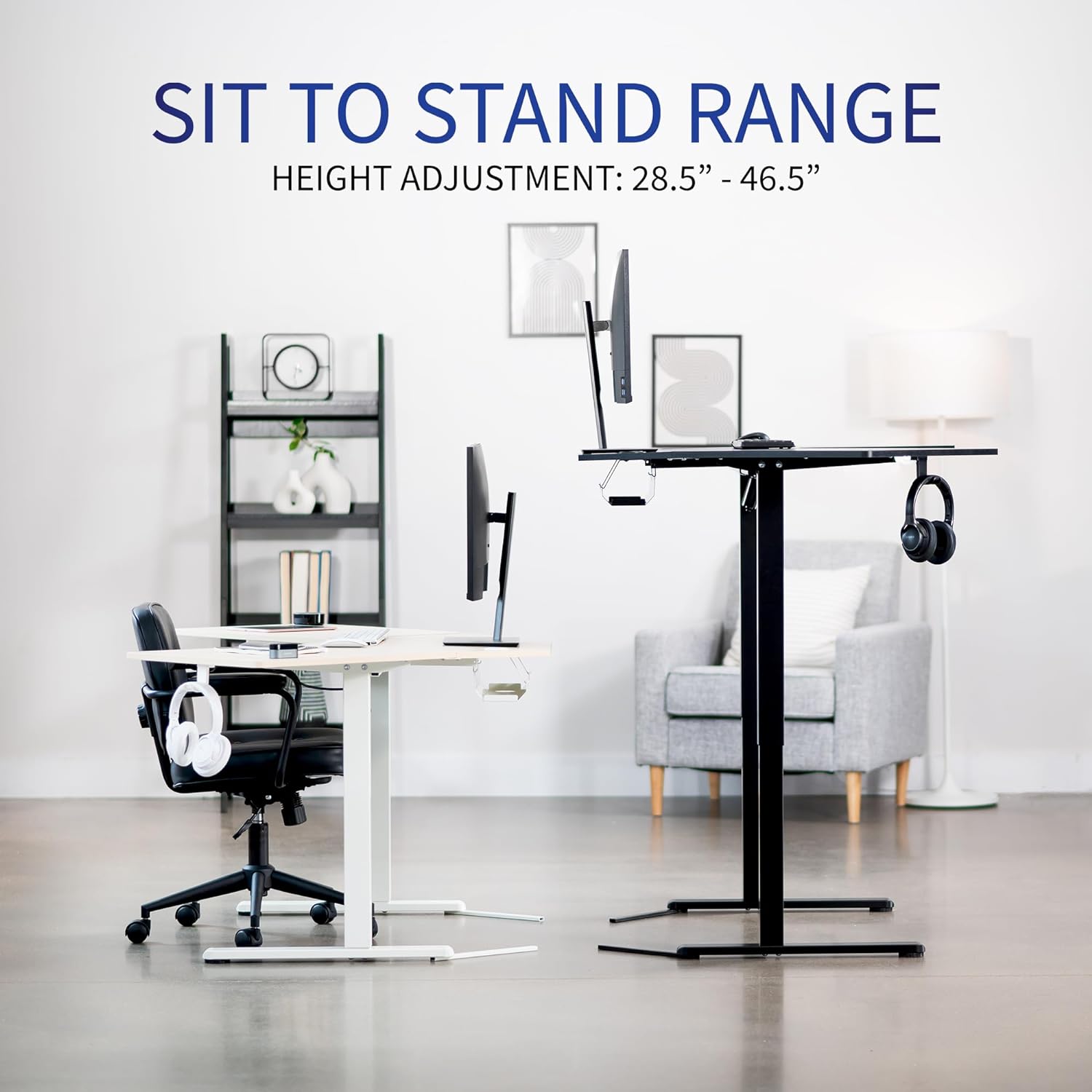
Image 5.1: Visual representation of the desk's sit-to-stand height adjustment range.
5.2 Memory Presets
The control panel includes three memory preset buttons (1, 2, 3) to save and recall your preferred sitting and standing heights.
- To Save a Height: Adjust the desk to your desired height. Press and hold one of the memory buttons (1, 2, or 3) until the display flashes or a beep is heard, indicating the height has been saved.
- To Recall a Height: Press the corresponding memory button (1, 2, or 3). The desk will automatically move to the saved height.

Image 5.2: The push-button controller with 3 memory presets for easy height transitions.
6. Features
The VIVO Electric Corner L-Shaped Standing Desk is designed with several features to enhance your workspace.
- 3-Part Top Design: The spacious L-shaped desktop measures 47.2 inches x 47.2 inches (120 cm x 120 cm), providing ample space for multiple monitors, laptops, and other work essentials.
- Powerful Electric Motor: Ensures smooth and quiet height adjustments.
- Strong Support: An all-steel frame and particle board tabletops provide robust support for up to 154 lbs (70 kg).
- 2-Stage Telescoping Columns: The desk features two-stage telescoping legs for a wide and stable height adjustment range.
- Integrated Cable Management: Includes a cable rack and grommet openings to keep your workspace tidy and organized.
- Accessory Hook: A convenient hook for hanging headphones, bags, or other items.

Image 6.1: Detailed view of the cable rack, extending feet, grommet opening, and accessory hook.
7. Maintenance
Regular maintenance helps ensure the longevity and optimal performance of your standing desk.
- Cleaning: Wipe down the desktop and frame with a soft, damp cloth. Avoid harsh chemicals or abrasive cleaners.
- Cable Check: Periodically inspect all cables for wear or damage. Ensure they are not pinched or tangled.
- Fastener Check: Occasionally check all screws and bolts to ensure they are tight. Retighten if necessary.
- Weight Distribution: Distribute weight evenly across the desktop to prevent strain on the lifting mechanism.
8. Troubleshooting
If you encounter issues with your desk, refer to the following common troubleshooting steps.
- Desk Not Moving:
- Check if the power cord is securely plugged into both the desk and the wall outlet.
- Ensure all connections between the motor, control panel, and power adapter are firm.
- If an error code is displayed, consult the detailed manual for specific instructions.
- Uneven Height Adjustment:
- Perform a reset procedure (refer to the detailed manual for your specific model).
- Ensure the desk is not overloaded beyond its weight capacity.
- Noise During Operation:
- A slight whirring sound from the motor is normal.
- If the noise is excessive or unusual, check for any obstructions or loose components.
For persistent issues, please contact VIVO customer support.
9. Specifications
Detailed technical specifications for the VIVO Electric Corner L-Shaped Standing Desk (DESK-E1L94B).
| Specification | Detail |
|---|---|
| Brand | VIVO |
| Model Number | DESK-E1L94B |
| Product Dimensions (D x W x H) | 47.2"D x 47.2"W x 28.5"H (120cm x 120cm x 72.4cm) |
| Color | Black |
| Style | Modern |
| Base Material | Aluminum |
| Top Material Type | Engineered Wood |
| Finish Type | Laminated |
| Special Feature | Electric Height Adjustment |
| Room Type | Office |
| Included Components | Black 47" x 47" Corner Electric Desk |
| Item Weight | 60.5 Pounds (27.4 kg) |
| Tabletop Thickness | 0.7 Inches (1.8 cm) |
| Maximum Height | 46.3 Inches (117.6 cm) |
| Minimum Height | 28.3 Inches (71.9 cm) |
| Maximum Weight Recommendation | 154.32 Pounds (70 kg) |
| Recommended Number of People for Assembly | 1 |
| Lifting Mechanism | Programmable Memory Controller |

Image 9.1: Key measurements and dimensions of the VIVO Electric Corner L-Shaped Standing Desk.
10. Warranty and Support
VIVO is committed to providing quality products and excellent customer service.
10.1 Warranty Information
This VIVO Electric Corner L-Shaped Standing Desk comes with a 3-year manufacturer's warranty. This warranty covers defects in materials and workmanship under normal use. Please retain your proof of purchase for warranty claims.
10.2 Customer Support
For any questions, assistance with assembly, troubleshooting, or warranty claims, please contact VIVO customer support. Our U.S.-based sales and technical support team is available to provide the highest quality support.
You can find contact information and additional resources on the official VIVO website: VIVO Store on Amazon