
HP 3161
HP OneLam 400 A3 Laminator User Manual
Model: 3161
1. Introduction
This user manual provides essential information for the safe and efficient operation of your HP OneLam 400 A3 Laminator. Please read this manual thoroughly before using the device and keep it for future reference. The HP OneLam 400 A3 is designed for laminating documents up to A3 size, supporting pouch thicknesses from 75/80 to 125 microns.

Image 1.1: Front view of the HP OneLam 400 A3 Laminator.
2. Safety Instructions
Always observe the following safety precautions to prevent injury or damage to the device:
- Do not operate the laminator with wet hands or near water.
- Ensure the power cord is not damaged and is properly connected to a grounded outlet.
- Keep children and pets away from the laminator during operation.
- Do not insert objects other than laminating pouches into the feed slot.
- Allow the laminator to cool down completely before storing it.
- Never attempt to open or repair the laminator yourself. Refer to qualified service personnel.
- Ensure adequate ventilation around the device during use.
3. Package Contents
Verify that all items are present in the package:
- HP OneLam 400 A3 Laminator
- Cutting Ruler
- Corner Router
- Starter set of Laminating Pouches
- User Manual (this document)
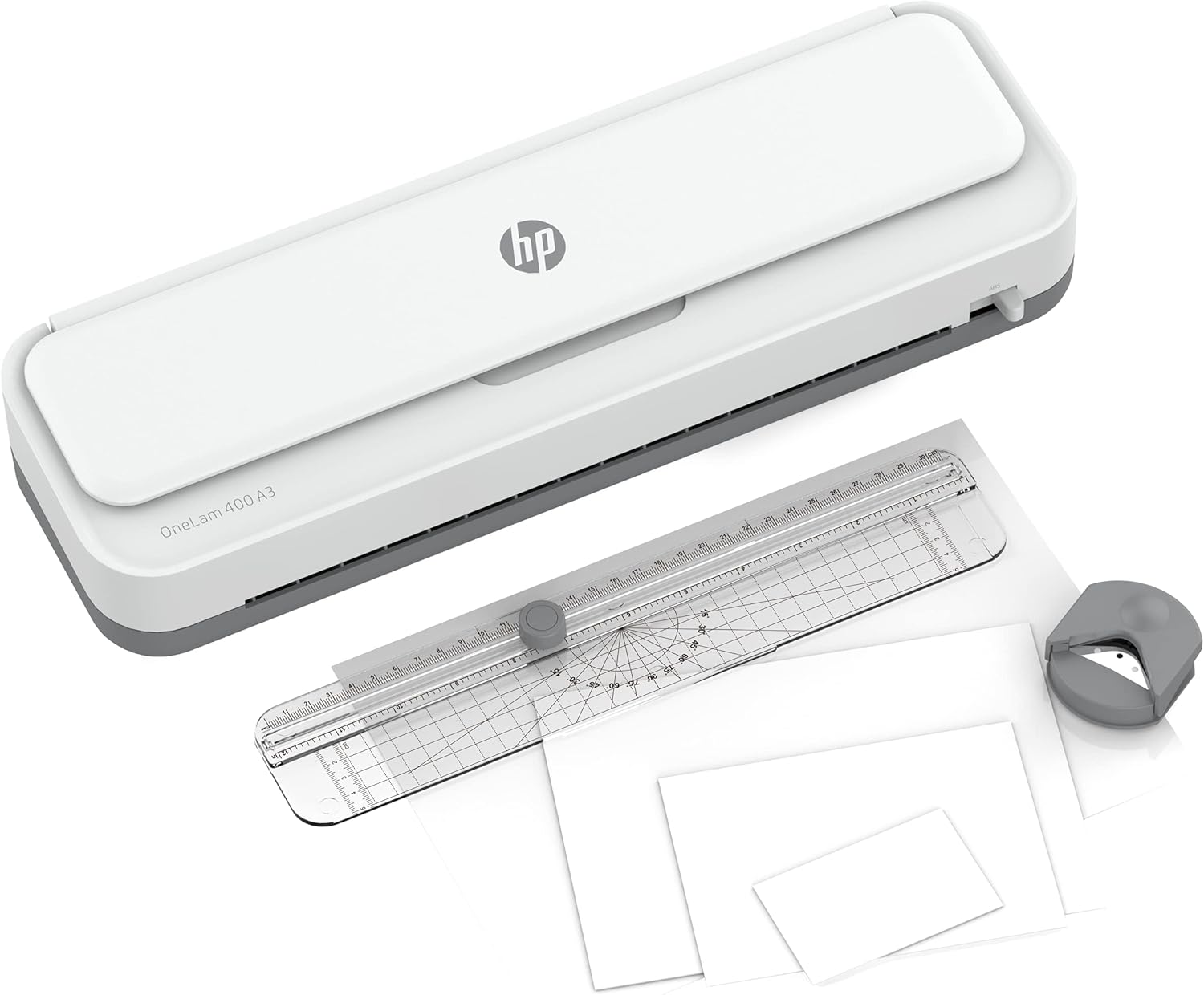
Image 3.1: HP OneLam 400 A3 Laminator with included accessories.
4. Setup
- Unpack: Carefully remove the laminator and all accessories from the packaging.
- Placement: Place the laminator on a stable, flat, and heat-resistant surface. Ensure there is enough space behind the laminator for laminated documents to exit freely.
- Power Connection: Plug the power cord into a suitable electrical outlet.
- Power On: Locate the power switch (usually on the side or back) and turn the laminator ON.
- Warm-up: The laminator will begin to warm up. The warm-up time is approximately 4 minutes. An indicator light will typically change from red to green (or similar) when ready for use.

Image 4.1: Top view of the laminator showing controls and feed tray.
5. Operating Instructions
- Prepare Document: Place your document centrally inside a laminating pouch. Ensure the document is flat and there is a small margin of pouch around all edges.
- Select Pouch Thickness: The HP OneLam 400 A3 supports pouches from 75/80 to 125 microns. Select the appropriate setting on the laminator if available, or ensure the laminator is set to the correct temperature for your pouch thickness.
- Feed Pouch: Once the laminator is ready (indicator light is green), carefully insert the sealed edge of the laminating pouch into the feed slot. The laminator will automatically pull the pouch through.
- Retrieve Laminated Document: Once the pouch has fully exited the laminator, retrieve the laminated document. It may be warm; handle with care.
- Using the Cutting Ruler: For precise cuts, place the laminated document on a flat surface and align it with the cutting ruler. Slide the cutter along the ruler to trim the edges.
- Using the Corner Router: To round sharp corners, insert the corner of the laminated document into the corner router and press down firmly.
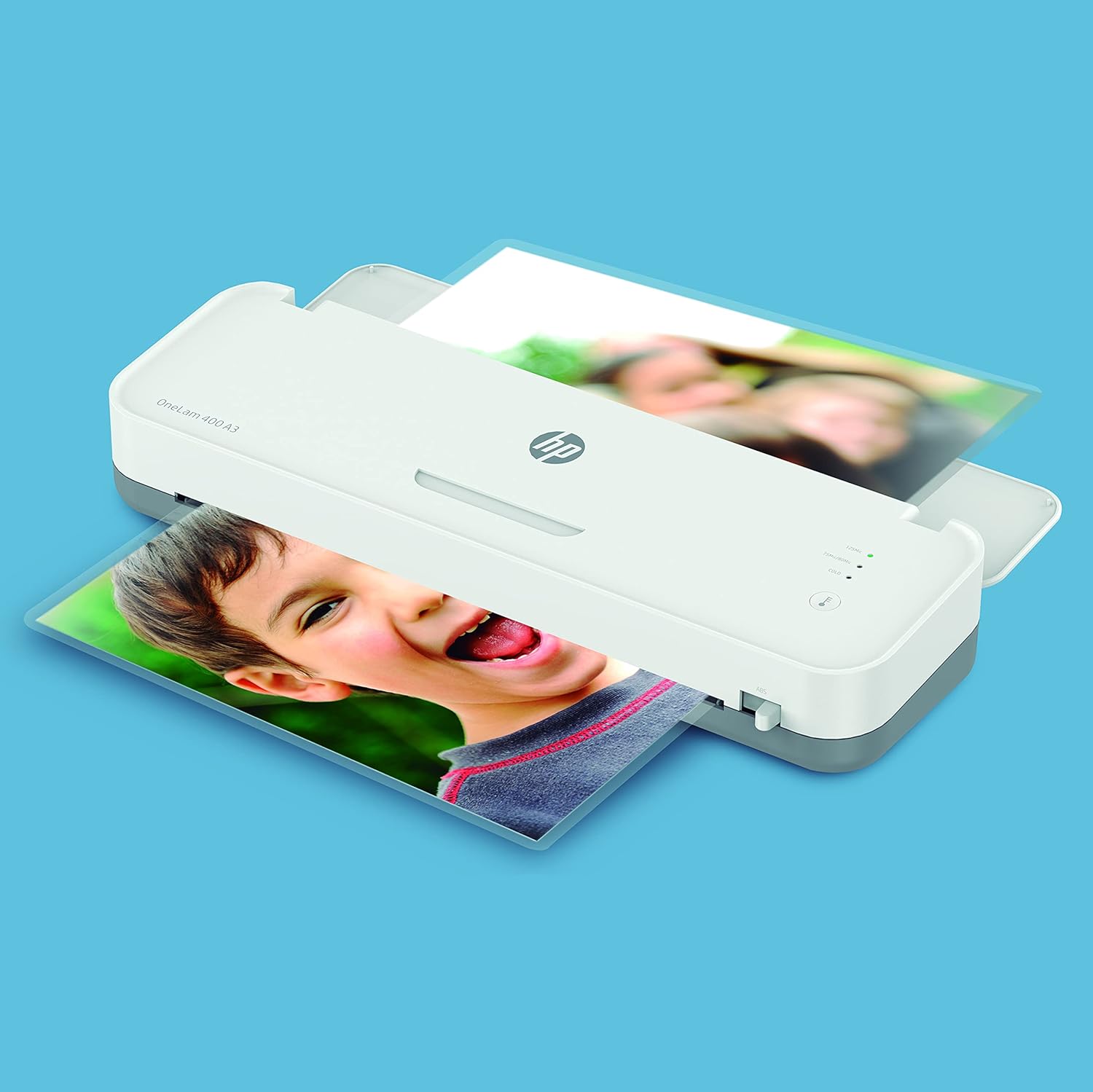
Image 5.1: The laminator processing a document.
6. Maintenance
- Cleaning: Ensure the laminator is unplugged and completely cool before cleaning. Wipe the exterior with a soft, dry cloth. Do not use abrasive cleaners or solvents.
- Clearing Jams: In case of a paper jam, immediately turn off the laminator and refer to the troubleshooting section for instructions on how to safely remove the jammed pouch.
- Storage: Store the laminator in a clean, dry place away from direct sunlight and extreme temperatures.
7. Troubleshooting
| Problem | Possible Cause | Solution |
|---|---|---|
| Laminator not turning on | No power supply; Power switch off | Check power cord connection; Ensure power outlet is functional; Turn power switch ON. |
| Poor lamination quality (bubbles, cloudy) | Incorrect temperature setting; Pouch too thick/thin; Document not flat; Laminator not fully warmed up | Ensure laminator is fully warmed up; Use correct pouch thickness for setting; Ensure document is flat inside pouch. |
| Pouch jammed in laminator | Pouch inserted incorrectly (open end first); Overlapping documents; Pouch too wide | Immediately turn off the laminator. If an anti-jam lever is present, use it to release the rollers and gently pull the pouch out. Always insert the sealed edge of the pouch first. |
| Laminator making unusual noises or smoking | Internal malfunction; Overheating | Immediately turn off and unplug the laminator. Do not attempt to use it again. Contact HP customer support. |
8. Specifications
| Feature | Detail |
|---|---|
| Brand | HP |
| Model Number | 3161 |
| Lamination Size | Up to DIN A3 |
| Pouch Thickness | 75/80 - 125 Micron |
| Warm-up Time | Approx. 4 minutes |
| Item Weight | 1.7 Kilograms |
| Color | White |

Image 8.1: Dimensions of the HP OneLam 400 A3 Laminator.
9. Warranty and Support
For warranty information, technical support, and service inquiries regarding your HP OneLam 400 A3 Laminator, please refer to the official HP website or contact HP customer service directly. Keep your proof of purchase for warranty claims.
You can typically find support contact details and frequently asked questions on the official HP support pages. For the most up-to-date information, visit www.hp.com/support.
Ask a question about this manual
Ask about setup, troubleshooting, compatibility, parts, safety, or missing instructions. Manuals+ will review the question and use this page’s manual context to help answer it.