
1. Introduction
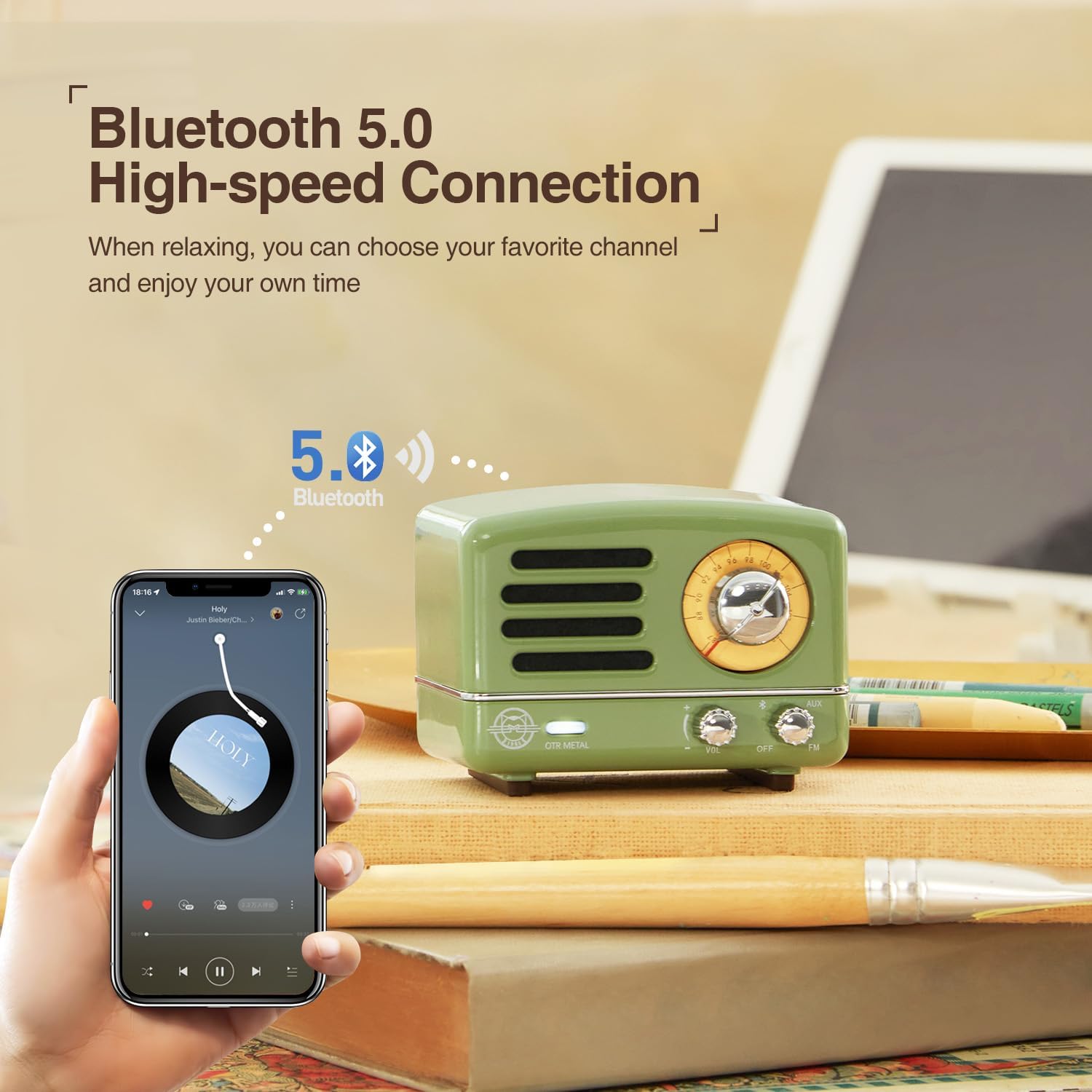
Thank you for choosing the Muzen OTR Metal Portable Bluetooth Speaker. This vintage-inspired speaker combines classic aesthetics with modern audio technology, offering high-fidelity sound, FM radio, and AUX connectivity. Designed for portability and durability, it provides a unique listening experience for various settings. This manual will guide you through the setup, operation, and maintenance of your new speaker.

2. Package Contents
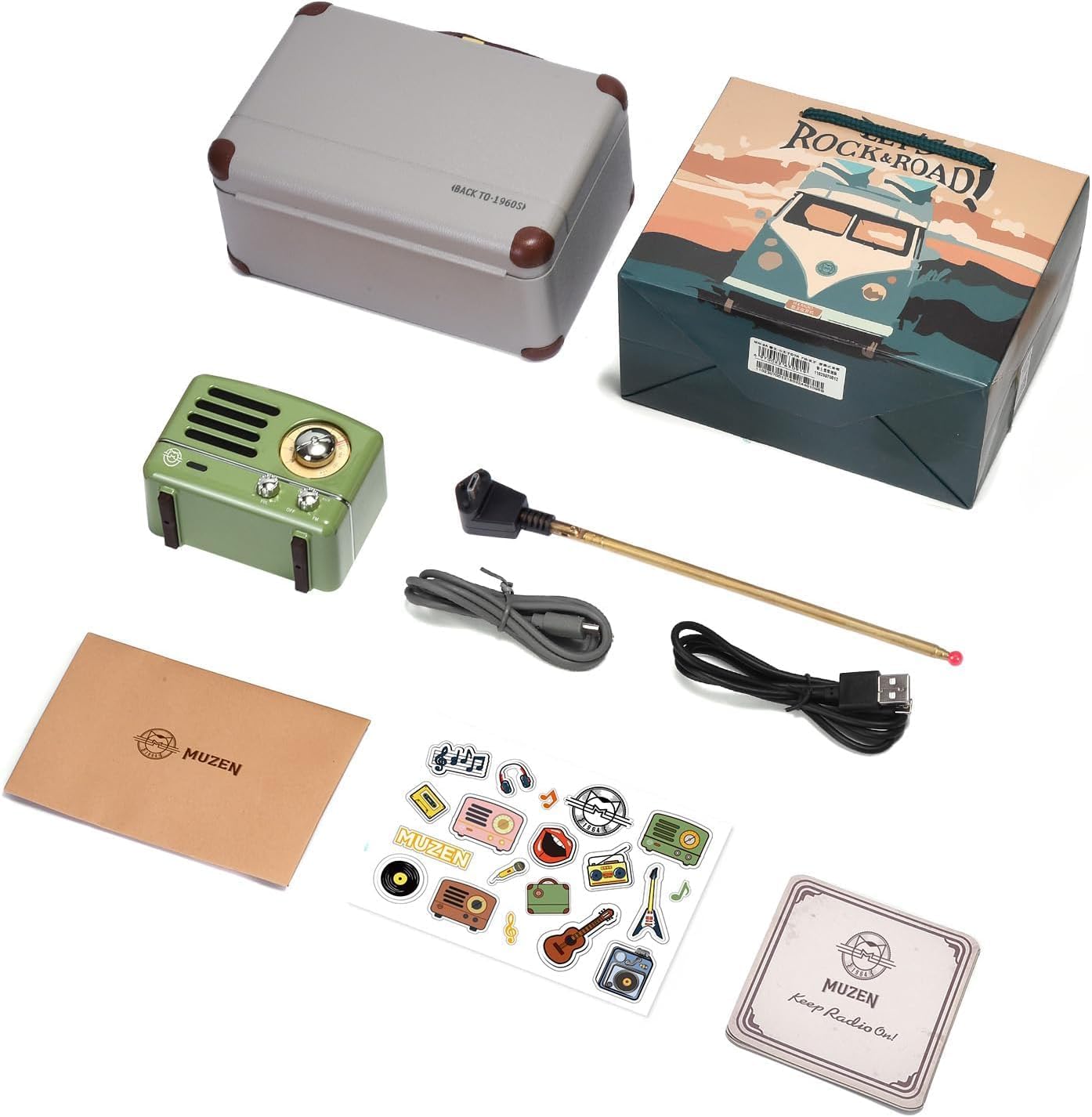
Please check the package carefully to ensure all items are present:
- Muzen OTR Metal Portable Bluetooth Speaker
- Matching Retro Suitcase
- USB Charging Cable
- AUX Cable
- FM Antenna
- Owner's Manual (this document)
- Decorative Stickers
3. Product Overview
Familiarize yourself with the speaker's controls and ports:
- Power/Volume Knob: Turn clockwise to power on and increase volume; counter-clockwise to decrease volume and power off.
- Mode Switch: Toggle between OFF, VOL (Bluetooth/AUX), and FM modes.
- Tuning Dial: For FM radio frequency selection.
- AUX Input: 3.5mm jack for wired audio connection.
- Charging Port: Micro USB port for charging the internal battery.
- Antenna Port: For connecting the external FM antenna.
4. Setup
4.1 Charging the Speaker
Before first use, fully charge the speaker. The built-in 1000mAh rechargeable battery provides up to 10 hours of Bluetooth playtime or 20 hours in FM mode.
- Connect the small end of the USB charging cable to the charging port on the speaker.
- Connect the large end of the USB cable to a USB power adapter (not included) or a computer's USB port.
- The charging indicator light will illuminate during charging and turn off when fully charged.
5. Operating Instructions
5.1 Bluetooth Mode
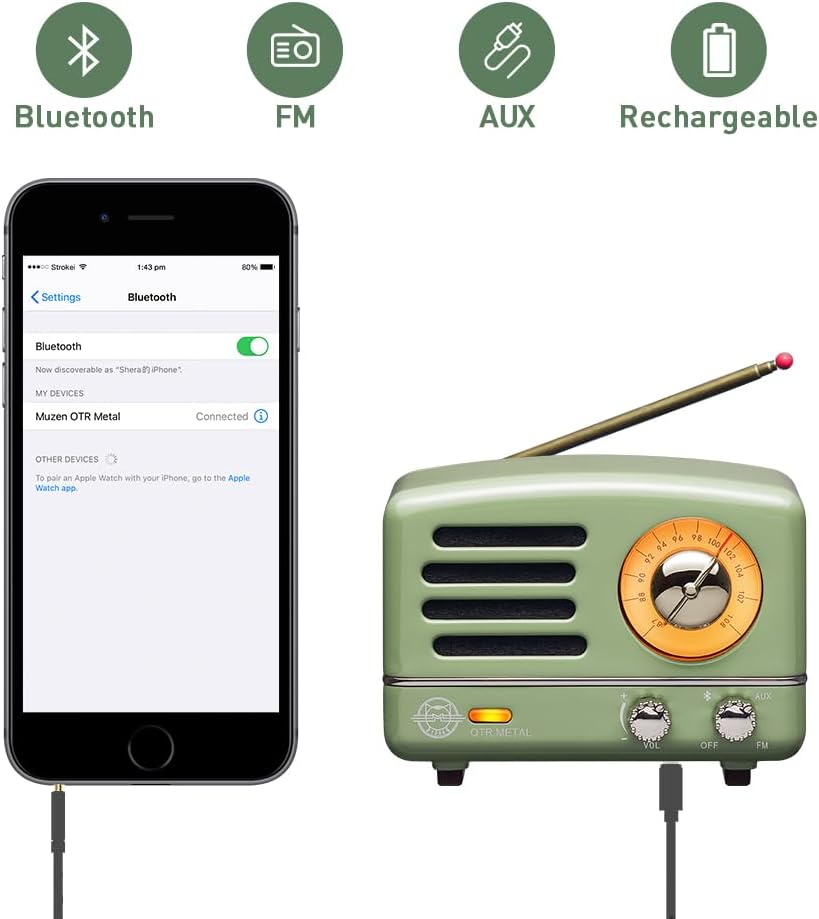
The speaker is compatible with Android phones, smartphones, tablets, and other Bluetooth-enabled devices.
- Turn the Power/Volume knob clockwise to power on the speaker.
- Set the Mode Switch to the 'VOL' position. The speaker will enter Bluetooth pairing mode, indicated by a flashing light.
- On your device, enable Bluetooth and search for available devices.
- Select "Muzen OTR Metal" from the list. Once connected, you will hear a confirmation sound, and the indicator light will become solid.
- You can now play audio from your device through the speaker.
5.2 FM Radio Mode
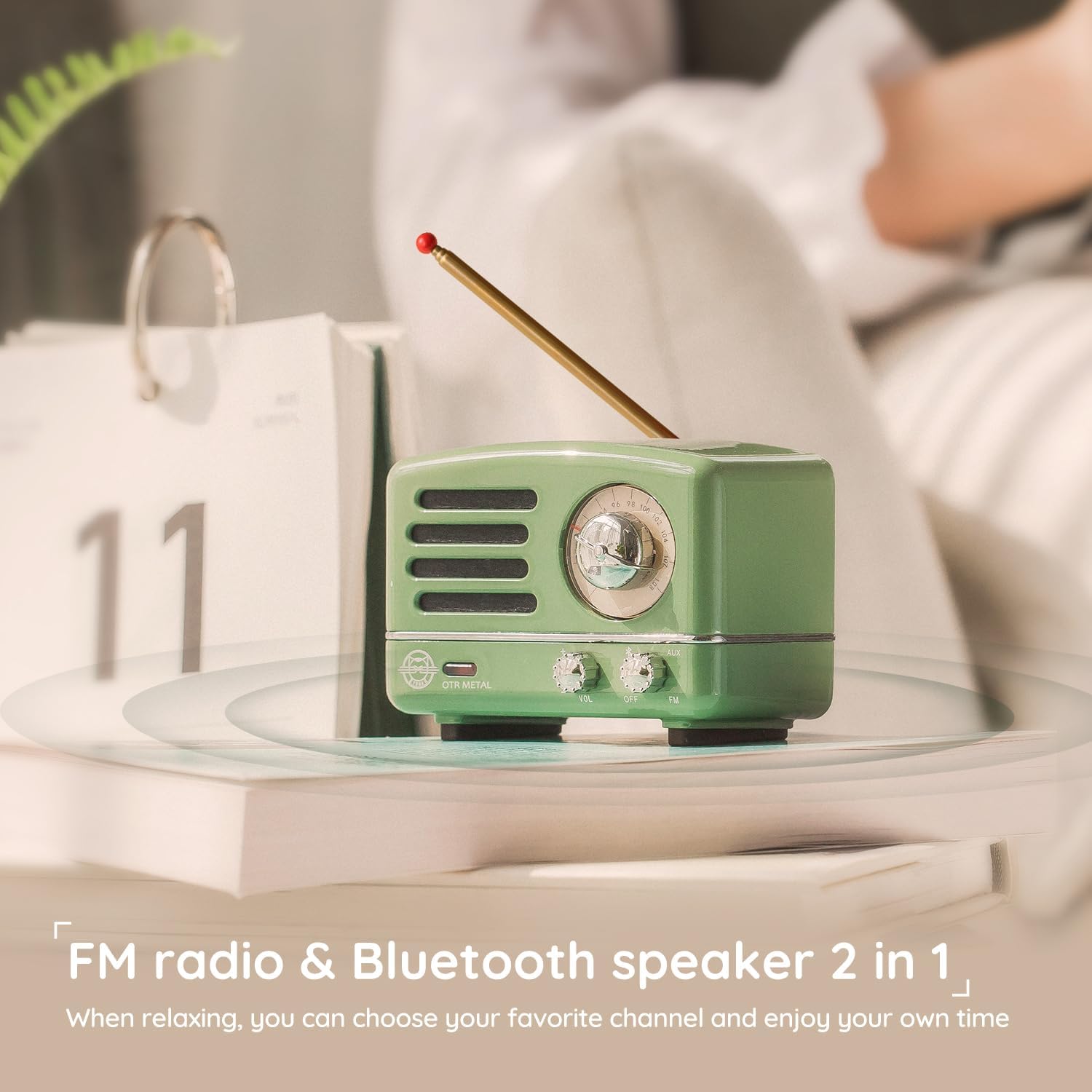
Enjoy classic FM radio with the built-in tuner.
- Connect the external FM antenna to the antenna port on the speaker. Extend the antenna fully for best reception.
- Turn the Power/Volume knob clockwise to power on the speaker.
- Set the Mode Switch to the 'FM' position.
- Rotate the Tuning Dial to search for your desired FM radio station.
5.3 AUX Mode
Connect non-Bluetooth devices using the AUX cable.
- Turn the Power/Volume knob clockwise to power on the speaker.
- Set the Mode Switch to the 'VOL' position.
- Connect one end of the 3.5mm AUX cable to the AUX input on the speaker.
- Connect the other end of the AUX cable to the audio output of your device (e.g., PC, MP3 player, TV).
- Audio will now play through the speaker from your connected device.
6. Maintenance
To ensure the longevity and optimal performance of your Muzen OTR Metal speaker, follow these maintenance guidelines:
- Cleaning: Use a soft, dry cloth to clean the speaker's surface. Avoid using abrasive cleaners, solvents, or strong chemicals, as they may damage the finish.
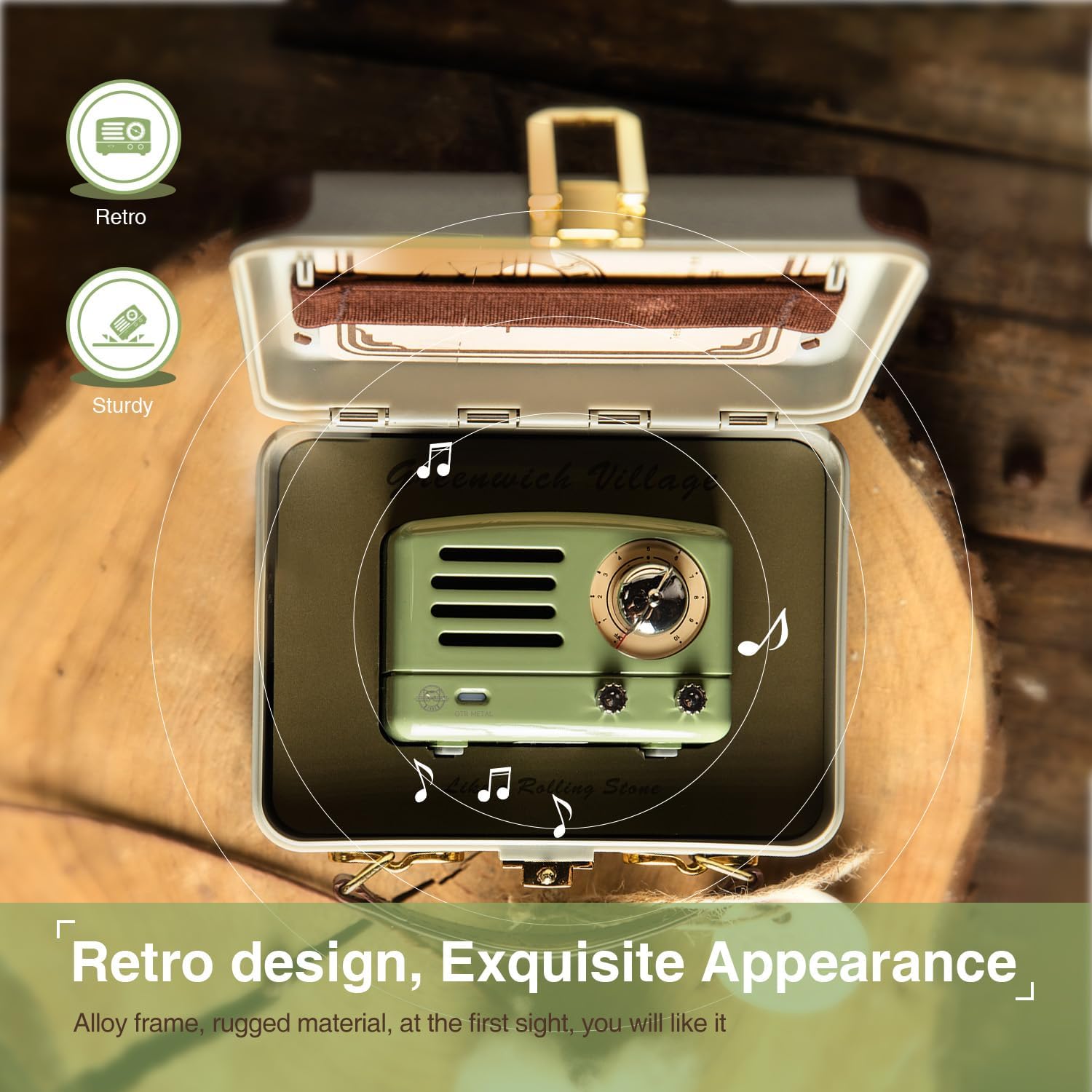
- Storage: When not in use for extended periods, store the speaker in its original suitcase in a cool, dry place away from direct sunlight and extreme temperatures.
- Battery Care: To preserve battery life, avoid fully discharging the battery frequently. Charge the speaker regularly, even if not in use, to maintain battery health.
- Water Exposure: This speaker is not waterproof. Avoid exposing it to water, rain, or excessive moisture.
- Handling: Handle the speaker with care. Avoid dropping it or subjecting it to strong impacts, which could damage internal components.
7. Troubleshooting
If you encounter any issues with your speaker, please refer to the following common problems and solutions:
| Problem | Possible Cause | Solution |
|---|---|---|
| No power | Battery is depleted | Charge the speaker fully using the provided USB cable. |
| No sound | Volume is too low or muted | Increase the volume using the Power/Volume knob on the speaker and on your connected device. |
| Cannot pair via Bluetooth | Speaker is not in pairing mode or too far from device | Ensure the speaker is in 'VOL' mode and indicator light is flashing. Move speaker closer to your device. Turn off and on Bluetooth on your device. |
| Poor FM radio reception | Antenna not extended or environmental interference | Fully extend the FM antenna. Try repositioning the speaker or antenna. Avoid areas with strong electronic interference. |
| AUX mode not working | Cable not properly connected or faulty cable | Ensure the AUX cable is securely plugged into both the speaker and the audio source. Try a different AUX cable. |
If the problem persists after trying these solutions, please contact customer support.
8. Specifications
| Feature | Detail |
|---|---|
| Model Number | MW-2AI |
| Product Dimensions | 3.46"L x 2.2"W x 2.36"H (Speaker) |
| Item Weight | 2.09 pounds (Total package) |
| Connectivity Technology | Bluetooth, Auxiliary, USB |
| Bluetooth Version | 5.0 (High-speed Connection) |
| Tuner Technology | FM |
| Radio Bands Supported | FM |
| Power Source | Battery Powered |
| Battery Capacity | 1000mAh (1 A battery included) |
| Play Time (Bluetooth) | Up to 10 hours |
| Play Time (FM Mode) | Up to 20 hours |
| Manufacturer | Muzen |
9. Warranty and Support
Muzen is committed to providing high-quality products. For any questions, technical support, or warranty inquiries, please refer to the contact information provided with your purchase documentation or visit the official Muzen website. Please retain your proof of purchase for warranty claims.
For more information, you can visit the Muzen Store on Amazon.


