
BLACK+DECKER BPP10WTB
BLACK+DECKER 14,000 BTU Portable Air Conditioner User Manual
Model: BPP10WTB
1. Important Safety Information
Before operating this appliance, please read all instructions thoroughly. Failure to follow these instructions may result in electric shock, fire, or property damage. Always ensure the unit is placed on a stable, level surface and is connected to a properly grounded electrical outlet. Do not block air vents or exhaust openings. For detailed safety guidelines, refer to the official Safety Information PDF.
2. Product Overview
The BLACK+DECKER BPP10WTB is a versatile 3-in-1 portable air conditioner designed to provide cooling, dehumidification, and fan-only operation for your living space.

Image: The BLACK+DECKER BPP10WTB portable air conditioner unit shown alongside its remote control.
Key Features:
- Portable and Powerful: Our 14,000 BTU (10,000 BTU SACC) air conditioner portable will keep you cool and comfortable all summer. Three fan speeds cool the air down to 65 degrees Fahrenheit.
- Three-in-One Functionality: This AC unit combines cooling, dehumidifying, and fan modes. It efficiently reduces humidity and cools spaces.
- Perfect for Large Rooms: This room air conditioner provides fast, effective cooling for spaces up to 704 sq. ft. Ideal for dorms, apartments, cabins, campers, offices, master bedrooms, or living rooms.
- User-Friendly Remote Control: Equipped with an LCD full-function remote, this portable AC unit allows adjustments of every feature and function for ease of use.
- Environmentally Friendly: Utilizing R-32 refrigerant, this small portable air conditioner is eco-friendly. The room AC operates at 57 dB, making it a top choice for a quiet air conditioner portable.

Image: Visual representation of the unit's 3-in-1 capabilities: Air Conditioner, Fan, and Dehumidifier.
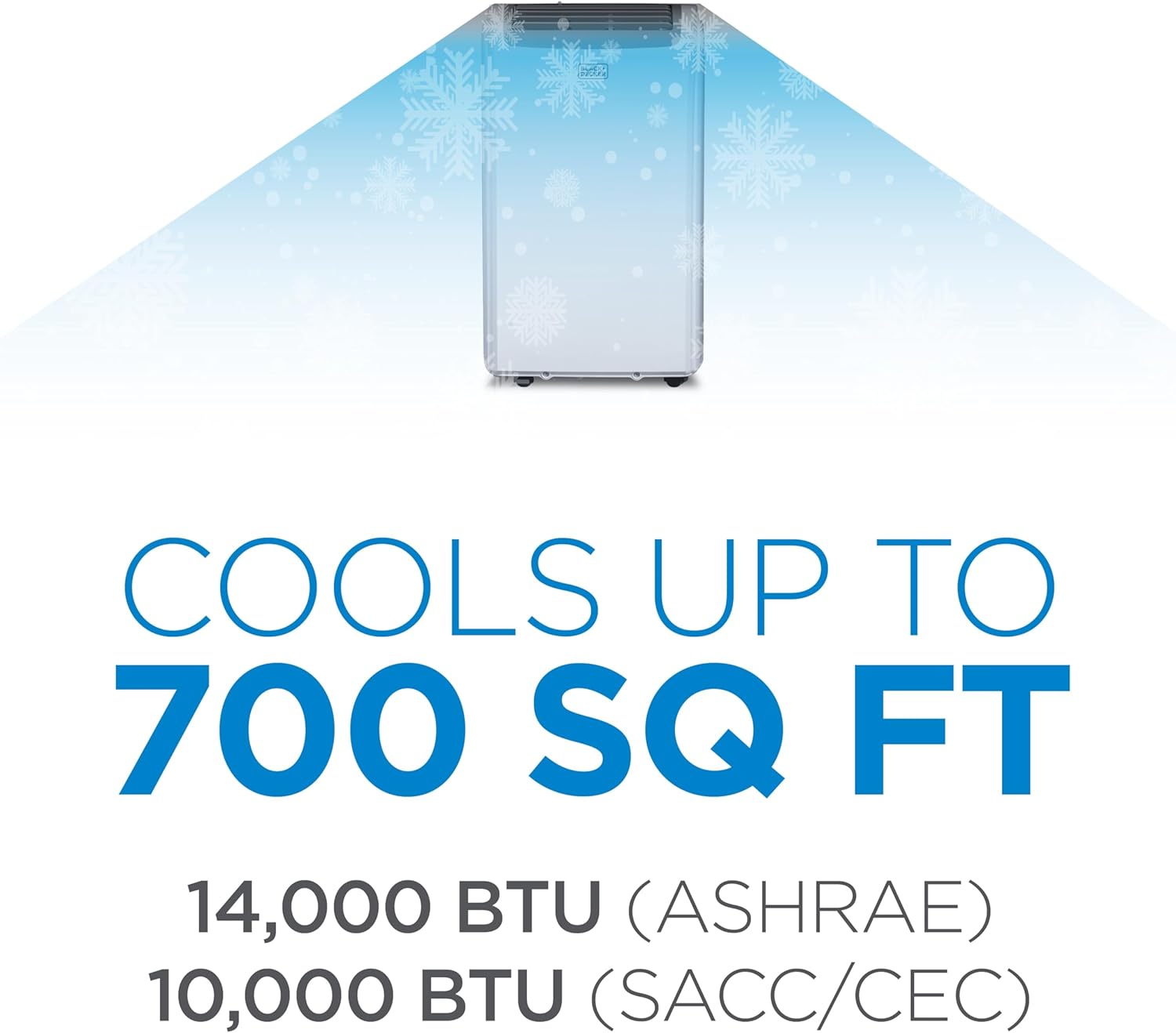
Image: Text overlay indicating the unit cools up to 700 sq ft with 14,000 BTU (ASHRAE) / 10,000 BTU (SACC/CEC).

Image: The portable air conditioner with its dimensions labeled: 16.5 inches (width), 11.7 inches (depth), and 27.9 inches (height).

Image: A floor plan illustrating suitable room sizes for 12,000 BTU (up to 550 sq ft) and 14,000 BTU (up to 700 sq ft) units, helping users choose the right unit for their room.
3. Setup Instructions
Proper setup is crucial for optimal performance and safety. Please follow these steps carefully. For a comprehensive guide, refer to the official Installation Manual (PDF).
Installation Steps:
- Unpacking: Carefully remove the unit and all accessories from the packaging. Retain packaging for future storage or transport.
- Choosing a Location: Place the unit on a firm, level surface near a window and a grounded electrical outlet. Ensure there is at least 20 inches of space around the unit for proper airflow.
- Window Kit Installation: Assemble the window slider kit according to the instructions in the installation manual. Insert the exhaust hose into the window kit and connect it to the unit's exhaust outlet. Ensure a tight seal to prevent air leakage.
- Drain Hose Connection: For continuous dehumidification, connect the drain hose to the unit's drain port and direct it to a suitable drainage area.

Image: Components of the included window kit, featuring the exhaust hose, slider bracket, hose inlet, and outlet.

Image: The portable AC unit highlighting its integrated handles and smooth-rolling castors for easy relocation between rooms.
4. Operating Instructions
Your BLACK+DECKER portable air conditioner can be operated using the control panel on the unit or the included full-function remote control.

Image: The remote control with an LCD display, indicating its full functionality for controlling the unit.
Remote Control Functions:
- Power On/Off: Press the power button (U) to turn the unit on or off.
- Mode Selection: Cycle through Cooling, Dehumidifier, and Fan-only modes using the Mode button.
- Temperature Adjustment: Use the Up (^) and Down (v) arrows to set your desired temperature.
- Fan Speed: Select Low, Medium, or High fan speed to control airflow.
- Timer Function: Set a timer for the unit to automatically turn on or off after a specified period.
- Sleep Mode: Activates a quiet operation mode that gradually adjusts the temperature for comfortable sleep.
- Fan Swing: Engage the fan swing function to oscillate the air vents, distributing air more widely.
- Celsius/Fahrenheit Toggle: Switch between Celsius and Fahrenheit temperature displays.
5. Maintenance
Regular maintenance ensures the longevity and efficient operation of your portable air conditioner. Always unplug the unit before performing any maintenance.
Maintenance Procedures:
- Air Filter Cleaning: The air filter should be cleaned every two weeks or more frequently depending on usage and air quality.

Image: The removable and washable air filter being taken out from the back of the unit for cleaning.
- Gently slide out the filter from its housing.
- Wash the filter with warm, soapy water.
- Rinse thoroughly and allow it to air dry completely before reinserting.
6. Troubleshooting
If you encounter issues with your portable air conditioner, refer to the following common troubleshooting steps. For more detailed solutions, consult the full user manual PDF.
| Problem | Possible Cause | Solution |
|---|---|---|
| Unit does not turn on | No power, tripped circuit breaker, full water tank. | Check power connection, reset breaker, drain water tank. |
| Unit not cooling effectively | Dirty air filter, blocked exhaust hose, room too large, open windows/doors. | Clean filter, ensure hose is clear and properly installed, close windows/doors, check room size. |
| Unit is noisy | Unit not level, foreign object in fan, normal operation sounds. | Ensure unit is on a level surface, check for obstructions, some noise is normal during operation. |
| Water leakage | Drain plug not secured, drain hose kinked or blocked. | Secure drain plug, clear any kinks or blockages in the drain hose. |
7. Specifications
| Specification | Value |
|---|---|
| Product Dimensions | 17.32 x 27.2 x 13.2 inches |
| Item Weight | 65.1 pounds |
| Manufacturer | W Appliance Company |
| ASIN | B08THDN9TR |
| Item model number | BPP10WTB |
| Form Factor | Portable |
| Assembly required | No |
| Batteries required | No |
| Capacity | 0.5 Liters |
| Floor Area | 700 Square Feet |
| Voltage | 115 Volts (AC) |
| Noise Level | 53 dB |
| Brand | BLACK+DECKER |
| Cooling Power | 1.25E+3 Watts |
| Color | White |
8. Warranty and Support
This BLACK+DECKER portable air conditioner comes with a 1-year warranty covering labor and parts for manufacturing defects only. For warranty claims, technical assistance, or customer support, please refer to the contact information provided in your product's original documentation or visit the official BLACK+DECKER support website.
Related documentsBPP10WTB


Ask a question about this manual
Ask about setup, troubleshooting, compatibility, parts, safety, or missing instructions. Manuals+ will review the question and use this page’s manual context to help answer it.