
1. Introduction
This manual provides detailed instructions for the installation, operation, and maintenance of your Ultivon A4 WiFi Wireless Surveillance Camera. Please read this manual thoroughly before using the product to ensure proper functionality and safety. Keep this manual for future reference.

Image 1.1: Front view of the Ultivon A4 WiFi Wireless Surveillance Camera with its mounting bracket.
2. Product Overview and Features
The Ultivon A4 is a versatile wireless surveillance camera designed for both indoor and outdoor use. It features a rechargeable battery, 1080P HD video, PIR motion detection, two-way audio, and IP66 weather resistance.
Key Features:
- 100% Wire-Free Operation: Integrated rechargeable battery for flexible placement without power cables.
- PIR Motion Detection: Advanced Passive Infrared sensor for accurate human detection and reduced false alarms.
- 1080P HD Video & Night Vision: Provides clear 1080P high-definition video and infrared night vision for monitoring in low-light conditions.
- Two-Way Audio: Built-in microphone and speaker for real-time communication.
- IP66 Weatherproof: Durable construction designed to withstand various weather conditions, including rain and snow.
- Wide Viewing Angle: 130-degree wide-angle lens for broader coverage.

Image 2.1: Illustration highlighting the camera's 100% wire-free design, rechargeable battery, and compatibility with 2.4GHz WiFi networks only.
3. Setup Guide
3.1. Charging the Camera
Before initial use, fully charge the camera's built-in lithium-ion battery. Connect the camera to a 5V power adapter using the provided USB cable. The charging indicator light will show the charging status.
3.2. Downloading the App
Download the "Adorcam" application from your smartphone's app store (iOS or Android). Search for "Adorcam" and install the application.
3.3. Connecting to Wi-Fi
- Open the "Adorcam" app and create an account or log in.
- Tap the "+" icon to add a new device.
- Follow the on-screen instructions to connect the camera to your 2.4GHz Wi-Fi network. The camera does not support 5GHz Wi-Fi.
- Ensure your camera is close to your Wi-Fi router during the setup process for a stable connection.
3.4. Mounting the Camera
Select a suitable location for mounting. The camera can be installed outdoors or indoors. Use the provided mounting bracket and screws to secure the camera. Ensure the camera has a clear line of sight to the area you wish to monitor.
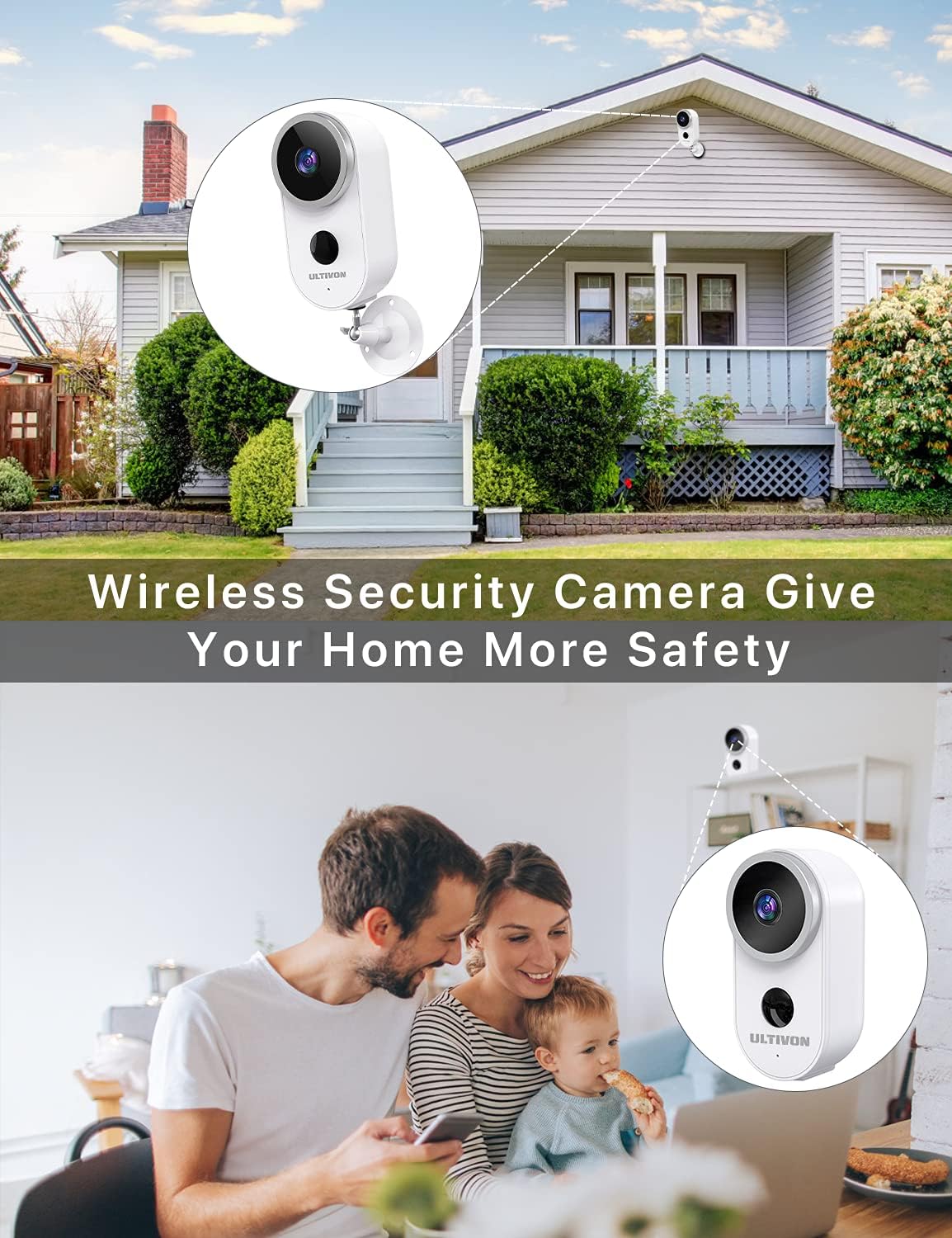
Image 3.1: Example of the Ultivon A4 camera mounted on the exterior of a house, providing security.
4. Operating Instructions
4.1. Live View
Once connected, open the "Adorcam" app and select your camera to access the live video feed. You can view real-time footage from your smartphone.
4.2. PIR Motion Detection and Alarms
The camera's PIR sensor detects motion and can trigger real-time alerts to your smartphone. You can adjust the sensitivity settings within the "Adorcam" app to minimize false alarms.

Image 4.1: Depiction of the camera detecting motion and sending a real-time "Motion detected" notification to a smartphone via the Adorcam app.
4.3. Two-Way Audio
Utilize the built-in microphone and speaker for two-way communication. Tap the microphone icon in the live view to speak through the camera, and listen to audio from the camera's location.
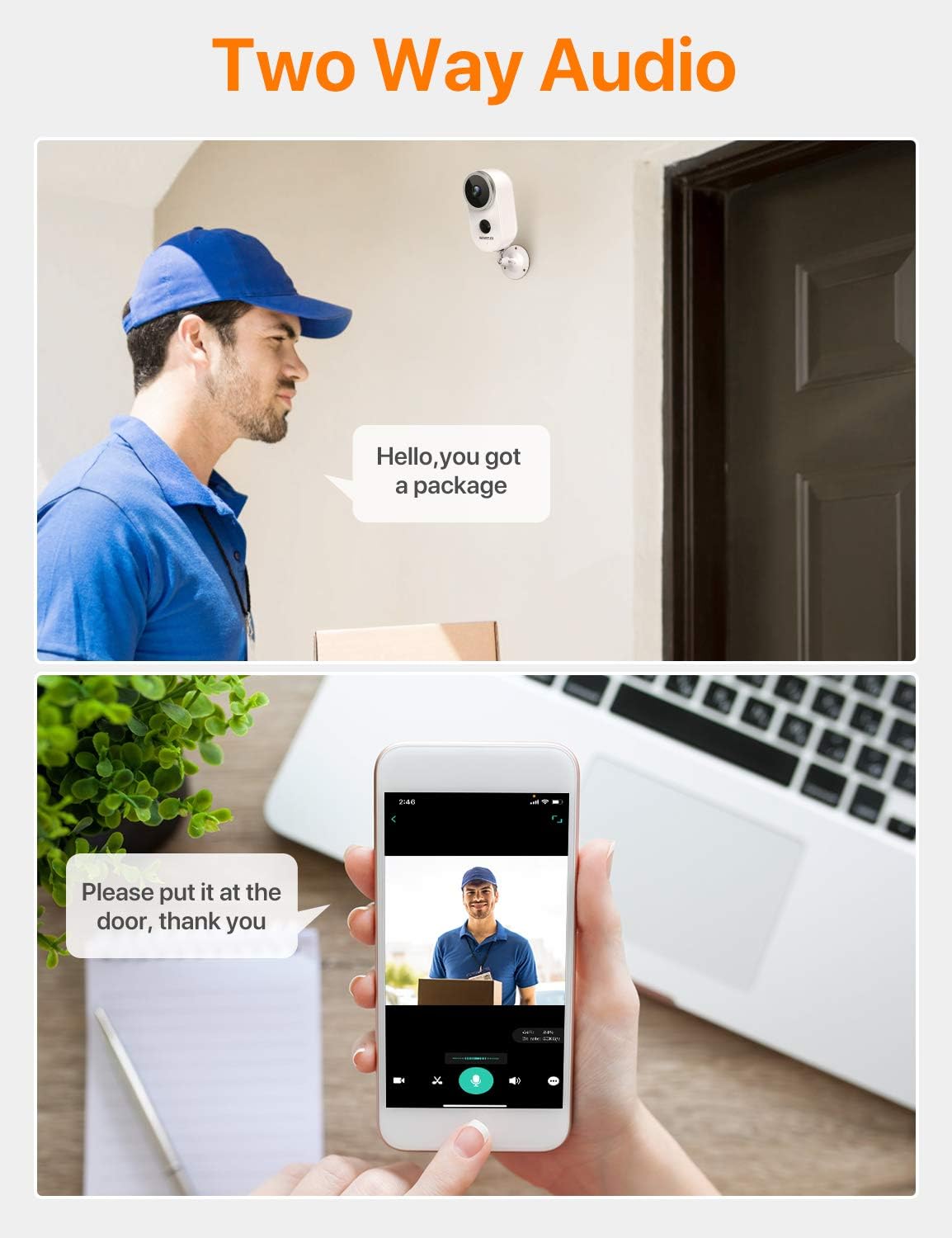
Image 4.2: Illustration of the two-way audio feature, showing a person speaking to a delivery driver via the camera and viewing the live feed on a smartphone.
4.4. Night Vision
The camera automatically switches to infrared night vision in low-light conditions, providing clear black and white video footage up to 10 meters.

Image 4.3: Comparison of 720P and 1080P video quality, demonstrating the camera's 130-degree viewing angle and night vision capabilities over a 10-meter range.
5. Maintenance
5.1. Battery Management
The Ultivon A4 camera is powered by a rechargeable lithium-ion battery. Monitor the battery level through the "Adorcam" app and recharge the camera when the battery is low. Battery life varies based on usage and environmental factors.
5.2. Cleaning
Periodically clean the camera lens and housing with a soft, dry cloth to ensure optimal image quality and prevent debris buildup. Do not use harsh chemicals or abrasive materials.
5.3. Weather Resistance
The camera is IP66 rated for weather resistance, protecting it from dust and strong jets of water. While designed for outdoor use, avoid submerging the camera in water or exposing it to extreme conditions beyond its operating temperature range (-20°C to 50°C).

Image 5.1: Visual representation of the camera's IP66 waterproof rating, showing its resilience to rain, snow, sunlight, and a wide temperature range.
6. Troubleshooting
- Camera not connecting to Wi-Fi:
Ensure your Wi-Fi network is 2.4GHz. The camera does not support 5GHz. Check Wi-Fi signal strength at the camera's location. Restart your router and the camera, then attempt reconnection.
- Poor image quality:
Clean the camera lens. Ensure there are no obstructions. Check your Wi-Fi connection speed; a weak signal can affect video streaming quality.
- Motion detection not working or too many false alarms:
Adjust the PIR sensitivity settings in the "Adorcam" app. Ensure the camera is positioned correctly to avoid detecting irrelevant motion (e.g., moving branches, distant traffic).
- Battery draining quickly:
Frequent motion detection events, live view access, and cold temperatures can reduce battery life. Reduce PIR sensitivity or frequency of live view access if possible. Ensure the camera is fully charged.
- Two-way audio issues:
Check the volume settings on your smartphone and within the "Adorcam" app. Ensure there are no obstructions blocking the camera's microphone or speaker.
7. Specifications
| Feature | Specification |
|---|---|
| Model Number | A4 |
| Video Resolution | 1080p HD |
| Viewing Angle | 130 Degrees |
| Connectivity | Wi-Fi (2.4GHz only) |
| Power Source | Battery Powered (2 Lithium-ion batteries included) |
| Voltage | 5 Volts |
| Power Consumption | 5 Watts |
| Weather Resistance | IP66 |
| Operating Temperature | -20°C to 50°C (-4°F to 122°F) |
| Special Features | PIR Motion Sensor, Night Vision, Two-Way Audio |
| Dimensions (L x W x H) | 10 x 5 x 5 cm |
| Weight | 250 grams |
| Material | Glass (for lens), Durable housing |
| Compatible Devices | Smartphone |
8. Warranty and Support
Specific warranty information for the Ultivon A4 camera is not available in this document. For warranty details, technical support, or service inquiries, please refer to the product packaging or contact Ultivon customer support directly through their official website or the "Adorcam" application.
Spare parts availability information is not available.
9. Safety Information
- Do not disassemble or modify the camera. Unauthorized modifications may void the warranty and pose safety risks.
- Use only the specified charging cable and power adapter.
- Keep the camera away from extreme heat sources, open flames, and corrosive substances.
- Ensure the camera is securely mounted to prevent it from falling and causing injury or damage.
- Dispose of batteries according to local regulations. Do not incinerate batteries.
- This product is not a toy. Keep out of reach of children.