
1. Introduction
Thank you for purchasing the ILOKEY Bluetooth 5.1 FM Transmitter. This device is designed to enhance your in-car audio experience by providing wireless music streaming, hands-free calling, and fast charging capabilities. Please read this manual carefully before use to ensure optimal performance and safety.
2. Safety Information
Please observe the following safety guidelines:
- Use caution to avoid high volume levels that could potentially cause hearing damage.
- Do not expose the device to extreme temperatures, direct sunlight, or moisture.
- Do not disassemble or attempt to repair the device yourself. Contact qualified personnel for service.
- Ensure the device is securely plugged into the car's cigarette lighter socket.
- Keep out of reach of children.
3. Product Overview
The ILOKEY Bluetooth 5.1 FM Transmitter features a compact design with essential controls and ports for convenient use in your vehicle.

Figure 3.1: Front view of the ILOKEY Bluetooth 5.1 FM Transmitter, showing the LED display, control knob, and FM button.
Key Components:
- LED Display: Shows FM frequency, battery voltage, and Bluetooth status.
- Multi-function Knob (PUSH): Used for adjusting frequency, volume, and answering/ending calls.
- FM Button: Activates FM tuning mode.
- QC 3.0 USB Port: For fast charging compatible devices.
- PD 3.0 USB-C Port: For fast charging compatible devices.
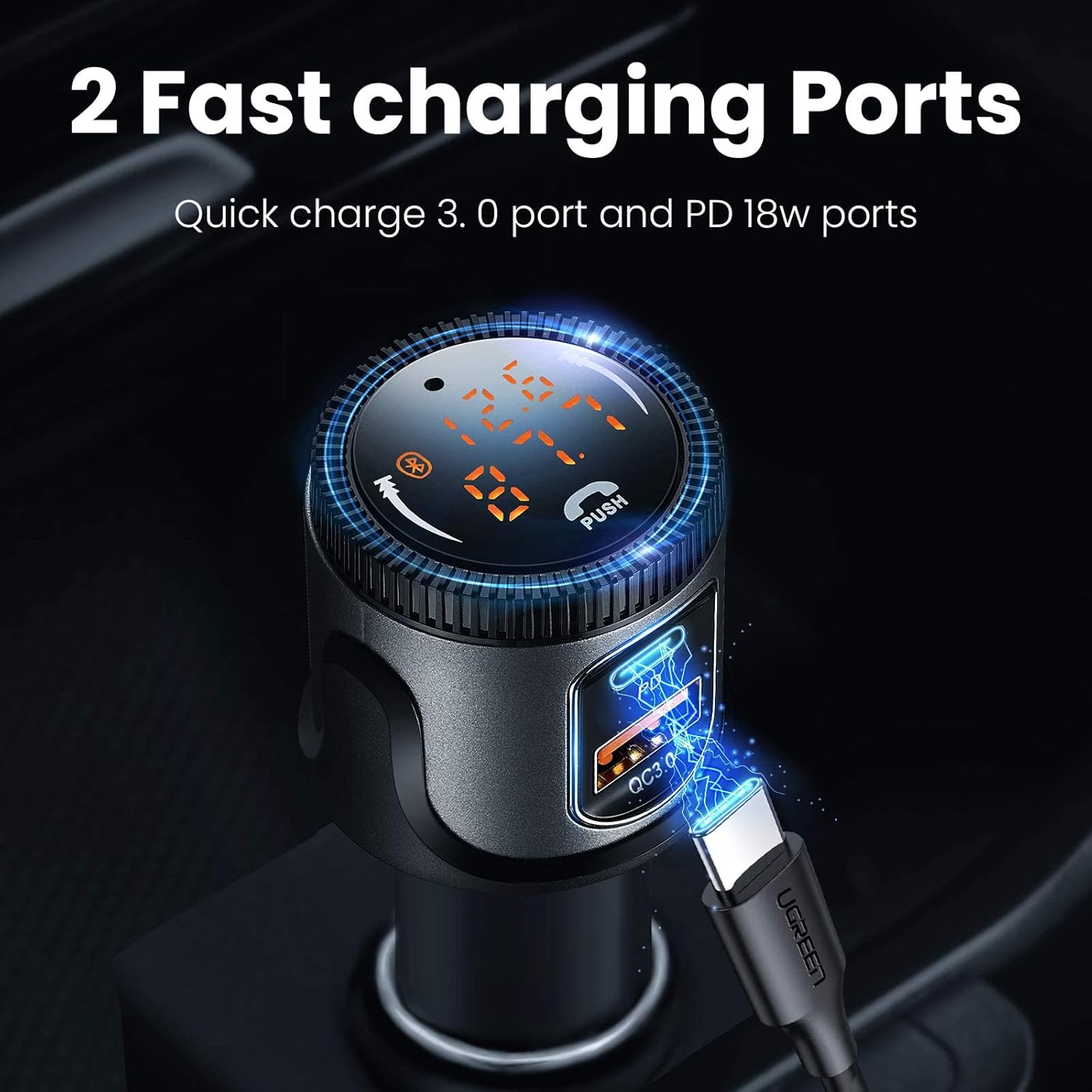
Figure 3.2: Close-up view of the two fast charging ports (QC 3.0 and PD 3.0) on the ILOKEY FM Transmitter.
4. Setup Instructions
Follow these steps to set up your ILOKEY FM Transmitter:
- Insert into Car Cigarette Lighter: Plug the transmitter into your car's 12V/24V cigarette lighter socket. The LED display will light up, showing the car battery voltage for a few seconds, then switch to the FM frequency.
- Find an Empty FM Frequency: Tune your car's FM radio to an empty frequency (one with no static or existing radio station). This is crucial for clear audio.
- Match Transmitter Frequency: Press the 'FM' button on the transmitter. The frequency on the LED display will flash. Rotate the multi-function knob to adjust the transmitter's frequency to match the empty frequency you found on your car radio. Press the 'FM' button again or wait a few seconds for the frequency to set.
- Bluetooth Pairing: The transmitter will automatically enter Bluetooth pairing mode (the Bluetooth icon on the display will flash). On your smartphone, enable Bluetooth and search for available devices. Select "BC72" from the list to connect. Once connected, the Bluetooth icon will stop flashing and remain solid.
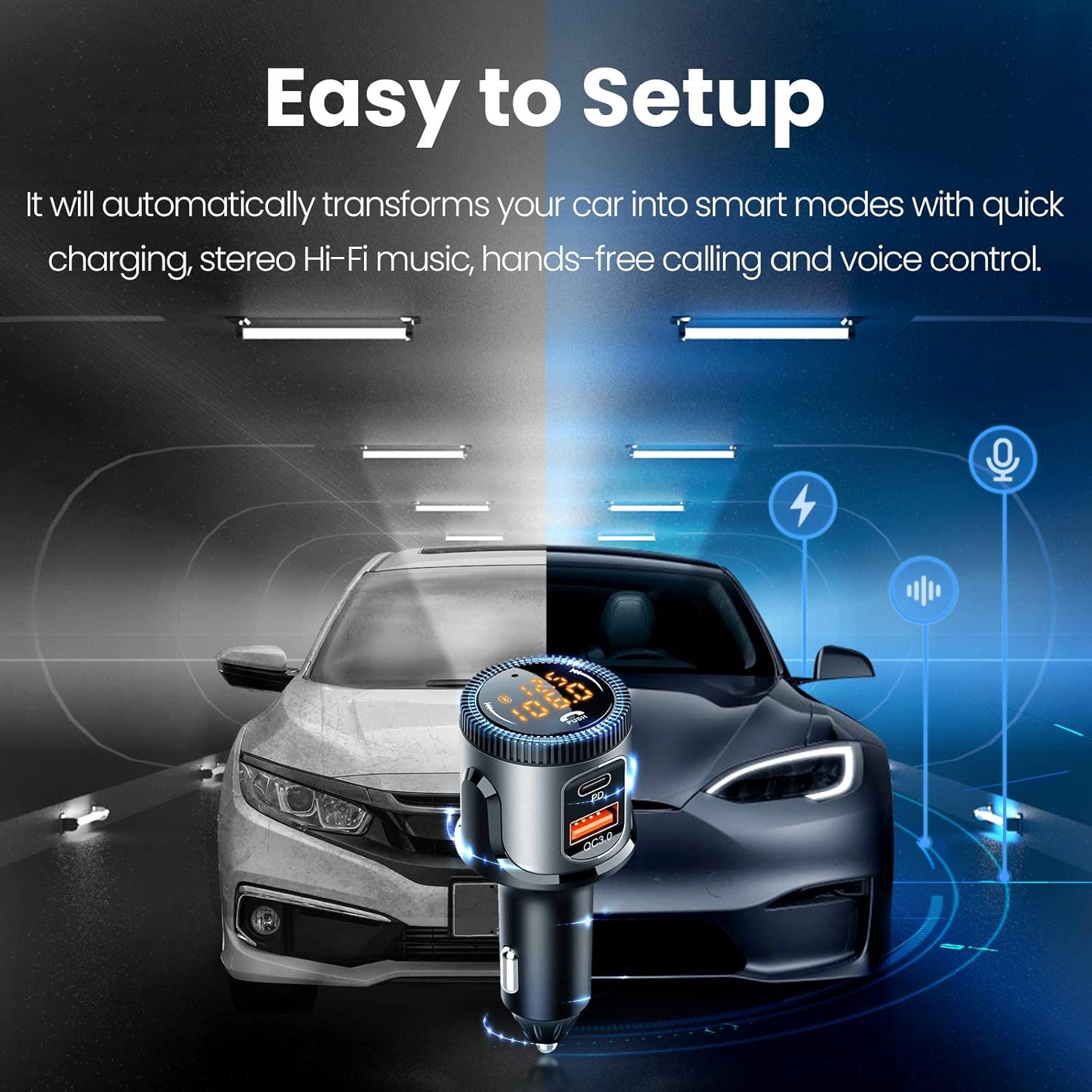
Figure 4.1: The ILOKEY FM Transmitter seamlessly integrated into a car's interior, illustrating the ease of setup.
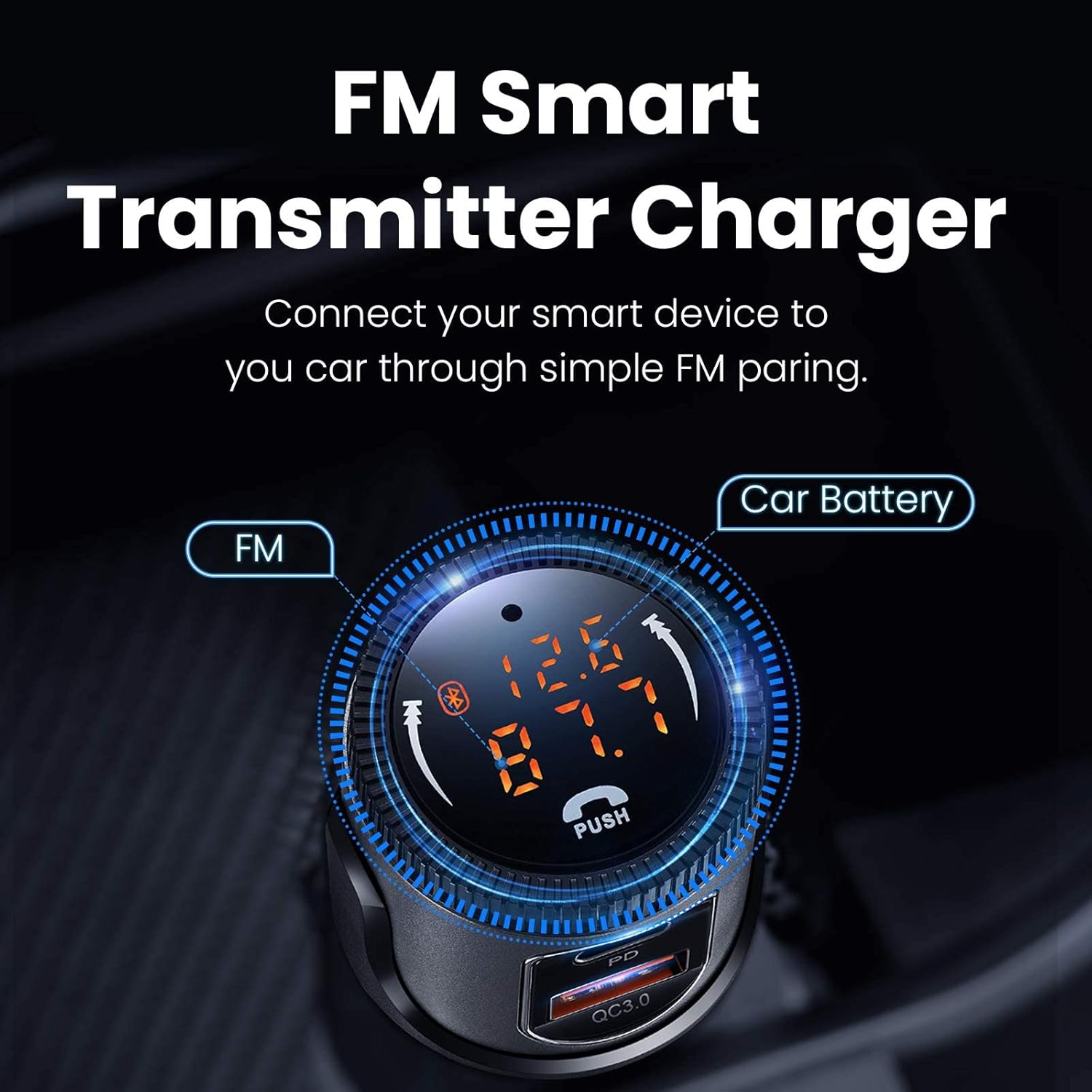
Figure 4.2: The transmitter's display indicating both the current FM frequency and the car's battery voltage, essential for smart FM pairing.
5. Operating Instructions
5.1 Music Playback
- Bluetooth Streaming: Once paired, music from your smartphone will automatically stream to your car's speakers via the set FM frequency.
- Play/Pause: Short press the multi-function knob to play or pause music.
- Next/Previous Track: Rotate the multi-function knob clockwise for the next track, counter-clockwise for the previous track.
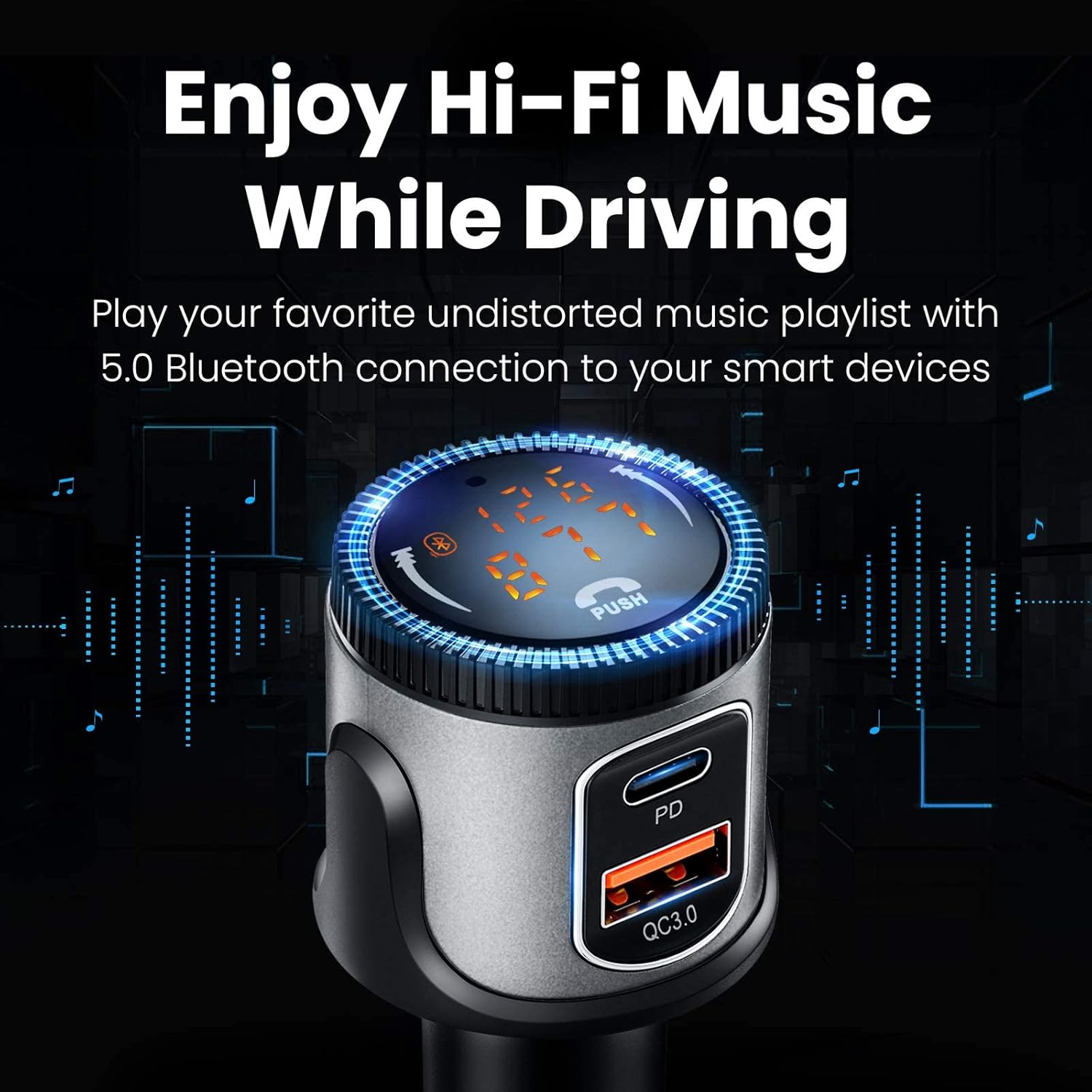
Figure 5.1: The transmitter enabling high-fidelity music playback from a connected device through the car's audio system.
5.2 Hands-Free Calling
- Answer Call: Short press the multi-function knob when an incoming call rings.
- End Call: Short press the multi-function knob during a call to hang up.
- Reject Call: Long press the multi-function knob for 2 seconds when an incoming call rings.
- Redial Last Number: Double-press the multi-function knob.
- Private Answer: During a call, long press the multi-function knob for 2 seconds to switch the call to your phone for privacy.

Figure 5.2: The transmitter's capability to support voice assistants and facilitate hands-free phone calls for safer driving.
5.3 Voice Assistant (Siri/Google Assistant)
- Long press the 'FM' button for 2 seconds to activate your phone's voice assistant (Siri or Google Assistant).
5.4 Charging Functionality
- The device features a QC 3.0 (18W) USB port and a PD 3.0 (18W) USB-C port for fast charging compatible devices.
- Simply connect your charging cable to the appropriate port on the transmitter and your device.
5.5 Power Off Memory Function
- The transmitter remembers the last paired Bluetooth device and FM frequency, automatically reconnecting and resuming playback when powered on.
5.6 One-Key FM Transmitter Off
- To turn off the FM transmitting function while retaining the charging function, long press the multi-function knob for 5 seconds. The display will turn off, but the charging ports will remain active. Short press the knob again to reactivate the display and FM function.
6. Maintenance
To ensure the longevity and proper functioning of your ILOKEY FM Transmitter, follow these maintenance guidelines:
- Cleaning: Use a soft, dry cloth to wipe the device. Do not use liquid cleaners or abrasive materials.
- Storage: When not in use for extended periods, store the device in a cool, dry place away from direct sunlight and extreme temperatures.
- Handling: Avoid dropping the device or subjecting it to strong impacts.
7. Troubleshooting
If you encounter issues with your ILOKEY FM Transmitter, refer to the following common problems and solutions:
| Problem | Possible Cause | Solution |
|---|---|---|
| No sound or static interference | FM frequency mismatch or interference from other stations. | Find a new, completely empty FM frequency on your car radio and match the transmitter to it. Avoid frequencies used by strong local radio stations. |
| Bluetooth not connecting | Transmitter not in pairing mode, or phone's Bluetooth is off. | Ensure the Bluetooth icon on the transmitter is flashing. Turn your phone's Bluetooth off and on again. Forget the device from your phone's Bluetooth list and re-pair. |
| Poor call quality | Microphone obstruction or environmental noise. | Ensure the microphone on the transmitter is not blocked. Reduce background noise in the car. |
| Device not powering on | Loose connection or car's cigarette lighter socket issue. | Ensure the transmitter is firmly plugged in. Check if the car's cigarette lighter socket is working (e.g., by plugging in another device). |
| Volume too low/high | Incorrect volume settings. | Adjust the volume on your car radio first, then adjust the volume on your phone. Note: The volume level on the transmitter itself is not adjustable and defaults to maximum. |
8. Specifications
| Feature | Detail |
|---|---|
| Bluetooth Version | 5.1 |
| Input Voltage | DC 12V-24V |
| USB Output 1 (QC 3.0) | 18W (5V/3A, 9V/2A, 12V/1.5A) |
| USB Output 2 (PD 3.0) | 18W (5V/3A, 9V/2A, 12V/1.5A) |
| Total Output Power | 36W Max |
| FM Frequency Range | 87.5 - 108.0 MHz |
| Bluetooth Protocols | A2DP, AVRCP, HFP, HSP |
| Model Number | BC72 |
| Item Weight | 1.76 ounces (0.05 Kilograms) |
| Package Dimensions | 4.41 x 1.97 x 1.65 inches |
9. Warranty and Support
ILOKEY products are designed for reliability and performance. For any questions, technical support, or warranty inquiries, please contact the seller or ILOKEY customer service through the platform where you purchased the product. Please retain your proof of purchase for warranty claims.