
Introduction
This manual provides comprehensive instructions for the setup, operation, maintenance, and troubleshooting of your ASONPAO Universal Garage Door Opener Remote. Please read this manual carefully before use to ensure proper functionality and safety.

Image: The ASONPAO Universal Garage Door Opener Remote, a black, compact device with two main buttons and an indicator light.
Compatibility
The ASONPAO Universal Remote is designed to be compatible with a wide range of garage door openers. It supports various Chamberlain, Liftmaster, Sears Craftsman, Linear, Genie, and Wayne Dalton models. Please verify your garage door opener's learn button color or DIP switch configuration against the compatibility chart below.
Important: This remote is NOT compatible with 811LMX, 812LMX, 813LMX models.

Image: A compatibility chart detailing the number of button presses required for different garage door opener types, including Chamberlain/Liftmaster (Yellow, Purple, Orange/Red, Green buttons), Genie Overhead Door, Linear Mega-Code, Wayne Dalton Rolling Code, Linear Multicode, Linear Delta, Stanley Multicode, and Genie 9/12 Position DIP Switch models.
For Chamberlain, Do-It, Master Mechanic, Raynor, True Value, and Sears Craftsman, compatibility is generally with Liftmaster technology.
Setup and Programming
Follow these steps to program your ASONPAO Universal Remote to your garage door opener.

Image: A visual guide illustrating the programming steps for the ASONPAO Universal Remote, showing how to access the program button, identify the garage door opener type, and sync the remote.
Step 1: Choose Garage Door Opener Type
- Slide the battery cover open on the remote.
- Press and hold the program button until the LED light blinks approximately 2 seconds, then release.
- Refer to the compatibility chart (or the chart on the remote itself) to identify your garage door opener type and the corresponding number of presses.
Step 2: Sync with Garage Door Opener
- For Garage Door Openers with a Learn Button:
- Locate the LEARN button on your garage door opener. The button is typically found on the motor unit or control panel. Common colors include Yellow, Purple, Red/Orange, or Green.
- Press and release the LEARN button on your garage door opener. The indicator light will glow steadily for 30 seconds.
- Within 30 seconds, press the desired button on your ASONPAO remote the number of times corresponding to your opener type (as determined in Step 1).
- Press the remote button again to confirm. The garage door opener lights should flash or two clicks should be heard, indicating successful programming.
- For Garage Door Openers with DIP Switches:
- Match the DIP switch settings on your existing remote or garage door opener to the DIP switches inside the ASONPAO remote.
- Once the DIP switches are set, press the programmed button on the remote. The garage door should activate.
Note:
- If your garage door opener is the Yellow Learn Button type of Chamberlain/Liftmaster, press the remote button 1 time. This remote button will become the model you want.
- If your garage door opener is the Purple Learn Button of Chamberlain/Liftmaster, press the remote button 2 times. This remote button will become the model you want.
- If the remote is programmed to more than one garage door opener, repeat the steps above for each opener.
Operation
Once programmed, simply press the corresponding button on your ASONPAO remote to open or close your garage door. The remote offers a control range of up to 164 feet (50 meters).

Image: An illustration showing the ASONPAO remote being used from a car, demonstrating its 164-foot operating range to open a garage door.
The compact design allows for easy storage and access, such as attaching it to your car's sun visor with the included clip or carrying it in your pocket.

Image: Three panels showing the remote's portability: held in hand, clipped to a car's sun visor, and carried in a jeans pocket.
Maintenance
Battery Replacement
The remote is powered by a 240mAh lithium CR2032 battery. When the remote's range decreases or the LED indicator light becomes dim, it may be time to replace the battery.
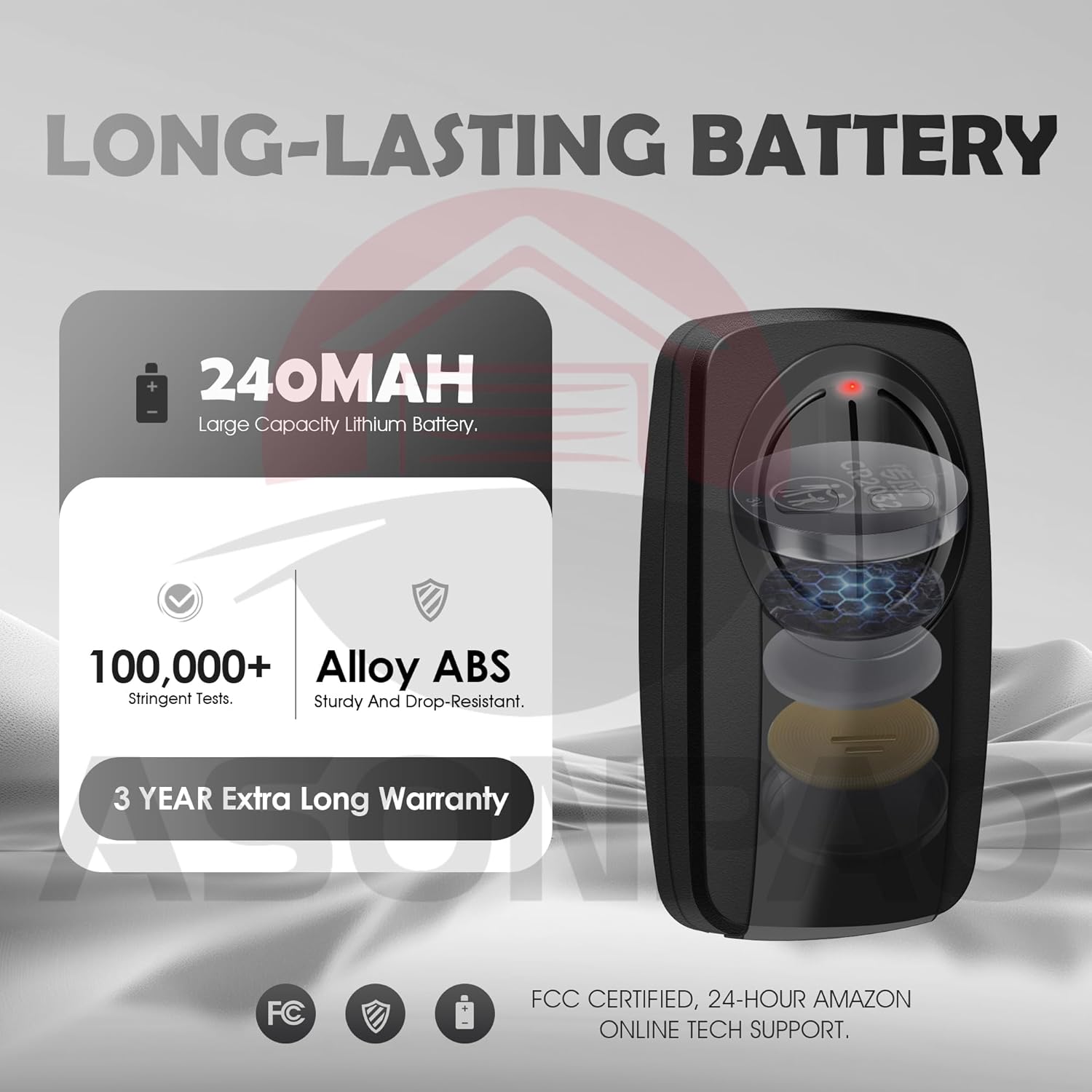
Image: A cutaway view of the remote showing its internal components, including the 240mAh lithium battery, highlighting its long-lasting design and durable ABS alloy casing.
- Slide open the battery cover on the back of the remote.
- Carefully remove the old CR2032 battery.
- Insert a new CR2032 battery with the positive (+) side facing up.
- Close the battery cover securely.
Cleaning
Wipe the remote with a soft, dry cloth. Avoid using harsh chemicals or abrasive cleaners, as these can damage the casing or internal components.
Troubleshooting
- Remote Not Programming:
- Ensure your garage door opener model is compatible (refer to the compatibility section).
- Verify that you are pressing the remote button the correct number of times for your specific opener type.
- Make sure the garage door opener's LEARN button is activated (indicator light glowing) before attempting to program the remote.
- Check the remote's battery. A low battery can prevent successful programming.
- If using DIP switches, ensure they are set identically to your existing remote or opener.
- Try clearing all existing codes from your garage door opener and then reprogramming the ASONPAO remote. Consult your garage door opener's manual for instructions on clearing codes.
- Reduced Range or Intermittent Operation:
- Replace the battery in the remote.
- Ensure there are no obstructions between the remote and the garage door opener's antenna.
- Check for sources of radio interference in the area.
- Remote LED Not Lighting Up:
- Check or replace the battery.
- Ensure the battery is inserted correctly with the correct polarity.
If you continue to experience issues, please contact customer support for assistance.
Specifications

Image: A table displaying the product parameters of the ASONPAO remote, including model, working range, voltage, frequency, channel, battery model, shell material, product size, weight, warranty, color, and code type.
| Feature | Detail |
|---|---|
| Model | KLIK3U-BK, KLIK5U-BK2, KLIK1U |
| Working Range | 164 Feet (approx. 50 meters) |
| Working Voltage | DC3V |
| Frequency | Multi-frequency |
| Channel | 2 |
| Battery Model | CR2032 (1 Lithium Metal battery included) |
| Shell Material | ABS Alloy |
| Product Size | 3.22 x 2 x 0.62 inches |
| Product Weight | 1.76 ounces (0.088 LBS) |
| Color | Black |
| Code Type | Security+2.0 Rolling Code |
| Durability | Tested over 100,000 times |
| Certifications | FCC Certified |
Warranty and Support
The ASONPAO Universal Garage Door Opener Remote comes with a 3-Year Warranty, ensuring long-lasting performance and reliability. We are committed to providing superior quality and customer satisfaction.
For any technical assistance or inquiries, 24-hour Amazon technical support is available.

Image: A graphic indicating 24-hour Amazon online tech support, a 3-year warranty, and FCC certification, with images of customer service representatives.
Safety Information
- Keep the remote control out of reach of children.
- Operate the garage door only when it is in full view and free of obstructions.
- Do not allow children to play with the garage door opener or remote control.
- Ensure the garage door is fully closed before leaving the premises.