
YOREK YK-901
YOREK YK-901 Portable FM/AM/SW Radio Instruction Manual
Model: YK-901
1. Introduction
Thank you for purchasing the YOREK YK-901 Portable FM/AM/SW Radio. This manual provides essential information for the safe and efficient operation of your device. Please read it thoroughly before use and retain it for future reference.
Safety Precautions
- Do not drop or subject the unit to strong shocks during use, as this may cause malfunction.
- Do not place the unit in locations with extremely high temperatures (above 60°C) or low temperatures (below 0°C), near heating appliances or lighting fixtures, or in humid or dusty areas.
- When inserting batteries, do not press the battery contact sheet with excessive force, as this may cause malfunction.
2. Product Overview
The YOREK YK-901 is a compact, multi-band portable radio featuring a DSP digital tuner for enhanced reception across FM, AM, and Shortwave (SW) bands. It includes a 360-degree rotating rod antenna for optimal signal capture, automatic station scanning, memory storage, an alarm function, a sleep timer, and a lock function.
Package Contents
- YOREK YK-901 Portable Radio
- Stereo Earphones
- Instruction Manual
Part Names and Functions

Image: Front and side view of the YOREK YK-901 radio with numbered labels indicating various buttons, display, and ports.
- Display
- Power Switch / Lock Button
- FM-AM-SW Band Selection / SW Selection / Time Mode Button
- Up Button
- Down Button
- Memory Save Button (+) / Alarm Setting Button
- Memory Save Button (-) / Alarm ON/OFF Switch
- Volume Up Button (+)
- Volume Down Button (-)
- Sleep Button / Scan Button
- Earphone Jack
- Power Terminal (for optional AC adapter, not included)
3. Setup
3.1 Battery Installation
The YK-901 radio operates on two AAA dry cell batteries (not included).
- Open the battery compartment cover located on the back of the radio.
- Insert two AAA batteries, ensuring correct polarity (+ and - terminals).
- Close the battery compartment cover securely.

Image: The back of the radio with the battery cover open, showing two AAA batteries being inserted.
Note: If the batteries run out, static may occur, the radio may turn off, and the display may show the time. Replace batteries immediately when low.
3.2 Initial Power On and Time Setting
- Press the Power Switch button to turn on the radio.
- In time display mode, press and hold the 'Time Mode' button (often combined with band selection) to enter time setting mode.
- Use the Up/Down buttons to adjust the hour and minute.
- Press the 'Time Mode' button again to confirm and exit time setting.
- You can switch between 12H and 24H display formats as needed.
4. Operating Instructions
4.1 Tuning and Band Selection
- Power On: Press the Power Switch button.
- Select Band: Press the FM-AM-SW Band Selection button repeatedly to cycle through FM, AM, and SW bands.
- Automatic Scan: Press the 'Scan' button (often combined with Sleep button) to automatically scan and save receivable stations. Up to 32 stations can be stored for each band.
- Manual Tuning: Use the Up/Down buttons to manually adjust the frequency.
- Antenna: For FM/SW, always extend the rod antenna. For AM, rotate the radio for optimal reception as it uses an internal antenna.

Image: The YK-901 radio with its dimensions and an illustration of the 360-degree rotatable antenna for FM/SW reception.
4.2 Memory Storage and Recall
- Saving Stations: After tuning to a desired station, press and hold the 'Memory Save (+)' button to save it. Use the Up/Down buttons to select a memory slot, then press 'Memory Save (+)' again to confirm.
- Recalling Stations: Briefly press the 'Memory Save (+)' or 'Memory Save (-)' buttons to cycle through saved stations.
4.3 Alarm Function
- In time display mode, press and hold the 'Alarm Setting' button (often combined with Memory Save (+)) to enter alarm setting mode.
- Use the Up/Down buttons to set the desired alarm time.
- Press the 'Alarm Setting' button again to confirm.
- To activate/deactivate the alarm, briefly press the 'Alarm ON/OFF' switch (often combined with Memory Save (-)). An alarm icon will appear/disappear on the display.
- When the alarm sounds, the radio will automatically turn on to the last listened station.
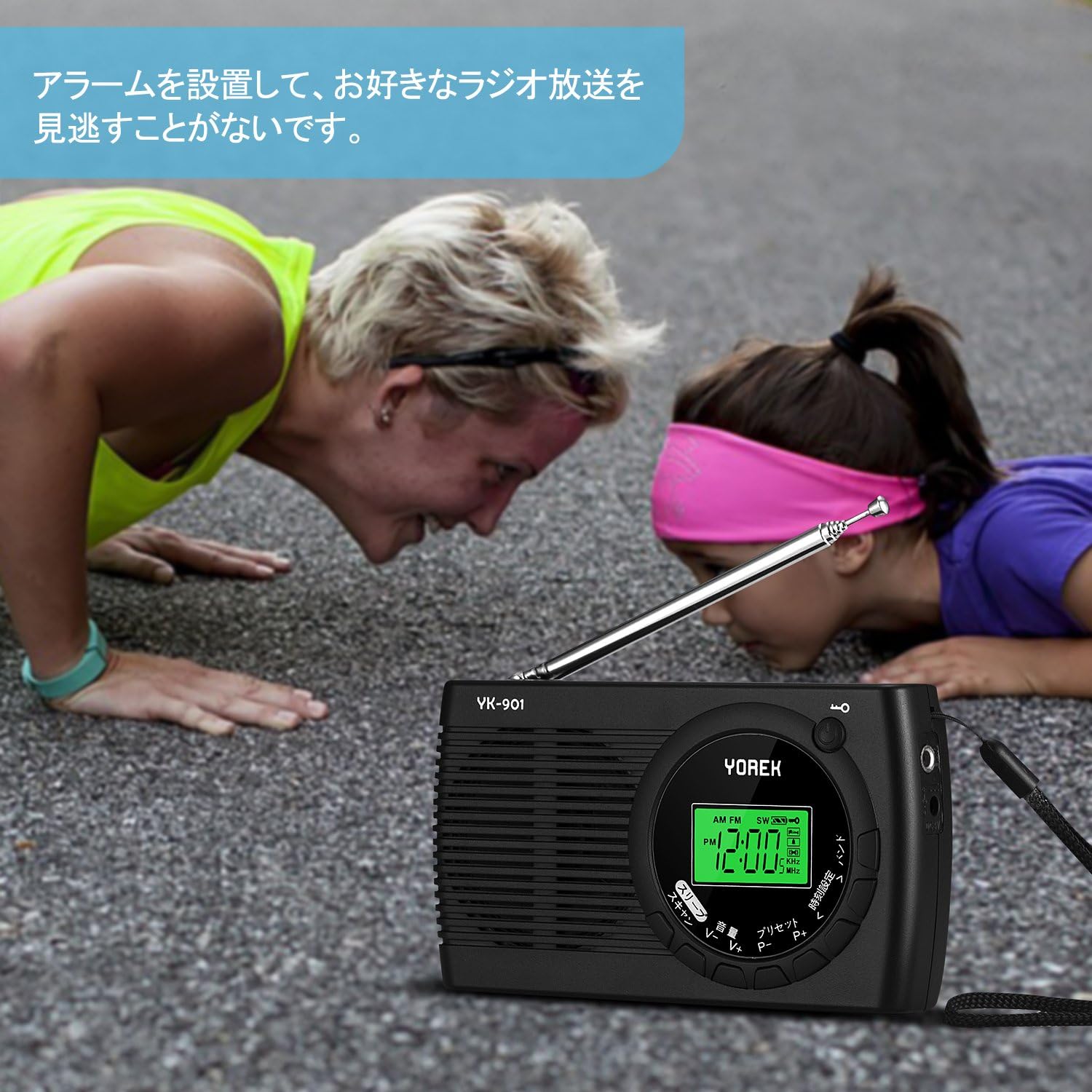
Image: The YK-901 radio with its display showing the time, indicating its alarm functionality.
4.4 Sleep Timer Function
- While the radio is on, press the 'Sleep' button (often combined with Scan button).
- Repeatedly press the 'Sleep' button to cycle through sleep timer options (e.g., 10, 20, 30, 60, 90 minutes).
- The radio will automatically turn off after the selected time.
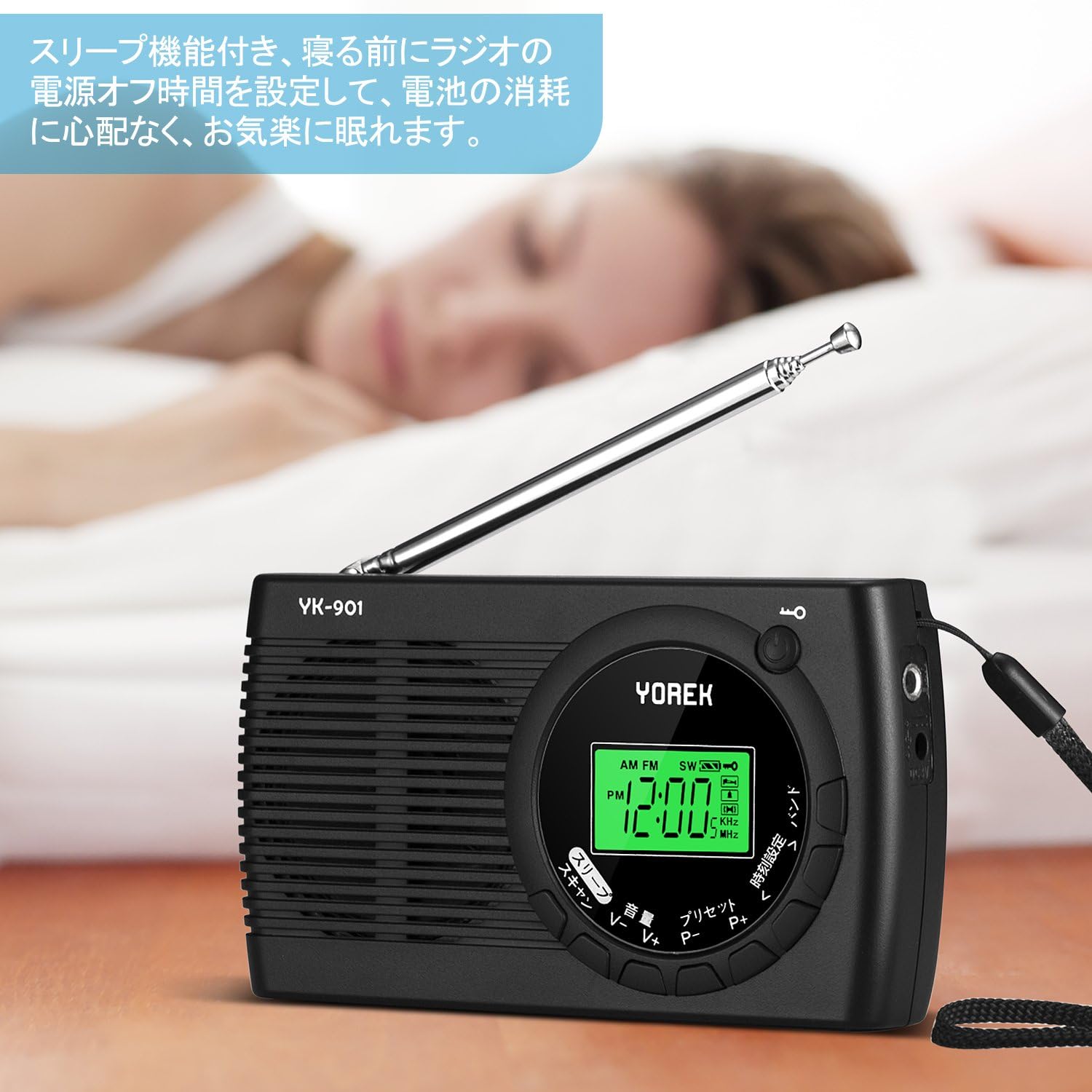
Image: The YK-901 radio on a bedside table, demonstrating its sleep timer feature for comfortable listening before sleep.
4.5 Lock Function
To prevent accidental button presses, press and hold the 'Lock' button (often combined with the Power Switch). A lock icon will appear on the display. Press and hold again to unlock.
5. Maintenance
- Cleaning: Wipe the radio with a soft, dry cloth. Do not use abrasive cleaners or solvents.
- Storage: If the radio will not be used for an extended period, remove the batteries to prevent leakage. Store in a cool, dry place away from direct sunlight.
6. Troubleshooting
| Problem | Possible Cause | Solution |
|---|---|---|
| No power / Radio does not turn on | Batteries are dead or incorrectly inserted. | Replace batteries with new ones, ensuring correct polarity. |
| Poor reception / Static |
|
|
| Buttons unresponsive / Display frozen | Lock function is active. | Press and hold the 'Lock' button to deactivate the lock function. |
| Settings reset after battery change | This is normal behavior for some battery-operated devices without backup power. | Re-enter time and saved stations after changing batteries. |
7. Specifications
| Model Number | YK-901 |
| Brand | YOREK |
| Tuner Technology | DSP Digital Tuner (AM, FM, SW) |
| Frequency Range |
|
| Power Source | 2 x AAA Dry Cell Batteries (3 Volts) |
| Interface | 3.5mm Audio Jack |
| Dimensions (H x W x D) | 122mm x 69mm x 24mm (approx. 4.8 x 2.7 x 0.9 inches) |
| Weight | 142 grams (approx. 5 oz) |
| Features | Automatic Scan, Memory Storage (32 stations/band), Alarm Function, Sleep Timer (10-90 min), Lock Function, 360-degree Rotating Rod Antenna |
8. Warranty and Support
8.1 Warranty Information
All YOREK products come with a 12-month warranty from the date of purchase. During the warranty period, in the unlikely event of a defect, we will replace the product with a new one free of charge.
8.2 Customer Support
Our goal is to provide customers with satisfying products and services. If you have any questions or concerns about your purchased product, please do not hesitate to contact our customer service. We aim to respond to all inquiries within 24 hours.
For support, please refer to the contact information provided with your purchase or visit the official YOREK store on Amazon.