
Canal Toys 872006
Studio Creator 2 Influencer Video Creator Kit
Brand: Canal Toys | Model: 872006
1. Introduction
The Studio Creator 2 Video Creator Kit provides all the essential tools for aspiring content creators to produce high-quality videos and photos for platforms like TikTok, YouTube, and Instagram. This kit features an 8-inch LED multicolored ring light, an adjustable tripod, a smartphone mount, and a green screen, enabling hands-free recording and creative background customization.

Figure 1: Studio Creator 2 Kit Overview
2. What's Included
Verify that all components are present in your package:
- 1x 8-inch LED Ring Light (with 3 white light modes and 8 colored light modes)
- 1x 300cm USB Power Cord with Controller
- 1x 80cm Extendable Tripod (adjustable up to 31.5 inches)
- 1x Cell Phone Holder
- 1x 1.8m x 1.5m Green Screen Sheet (approx. 70 x 59 inches)
- 1x User Guide

Figure 2: Kit Contents
3. Setup
- Assemble the Tripod: Unfold the tripod legs until they are stable. Extend the central pole to your desired height, up to 31.5 inches (80cm), and secure it using the locking mechanisms.
- Attach the Ring Light: Screw the 8-inch LED ring light onto the top of the tripod. Ensure it is securely fastened.
- Install the Smartphone Holder: Insert the flexible arm of the smartphone holder into the designated slot on the ring light. The holder can rotate 360 degrees for optimal phone positioning.
- Connect Power: Plug the USB power cord into a compatible USB power source (e.g., wall adapter, power bank, computer USB port). The cord is 300cm long for flexible placement.
- Set Up Green Screen: Unfold the 70"x59" green screen sheet. Hang it smoothly behind your recording area, ensuring it is free of wrinkles for best results when using chroma key effects in editing software.

Figure 3: Smartphone Holder Installation
4. Operating Instructions
4.1. Ring Light Control
Use the inline controller on the USB power cord to manage the ring light settings:
- Power ON/OFF: Press the power button (⏻) to turn the light on or off.
- Brightness Adjustment: Use the '+' and '-' buttons to increase or decrease the light intensity.
- Light Mode Switch: Press the mode button (⟳) to cycle through the 12 available light modes:
- 3 White Light Modes (White, Natural, Warm)
- 8 Color Modes
- 1 Multicolor Mode

Figure 4: Ring Light Controller

Figure 5: Available Light Modes
4.2. Smartphone Usage
Place your smartphone securely in the holder. Adjust the flexible arm and the holder's rotation to achieve your desired recording angle. The hands-free setup allows you to focus on your content.
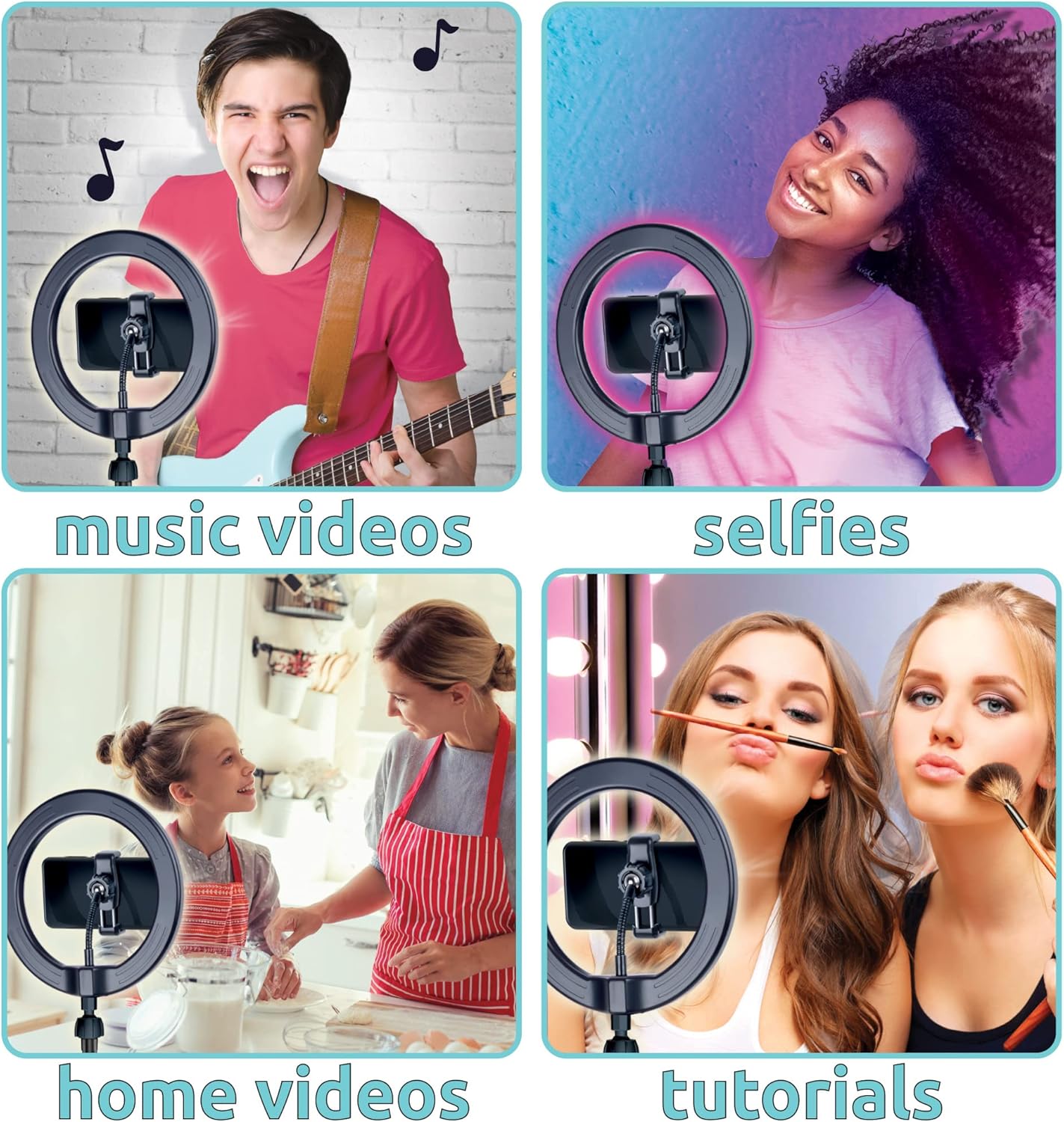
Figure 6: Smartphone Holder Adjustability
4.3. Green Screen Application
The green screen allows for chroma key effects, enabling you to replace your background with any image or video using a compatible editing application (not included). Record yourself in front of the green screen, then use your preferred app to add custom backgrounds.

Figure 7: Green Screen in Use
4.4. Official Product Videos
Watch these official videos from Canal Toys for more insights and demonstrations:
Video 1: Studio Creator 2 Influencer Video Creator Kit (Overview)
Video 2: Studio Creator 2 (Short Promotional)
5. Maintenance
- Cleaning: Wipe the ring light and tripod with a soft, dry cloth. For the green screen, gently spot clean with a damp cloth if necessary. Do not use harsh chemicals or abrasive cleaners.
- Storage: When not in use, disassemble the kit and store it in its original packaging or a protective bag to prevent damage and keep components organized.
6. Troubleshooting
| Problem | Possible Cause | Solution |
|---|---|---|
| Ring light does not turn on. | No power, loose connection, faulty USB source. | Ensure USB cable is securely plugged in. Try a different USB power source. Check the inline controller for damage. |
| Light modes or brightness not changing. | Controller malfunction. | Ensure the light is powered on. Press buttons firmly. If issue persists, contact support. |
| Smartphone does not fit in holder. | Phone size incompatible. | The holder fits most smartphones. Ensure your phone is within the holder's adjustable range. |
| Green screen wrinkles affect video quality. | Improper setup. | Hang the green screen taut and smooth. Gently iron on a low setting if fabric allows, or use a steamer to remove creases. |
7. Specifications
| Feature | Detail |
|---|---|
| Product Dimensions | 17.75 x 3.15 x 10.83 inches |
| Item Weight | 2.88 pounds |
| Ring Light Size | 8 inches LED |
| Light Modes | 3 White (White, Natural, Warm), 8 Color, 1 Multicolor (Total 12) |
| Tripod Height | Extendable up to 31.5 inches (80cm) |
| Green Screen Dimensions | 70 x 59 inches (1.8m x 1.5m) |
| Connectivity | USB |
| Manufacturer Recommended Age | 8 years and up |
| Country of Origin | China |
| Release Date | February 1, 2021 |
8. Safety Information
For external use only.
- Do not expose the electronic components to water or excessive moisture.
- Keep out of reach of small children due to small parts and electrical components.
- Ensure the tripod is stable on a flat surface before attaching your phone to prevent tipping.
- Do not look directly into the LED lights for extended periods, as this may cause eye strain.
9. Warranty & Support
For warranty information or technical support, please contact Canal Toys customer service. Refer to the packaging or the official Canal Toys website for contact details.
Website: www.canaltoys.com