1. Product Overview
The HAMLITE RGB-35M Smart LED Strip Lights are designed to provide ambient backlighting for 75-80 inch televisions. These lights feature RGBW LEDs, offering 16 million colors and a dedicated 6500K pure white light. Control options include a mobile application, voice commands via Amazon Alexa or Google Assistant, and an included IR remote. The strip lights are USB-powered and include music synchronization modes to enhance your viewing and gaming experience.

Image 1.1: Overview of HAMLITE Smart LED Strip Lights and control options.
2. Package Contents
- 4 x RGBW LED strips (2x5.7ft + 2x2.97ft)
- 1 x WiFi controller
- 1 x IR remote control (with 1 CR2 battery included)
- 1 x USB power cable
- 1 x User Manual
3. Setup and Installation
Follow these steps for proper installation of your HAMLITE Smart LED Strip Lights:
- Prepare the Surface: Ensure the back of your TV is clean and dry. Use an alcohol pad (not included) to wipe the surface where the LED strips will be applied. This ensures optimal adhesion.
- Plan the Layout: Before peeling the adhesive, plan the route for your LED strips around the TV's perimeter. The strips are designed to illuminate all four sides of 75-82 inch TVs. Consider where the USB cable and IR receiver will connect to ensure they are accessible and not obstructed.
- Attach LED Strips: Carefully peel the adhesive backing from the LED strips and firmly press them onto the clean, dry surface on the back of your TV. Apply gentle pressure along the entire length of the strip to ensure secure attachment.
- Connect the Strips: Connect the individual LED strip segments to the WiFi controller. Ensure the arrows on the connectors align correctly.
- Power Connection: Connect the USB power cable from the WiFi controller to a USB port on your TV or a 5V 1A USB power adapter (not included). The lights will turn on when the TV is powered on.
- Position IR Receiver: Ensure the IR signal receiver on the controller is visible and not obstructed for proper remote control functionality.

Image 3.1: Visual guide for installing the LED strip lights on your television.
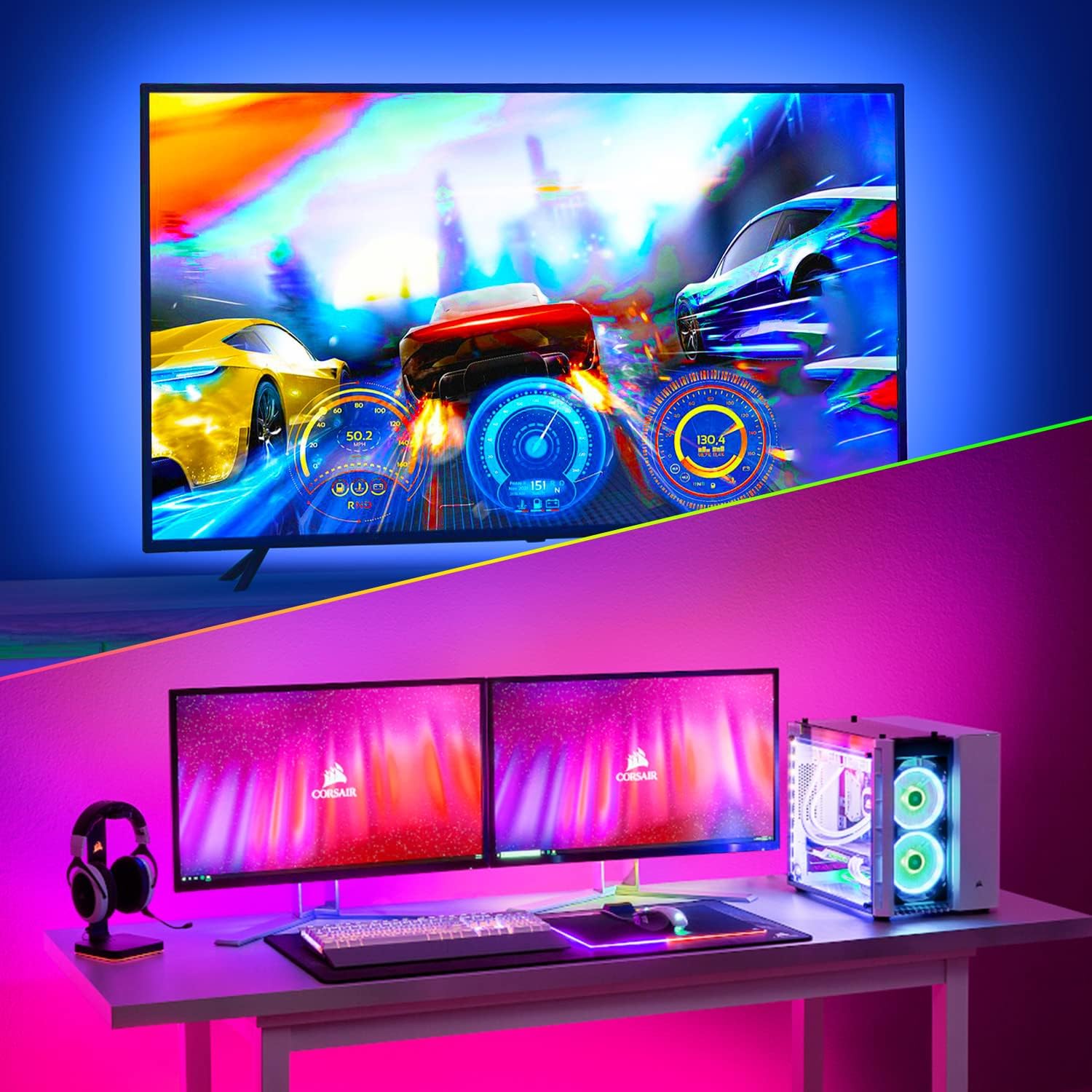
Image 3.2: Illustration of USB power connection (5V 1A) and custom length application for TV backlighting.
Video 3.1: A demonstration of the installation process for the HAMLITE Smart LED Strip Lights, showing how to clean the surface, apply the strips, and connect the components.
4. Operating Instructions
4.1. Mobile App Control (Smart Life App)
The Smart Life app provides comprehensive control over your LED strip lights. Download the 'Smart Life' app from your smartphone's app store.
- Initial Connection: Ensure your mobile device has both Bluetooth and WLAN (2.4GHz WiFi) enabled. Manually long-press the ON/OFF button on the oval controller for 5 seconds to enter Wi-Fi connection status (lights will flash).
- Add Device: Open the Smart Life app, and follow the on-screen instructions to add a new device. The app should detect the LED strip lights in pairing mode.
- Control Features: Once connected, you can control various aspects:
- Colors: Choose from 16 million colors.
- White Light: Set 6500K pure white light (available only via the app).
- Dynamic Modes: Select from 32 dynamic lighting modes.
- Music Modes: Lights synchronize with music via the controller's microphone or your phone's microphone. Customize new modes beyond the 5 default rhythm scenes (Rock, Jazz, Classical, Ball game, Game).
- Timer: Set schedules for turning lights on/off.
- DIY Mode: Create custom lighting scenes.

Image 4.1: The Smart Life app interface demonstrating color selection, brightness adjustment, and various lighting modes.

Image 4.2: Example of 6500K True White Light setting for TV backlighting.
4.2. Voice Control (Alexa & Google Assistant)
Integrate your LED strip lights with Amazon Alexa or Google Assistant for hands-free control.
- Enable Skill/Action: In your Alexa or Google Home app, enable the 'Smart Life' skill or action.
- Discover Devices: Allow the voice assistant to discover your new device.
- Voice Commands: Use simple commands like "Alexa, turn on the light" or "Hey Google, change the light to blue."

Image 4.3: Demonstrating smart voice control with Amazon Alexa for the LED strip lights.
4.3. IR Remote Control
The included IR remote control allows for basic functions.
- Power: Single click to turn on, double click to turn off.
- Color Selection: Directly select colors using the color buttons.
- Brightness/Speed: Adjust brightness and dynamic mode speed.
- Modes: Cycle through various preset modes.

Image 4.4: Overview of multiple control methods: mobile app, IR remote, and voice assistants.
5. Maintenance
To ensure the longevity and optimal performance of your LED strip lights, follow these maintenance guidelines:
- Cleaning: Gently wipe the LED strips with a soft, dry cloth to remove dust. Avoid using abrasive cleaners or harsh chemicals, as these can damage the strip or its adhesive.
- Connection Check: Periodically inspect all connections (USB, strip connectors) to ensure they are secure and free from damage.
- Storage: If storing the lights for an extended period, ensure they are clean, dry, and stored in a cool, dry place away from direct sunlight.
6. Troubleshooting
If you encounter issues with your HAMLITE Smart LED Strip Lights, refer to the following troubleshooting tips:
- Lights Not Turning On:
- Check if the USB cable is securely connected to a 5V 1A power source.
- Ensure all strip segments are correctly connected to the WiFi controller.
- Verify the power source (TV USB port or adapter) is functioning.
- Cannot Connect to Smart Life App/WiFi:
- Confirm your WiFi network is 2.4GHz (5GHz networks are not supported).
- Ensure Bluetooth and WLAN are enabled on your mobile device.
- Long-press the ON/OFF button on the oval controller for 5 seconds until the lights flash, indicating pairing mode.
- Make sure your phone is close to the controller during the pairing process.
- IR Remote Not Responding:
- Ensure the CR2 battery in the remote is correctly inserted and has power.
- Point the remote directly at the IR signal receiver on the controller.
- Remove any obstructions between the remote and the receiver.
- Inaccurate Colors / White Light Issues:
- The 6500K pure white light can only be set via the 'Smart Life' app.
- If colors appear incorrect, try recalibrating through the app or resetting the device.
- Adhesive Not Holding:
- Ensure the TV surface was thoroughly cleaned and dry before application.
- Apply firm, even pressure along the entire strip during installation.
7. Specifications
| Feature | Specification |
|---|---|
| Model Number | RGB-35M |
| Size | For 75-80 inch TVs (17.4 Feet total length) |
| Light Source Type | RGBW LED |
| Number of Light Sources | 180 |
| Power Source | DC (USB Powered, 5V 1A) |
| Wattage | 5 watts |
| Color Temperature | 6500 Kelvin (White) |
| Control Methods | Bluetooth, WiFi (2.4GHz only), IR Remote, Voice (Alexa, Google Assistant) |
| Special Features | Music Sync, Timer, DIY Modes |
| Indoor/Outdoor Usage | Indoor use only |
| Item Weight | 7 ounces |
| Included Components | LED strip light, WiFi controller, IR remote, Manual |
| Remote Battery | 1 CR2 battery (included) |
8. Warranty and Support
For warranty information and customer support, please refer to the contact details provided with your product packaging or visit the official HAMLITE website. For technical assistance with the Smart Life app, refer to the app's help section or support resources.


