
Roland RP701-WH
ROLAND RP701-WH Digital Home Piano User Manual
Model: RP701-WH
Brand: Roland
1. Introduction
The Roland RP701 Digital Home Piano is designed to provide an authentic piano experience for players of all levels. It features Roland's SuperNATURAL Piano technology for rich, expressive tones and a highly playable PHA-4 Standard keyboard that mimics the feel of an acoustic piano.
This instrument is user-friendly, with intuitive controls and built-in Bluetooth connectivity for seamless integration with smart devices and music applications. It offers powerful onboard speakers for room-filling sound and Headphones 3D Ambience for private practice sessions.
The RP701 also includes a Progressive Damper Action pedal, allowing for advanced playing techniques such as half-pedaling.
2. What's in the Box
Upon unpacking your Roland RP701 Digital Home Piano, please ensure all the following items are present:
- Owner's Manual
- Leaflet "USING THE UNIT SAFELY"
- AC Adaptor
- Power Cord
- Headphone Hook

Figure 2.1: The Roland RP701-WH Digital Home Piano in white, shown with its matching bench and music rest.
3. Setup
3.1 Assembly
Detailed assembly instructions are provided in the included "Owner's Manual" and "USING THE UNIT SAFELY" leaflet. Please follow these instructions carefully to ensure proper and safe setup of your digital piano.
3.2 Power Connection
Connect the supplied AC adaptor to the DC In jack on the piano. Ensure the power cord is securely connected to the AC adaptor and then plug it into a standard wall outlet. Use only the provided AC adaptor and power cord to prevent damage to the unit.
3.3 Audio Connections
- Headphones: Connect headphones to the Stereo 1/4-inch phone type or Stereo miniature phone type jacks for private practice. The piano features Headphones 3D Ambience for an immersive sound experience.
- External Audio Devices: Use the Stereo 1/4-inch phone type or Stereo miniature phone type jacks to connect to external audio systems if desired.
3.4 USB Connections
- USB Type A: For connecting USB memory devices.
- USB Type B: For connecting to a computer for MIDI data transfer or audio recording.
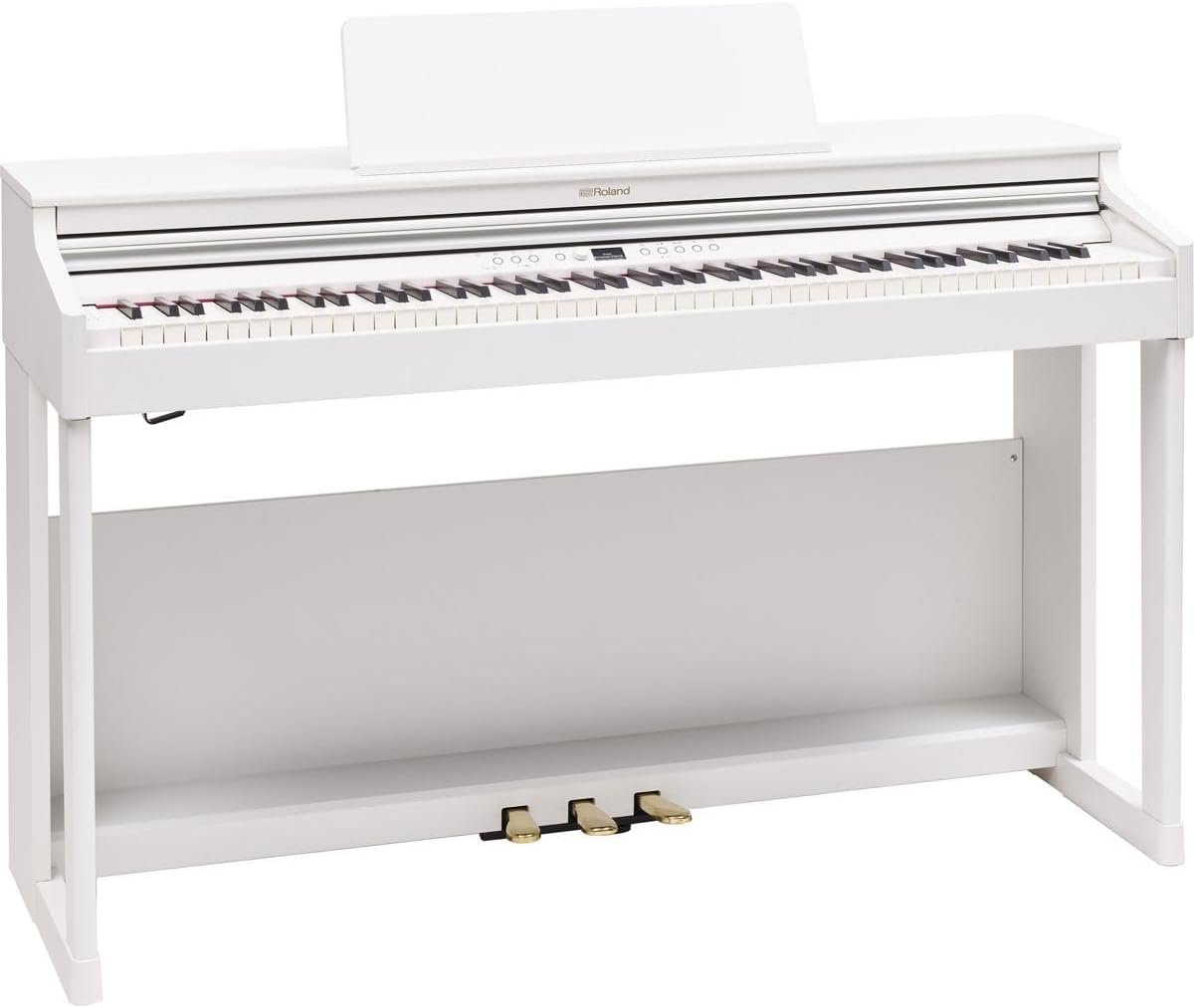
Figure 3.1: Front view of the Roland RP701-WH, highlighting the keyboard and user interface for setup and operation.
4. Operating Instructions
4.1 Basic Operation
The RP701 features an intuitive control panel with easy-to-read icons, designed for straightforward operation. Refer to the Owner's Manual for detailed instructions on selecting tones, adjusting volume, and using the metronome.
4.2 SuperNATURAL Piano Technology
Experience rich and expressive piano tones powered by Roland's SuperNATURAL Piano technology. This engine accurately reproduces the subtle changes in tone and resonance found in acoustic pianos, responding dynamically to your touch.
4.3 PHA-4 Standard Keyboard
The 88-key PHA-4 Standard keyboard provides an authentic playing feel, complete with escapement and ivory-touch white keys. This design ensures a realistic response, including the distinctive "click" sensation of an acoustic piano key.
4.4 Bluetooth Connectivity
The RP701 supports Bluetooth audio connectivity, allowing you to stream music from your smartphone or tablet through the piano's speakers. This feature is ideal for playing along with your favorite songs or using educational apps.
4.5 Supported Software
Enhance your playing experience with dedicated Roland applications:
- Roland Piano App: Provides a graphical interface for selecting sounds, controlling the metronome, and accessing various piano functions.
- Piano Designer: Allows for detailed customization of the piano's sound characteristics.
Additionally, Roland offers three months of free piano lessons through Pianote, an online platform accessible to Roland piano owners. This includes step-by-step lessons, song tutorials, and live support from piano teachers.
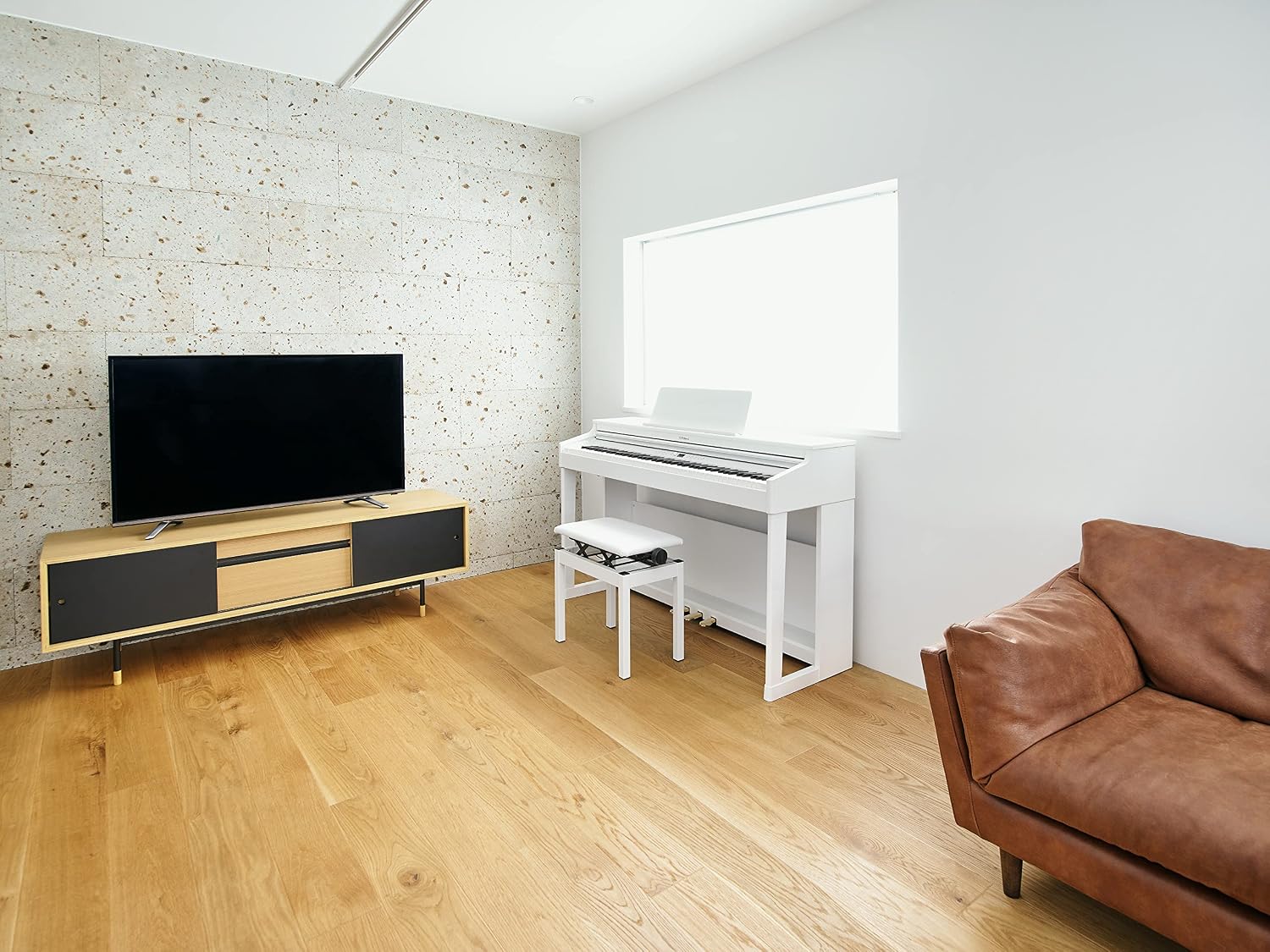
Figure 4.1: The Roland RP701-WH integrated into a home environment, demonstrating its compact and stylish design.
5. Maintenance
To ensure the longevity and optimal performance of your Roland RP701 Digital Home Piano, follow these general maintenance guidelines:
- Cleaning: Use a soft, dry cloth to wipe down the piano's surface. For stubborn dirt, slightly dampen the cloth with water and a mild, non-abrasive cleaner, then wipe dry immediately. Avoid using harsh chemicals, solvents, or abrasive materials.
- Dust Protection: When not in use, cover the piano with a dust cover to prevent dust accumulation on the keys and internal components.
- Temperature and Humidity: Store and operate the piano in a stable environment, away from direct sunlight, extreme temperatures, and high humidity, which can affect electronic components and the cabinet finish.
- Avoid Liquids: Keep liquids away from the piano to prevent spills that could damage the electronics.
- Power Off: Always turn off the power and unplug the AC adaptor from the wall outlet when the piano will not be used for an extended period or during electrical storms.
6. Troubleshooting
This section provides solutions to common issues you might encounter with your Roland RP701 Digital Home Piano. For more detailed troubleshooting, refer to the comprehensive Owner's Manual.
6.1 No Sound
- Check Power: Ensure the AC adaptor is securely connected to both the piano and a working power outlet. Verify the power indicator light is on.
- Volume Level: Confirm the master volume knob is turned up.
- Headphones: If headphones are plugged in, sound will typically not come from the internal speakers. Unplug headphones to hear sound from speakers.
- External Connections: If connected to external speakers or an audio interface, ensure those devices are powered on and correctly configured.
6.2 Keys Not Responding / Abnormal Sound
- Restart: Turn the piano off, wait a few seconds, and then turn it back on. This can resolve temporary software glitches.
- Factory Reset: If issues persist, a factory reset might be necessary. Refer to the Owner's Manual for instructions on how to perform a factory reset. Note that this will erase any custom settings.
6.3 Bluetooth Connectivity Issues
- Pairing Mode: Ensure the piano is in Bluetooth pairing mode and your smart device's Bluetooth is enabled.
- Distance: Keep your smart device within the recommended Bluetooth range (typically 10 meters or 33 feet) of the piano.
- Interference: Move away from other electronic devices that might cause interference.
- Forget Device: On your smart device, "forget" the piano from your Bluetooth device list and attempt to pair again.
7. Specifications
| Feature | Detail |
|---|---|
| Model Name | RP701 |
| Number of Keys | 88 |
| Keyboard Type | PHA-4 Standard Keyboard with Escapement and Ivory Feel |
| Sound Engine | SuperNATURAL Piano |
| Output Wattage | 12 Watts |
| Connectivity Technology | AC Adaptor, Bluetooth |
| Connector Types | DC In jack, Stereo 1/4-inch phone type, Stereo miniature phone type, USB Type A, USB Type B |
| Headphones Jack | Yes |
| Supported Software | Roland Piano App, Piano Designer |
| Dimensions (L x H x W) | 58.07 x 27.16 x 24.8 inches (Package Dimensions) / 53.8 x 18.25 x 40.45 inches (Product Dimensions) |
| Item Weight | 101 Pounds |
| Color | White (also available in Dark Rosewood, Light Oak, Black) |
8. Warranty and Support
8.1 Product Warranty
For information regarding the product warranty, please refer to the warranty card included with your purchase or visit the official Roland website. Protection plans may also be available for extended coverage.
- 3-Year Protection Plan: Available for purchase.
- 4-Year Protection Plan: Available for purchase.
- Complete Protect: A monthly subscription plan covering eligible past and future purchases.
8.2 Customer Support
Should you require assistance with your Roland RP701 Digital Home Piano, please contact Roland customer support. You can find contact information on the official Roland website or through the documentation provided with your product.
For general inquiries or returns, Amazon offers a 30-day easy return policy for this product.
Visit the official Roland Store on Amazon for more products and information: Roland Store
Ask a question about this manual
Ask about setup, troubleshooting, compatibility, parts, safety, or missing instructions. Manuals+ will review the question and use this page’s manual context to help answer it.