1. Product Overview
The Ankuka 4-in-1 Portable Bluetooth Karaoke Microphone combines a microphone, Bluetooth speaker, recorder, and voice changer into a single device. It features integrated LED lights and offers multiple connection options for versatile use.

Image 1.1: The Ankuka 4-in-1 Portable Bluetooth Karaoke Microphone, showcasing its design and LED lights.
2. Package Contents
Please verify that all items are present in the package:
- Ankuka Karaoke Microphone
3. Controls and Indicators
Familiarize yourself with the microphone's controls and indicators for optimal use.

Image 3.1: Detailed diagram of the microphone's control panel and ports.
- Mic Volume +/-: Adjusts the microphone's input volume.
- Echo +/-: Controls the echo effect level.
- Music Volume +/-: Adjusts the volume of the playing music.
- Mode Switch: Toggles between different operating modes.
- ON/OFF Button: Powers the microphone on or off.
- Original Sing/Accompaniment: Switches between original vocal track and instrumental accompaniment.
- LED Light/Magic Sound: Activates or changes LED light modes, or cycles through voice changing effects.
- Previous Song: Skips to the previous track.
- Play/Pause: Plays or pauses music playback.
- Next Song: Skips to the next track.
- Connection Indicator: Light indicating Bluetooth or other connection status.
- Charging Indicator: Light indicating charging status.
- TF Card Slot: Insert a TF (MicroSD) card for music playback.
- Charging/Audio Output Port: Used for charging and connecting an audio cable.
- USB Port: For USB drive music playback or other compatible connections.
4. Setup and Connection
4.1 Charging the Microphone
Before first use, fully charge the microphone. A full charge provides approximately 4-6 hours of continuous use.
- Connect the charging cable (not included) to the Charging/Audio Output Port on the microphone.
- Connect the other end of the charging cable to a USB power adapter (not included) or a computer's USB port.
- The Charging Indicator light will illuminate during charging and turn off when fully charged.
4.2 Bluetooth Connection
Connect the microphone wirelessly to your smartphone or other Bluetooth-enabled device.
- Press and hold the ON/OFF Button to power on the microphone. The Connection Indicator will flash, indicating it is in pairing mode.
- On your device, enable Bluetooth and search for available devices.
- Select "Ankuka" from the list of devices.
- Once connected, the Connection Indicator will stop flashing and remain solid. You can now play music from your device through the microphone's speaker.
4.3 Aux Cable Connection
For devices without Bluetooth, use an Aux cable (not included).
- Connect one end of a 3.5mm audio cable to the Charging/Audio Output Port on the microphone.
- Connect the other end to the audio output jack of your device.
- The microphone will automatically switch to Aux mode.
4.4 TF Card / USB Playback
Play music directly from a TF card (MicroSD) or USB drive (up to 64GB, not included).
- Insert a TF card into the TF Card Slot or a USB drive into the USB Port.
- The microphone will automatically detect and begin playing audio files from the inserted storage.

Image 4.1: Connection ports for charging, audio output, TF card, and USB.

Image 4.2: The microphone's compatibility with various operating systems and devices.
5. Operating Instructions
5.1 Basic Operation
- Power On/Off: Press and hold the ON/OFF Button.
- Microphone Volume: Use the Mic Volume +/- sliders to adjust your voice level.
- Echo Effect: Use the Echo +/- sliders to add or reduce reverberation to your voice.
- Music Volume: Use the Music Volume +/- sliders to control the background music volume.
5.2 Music Playback
- Play/Pause: Press the Play/Pause button to start or stop music.
- Next/Previous Track: Use the Next Song or Previous Song buttons to navigate tracks.
- Original Sing/Accompaniment: Press the Original Sing/Accompaniment button to remove or restore vocals from a song (functionality may vary based on audio track).
5.3 Voice Effects and LED Lights
- Magic Sound (Voice Changer): Press the LED Light/Magic Sound button to cycle through various voice changing effects.
- LED Lights: Press and hold the LED Light/Magic Sound button to turn the LED lights on/off or change their mode.
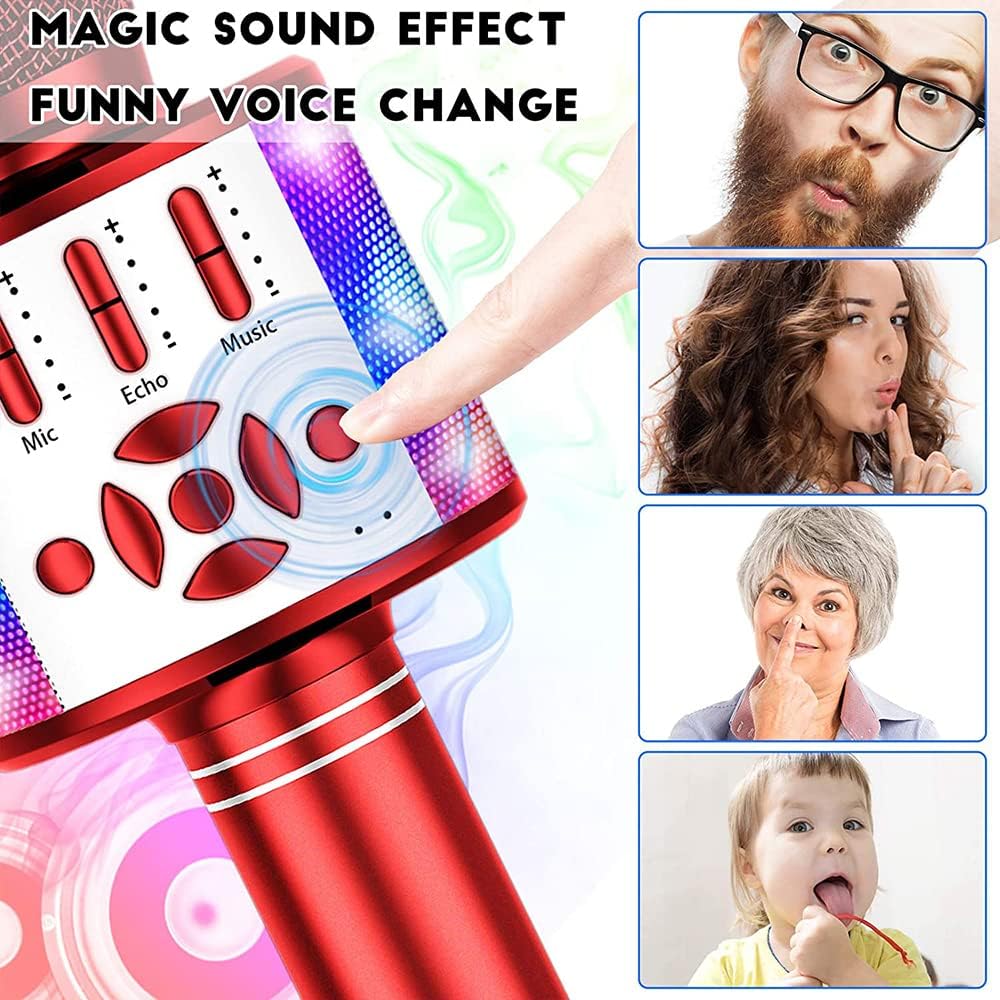
Image 5.1: Activating the magic sound effect for voice alteration.
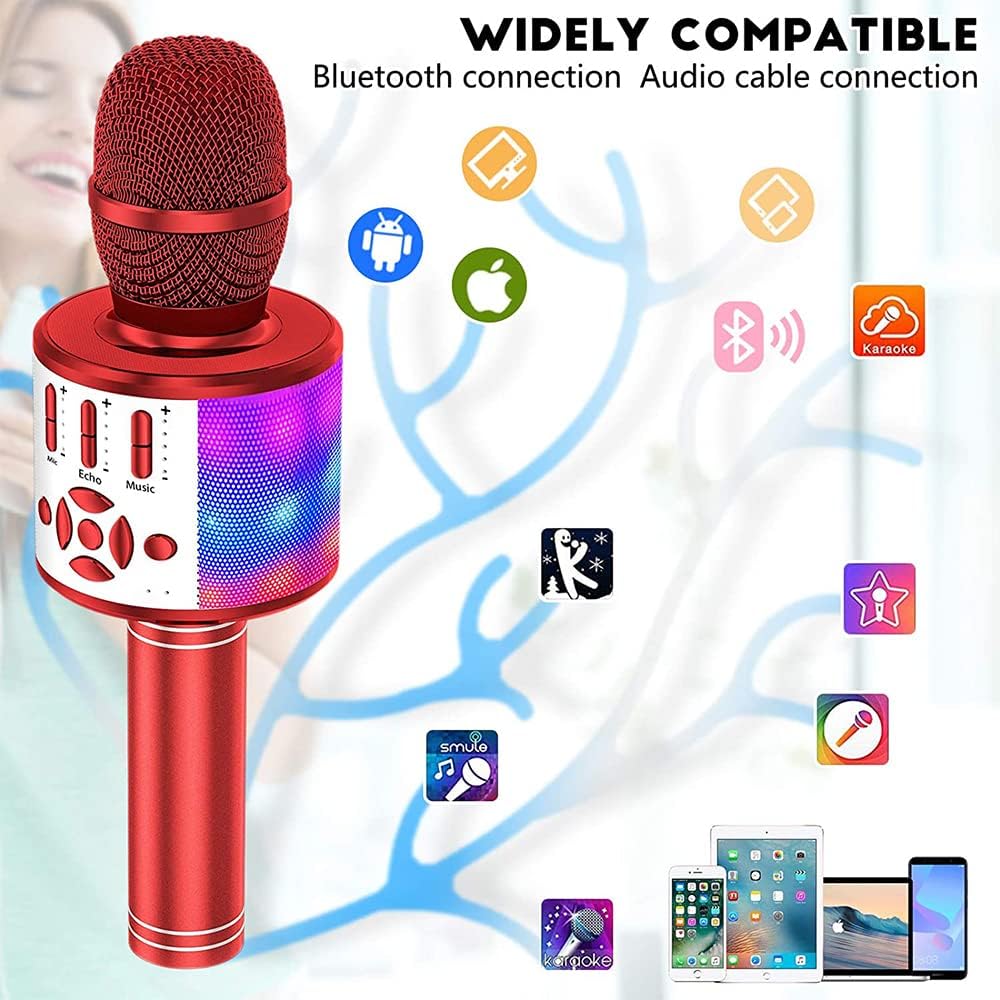
Image 5.2: The microphone's integrated flashing LED lights.
Video 5.3: Demonstration of the Ankuka Karaoke Microphone in use, showcasing its sound and light features.
6. Maintenance
Proper care ensures the longevity of your microphone.
- Cleaning: Wipe the microphone with a soft, dry cloth. Do not use harsh chemicals or abrasive cleaners.
- Storage: Store the microphone in a cool, dry place away from direct sunlight and extreme temperatures.
- Battery Care: To preserve battery life, charge the microphone regularly, even if not in frequent use. Avoid fully depleting the battery for extended periods.

Image 6.1: Internal structure of the microphone head, highlighting noise reduction layers and speaker.
7. Troubleshooting
Refer to the table below for common issues and their solutions.
| Problem | Solution |
|---|---|
| Microphone does not power on. | Ensure the battery is charged. Connect to a power source and try again. |
| Cannot connect via Bluetooth. | Ensure Bluetooth is enabled on your device and the microphone is in pairing mode (flashing indicator). Move closer to the microphone. Forget and re-pair the device in your Bluetooth settings. |
| No sound from the microphone. | Check microphone volume sliders. Ensure the microphone is properly connected (Bluetooth, Aux, TF card, or USB). |
| Music playback is distorted or low volume. | Adjust music volume sliders on the microphone and your connected device. Ensure audio files are not corrupted. |
| LED lights are not working. | Press the LED Light/Magic Sound button to activate or change light modes. Ensure the microphone is powered on. |
8. Specifications
- Brand: Ankuka
- Model: B08RHYGC47
- Connectivity Technology: Bluetooth, USB
- Connector Type: USB
- Special Features: Bluetooth, Lightweight, USB, Wireless
- Microphone Form Factor: Handheld
- Power Source: Battery Powered
- Item Weight: 12.3 ounces
- Package Dimensions: 10.04 x 3.43 x 3.31 inches
- Frequency Response: 10 KHz
9. Warranty and Support
For warranty information or technical support, please refer to the product packaging or contact Ankuka customer service through the retailer where the product was purchased. Keep your purchase receipt for warranty claims.