
1. Product Overview
This manual provides essential information for the safe and effective use of your COSTWAY Handgun Safe. This heavy-duty steel safe is designed for secure storage of handguns and other valuables, featuring quick access via a digital keypad or backup keys. Its compact design allows for versatile placement, and the padded interior protects contents from damage.

Figure 1.1: The COSTWAY Handgun Safe in its closed state, highlighting the digital keypad and manual key access point.
2. Safety Information
- Always store the backup keys in a secure location away from the safe and out of reach of children. Do not store keys inside the safe.
- Ensure the safe is securely mounted or placed to prevent unauthorized removal.
- Do not store loaded firearms in the safe unless local regulations permit and you are trained in safe firearm handling.
- Keep the safe out of reach of children and individuals unfamiliar with its operation.
- Regularly check battery levels to ensure proper function of the digital keypad.
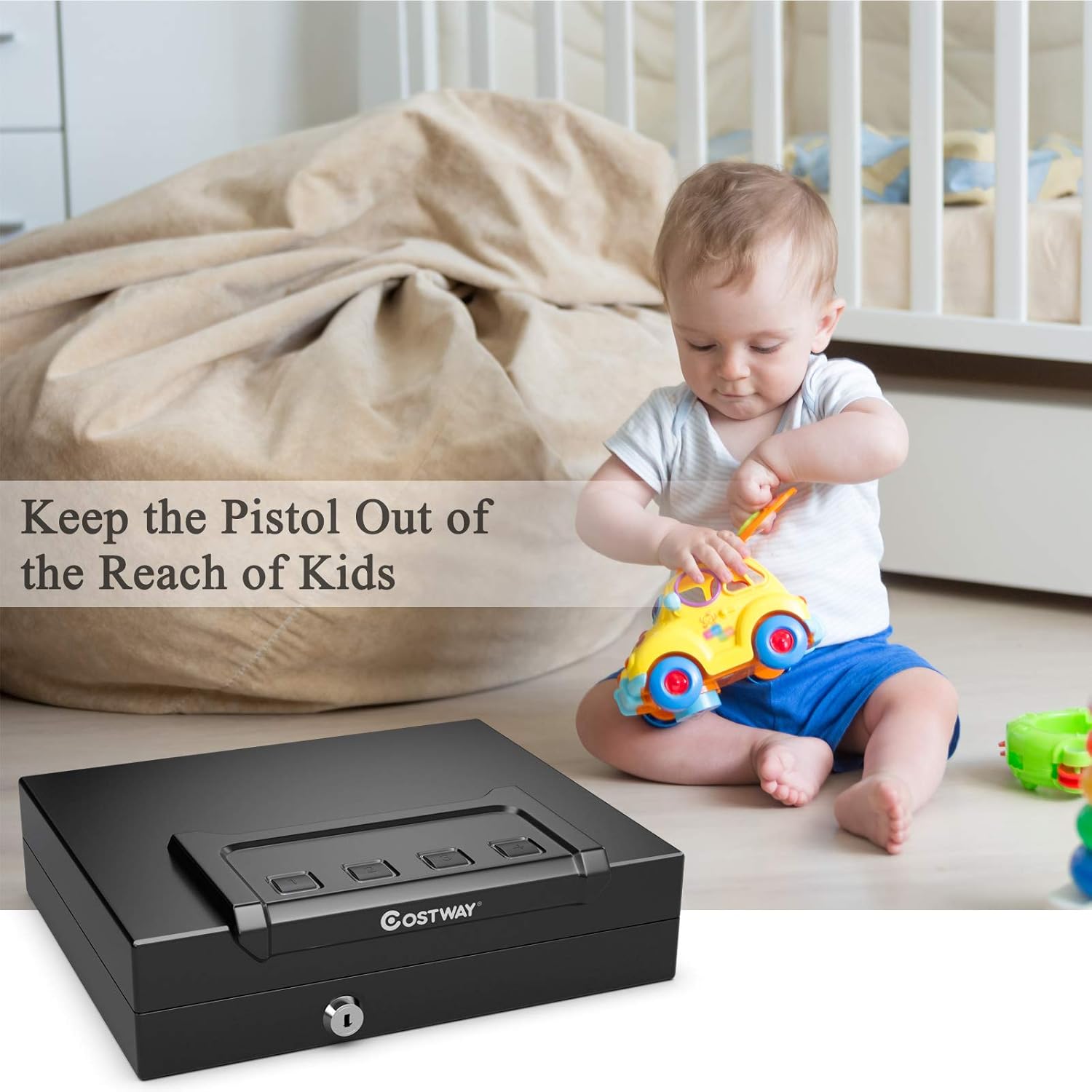
Figure 2.1: The handgun safe positioned to illustrate the importance of keeping it out of reach of children.
3. Package Contents
Verify that all components are present before proceeding with setup:
- COSTWAY Handgun Safe
- Backup Keys (2)
- Mounting Bolts (4 pairs)
- Instruction Manual (this document)
4. Setup
4.1. Battery Installation
- Open the safe using one of the backup keys.
- Locate the battery compartment, typically on the underside of the lid or inside the safe.
- Insert 4 AA batteries, ensuring correct polarity (+/-).
- Close the battery compartment cover securely.

Figure 4.1: Detailed view of the safe's features, including the battery compartment for 4 AA batteries.
Video: Battery Installation
Video 4.1: Demonstrates the process of installing 4 AA batteries into the safe's battery compartment.
4.2. Mounting the Safe
The safe features a bottom-bolting design for secure installation. Use the provided mounting bolts to fix the safe to a stable surface.
- Choose a suitable location (e.g., inside a drawer, cabinet, or desk).
- Mark the drilling points through the pre-drilled holes in the bottom of the safe.
- Drill pilot holes into the chosen surface.
- Align the safe and secure it using the provided mounting bolts.
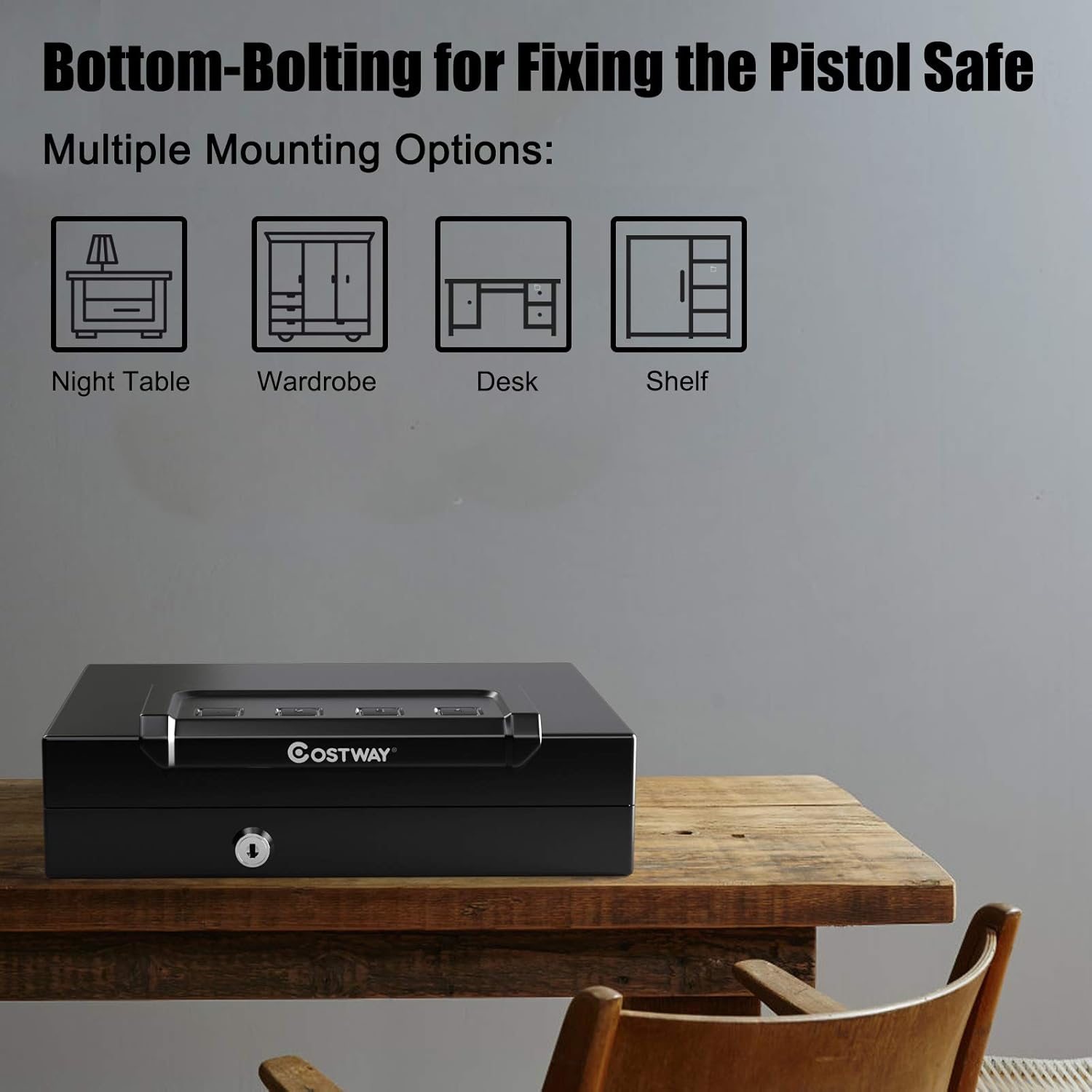
Figure 4.2: The safe shown with multiple mounting options, emphasizing its bottom-bolting feature for secure placement.

Figure 4.3: The safe discreetly stored within a drawer, showcasing its compact size and space-saving design.
5. Operating Instructions
5.1. Unlocking with Backup Key
In case of battery depletion or forgotten code, use the backup key:
- Insert the backup key into the keyhole on the front of the safe.
- Turn the key clockwise to unlock. The lid will automatically open.
- Important: Do not store the backup keys inside the safe.

Figure 5.1: The safe open, revealing the padded interior and the keyhole for manual access.
Video: Unlocking with a Key
Video 5.1: Demonstrates how to unlock the safe using the provided backup key.
5.2. Programming Security Code
You can program a 4-6 digit security code for quick digital access:
- Open the safe.
- Locate the reset button inside the safe (often a small button or pinhole).
- Press and hold the reset button until all keypad lights flash blue with a beep.
- Enter your desired 4-6 digit code on the keypad.
- Press the reset button again. The lights will flash blue twice with two beeps, indicating successful programming.
- Test your new code with the safe open to ensure it works correctly before closing.
Video: Programming Security Code
Video 5.2: Illustrates the steps to program a new 4-6 digit security code for the safe's digital keypad.
5.3. Opening with Digital Keypad
- Enter your programmed 4-6 digit security code.
- If the code is correct, the lid will automatically open.
5.4. Mute Mode
To mute or unmute the keypad sounds:
- Press and hold the "1" button on the keypad.
- Continue holding until all lights flash blue once. This toggles the mute mode.
Video: Muting & Unmuting the Keyboard
Video 5.3: Shows how to activate or deactivate the mute function for the keypad sounds.
6. Maintenance
- Battery Replacement: Replace batteries when the low battery indicator activates or if the keypad becomes unresponsive. Always use 4 new AA batteries.
- Cleaning: Wipe the exterior of the safe with a soft, damp cloth. Avoid abrasive cleaners or solvents.
- Interior: The padded interior can be gently vacuumed or wiped to remove dust.
7. Troubleshooting
| Problem | Possible Cause | Solution |
|---|---|---|
| Safe does not open with digital code. | Incorrect code entered; low batteries. | Re-enter the correct code. Replace batteries. Use backup key. |
| Keypad lights flash red 5 times. | Incorrect code entered 5 consecutive times. | The safe is locked for 5 minutes. Wait for the lockout period to end or use the backup key. |
| Lid does not open automatically. | Low batteries. | Replace batteries. |
| Cannot program new security code. | Reset button not held long enough; incorrect sequence. | Ensure the reset button is held until lights flash blue with a beep. Follow programming steps precisely. |
8. Specifications
- Exterior Dimensions: 12" (L) x 10" (W) x 3" (H)
- Interior Dimensions: 11.5" (L) x 7" (W) x 2.5" (H)
- Material: Alloy Steel
- Lock Type: Digital Keypad with Backup Key
- Power: 4 x AA Batteries (not included in all packages, check contents)
- Special Features: Bottom-Bolting Design, Mute Mode, Padded Interior, Auto Open Lid
- Weight: Approximately 10.06 pounds

Figure 8.1: Visual representation of the safe's exterior dimensions.
9. Warranty and Support
For warranty information, technical support, or any questions regarding your COSTWAY Handgun Safe, please contact COSTWAY customer service directly. Refer to the product packaging or the official COSTWAY website for contact details.