
Product Overview
The Pyle Portable Bluetooth PA Speaker System (Model PPHP1242B) is a high-powered audio solution designed for both indoor and outdoor use. It features an 800W peak power output with a 12-inch subwoofer and 1-inch tweeter, delivering full-range stereo sound and robust bass. This versatile system supports Bluetooth wireless music streaming, USB flash memory, Micro SD card playback, and FM radio. It includes a wired microphone for karaoke and public address functions, along with multi-color flashing LED party lights to enhance any event. Its built-in rechargeable battery, convenient trolley, and wheels ensure maximum portability.
Key Features:
- 800 Watt Power Output: Equipped with a 12" subwoofer and 1" tweeter for powerful, clear audio.
- Bluetooth Wireless Streaming: Seamlessly connect to smartphones, tablets, laptops, and computers.
- Multiple Input Options: USB flash drive, Micro SD card reader, 3.5mm AUX input, and 1/4" microphone input.
- Flashing DJ Lights: Multi-color LED party lights create a dynamic visual experience.
- Rechargeable Battery: Built-in battery with level indicator for portable use, offering up to 3 hours of playtime.
- Portability: Features convenient wheels and a retractable trolley handle for easy transport.
- Recording Function: Record audio directly to USB/SD.
- Microphone Priority Function: Automatically lowers music volume when the microphone is in use.
What's in the Box
- PA Speaker System
- Remote Control
- Power Adapter
- Wired Microphone
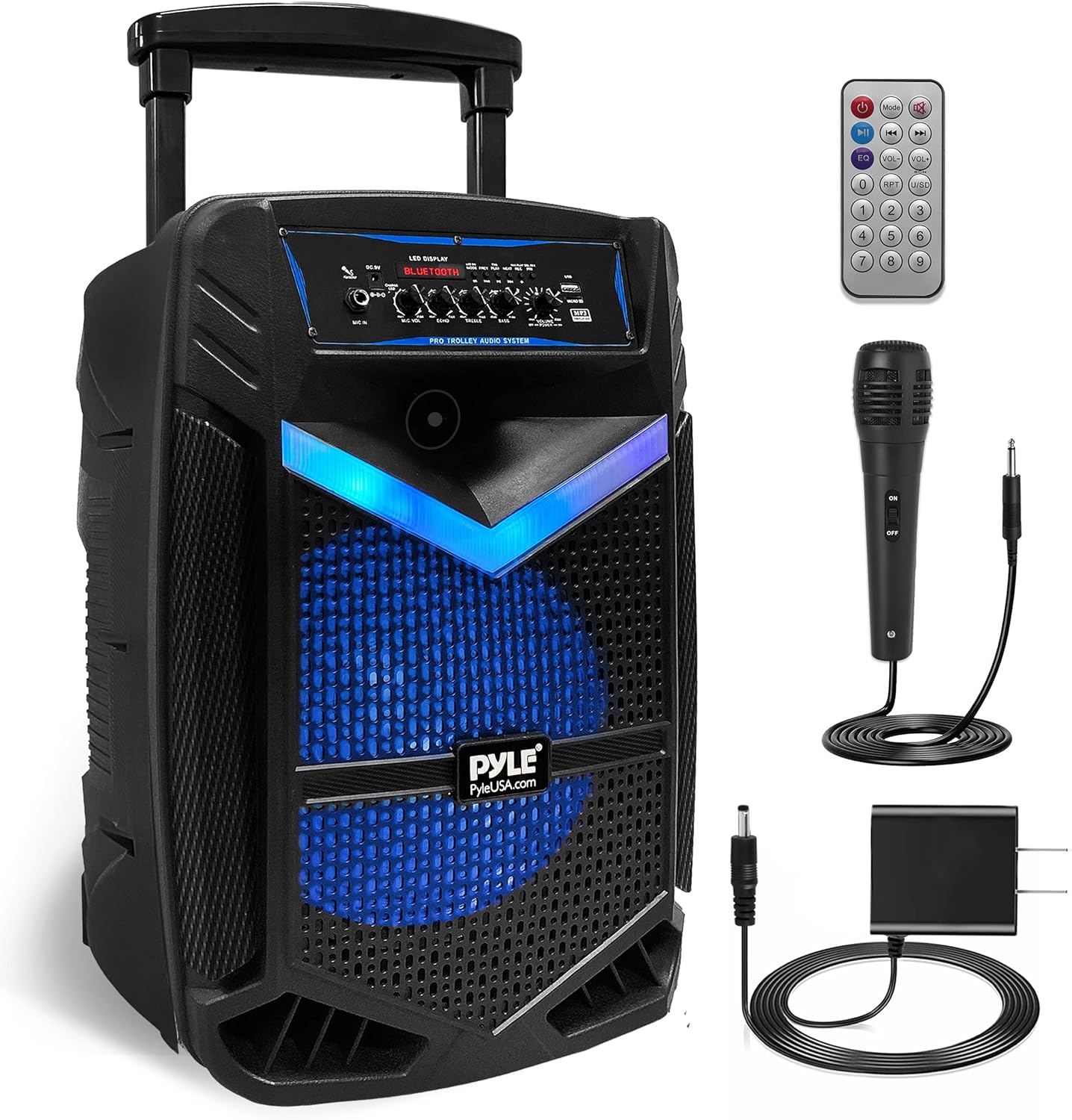
Figure 1: Contents of the Pyle Portable Bluetooth PA Speaker System package.
Setup Instructions
- Unpacking: Carefully remove all components from the packaging. Ensure all items listed in "What's in the Box" are present.
- Charging the Battery: Before first use, fully charge the speaker's built-in rechargeable battery. Connect the included power adapter to the DC 9V input port on the speaker and plug it into a standard wall outlet. The "Charge LED" indicator will illuminate during charging. Charging typically takes approximately 5 hours.
- Positioning the Speaker: Place the speaker on a stable, flat surface. For optimal sound projection, position it in an open area, avoiding obstructions.
- Microphone Connection: If using the wired microphone, insert its 1/4" plug into the "MIC IN" jack on the control panel. Ensure the microphone's ON/OFF switch is in the OFF position before connecting.

Figure 2: The speaker features a built-in rechargeable battery for portable use.
Operating Instructions
Power On/Off:
Locate the "POWER" switch on the control panel. Flip it to the "ON" position to power on the speaker. Flip it to the "OFF" position to power off. It is recommended to turn off the power with the ON/OFF switch when not in use to prevent battery damage from standby mode.
Mode Selection:
Press the "MODE" button on the control panel or remote control to cycle through available input modes: Bluetooth, USB, Micro SD, AUX, and FM Radio. The LED display will indicate the current mode.
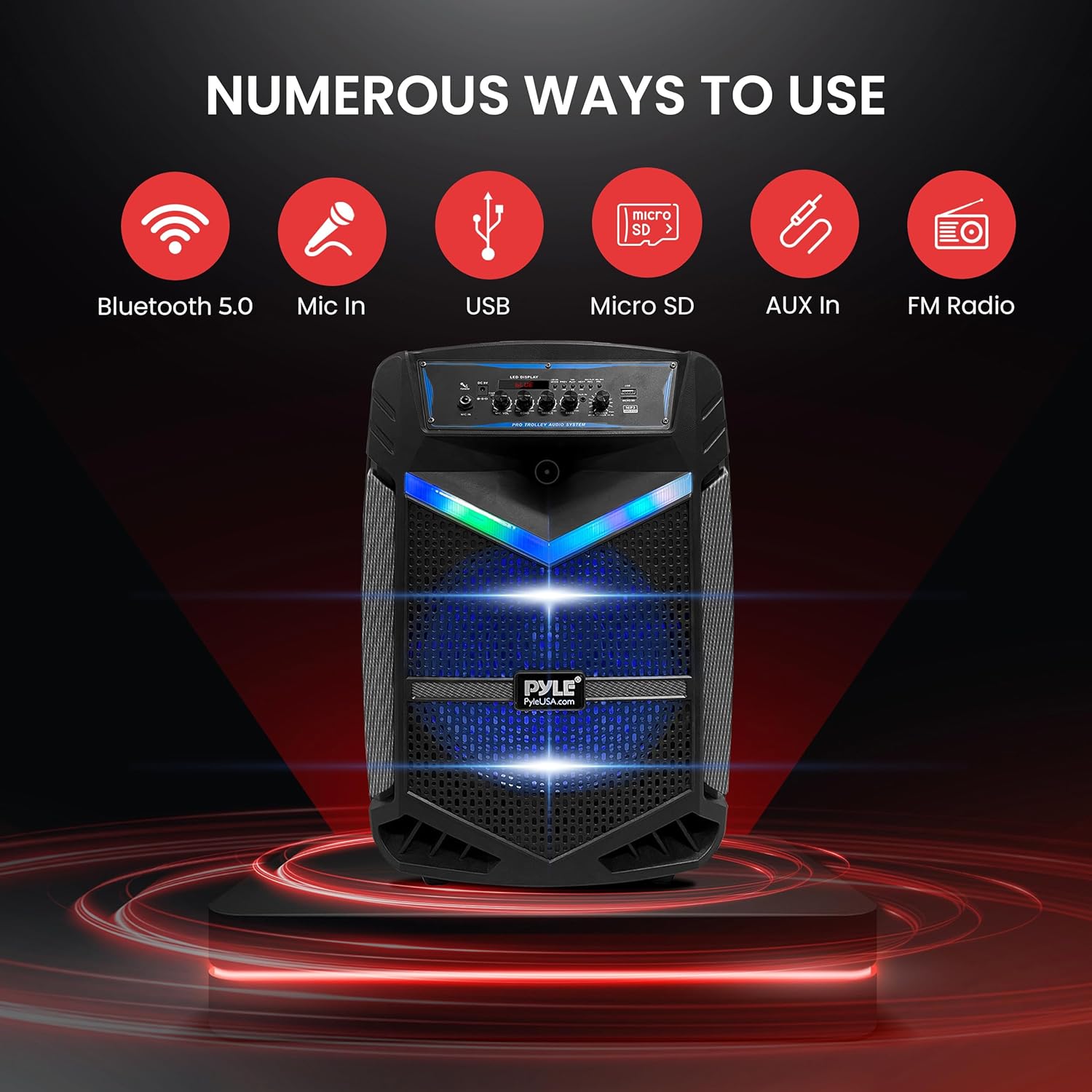
Figure 3: The speaker offers numerous ways to play audio.
Bluetooth Pairing:
- Turn on the speaker and select Bluetooth mode using the "MODE" button. The LED display will show "BLUE".
- Enable Bluetooth on your device (smartphone, tablet, etc.).
- Search for "PYLEUSA" in your device's Bluetooth settings.
- Select "PYLEUSA" to pair. A confirmation tone will sound upon successful connection.
- You can now stream audio wirelessly from your device. The wireless range is up to 32 feet.
USB/Micro SD Playback:
Insert a USB flash drive or Micro SD card (up to 32GB) containing MP3 audio files into the respective slot. The speaker will automatically switch to USB/SD mode and begin playback. Use the "PREV", "PLAY/PAUSE", and "NEXT" buttons to control playback.
FM Radio:
In FM Radio mode, the speaker will automatically scan and save available stations. Use the "PREV" and "NEXT" buttons to navigate between saved stations.
Microphone Usage:
After connecting the wired microphone, switch its ON/OFF button to "ON". Adjust the microphone volume using the "MIC VOL" knob on the control panel. The "ECHO" knob can be used to add an echo effect to the microphone audio. The "Microphone Priority Function" can be activated to automatically lower background music when speaking into the microphone.
Adjusting Audio:
Use the "VOLUME" knob to control the overall master volume. The "TREBLE" and "BASS" knobs allow for fine-tuning of the audio's high and low frequencies.
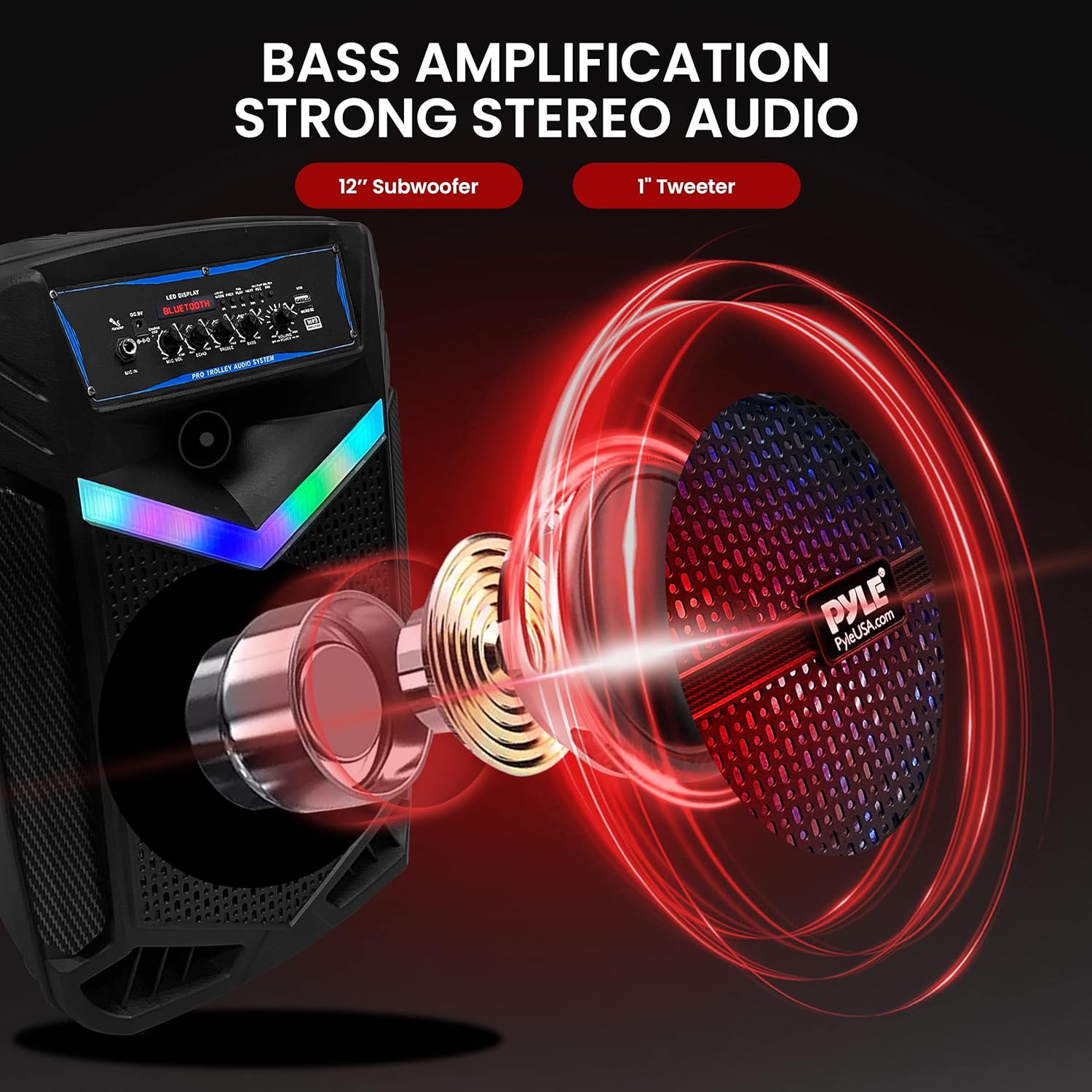
Figure 4: Internal components contributing to the speaker's sound quality.
LED Party Lights:
Toggle the "LED-SW" switch on the control panel to turn the multi-color flashing LED party lights on or off. These lights provide a dynamic visual effect, ideal for parties and gatherings.

Figure 5: The multi-color flashing LED party lights enhance the atmosphere.
Maintenance
- Cleaning: Use a soft, dry cloth to clean the exterior of the speaker. Do not use abrasive cleaners or solvents.
- Battery Care: To prolong battery life, avoid fully discharging the battery frequently. Recharge the speaker regularly, even if not in constant use. Store the speaker in a cool, dry place when not in use for extended periods.
- Storage: When storing, ensure the trolley handle is fully retracted and the microphone and cables are neatly stored to prevent damage.
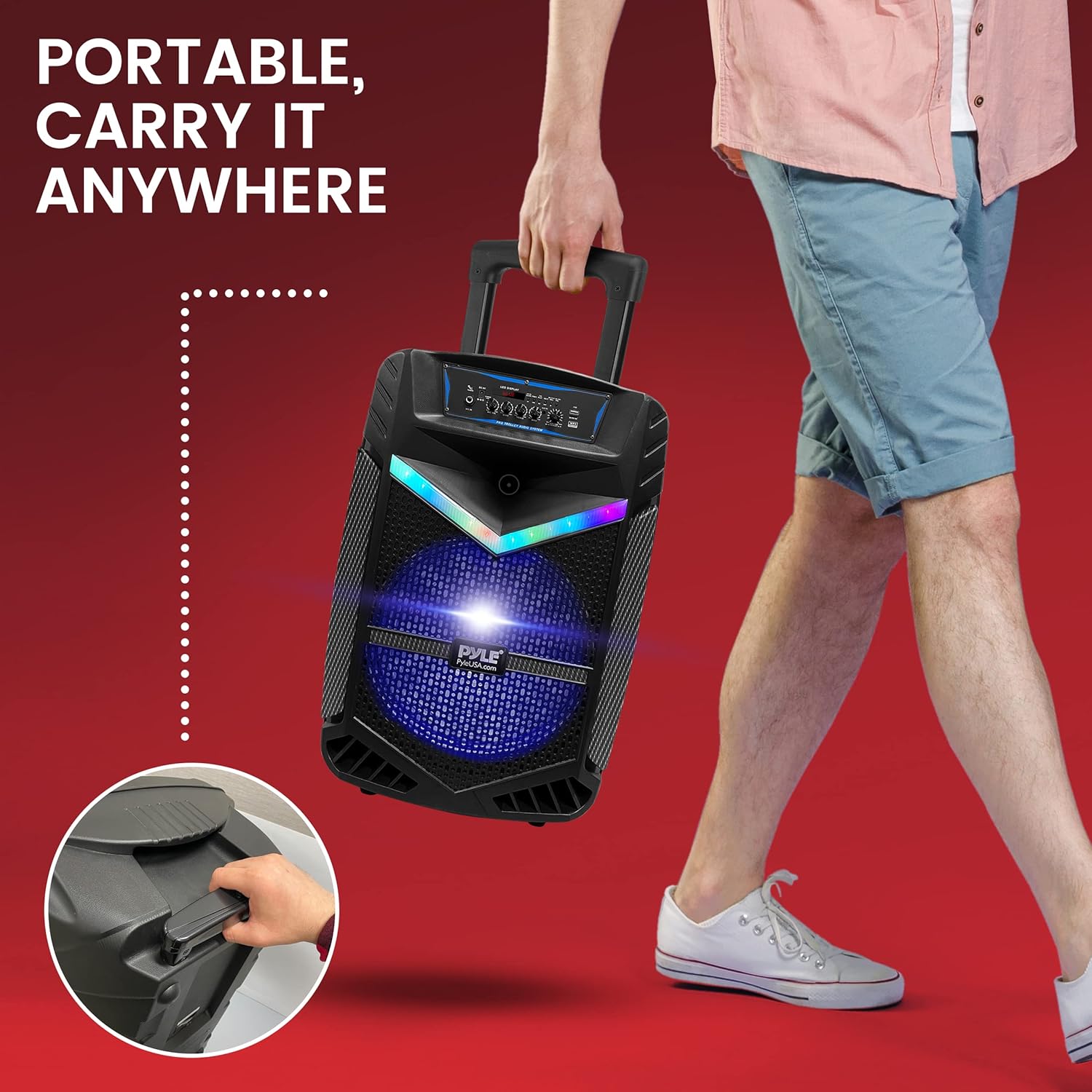
Figure 6: The speaker's design allows for easy transport.
Troubleshooting
| Problem | Possible Cause | Solution |
|---|---|---|
| No power | Battery is drained; Power switch is off. | Charge the battery using the included power adapter. Ensure the power switch is in the "ON" position. |
| No sound from speaker | Volume is too low; Incorrect mode selected; Device not paired (Bluetooth). | Increase the master "VOLUME". Verify the correct input mode is selected. Re-pair your Bluetooth device if necessary. |
| Microphone not working or low volume | Microphone switch is off; "MIC VOL" knob is too low; Loose connection. | Ensure the microphone's ON/OFF switch is "ON". Increase the "MIC VOL" knob. Check that the microphone cable is securely plugged into the "MIC IN" jack. |
| Poor sound quality (music) | Audio source quality; Bluetooth interference; Treble/Bass settings. | Ensure your audio source is of good quality. Move closer to the speaker to reduce Bluetooth interference. Adjust "TREBLE" and "BASS" knobs to your preference. |
| LED lights not working | LED switch is off. | Toggle the "LED-SW" switch to the "ON" position. |
Specifications
| Feature | Detail |
|---|---|
| Max Power Output | 800 Watt Max |
| Sound System | 12-inch Subwoofer + 1-inch Tweeter |
| Impedance | 3.6 Ohm |
| Bluetooth Version | 4.2 |
| Bluetooth Network Name | 'PYLEUSA' |
| Wireless Range | Up to 32 feet |
| USB Interface Type | 2.0 |
| Digital Audio File Support | MP3 |
| Maximum USB Flash Support | 32GB |
| Battery Life | Up to 3 Hours (Charge Time: Approx. 5 Hours) |
| Rechargeable Battery | 7.4V, 3600mAh – 26.64 Wh |
| Power Supply | 120/240V, Switchable (9V/1.5A Power Adapter) |
| Construction Material | Polypropylene (PP) |
| Product Dimensions (L x W x H) | 13.6'' x 9.9'' x 20.7'' inches |
| Item Weight | 5 pounds |
Warranty and Support
For warranty information, technical support, or service inquiries, please refer to the official user manual provided with your product or visit the Pyle USA website. A digital copy of the user manual can be found at: Pyle User Manual (PDF).


