
1. Introduction
This manual provides essential information for the proper use, installation, and maintenance of your AiCE Tls ETX Bent Conical 0.2mm Soldering Tip. Designed for precision soldering tasks, this tip offers durability and efficient heat transfer for various applications.
2. Product Overview
The AiCE Tls ETX Bent Conical 0.2mm soldering tip is a high-quality replacement tip crafted from copper, featuring a unique bent conical shape. This design allows for versatile soldering techniques, including drag soldering and bridge correction, by utilizing both the tip's face and its fine point. It is pre-tinned and designed for long-lasting performance with rapid heat recovery.
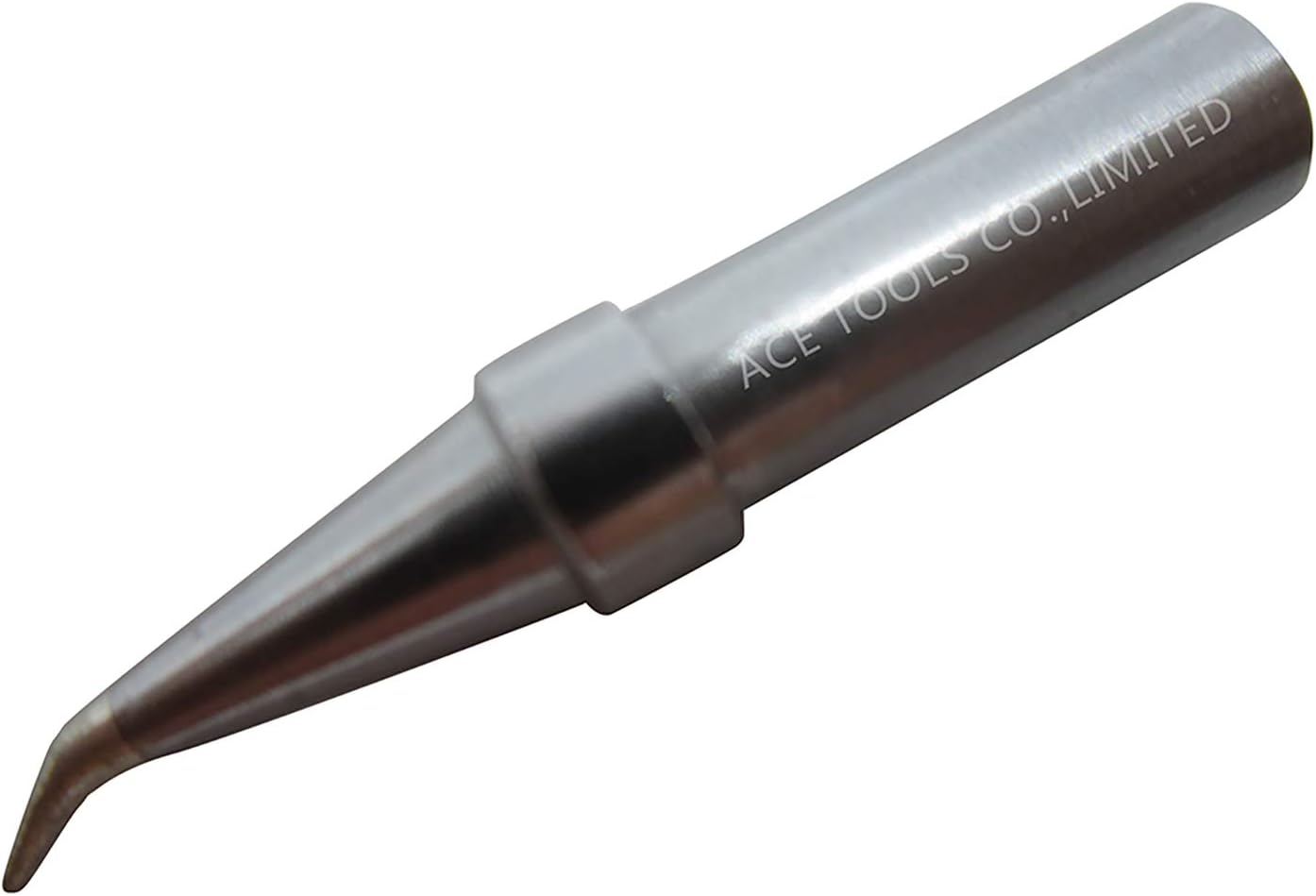
Figure 2.1: AiCE Tls ETX Bent Conical 0.2mm Soldering Tip. This image displays the overall appearance of the soldering tip, highlighting its bent conical shape and metallic finish.
3. Compatibility
The AiCE Tls ETX Bent Conical 0.2mm soldering tip is compatible with a wide range of Weller soldering stations and irons. Ensure your equipment is listed below for proper fit and function.
Compatible Soldering Stations:
- WESD51, WESD50
- WES51, WES50
- WE1010, WE1010NA, WE1010EU, WE1010EDU
- WCC100, WECP-20
- WTL 1000S-0
Compatible Soldering Irons:
- PES51, PES50
- LR21, LR20
- WEP70, WECP
- WCC101
- EC1201A, EC1204A, EC1201, EC1204
- EC2001, EC-1000
- ET2000, ELV, LS50 (50W 60W)

Figure 3.1: Compatibility Chart. This image illustrates various compatible Weller soldering stations and irons with the AiCE Tls soldering tip.
4. Setup and Installation
Before installing or replacing a soldering tip, ensure your soldering station is turned off and the iron has cooled down completely to prevent burns.
- Power Off: Disconnect the soldering station from the power supply.
- Cool Down: Allow the soldering iron to cool to room temperature.
- Remove Old Tip: Carefully unscrew or pull out the old soldering tip from the iron's heating element, depending on your iron's design. Use heat-resistant gloves if the iron is still warm.
- Insert New Tip: Gently insert the AiCE Tls ETX Bent Conical 0.2mm tip into the heating element. Ensure it is fully seated.
- Secure Tip: If your iron uses a retaining screw or collar, tighten it to secure the new tip. Do not overtighten.
- Initial Tinning: Once installed and the station is powered on and heated, immediately tin the new tip with solder. This protects the tip from oxidation and ensures efficient heat transfer.
5. Operating Instructions
The ETX Bent Conical 0.2mm tip is designed for precision work. Its unique shape allows for two primary methods of application:
- Face Application: Use the broader, bent face of the tip for drag soldering, which is effective for soldering multiple pins of an integrated circuit (IC) or surface-mount device (SMD) in a single pass. This method helps distribute heat evenly across the pads.
- Point Application: Utilize the fine 0.2mm point for delicate tasks such as correcting solder bridges, working with very small components (e.g., 0402 parts), or precise rework.
Always ensure the tip is clean and properly tinned before and during use to maximize heat transfer and achieve reliable solder joints.

Figure 5.1: ETX Bent Conical Soldering Tip Diagram. This diagram illustrates the precise dimensions and angles of the ETX bent conical tip, including its 0.2mm point and overall length.
6. Maintenance and Care
Proper maintenance extends the life of your soldering tip and ensures consistent performance.
- Clean Regularly: Wipe the tip frequently on a damp sponge or brass wool during use to remove excess solder and flux residue.
- Re-tinning: Always re-tin the tip with a fresh coat of solder after cleaning and before storing. This prevents oxidation.
- Avoid Excessive Temperatures: Use the lowest effective temperature for your soldering tasks. High temperatures accelerate tip wear and oxidation.
- Proper Storage: Store tips in a dry environment. If storing for extended periods, ensure they are heavily tinned.
- Avoid Abrasives: Do not use abrasive materials or files to clean the tip, as this can damage the plating and reduce tip life.
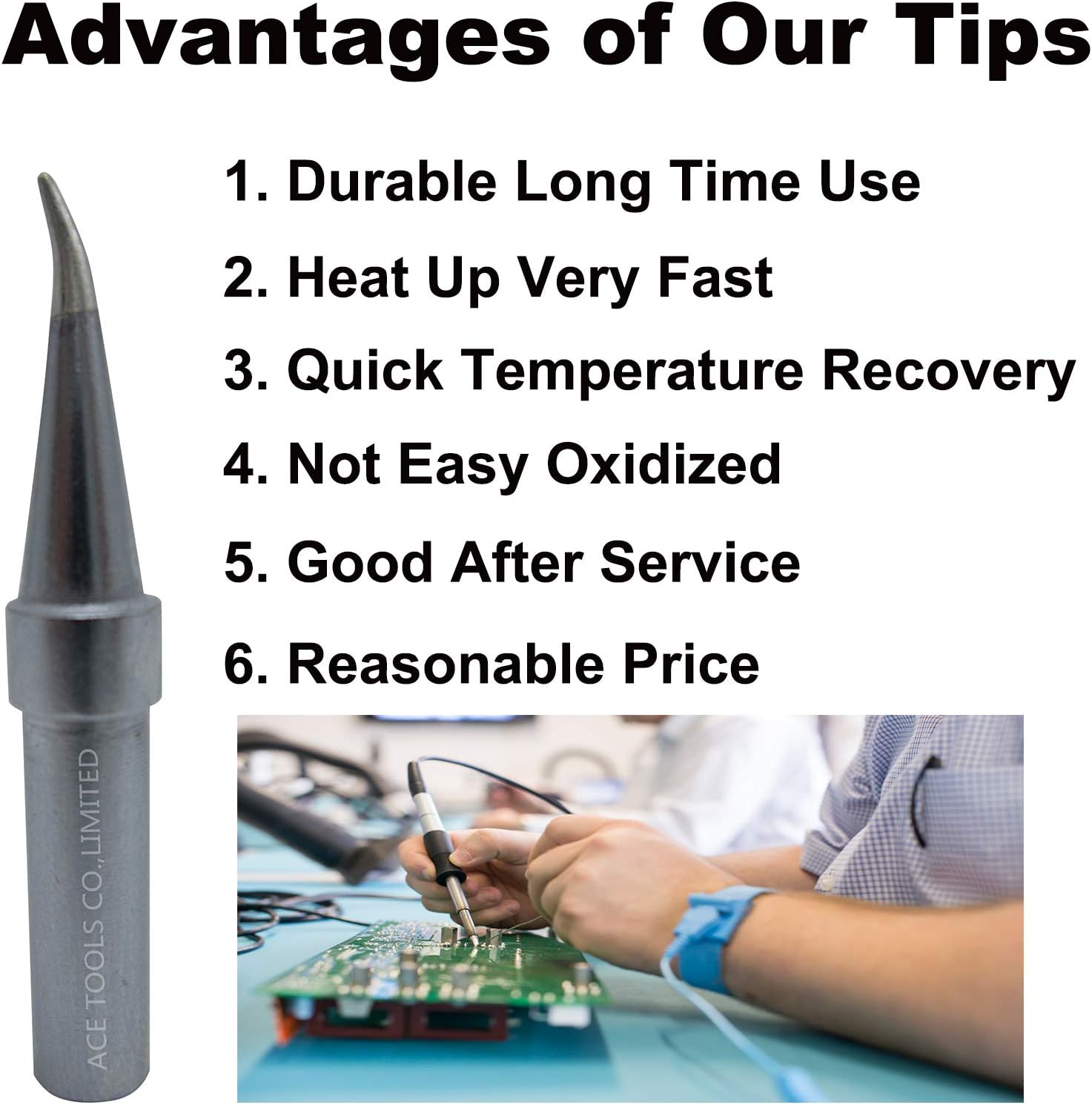
Figure 6.1: Tip Advantages and Care. This image highlights key benefits of AiCE Tls tips, such as durability, fast heat-up, quick temperature recovery, and resistance to oxidation, all of which are supported by proper maintenance.
7. Troubleshooting
If you encounter issues with your soldering tip, consider the following common problems and solutions:
- Tip Not Accepting Solder (Oxidation):
Cause: Tip was not properly tinned, or used at too high a temperature.
Solution: Clean the tip thoroughly with brass wool, then immediately re-tin with fresh solder. If heavily oxidized, use a tip tinner/activator. - Poor Heat Transfer:
Cause: Tip is not fully seated, or there is oxidation between the tip and heating element.
Solution: Ensure the tip is fully inserted and secured. Clean the inside of the iron's barrel and the tip's shank. - Solder Not Flowing Smoothly:
Cause: Insufficient temperature, dirty tip, or old/poor quality solder/flux.
Solution: Verify the soldering station temperature setting. Clean and re-tin the tip. Use fresh solder with good flux.
8. Specifications
| Feature | Detail |
|---|---|
| Model | ETX (Bent Conical 0.2mm) |
| Part Number | ET-USA |
| Material | Copper |
| Tip Length | Approximately 3 mm (working length) |
| Tip Width | Approximately 2 mm (at widest point of conical section) |
| Tip Height | Approximately 1 mm (at highest point of bent section) |
| Weight | Approximately 18 g |
| Quantity per package | 1 |
9. Warranty and Support
AiCE Tls stands by the quality of its products. We offer a full refund or return for tips that do not meet your satisfaction, even after use. For any questions or support, please refer to your purchase platform or contact AiCE Tls customer service directly.