
USHINING F200
USHINING F200 GSM Flip Phone User Manual
Model: F200 | Brand: USHINING
1. Introduction
Welcome to the user manual for your new USHINING F200 GSM Flip Phone. This device is designed for ease of use, featuring large buttons, a clear display, and essential functions for communication. Please read this manual carefully to understand how to operate your phone safely and efficiently.
2. Package Contents
Please check the box for the following items:
- 1 x USHINING F200 Mobile Phone
- 1 x Headset
- 1 x Micro USB Charger
- 1 x 800 mAh Battery
- 1 x SIM Card Adapter
- 1 x User Manual

Image: Contents of the USHINING F200 package, including the phone, charger, headset, battery, SIM adapter, and user manual.
3. Phone Overview
The USHINING F200 features a classic flip design, protecting the screen and keypad when closed. It is equipped with a clear 1.77-inch color display and large, easy-to-press buttons for straightforward navigation and dialing.
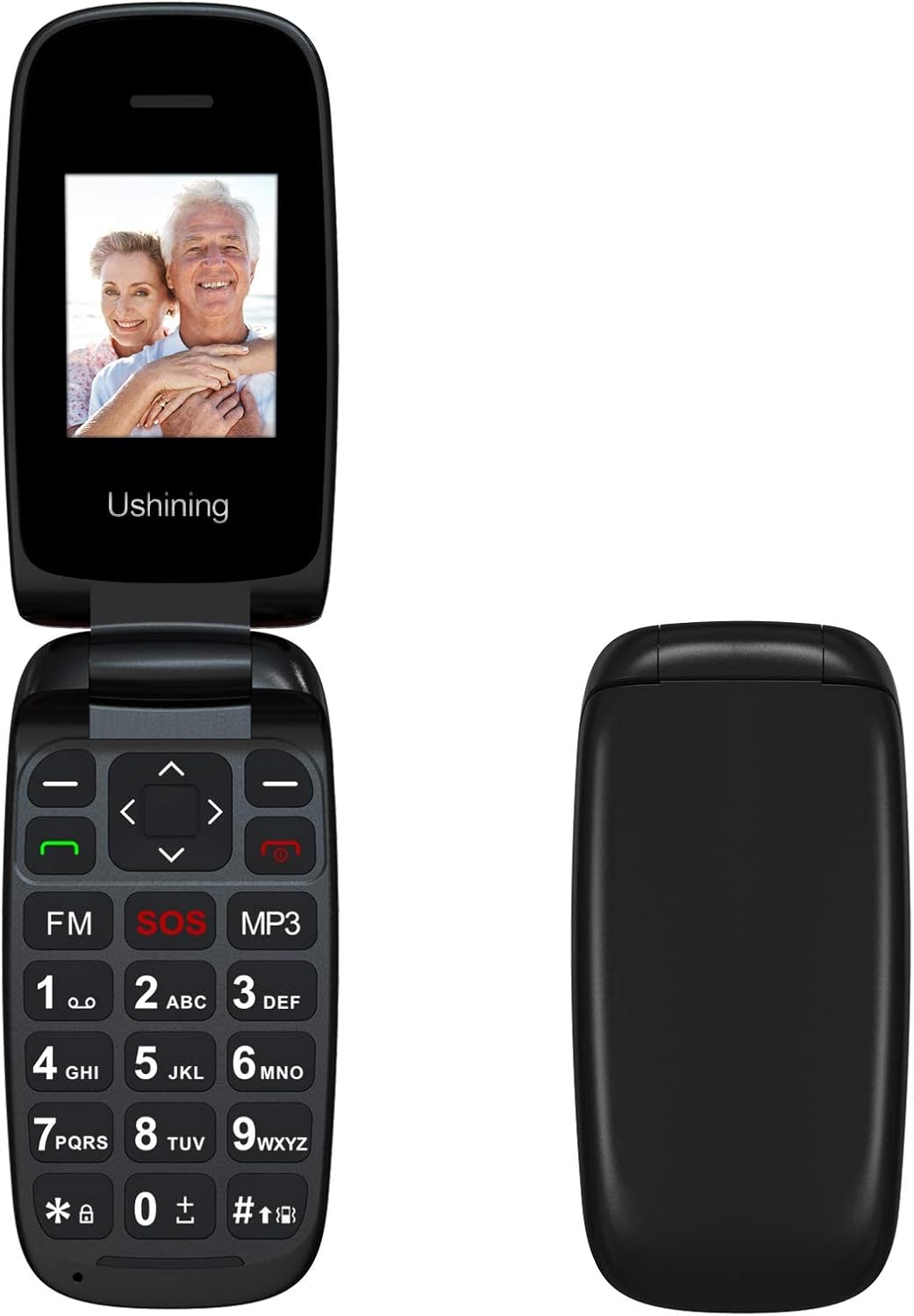
Image: Front view of the USHINING F200 flip phone in both open and closed positions, highlighting its compact design.

Image: Angled view of the USHINING F200 flip phone, open to reveal the large keypad and the prominent red SOS button.
4. Setup
4.1. Inserting SIM Card(s)
- Carefully open the back cover of the phone.
- Locate the SIM card slot(s). The phone supports dual SIM cards.
- Insert your SIM card(s) into the designated slot(s) with the gold contacts facing down, ensuring they are securely in place.
- If using a MicroSD card for expandable memory (up to 32GB), insert it into the dedicated memory card slot.

Image: The phone's screen displaying a prompt to insert the SIM card, indicating readiness for network connection.

Image: The USHINING F200 phone with its battery and two SIM cards, illustrating the components involved in initial setup.
4.2. Inserting the Battery
- After inserting the SIM card(s), place the 800 mAh battery into its compartment, aligning the contacts.
- Replace the back cover, ensuring it clicks securely into place.
4.3. Charging the Phone
- Connect the micro USB charger to the charging port on the side or bottom of the phone.
- Plug the charger into a power outlet. The battery indicator on the screen will show charging status.
- Allow the phone to charge fully before first use.
4.4. Powering On/Off
- To Power On: Press and hold the red End Call/Power button until the screen lights up.
- To Power Off: Press and hold the red End Call/Power button until the power-off options appear, then confirm.
5. Operating Instructions
5.1. Basic Call Functions
- Making a Call: Enter the phone number using the keypad and press the green Call button.
- Answering a Call: When the phone rings, press the green Call button.
- Ending a Call: Press the red End Call button.
5.2. Sending SMS Messages
- Navigate to the Messages menu.
- Select Write Message.
- Enter your message using the keypad.
- Enter the recipient's phone number or select from contacts, then send.
5.3. SOS Emergency Function
The SOS button is a critical safety feature. It allows you to quickly contact pre-set emergency numbers.
- Setting Up SOS Contacts: Go to Settings > SOS Settings. Add up to 5 emergency contact numbers.
- Activating SOS: In an emergency, press and hold the red SOS button on the keypad for a few seconds. The phone will automatically call and send an SMS to your pre-set emergency contacts in sequence until one is answered.
5.4. Contacts
- Adding a Contact: Go to Contacts > Add New Contact. Enter the name and number.
- Speed Dial: Assign frequently called numbers to specific keys (e.g., 2-9) for quick dialing. Refer to the phone's menu for specific instructions on setting up speed dial.
5.5. Multimedia Features
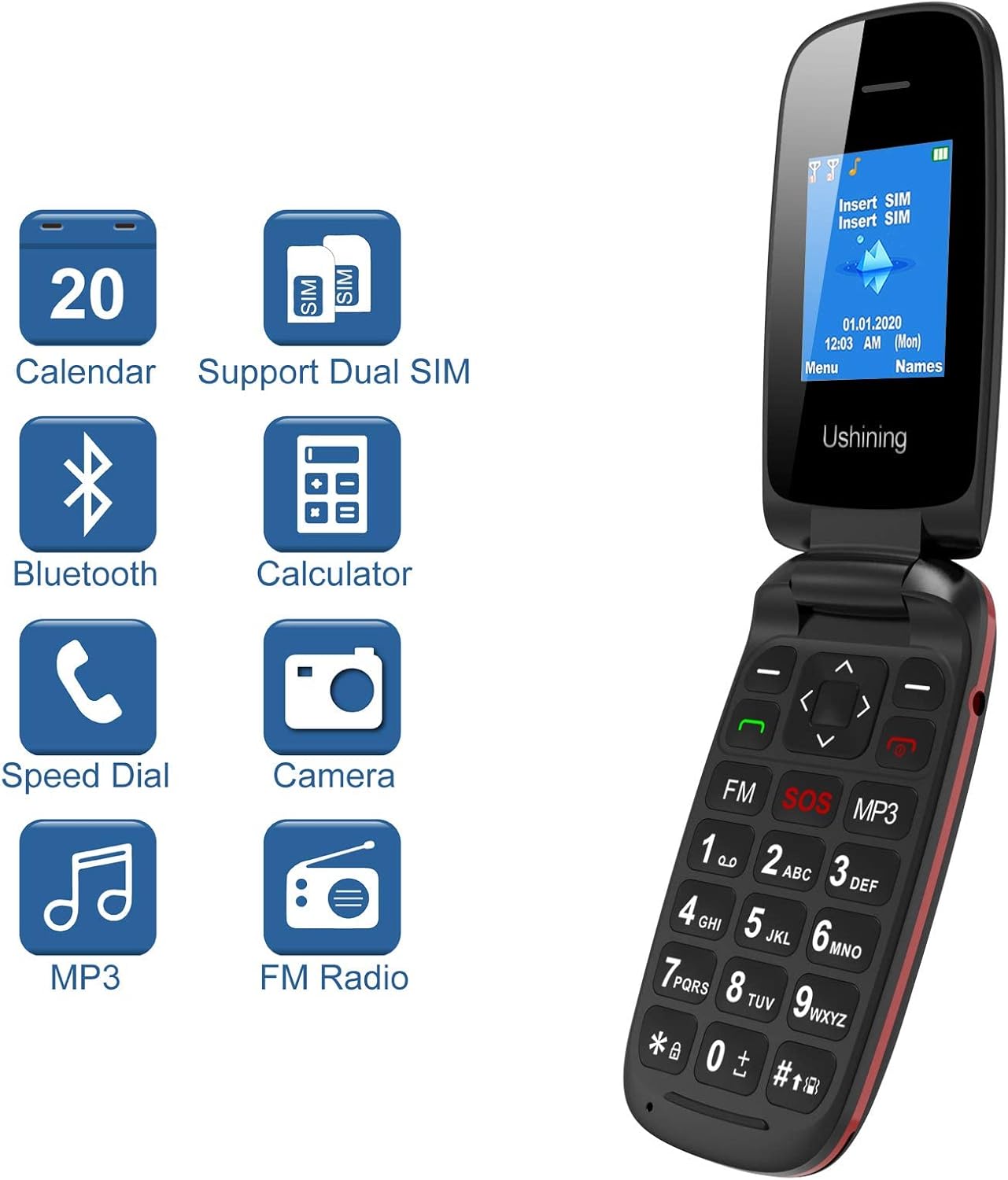
Image: The USHINING F200 display showing icons for Calendar, Dual SIM, Bluetooth, Calculator, Speed Dial, Camera, MP3, and FM Radio, indicating available features.
- MP3 Player: Access the MP3 player from the main menu to play audio files stored on your memory card.
- FM Radio: Plug in the headset (which acts as an antenna) and access the FM Radio from the menu to listen to local stations.
- Camera: The phone includes a basic camera. Access it from the menu to take photos.
5.6. Settings
Customize your phone through the Settings menu.
- Language: Select your preferred language (English, Spanish, French, Italian, German).
- Date & Time: Set the current date and time.
- Bluetooth: Enable Bluetooth to connect to compatible devices like headsets.
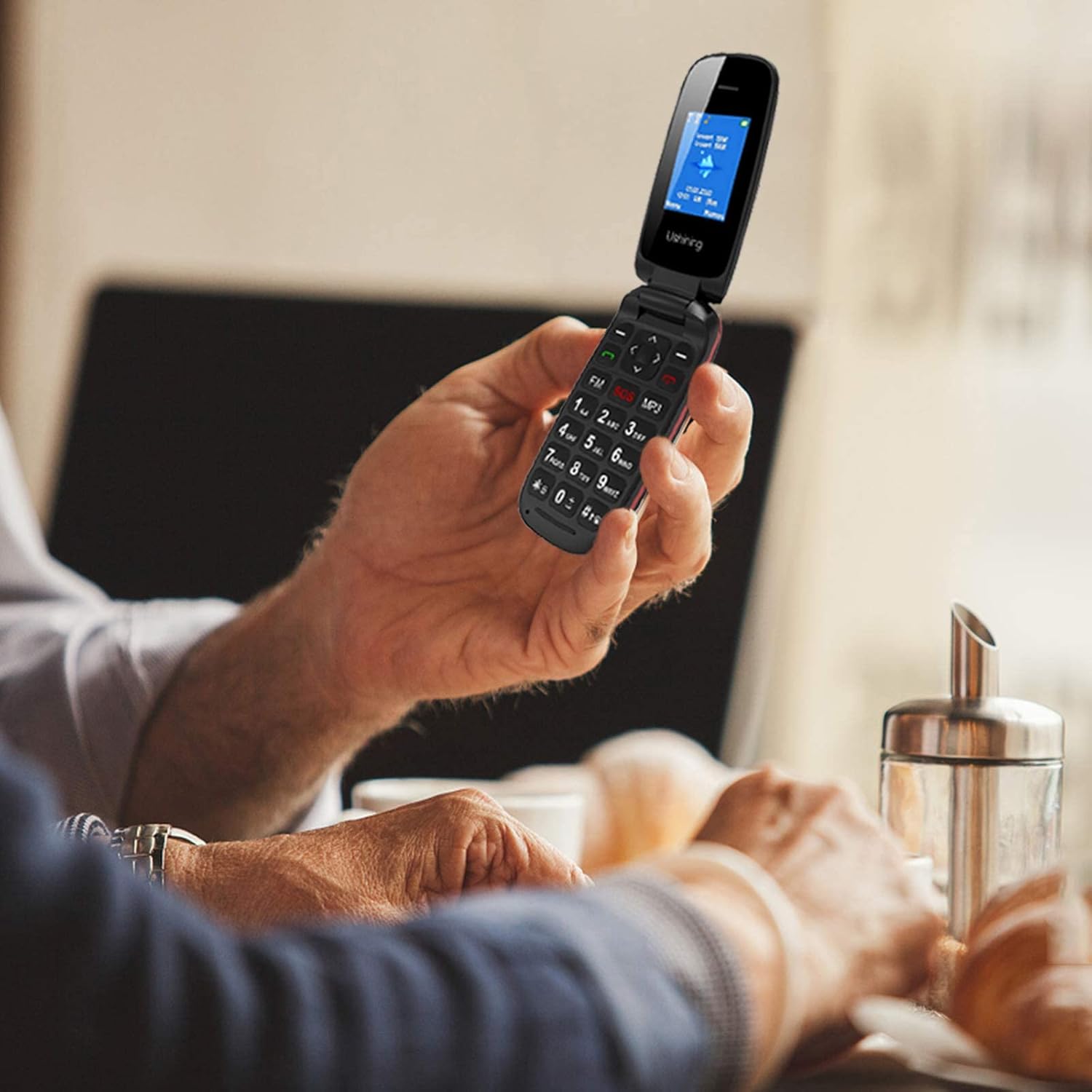
Image: A person holding the USHINING F200 flip phone, illustrating its comfortable grip and large buttons during use.
6. Maintenance
- Cleaning: Use a soft, dry cloth to clean the phone's exterior. Avoid liquid cleaners.
- Battery Care: To prolong battery life, avoid exposing the phone to extreme temperatures. Do not allow the battery to fully discharge frequently.
- Storage: Store the phone in a cool, dry place when not in use for extended periods.
7. Troubleshooting
| Problem | Possible Solution |
|---|---|
| Phone does not turn on | Ensure the battery is correctly inserted and charged. Connect the charger and try again. |
| No network signal | Check if the SIM card is properly inserted. Ensure you are in an area with GSM network coverage. Contact your service provider if the issue persists. |
| Cannot make or receive calls | Verify network signal. Check if the SIM card is active. Ensure no call barring is enabled in settings. |
| Battery not charging | Check the charger and charging cable for damage. Ensure the charging port is clean. Try a different power outlet. |
| SOS button not working | Ensure emergency contacts are correctly set up in SOS settings. Test the function in a non-emergency situation. |
8. Specifications
| Feature | Detail |
|---|---|
| Model | F200 |
| Brand | USHINING |
| Product Type | Flip Phone |
| Color | Black |
| Operating System | KaiOS (Basic Feature Phone OS) |
| Screen Size | 1.77 Inches |
| Network Bands | GSM Quad Band (850/900/1800/1900 MHz) |
| SIM Support | Dual SIM |
| Internal Memory | 4MB RAM + 4MB ROM |
| Expandable Storage | Up to 32GB (MicroSD card not included) |
| Battery Capacity | 800 mAh Lithium-ion |
| Talk Time | Up to 240 minutes |
| Standby Time | Up to 160 hours |
| Connectivity | USB, Bluetooth |
| Special Features | SOS Button, Large Buttons, FM Radio, MP3 Player, Camera, Calendar, Alarm Clock, Calculator, Speed Dial |
| Languages | Spanish, English, French, Italian, German |
9. Warranty and Support
USHINING provides two years of technical service and customer support for this product from the date of purchase. Please note that this warranty does not cover artificial damage.
For technical assistance or customer service inquiries, please contact your retailer or refer to the contact information provided with your purchase documentation.
Ask a question about this manual
Ask about setup, troubleshooting, compatibility, parts, safety, or missing instructions. Manuals+ will review the question and use this page’s manual context to help answer it.