
Introduction
This manual provides instructions for the LNMBBS P40-EEA 10-inch Tablet Case. This protective cover is designed to safeguard your tablet from daily wear and tear while offering versatile viewing options. It is specifically compatible with the LNMBBS P40 and Vankyo S20 10-inch tablets. This case is not compatible with other tablet models.
The case features a slim, lightweight design and a tri-fold front cover that converts into a stand, allowing for multiple viewing angles.
Setup: Installing Your Tablet
- Prepare the Tablet: Ensure your LNMBBS P40 or Vankyo S20 tablet is clean and free of dust or debris.
- Align the Tablet: Gently align the tablet with the case, ensuring that the camera, ports, and buttons on the tablet match the corresponding cutouts in the case.
- Insert the Tablet: Carefully push the tablet into the case. Start by inserting one side, then gently press the other sides until the tablet is securely seated within the protective frame. Ensure all edges of the tablet are covered by the case.
- Verify Fit: Check that all ports, buttons, and the camera are accessible and unobstructed. The case should fit snugly without excessive force.
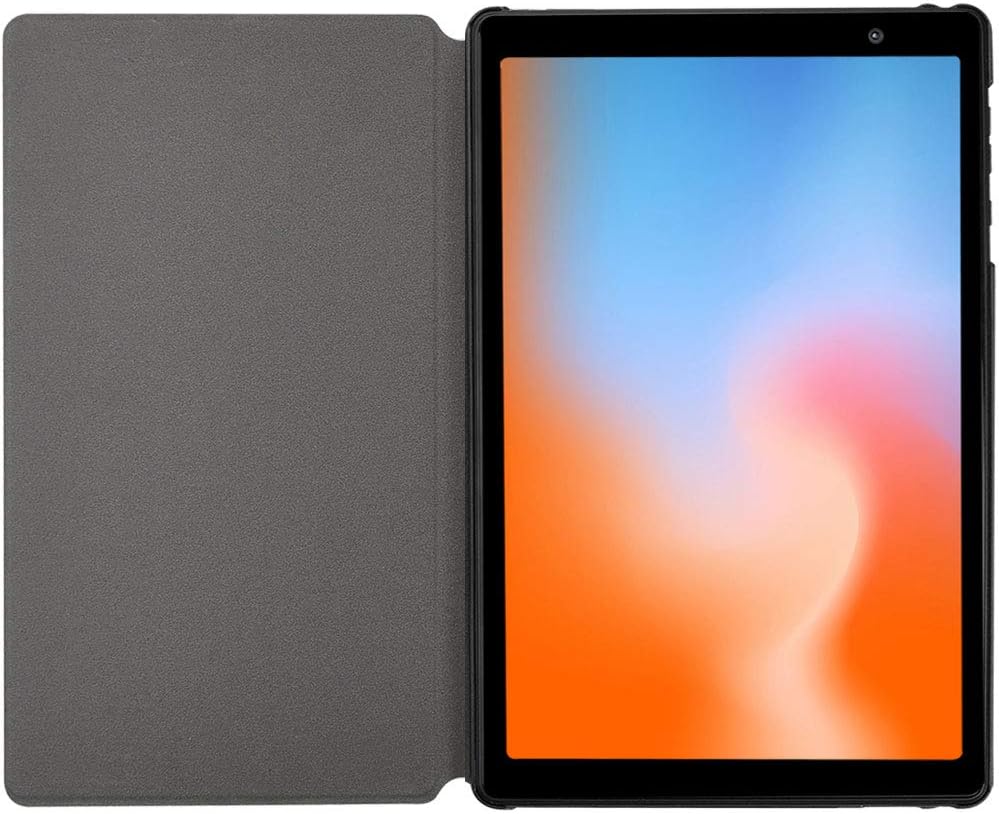

Operating: Using the Tri-Fold Stand
The LNMBBS P40-EEA Tablet Case features a tri-fold front cover that can be converted into a stand for hands-free viewing.
- Viewing Angle 1 (Typing/Low Angle): Fold the front cover into a triangular stand with a lower angle. This position is suitable for typing or drawing.
- Viewing Angle 2 (Viewing/High Angle): Fold the front cover into a triangular stand with a steeper angle. This position is ideal for watching videos or making video calls.
To achieve stability, ensure the folds are firm and the tablet rests securely in the grooves or against the folded cover.

Maintenance
- Cleaning the Exterior: Use a soft, damp cloth to wipe the synthetic leather exterior. Avoid harsh chemicals or abrasive cleaners, as these can damage the material.
- Cleaning the Interior: The microfiber interior can be gently wiped with a dry, soft cloth to remove dust or fingerprints.
- Avoid Water Exposure: This case is not waterproof. Avoid exposing it to excessive moisture or liquids.
- Storage: Store the case in a cool, dry place away from direct sunlight when not in use for extended periods.
Troubleshooting
- Case Does Not Fit: Ensure your tablet is either an LNMBBS P40 or Vankyo S20 10-inch model. This case is designed for specific models and will not fit others.
- Stand Instability: Ensure the tri-fold cover is properly folded into a stable triangular shape. The stability may vary slightly depending on the surface the tablet is placed on.
- Ports/Buttons Blocked: Re-check the tablet's placement within the case. Gently adjust the tablet to ensure all cutouts align perfectly with the tablet's features.
Specifications
| Brand | LNMBBS |
| Model Number | ASDIOFJ3 |
| Compatible Devices | LNMBBS P40, Vankyo S20 10-inch Tablets |
| Color | Black |
| Material | Synthetic Leather (Exterior), Microfiber (Interior) |
| Form Factor | Case |
| Product Features | Lightweight, Tri-fold Stand Function |
| Water Resistance | Not waterproof |
| Item Dimensions (L x W x H) | 24 x 17 x 0.3 cm |


Warranty and Support
For information regarding warranty coverage, please refer to the documentation provided with your purchase or contact the retailer where the product was acquired. Specific warranty terms may vary by region and retailer.
For further assistance, technical support, or inquiries about the LNMBBS P40-EEA Tablet Case, please visit the official LNMBBS website or contact their customer service department. Contact details are typically available on the manufacturer's packaging or website.