
Introduction
Thank you for choosing the AREBOS Steel Office Cabinet. This manual provides essential information for the safe and efficient assembly, operation, and maintenance of your new cabinet. Please read these instructions carefully before beginning assembly and retain them for future reference.

Image: The AREBOS Steel Office Cabinet in an office environment, showcasing its storage capacity with open doors revealing files and document trays.
Safety Instructions
- Adult Assembly Required: This product contains small parts and requires assembly by adults. Keep children away during assembly.
- Heavy Item: The cabinet is heavy. Exercise caution when lifting and moving. It is recommended to have at least two people for assembly and relocation.
- Stable Placement: Ensure the cabinet is placed on a level, stable surface to prevent tipping. If wall-mounting, use appropriate hardware for your wall type and consult a professional if unsure.
- Weight Capacity: Do not exceed the maximum load capacity of 40 kg per shelf. Distribute weight evenly.
- Door Safety: Keep fingers clear of door hinges when opening and closing.
Package Contents
Please verify that all components are present before beginning assembly:
- Cabinet Panels (top, bottom, sides, back, doors)
- Adjustable Shelf (1 unit)
- Lock Mechanism
- Keys (2 units)
- Assembly Hardware (screws, washers, nuts, shelf supports)
If any parts are missing or damaged, please contact AREBOS customer support.
Setup and Assembly
Follow these steps for proper assembly. A screwdriver and possibly a wrench may be required (not included).
- Unpack Components: Carefully remove all parts from the packaging and lay them out on a clean, soft surface to prevent scratches.
- Assemble Frame: Connect the side panels to the top and bottom panels using the provided hardware. Ensure all connections are secure.
- Attach Back Panel: Secure the back panel to the assembled frame.
- Install Doors: Attach the two hinged doors to the cabinet frame. Ensure they open and close smoothly.
- Install Lock: Integrate the espagnolette lock mechanism into the designated area on one of the doors. Test with the provided keys.
- Insert Shelf: Place the adjustable shelf at your desired height. The cabinet features multiple slots for flexible shelf positioning.
- Positioning: The cabinet can be used as a floor-standing unit or mounted to a wall. Ensure proper wall-mounting hardware is used if choosing this option.

Image: Interior of the cabinet highlighting the adjustable shelf system, allowing for flexible storage configurations.

Image: Illustration demonstrating the versatility of the cabinet, suitable for both floor placement and secure wall-mounting.
Operating Instructions
- Opening Doors: Turn the handle to disengage the lock and pull the doors open. The doors have an opening angle of approximately 110 degrees.
- Closing Doors: Push the doors shut until they click into place.
- Locking Mechanism: Insert one of the provided keys into the lock cylinder and turn to secure the doors. Remove the key after locking.
- Adjusting Shelf Height: To adjust the shelf, empty the shelf, lift it slightly, and carefully remove it from its supports. Reinsert the shelf supports into the desired slots and place the shelf back on them.

Image: Detailed view of the cabinet's secure lock and key system, ensuring the safety of stored items.
Maintenance
- Cleaning: Wipe the powder-coated steel surfaces with a soft, damp cloth. Avoid abrasive cleaners or harsh chemicals, as these can damage the finish.
- Inspection: Periodically check all screws and connections to ensure they remain tight. Retighten if necessary.
- Lock Care: If the lock mechanism becomes stiff, a small amount of graphite lubricant can be applied to the keyhole.
- Scratch Resistance: While the cabinet is scratch-resistant, avoid sharp objects that could cause deep marks.
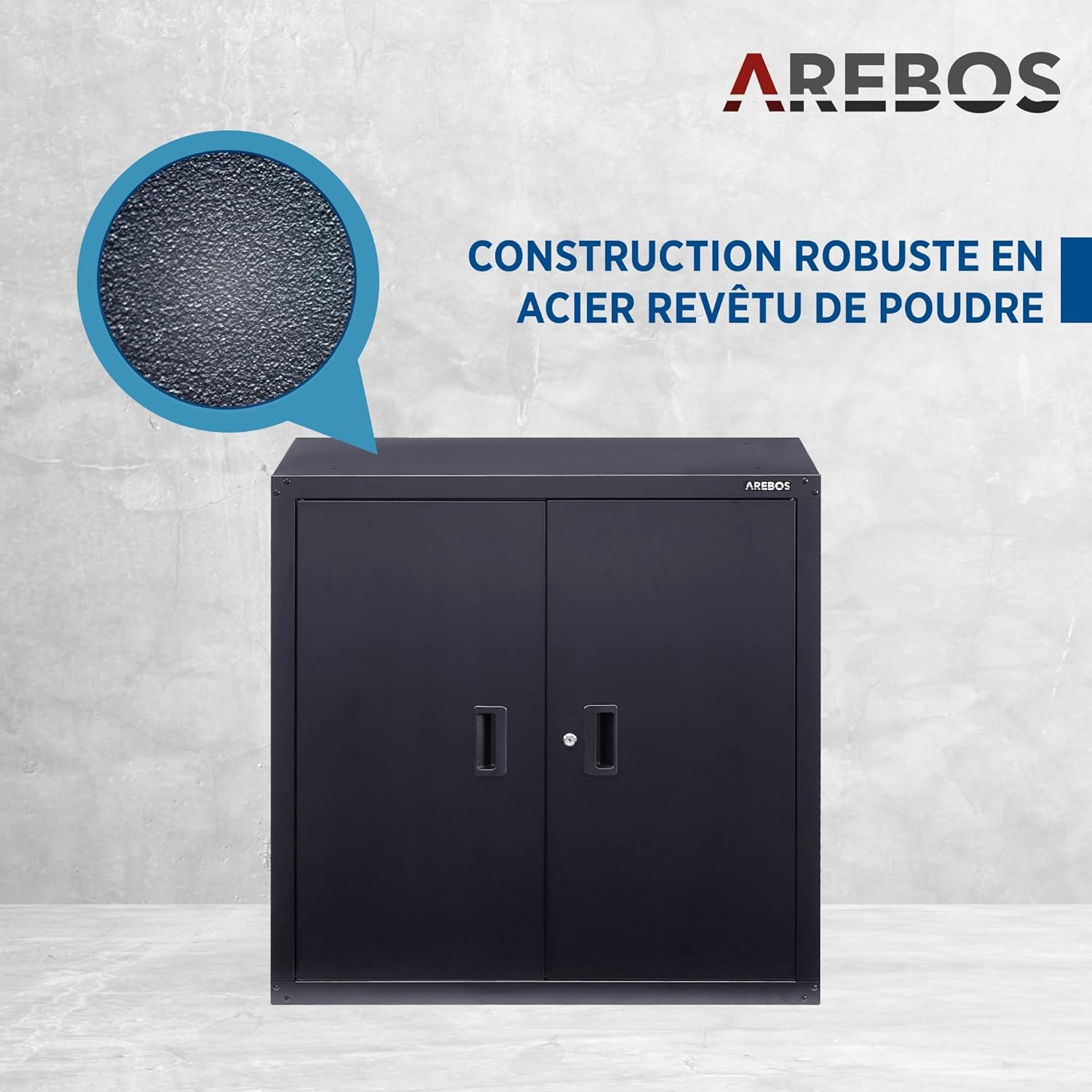
Image: A close-up showing the durable, textured finish of the powder-coated steel, designed for longevity and easy cleaning.
Troubleshooting
- Doors do not close properly: Check if the cabinet is on a level surface. Ensure all assembly screws are tightened. Verify that nothing inside the cabinet is obstructing the doors.
- Lock is stiff or not working: Apply a small amount of graphite lubricant to the keyhole. Ensure the key is fully inserted and turned correctly. If the issue persists, contact customer support.
- Cabinet wobbles: Ensure the cabinet is placed on a flat, stable surface. Check and tighten all assembly hardware.
Specifications

Image: The AREBOS Steel Office Cabinet, closed, showcasing its sleek black design.
| Feature | Detail |
|---|---|
| Brand | AREBOS |
| Model Number | 4260627427055 |
| Color | Black |
| Dimensions (H x W x D) | 90 cm x 90 cm x 40 cm |
| Weight | 23 kg |
| Material | Powder-coated steel (0.8 mm thickness) |
| Shelf Capacity | 40 kg per shelf |
| Number of Shelves | 1 (adjustable) |
| Door Type | Hinged doors (110° opening angle) |
| Locking Mechanism | Espagnolette lock with keys |
| Special Features | Scratch-resistant surface |
| Installation Type | Floor-standing or wall-mounted |
Warranty and Support
For any questions, concerns, or assistance with your AREBOS Steel Office Cabinet, please contact AREBOS customer support through your purchase platform or the official AREBOS website.
Information regarding the availability of spare parts for this specific model is currently unavailable.