
1. Introduction
Thank you for choosing the Swissten Slim Series 5000mAh Powerbank. This device provides portable power for your electronic devices, featuring both wireless (QI) and wired (USB) charging capabilities. Please read this manual carefully before use to ensure proper operation and to maximize the lifespan of your power bank.
2. Safety Information
- Do not expose the power bank to extreme temperatures, direct sunlight, or fire.
- Avoid dropping, disassembling, or attempting to repair the device yourself.
- Keep the power bank away from water and other liquids.
- Use only certified charging cables and adapters.
- Keep out of reach of children.
- If the power bank swells, emits smoke, or shows other abnormalities, discontinue use immediately.
3. Package Contents
- Swissten Slim Series 5000mAh Powerbank
- USB Charging Cable
- User Manual
4. Product Overview
Familiarize yourself with the components of your Swissten Powerbank.
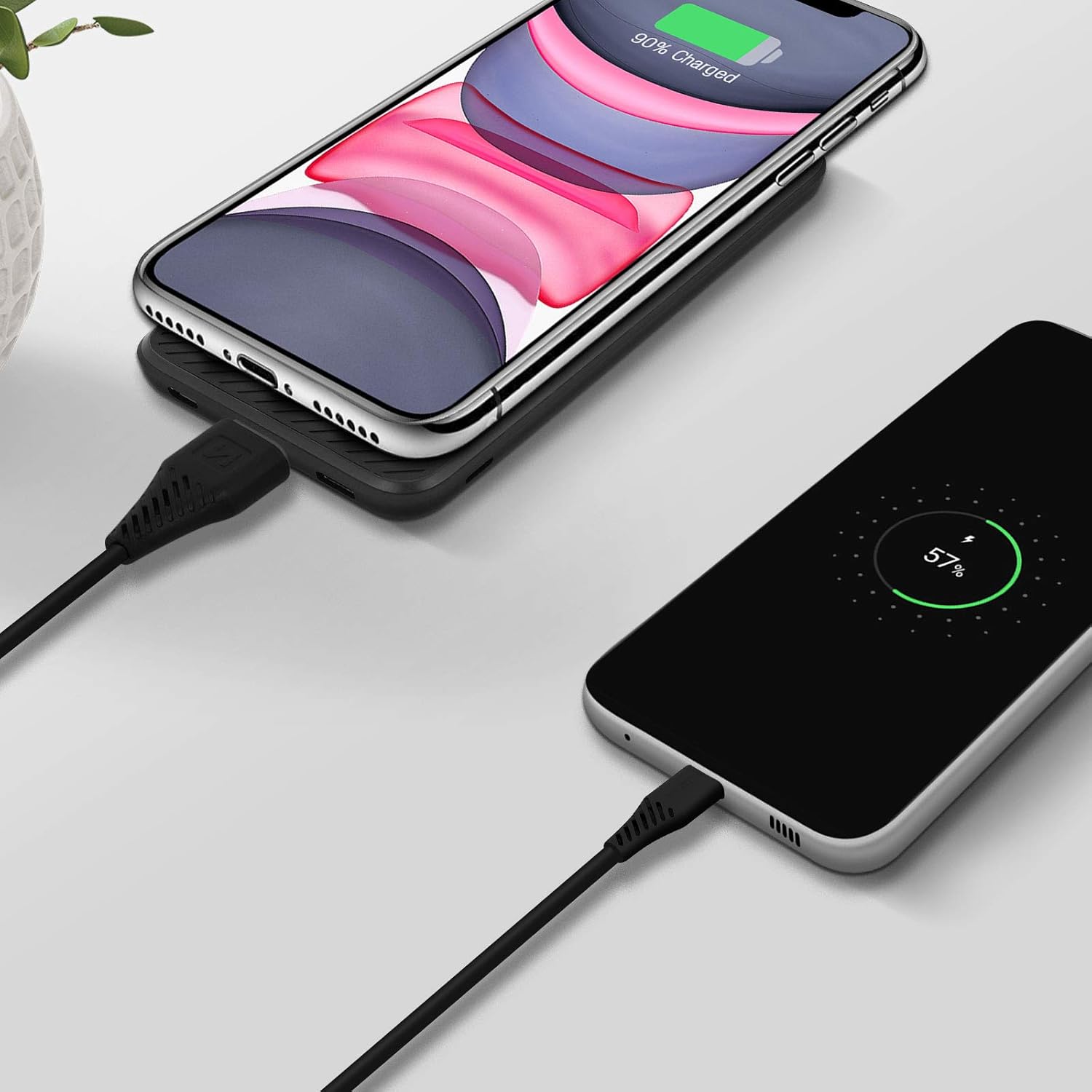
Image 1: The Swissten Slim Series Powerbank simultaneously charging a smartphone wirelessly and another via a USB cable. The power bank features a sleek, compact design with suction cups visible on its surface, holding the wirelessly charging phone in place.
The power bank features a compact design with a smooth surface for wireless charging, a USB output port for wired charging, and an input port for recharging the power bank itself. LED indicators typically show the remaining battery level.
5. Setup
5.1 Initial Charging of the Powerbank
- Connect the provided USB charging cable to the power bank's input port.
- Connect the other end of the USB cable to a USB wall adapter (not included) or a computer's USB port.
- The LED indicators will illuminate to show the charging status. Allow the power bank to fully charge before first use.
6. Operating Instructions
6.1 Wireless Charging (QI 5W)
- Ensure your device supports QI wireless charging.
- Place your QI-compatible device directly onto the designated wireless charging area of the power bank. The suction cups on the power bank will help secure your device.
- The power bank will automatically begin charging your device. An indicator light on the power bank may confirm wireless charging is active.
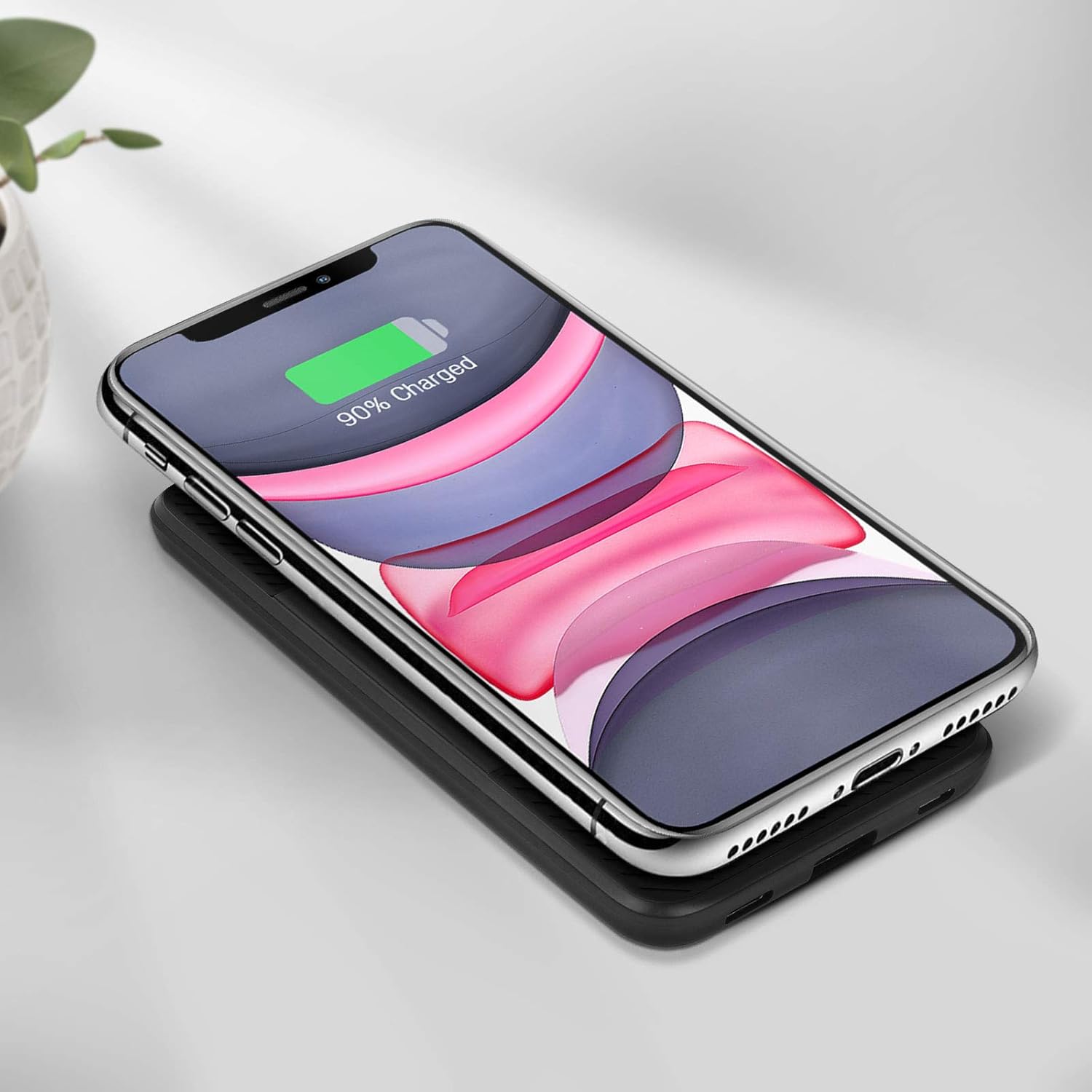
Image 2: A smartphone is placed on top of the Swissten Slim Series Powerbank, indicating active wireless charging. The power bank's compact form factor is highlighted, with the phone securely held by the integrated suction cups.
6.2 Wired Charging (USB 2.1A)
- Connect your device's charging cable to the USB output port on the power bank.
- Connect the other end of the cable to your device.
- The power bank will automatically detect and begin charging your device.
6.3 Using the Suction Cups
The integrated suction cups are designed to securely hold your smartphone in place during wireless charging or while carrying the power bank attached to your phone. Simply press your phone's back firmly against the power bank's surface to engage the suction cups.
7. Maintenance
- Clean the power bank with a soft, dry cloth. Do not use harsh chemicals or abrasive materials.
- Store the power bank in a cool, dry place when not in use.
- For optimal battery health, fully charge the power bank at least once every three months if stored for extended periods.
8. Troubleshooting
8.1 Power bank not charging
- Ensure the charging cable is securely connected to both the power bank and the power source.
- Try a different USB cable or wall adapter.
- Verify the power source is active.
8.2 Device not charging from power bank
- Wired Charging: Check the USB cable connection to both the power bank and your device. Try a different cable.
- Wireless Charging: Ensure your device is QI-compatible and correctly aligned on the wireless charging area. Remove any thick phone cases that might interfere with charging.
- Check if the power bank has sufficient charge.
9. Specifications
| Model Number | 22013930 |
| Brand | Swissten |
| Battery Capacity | 5000mAh |
| Input | USB (5 Volts) |
| USB Output | 5 Volts, 2.1A |
| Wireless Output | 5W (QI Standard) |
| Special Features | Compact, Slim, Suction Cups |
10. Warranty and Support
Swissten products are designed for reliability and performance. This product is covered by a limited warranty. For detailed warranty information, technical support, or customer service inquiries, please refer to the official Swissten website or contact your local retailer. Please retain your proof of purchase for warranty claims.