
1. Introduction
This manual provides comprehensive instructions for the safe and efficient operation, maintenance, and troubleshooting of the BAOSHISHAN Electric Strapping Machine, model ZQ-861E. Please read this manual thoroughly before using the machine to ensure proper function and to prevent injury or damage.
2. Safety Instructions
- Always wear appropriate personal protective equipment, including safety glasses and gloves, when operating the machine.
- Ensure the work area is clear of obstructions and well-lit.
- Do not operate the machine with wet hands or in damp conditions.
- Keep hands and loose clothing away from moving parts during operation.
- Only use the specified PP/PET strapping materials within the recommended width and thickness ranges.
- Disconnect the battery before performing any maintenance or cleaning.
- Do not attempt to modify or repair the machine yourself. Contact qualified service personnel for assistance.
- Store the machine and batteries in a dry, secure location away from children and unauthorized users.
3. Product Overview
3.1 Package Contents
The BAOSHISHAN Electric Strapping Machine ZQ-861E package includes the following items:
- Electric Strapping Machine (ZQ-861E)
- 4000mAh Lithium-Ion Battery x 2
- Battery Charger
- Repair Kit
3.2 Machine Components

The machine integrates tensioning, cutting, and welding functions. Key components include:
- Tensioning Button: Used to apply tension to the strap.
- Welding Button: Initiates the friction welding process.
- Tensioning Wheel: Grips and pulls the strap to achieve desired tension.
- Welding Toothed Plate: Facilitates the friction welding of the strap ends.
- Strong Alloy Cutter: For precise cutting of the strap.
4. Specifications
| Feature | Detail |
|---|---|
| Model Number | ZQ-861E |
| Battery Type | Lithium Ion (4000mAh x 2 included) |
| Battery Charge Time | Approximately 90 minutes per battery |
| Battery Run Time | Up to 4 hours or 80-200 strappings per battery |
| Compatible Strap Width | 1/2 inch - 5/8 inch (12mm - 16mm) |
| Compatible Strap Thickness | 0.024 inch - 0.047 inch (0.6mm - 1.2mm) |
| Compatible Strap Material | PET (Polyester) / PP (Polypropylene) |
| Tensioning Force | 600-2800N (Adjustable) |
| Welding Time | 2-5 seconds (Adjustable) |
| Bonding Strength | Approximately 75% of strap's maximum load |
| Machine Dimensions | 17.76 x 12.28 x 7.72 inches (Package Dimensions) |
| Machine Weight | 11.88 Pounds (Package Weight) |

5. Setup
5.1 Battery Charging and Installation
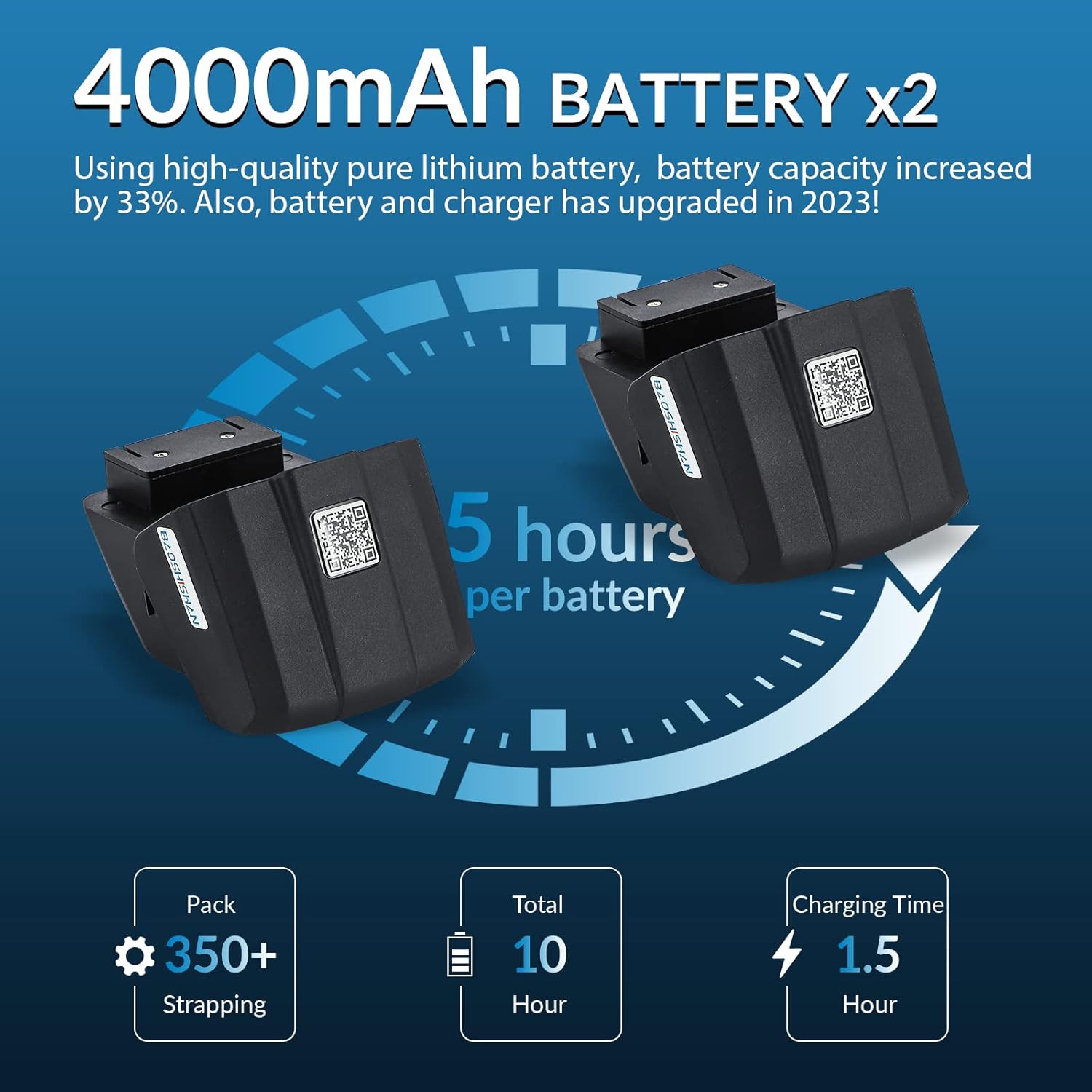
- Before first use, fully charge both 4000mAh Lithium-Ion batteries using the provided charger. A full charge takes approximately 90 minutes per battery.
- To install a charged battery, align it with the battery compartment on the machine and slide it in until it clicks securely into place.
- To remove the battery, press the release latch (if present) and slide the battery out.
5.2 Loading the Strapping Material
- Ensure the machine is powered off and the battery is securely installed.
- Open the strap guide or feed mechanism according to the machine's design.
- Insert the end of the PP/PET strapping material into the designated slot, ensuring it passes through smoothly.
- Pull the strap through until a sufficient length is available for the package.
6. Operation
6.1 Adjusting Tensioning Force and Welding Time
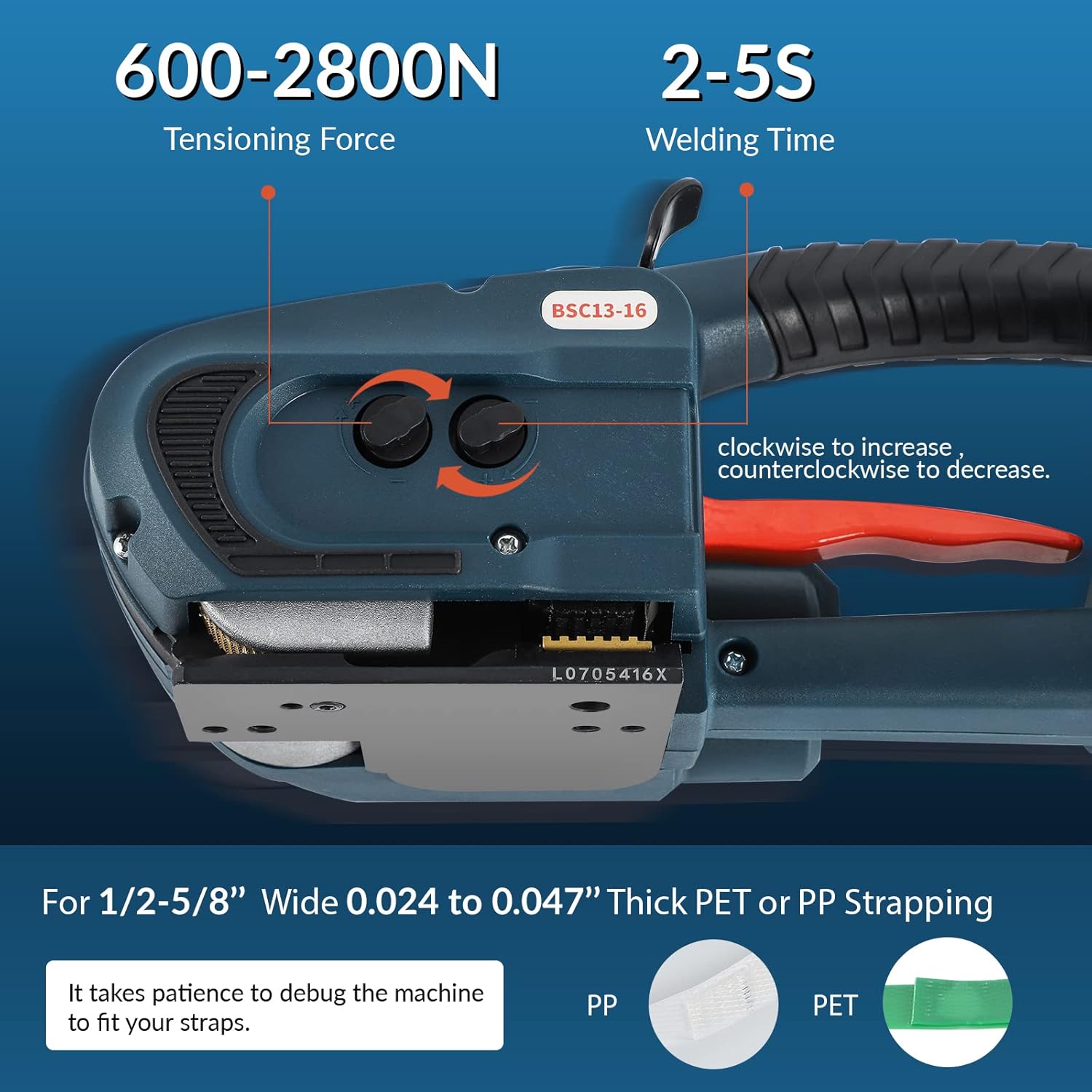
The machine features two adjustment knobs:
- Tensioning Force Knob: Adjusts the tightness of the strap. Turn clockwise to increase tension (for hard hardware), and counter-clockwise to decrease tension (for soft cartons).
- Welding Time Knob: Adjusts the duration of the friction welding process. Turn clockwise to increase welding time, and counter-clockwise to decrease.
It is recommended to perform test strappings on scrap material to find the optimal settings for your specific strapping and package type.
6.2 Strapping Procedure (3 Steps)

Follow these three steps for automatic strapping:
- Place the Strap: Place the packing strap underneath the item to be strapped. Lift the handle of the machine with your right hand, insert the packing strap into the machine's feed slot, and then release the handle.
- Tighten Packing Strap: Press the top white button (tensioning button) to tighten the packing strap. Continue pressing until the desired tension is reached, then release the button.
- Bonding: Immediately after tensioning, press the black welding button. Hold it briefly. The machine will automatically weld the strap ends together using friction heat and cut off the excess. Release the button once the welding is complete.

7. Maintenance
Regular maintenance ensures the longevity and optimal performance of your strapping machine.
- Cleaning: Periodically clean the machine, especially the strap path, tensioning wheel, and welding plate, to remove any strap residue or dust. Use a dry cloth or soft brush.
- Battery Care: Store batteries in a cool, dry place. Do not expose them to extreme temperatures. Charge batteries fully before long-term storage.
- Inspection: Regularly inspect the cutter blade, tensioning wheel, and welding plate for wear or damage. Replace worn parts using the provided repair kit or by contacting customer support.
- Lubrication: Refer to the specific instructions in the repair kit or contact support for guidance on any lubrication requirements.
8. Troubleshooting
This section addresses common issues and their potential solutions.

| Problem | Possible Cause / Solution |
|---|---|
| Tensioner is slipping |
|
| Over welding (strap melts excessively) | Reduce the welding time (turn the knob counter-clockwise). |
| Not welded (strap does not bond) | Add a silver gasket under the welding tooth plate (refer to repair kit instructions). |
| Machine not powering on |
|
If you encounter issues not listed here or if the suggested solutions do not resolve the problem, please contact BAOSHISHAN customer support.
9. Warranty and Support
For warranty information, technical support, or to order replacement parts, please refer to the warranty card included with your product or visit the official BAOSHISHAN website. You may also contact BAOSHISHAN customer service directly for assistance.
BAOSHISHAN Official Store: Visit Store