
Introduction
This instruction manual provides essential information for the proper use and care of your LUDOS SPECTA Wired Earbuds. Please read this manual thoroughly before using the product to ensure optimal performance and longevity.

Figure 1: LUDOS SPECTA Wired Earbuds Overview
What's in the Box
Upon opening your LUDOS SPECTA package, verify that all components are present:
- SPECTA Earphones
- Protective Case
- In-Ear Headphones Silicone Tips (multiple pairs)
- Cable (integrated with earphones)

Figure 2: Product Packaging
Setup
1. Selecting and Fitting Ear Tips
The LUDOS SPECTA earbuds come with multiple pairs of silicone ear tips. Proper fit is crucial for sound quality and noise isolation.
- Experiment with the different sizes of silicone ear tips provided.
- Choose the pair that creates a comfortable, snug seal in your ear canal. A good seal enhances bass response and noise isolation.
- Gently insert the earbud into your ear, ensuring the cable hangs naturally.
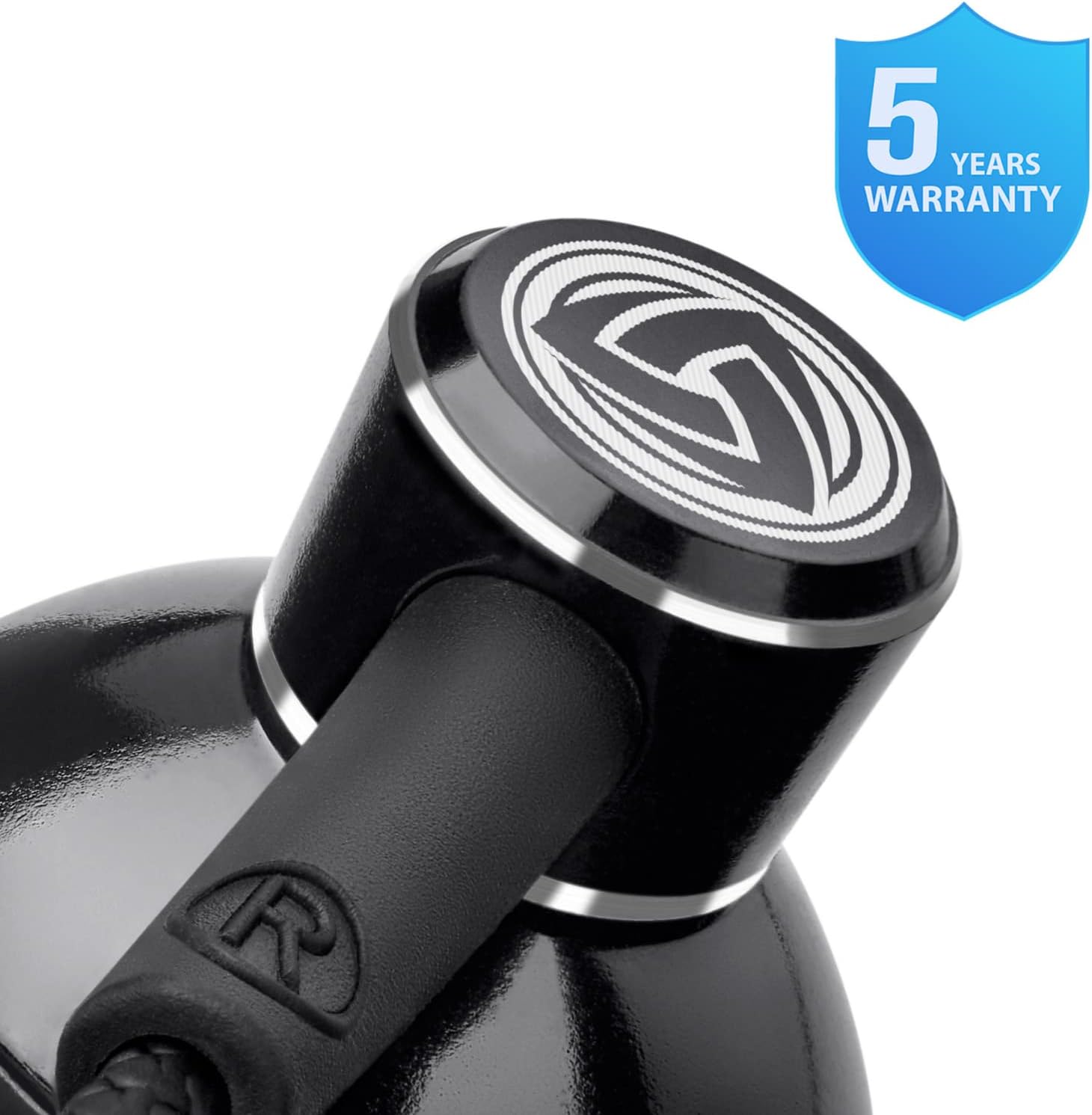
Figure 3: Earbuds with Included Silicone Ear Supports
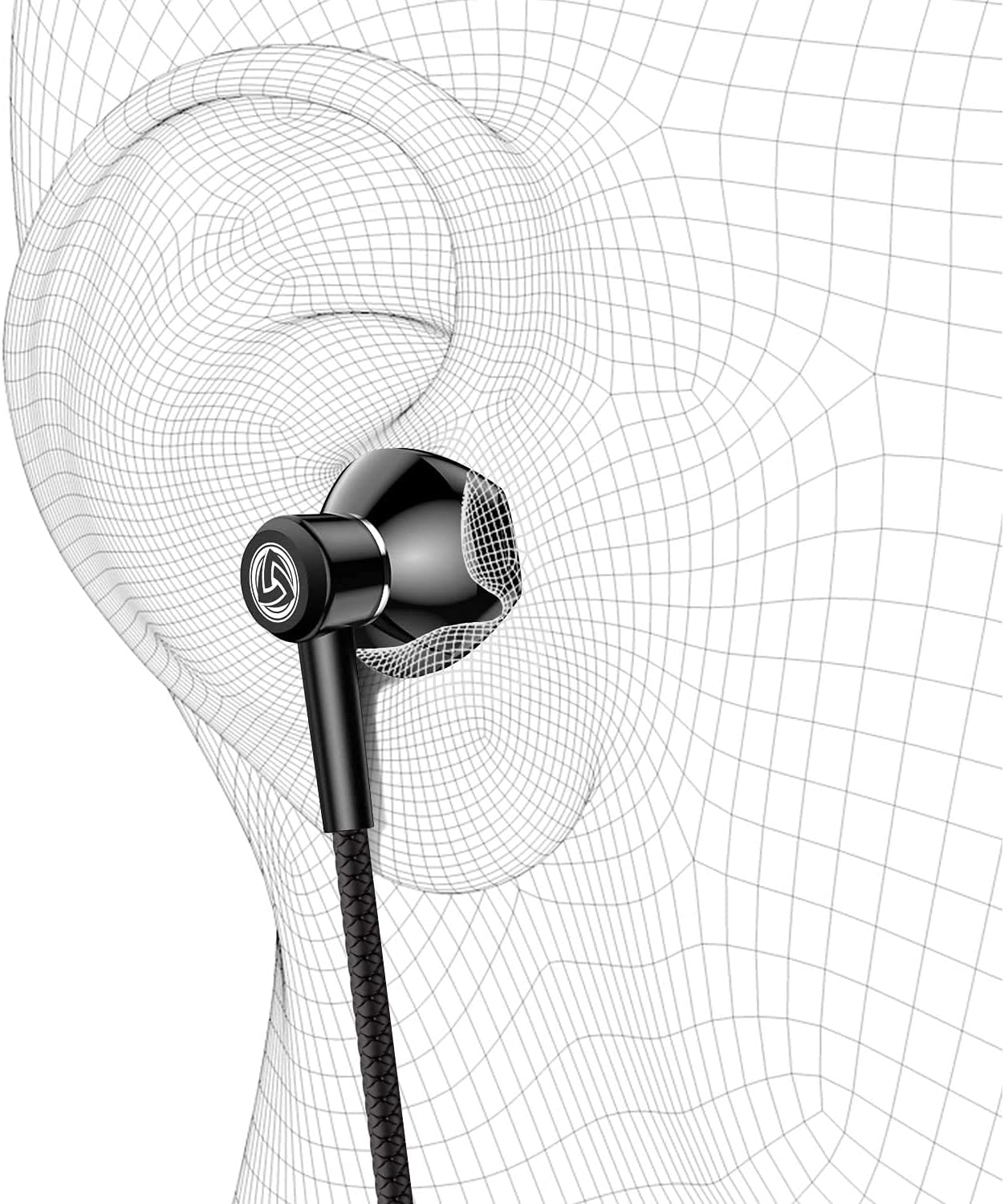
Figure 4: Proper Earbud Placement
2. Connecting to Your Device
The LUDOS SPECTA earbuds utilize a standard 3.5mm audio jack for connectivity.
- Locate the 3.5mm audio port on your device (smartphone, tablet, laptop, PC, gaming console controller, etc.).
- Insert the 3.5mm jack of the earbuds firmly into the device's audio port.
- Ensure the connection is secure for uninterrupted audio.
Note: For devices without a 3.5mm jack (e.g., newer iPhone models), a compatible adapter (not included) is required.

Figure 5: 3.5mm Jack Compatibility
Operating Instructions
The LUDOS SPECTA earbuds feature an in-line remote with a microphone for convenient control of audio playback and calls.

Figure 6: In-line Remote Control
Audio Playback Control
- Play/Pause: Press the multi-function button once.
- Next Track: Press the multi-function button twice quickly.
- Previous Track: Press the multi-function button three times quickly.
- Volume Control: Use the slider on the remote to adjust the audio volume. Sliding it down will mute the audio.
Call Management
- Answer/End Call: Press the multi-function button once during an incoming call or an active call.
- Reject Call: Press and hold the multi-function button for approximately 2 seconds during an incoming call.
- Microphone: The integrated microphone allows for clear hands-free communication during calls. Ensure the microphone is positioned appropriately for optimal voice pickup.
Maintenance and Care
Proper maintenance ensures the longevity and performance of your LUDOS SPECTA earbuds.
Cleaning
- Ear Tips: Remove silicone ear tips and wash them with mild soap and water. Rinse thoroughly and allow them to dry completely before reattaching.
- Earbud Nozzles: Gently wipe the earbud nozzles with a dry, soft cloth to remove any earwax or debris. Avoid using liquids directly on the earbuds.
- Cable: Wipe the braided cable with a dry, soft cloth.
Storage
- Always store your earbuds in the provided protective case when not in use. This prevents tangling and protects them from damage.
- The earbuds feature magnetic backs to help keep them together and reduce tangling when stored.
- Avoid exposing the earbuds to extreme temperatures, humidity, or direct sunlight.

Figure 7: Earbuds in Protective Case

Figure 8: Tangle-Free Braided Cable
Troubleshooting
If you encounter issues with your LUDOS SPECTA earbuds, refer to the following common solutions:
| Problem | Possible Cause | Solution |
|---|---|---|
| No sound or low volume |
|
|
| Microphone not working |
|
|
| Poor sound quality (e.g., tinny, distorted) |
|
|
Specifications
Detailed technical specifications for the LUDOS SPECTA Wired Earbuds:
| Feature | Detail |
|---|---|
| Model Name | SPECTA |
| Brand | LUDOS |
| Connectivity Technology | Wired |
| Headphones Jack | 3.5 mm Jack |
| Ear Placement | In Ear |
| Noise Control | Sound Isolation |
| Frequency Response | 20-20000 Hz |
| Impedance | 32 Ohm |
| Control Type | Volume Control, Multi-function button |
| Cable Feature | Tangle Free (Braided) |
| Cable Length | 4.2ft / 1.3m (50.4 Inches) |
| Material | Metal (earbud housing) |
| Item Weight | 57 Grams (2.01 ounces) |
| Included Components | SPECTA Earphones, Protective Case, In Ear Headphones Silicone Tips |
| Compatible Devices | Smartphone, iOS, Android, Tablet, PC, PS4, Xbox One, Switch (with 3.5mm jack or adapter) |

Figure 9: Specifications on Packaging
Warranty Information
The LUDOS SPECTA Wired Earbuds come with a 5-Year Warranty. This warranty covers manufacturing defects and ensures product reliability. For warranty claims or further details, please contact customer support.
Customer Support
If you require assistance beyond the troubleshooting guide, or for warranty inquiries, please contact LUDOS customer support.
- Manufacturer: LUDOS INTERNATIONAL LTD.
- Seller: AUDIO FORMULA USA (for purchases made via Amazon)
- Refer to your purchase documentation or the LUDOS official website for the most current contact information.