
1. Introduction
The Goal Zero Yeti 6000X is a high-capacity portable power station designed to provide reliable electricity for homes, RVs, trailers, and work sites. With a 6,071 Watt-hour (Wh) lithium battery, it offers a clean, quiet, and safe alternative to traditional gas generators. This manual provides essential information for the safe and efficient operation of your Yeti 6000X.

Image: The Goal Zero Yeti 6000X Portable Power Station, showcasing its robust design and output ports.
Key features include multiple output ports (USB-A, USB-C, AC outlets), advanced battery management, and compatibility with solar charging. It is built with heavy-duty anodized aluminum for durability and features Tier 1 Lithium battery cells for safety and longevity.
2. Setup and Initial Charging
2.1 Unpacking and Inspection
Carefully remove the Yeti 6000X from its packaging. Inspect the unit for any signs of damage. Report any damage to Goal Zero customer service immediately.
2.2 Initial Charge
Before first use, fully charge your Yeti 6000X. The unit can be charged via a standard wall outlet, solar panels (sold separately), or a 12V car charger (with Yeti Link, sold separately).
- Wall Outlet: Connect the included AC wall charger to the Yeti's input port and then to a standard wall outlet. A full charge takes approximately 12 hours.
- Solar Panels: Connect compatible Goal Zero solar panels to the Yeti's solar input port. Charging time varies based on solar panel wattage and sunlight conditions. The Yeti's MPPT (Maximum Power Point Tracking) technology optimizes solar input.
- 12V Car Charger: Using a Goal Zero proprietary 12V car charger (with Yeti Link), you can charge the unit from your vehicle. This method is slower, taking approximately 55 hours for a full charge.

Image: Illustration showing the three charging methods for the Yeti 6000X: solar, wall outlet, and vehicle.

Image: A diagram illustrating the power collection and storage process for the Yeti 6000X, detailing charging times from wall outlet, car charger, and solar panels.
3. Operating Instructions
3.1 Powering Devices
The Yeti 6000X provides various output ports to power a wide range of devices and appliances. Ensure the device you intend to power does not exceed the Yeti's output capacity.
- AC Outlets: For standard household appliances. The Yeti 6000X features 2x 120V AC inverters with 2000W continuous output and 3500W surge capability.
- USB Ports: Includes USB-A and USB-C ports for charging mobile phones, tablets, laptops, and other USB-powered devices.
- 12V Car Port: For 12V devices typically used in vehicles.
- 8mm Chart Port: (150W Max)
- High-Power Charge Port: (600W Max)

Image: A detailed diagram highlighting all input and output ports on the Yeti 6000X, including their specifications and the total battery capacity of 6,071 Wh.
3.2 Yeti App Integration
Monitor, control, and optimize your power usage remotely with the Yeti App 3.0. The app allows for remote control of power input/output, real-time power consumption notifications, and customizable charging profiles to extend battery life.
3.3 Example Run Times and Recharges
The Yeti 6000X can power various devices for extended periods:
- Full Size Refrigerator (71W): 85 hours
- Microwave (1000W): 6 hours
- Light Bulb (11W): 547 hours
- Smartphone (12Wh): 501 recharges
- Laptop (50Wh): 120 recharges

Image: A visual chart detailing the estimated run times for various appliances and the number of recharges for smaller devices when powered by the Yeti 6000X.

Image: Two scenarios demonstrating the Yeti 6000X's utility: powering a portable fridge, blender, and coffee maker for camping, and providing home backup for a modem, medical device, and refrigerator.
4. Maintenance
4.1 Storage
Store the Yeti 6000X in a cool, dry place, away from direct sunlight and extreme temperatures. For optimal battery health, recharge the unit every 3-6 months if not in regular use.
4.2 Cleaning
Wipe the exterior of the unit with a soft, damp cloth. Do not use abrasive cleaners or immerse the unit in water.
4.3 Battery Care
The Yeti 6000X uses high-quality Lithium battery cells protected by an advanced multi-sensor battery management system. Avoid fully discharging the battery frequently to prolong its lifespan. Regular partial discharges and recharges are beneficial.
5. Troubleshooting
If you encounter issues with your Yeti 6000X, refer to the following common problems and solutions:
- Unit Not Charging:
- Ensure all charging cables are securely connected.
- Verify the power source (wall outlet, solar panel) is functional.
- Check the charging indicator lights on the unit.
- No Power Output:
- Confirm the Yeti 6000X is sufficiently charged.
- Ensure the specific output port (AC, USB) is turned on.
- Check if the connected device is functioning correctly and within the Yeti's power limits.
- Overload Warning:
- If an overload warning appears, disconnect some devices to reduce the power draw.
- Restart the unit if necessary.
For persistent issues, consult the Goal Zero website or contact customer support.
6. Specifications
| Feature | Detail |
|---|---|
| Brand | Goal Zero |
| Model Name | Yeti 6000X |
| Battery Capacity | 6071 Watt-hours (Wh) / 557 Amp Hours |
| Output Wattage | 2000 Watts (continuous) / 3500 Watts (surge) |
| Voltage | 120 Volts |
| Fuel Type | Electric |
| Power Source | Solar Powered (optional panels), AC Wall, 12V Car |
| Item Weight | 120 Pounds |
| Product Dimensions | 25"L x 20"W x 25"H |
| Material | Aluminum |
| Battery Cell Type | Lithium |
| Included Components | Power Station, AC Wall Charger |
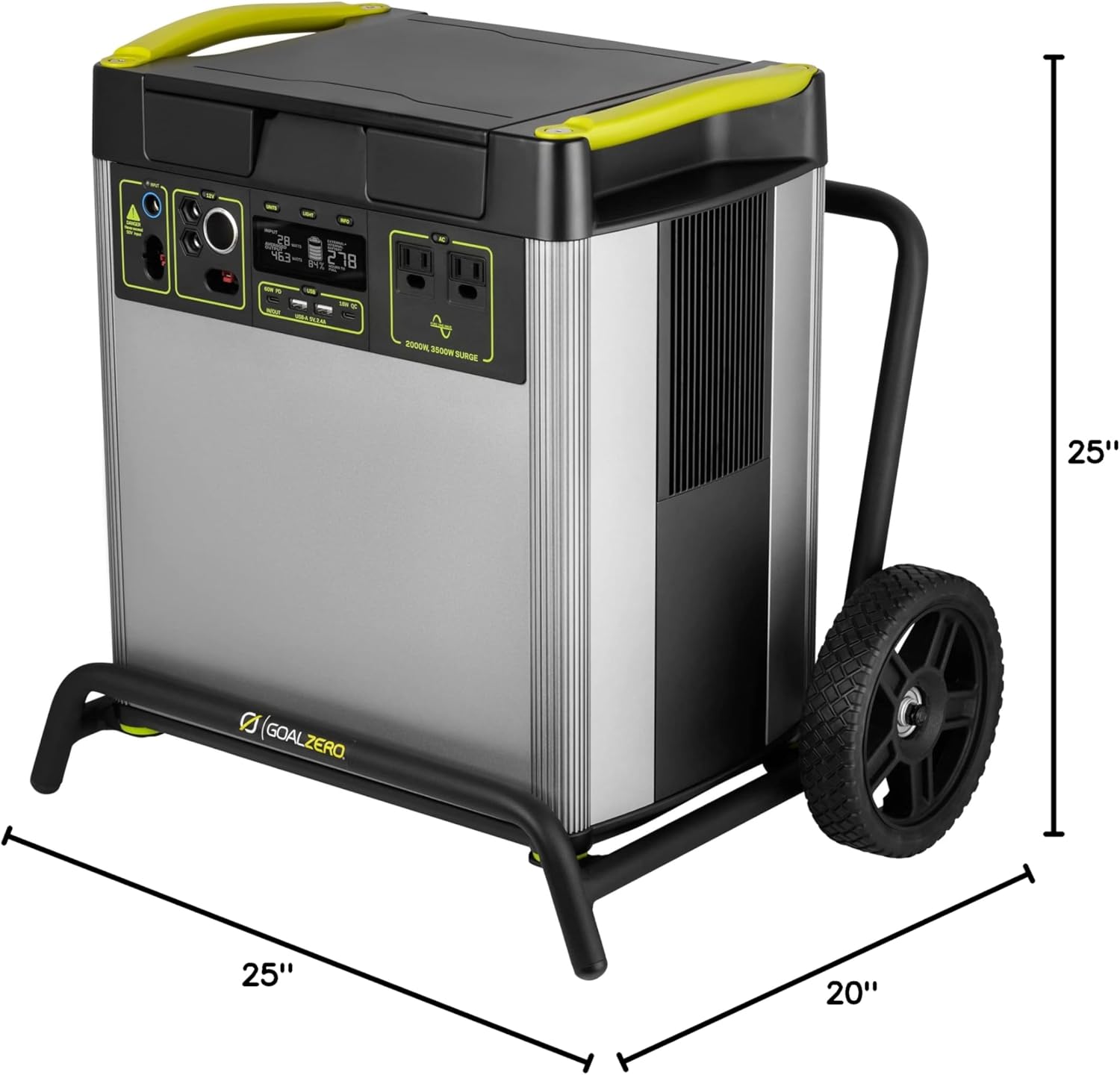
Image: A visual representation of the Yeti 6000X with its dimensions labeled: 25 inches length, 20 inches width, and 25 inches height.
7. Warranty and Support
7.1 Warranty Information
The Goal Zero Yeti 6000X Portable Power Station is backed by a 2-year warranty. This warranty covers defects in materials and workmanship under normal use. Please retain your proof of purchase for warranty claims.
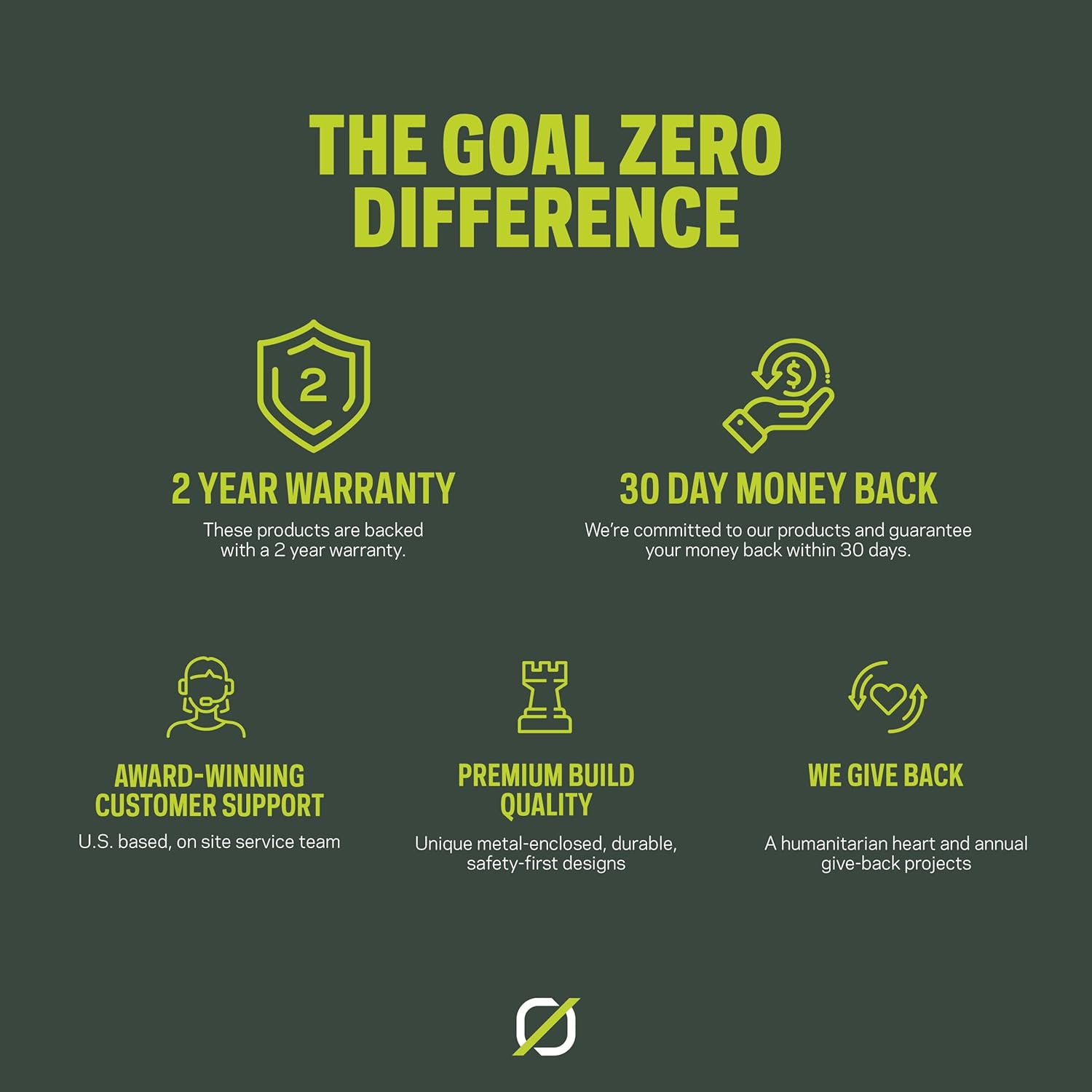
Image: An infographic highlighting Goal Zero's commitment to quality and customer satisfaction, including a 2-year warranty and dedicated customer support.
7.2 Customer Support
For technical assistance, warranty claims, or general inquiries, please visit the official Goal Zero website or contact their customer service department. Contact information can typically be found on the product packaging or the Goal Zero website.


