
Introduction
This manual provides detailed instructions for the assembly, operation, maintenance, and care of your WOHOMO Folding Computer Desk. Designed for versatility and space-saving, this desk is suitable for various uses in home offices, bedrooms, and other small spaces. Please read this manual thoroughly before use to ensure proper setup and safe operation.
Safety Information
Important Safety Precautions:
- Always ensure the desk is properly assembled before placing items on it or using it.
- Do not exceed the maximum weight recommendation of 200 pounds (90.7 kg) to prevent damage or injury.
- Use caution when folding and unfolding the desk to prevent pinching or other injuries. Keep hands clear of moving parts.
- Keep small children and pets away from the desk during assembly and folding operations.
- Place the desk on a flat, stable surface to prevent wobbling or tipping.
Package Contents
Before beginning assembly, please verify that all components are present and undamaged. If any parts are missing or damaged, please contact customer support.
- Foldable Desk (1 unit)
- Assembly Instruction Manual (1 copy)
- Necessary tools for assembly (included)
Setup and Assembly
The WOHOMO Folding Computer Desk is designed for quick and easy assembly, typically taking less than 10 minutes. No complex tools are required as all necessary items are provided.
- Unpack Components: Carefully remove all parts from the packaging. Lay them out on a clean, soft surface to prevent scratches.
- Unfold the Frame: Gently lift the tabletop. The legs are pre-attached and designed to unfold.
- Extend the Legs: Extend the desk legs outwards until they are fully open and locked into position. Ensure the triangular supporting plates are stable.
- Secure the Tabletop: Press down on the tabletop to ensure it is securely locked into place with the frame. The nylon buckle design helps ensure stability.
- Final Check: Verify that all parts are securely connected and the desk is stable before use.
For a visual guide, refer to the folding steps diagram below:

The desk features a triangular reinforced structure for enhanced stability and rounded corners for safety. Floor protection mats are included to prevent scratches on your flooring.
Watch this video for a visual guide on the assembly and folding process:
Video 1: Quick Assembly and Folding Demonstration. This video shows the desk being quickly set up and folded for storage, highlighting its ease of use.
Operating and Usage
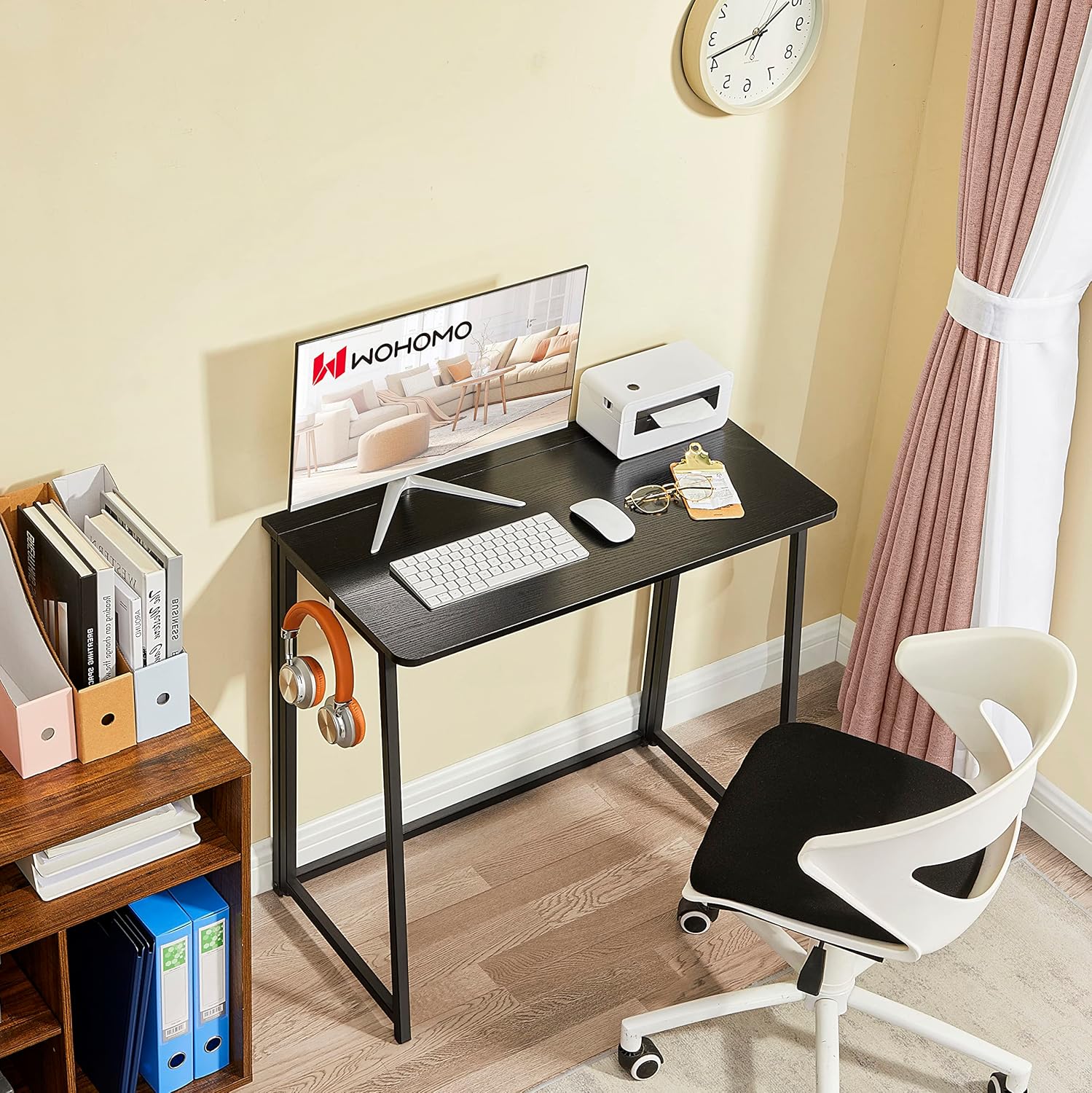
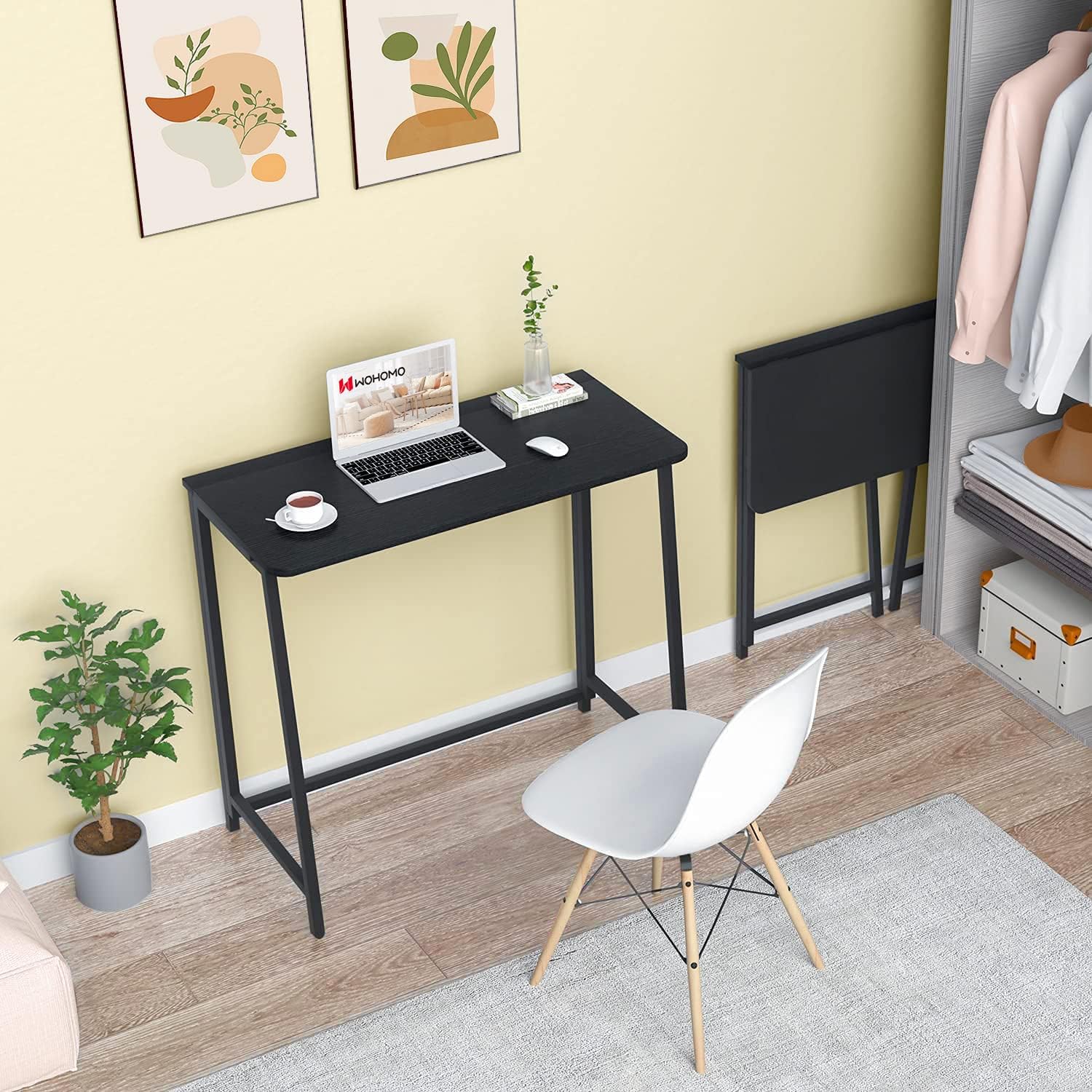
Your WOHOMO Folding Computer Desk is a versatile workstation suitable for various activities. Its compact design makes it ideal for small spaces while providing ample surface area.
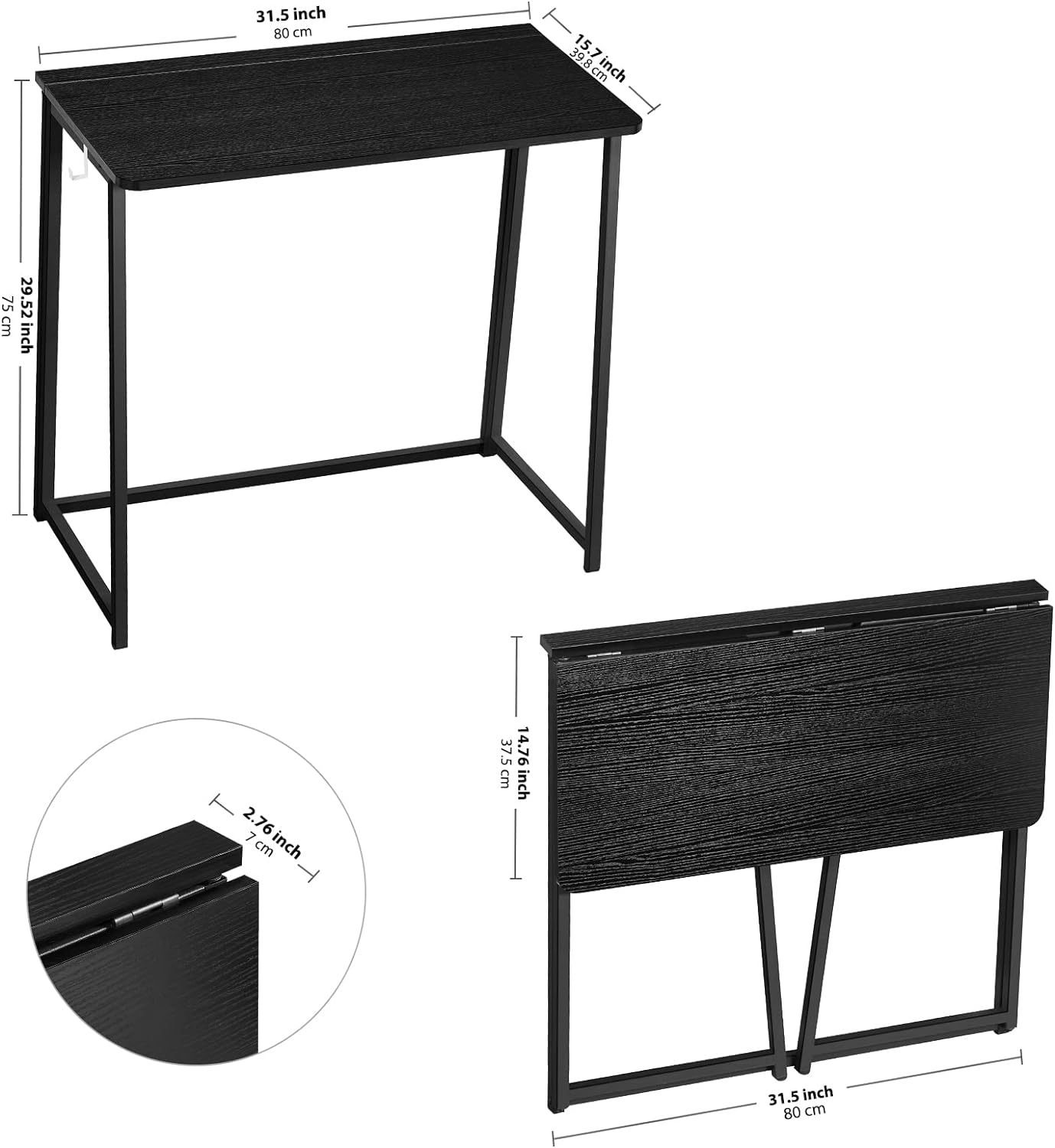
- Workstation: Use it as a computer desk for laptops or even dual monitors. The spacious tabletop (31.5" W x 15.7" D) provides comfortable working space.
- Writing Desk: Perfect for studying, writing, or creative projects.
- Dining Table: Can serve as a temporary dining surface in small apartments or RVs.
- Gaming Desk: Suitable for light gaming setups.
- Accessory Hook: A convenient side hook is included for hanging headphones, bags, or other small items.
Folding and Storage
One of the primary benefits of your WOHOMO desk is its ability to fold compactly for storage, making it ideal for small living spaces or for portability.
- Clear the Desk: Remove all items from the tabletop.
- Lift the Tabletop: Gently lift the tabletop to disengage the locking mechanism.
- Fold the Legs: Fold the desk legs inwards until they are flat against the tabletop.
- Secure in Folded Position: Ensure the desk is fully folded and secured by the nylon buckle design.
When folded, the desk measures only 2.76 inches (7 cm) in width, allowing it to be stored easily behind a door, under a bed or couch, or in a small corner. Its lightweight design (approximately 15 lbs) also makes it portable for travel or moving between rooms.

Video 2: Vertical Folding Demonstration. This video illustrates how the desk folds vertically, making it easy to store in narrow spaces.
Maintenance
To ensure the longevity and appearance of your WOHOMO Folding Computer Desk, follow these simple maintenance guidelines:
- Cleaning: Wipe the desk surface with a soft, damp cloth. Avoid abrasive cleaners or harsh chemicals that may damage the finish.
- Spills: Clean up spills immediately to prevent staining or damage to the engineered wood surface.
- Inspection: Periodically check all connections and fasteners to ensure they remain tight. Retighten if necessary.
- Storage: When storing the desk for extended periods, ensure it is clean and dry. Store in a cool, dry place away from direct sunlight or extreme temperature changes.
Troubleshooting
If you encounter any issues with your WOHOMO Folding Computer Desk, please refer to the following common solutions:
- Desk Wobbles:
- Ensure the desk is placed on a flat, even surface.
- Verify that the legs are fully extended and locked into position.
- Check all connections and tighten any loose screws.
- Difficulty Folding/Unfolding:
- Ensure the tabletop is lifted sufficiently to disengage the locking mechanism before attempting to fold the legs.
- Do not force the mechanism. If resistance is met, re-check the alignment of the parts.
- Damaged Surface During Assembly:
- Ensure you are using the correct screws for each part as indicated in the assembly instructions. Using incorrect screws can cause damage.
- Avoid over-tightening screws.
If the problem persists, please contact WOHOMO customer support for further assistance.
Specifications
| Brand | WOHOMO |
| Model Number | ASCOLI-BK-DH-WOM |
| Product Dimensions (Unfolded) | 15.75"D x 31.5"W x 29.52"H (40cm D x 80cm W x 75cm H) |
| Product Dimensions (Folded) | 2.76"D x 31.5"W x 29.52"H (7cm D x 80cm W x 75cm H) |
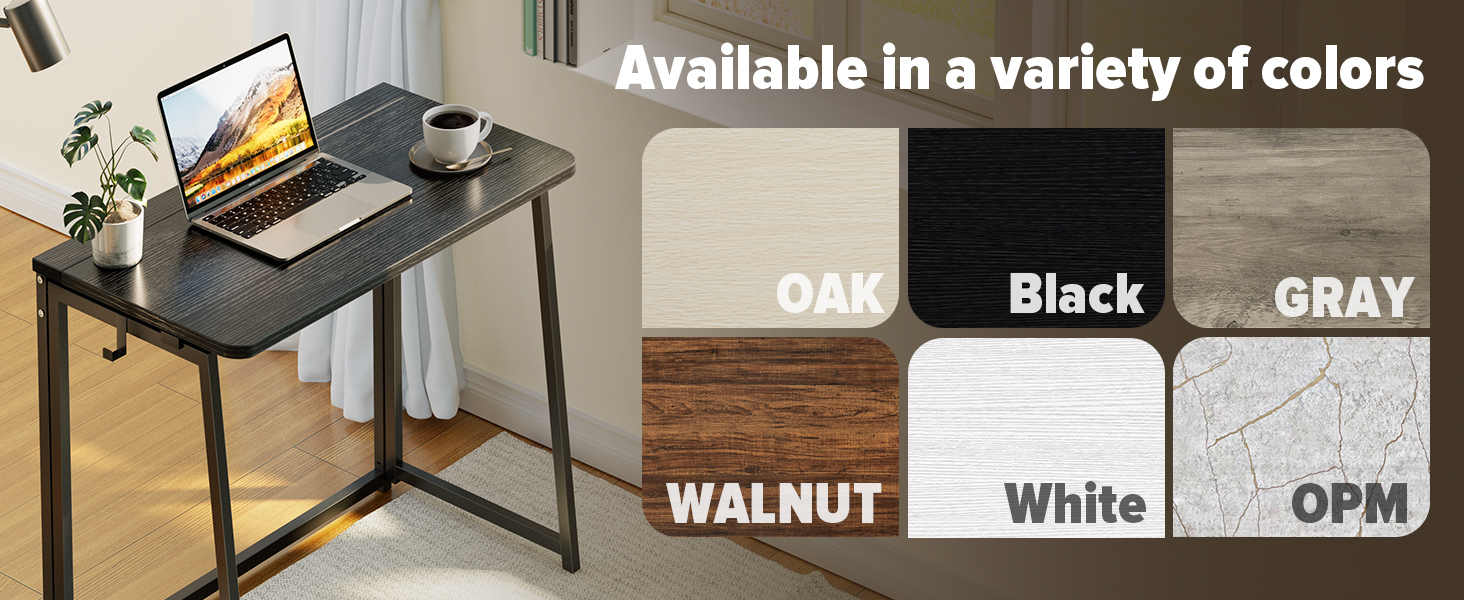
| Color | Black |
| Material Type | Engineered Wood (Melamin faced chipboard), Alloy Steel (Metal) |
| Item Weight | 15 Pounds (6.8 kg) |
| Maximum Weight Recommendation | 200 Pounds (90.7 kg) |
| Special Features | Foldable, Lightweight, Portable |
| Assembly Required | Yes (Minimal) |
Warranty and Support
Warranty Information:
- This WOHOMO product comes with a Limited Warranty.
- A 1-Year Manufacturer's Warranty covers parts and labor for defects in materials and workmanship under normal use.
- Please retain your proof of purchase for warranty claims.
Customer Support:
For any questions, concerns, or warranty claims regarding your WOHOMO Folding Computer Desk, please contact WOHOMO customer support through the retailer where you purchased the product or visit the official WOHOMO brand store online.
Online Brand Store: WOHOMO Store


