
CHAMBERLAIN MYQLED1
Chamberlain Smart myQ LED Light User Manual
Model: MYQLED1
Introduction
The Chamberlain Smart myQ LED Light (Model MYQLED1) is designed to provide bright, efficient illumination for various indoor spaces, particularly garages. This device integrates with myQ technology, allowing for convenient control and scheduling via a smartphone when connected to a compatible myQ smart garage hub or Wi-Fi garage door opener. This manual provides essential information for the proper setup, operation, maintenance, and troubleshooting of your myQ LED Light.

A front view of the Chamberlain myQ LED Light, showing its compact, square design and the 'CHAMBERLAIN' and 'myQ' logos.
Setup
Follow these steps to set up your Chamberlain Smart myQ LED Light:
- Physical Installation: The myQ LED Light is designed for easy installation. It conveniently plugs into a standard electrical outlet and can be mounted on a wall or ceiling. Ensure the mounting location provides adequate coverage for the desired illumination area.
- Power Connection: Plug the light into a standard 120-volt electrical outlet.
- myQ Connectivity: For smartphone control and advanced features, the myQ LED Light requires connection to a myQ smart garage hub or a myQ Wi-Fi garage door opener (sold separately). Refer to the instructions provided with your myQ hub or opener for pairing procedures.
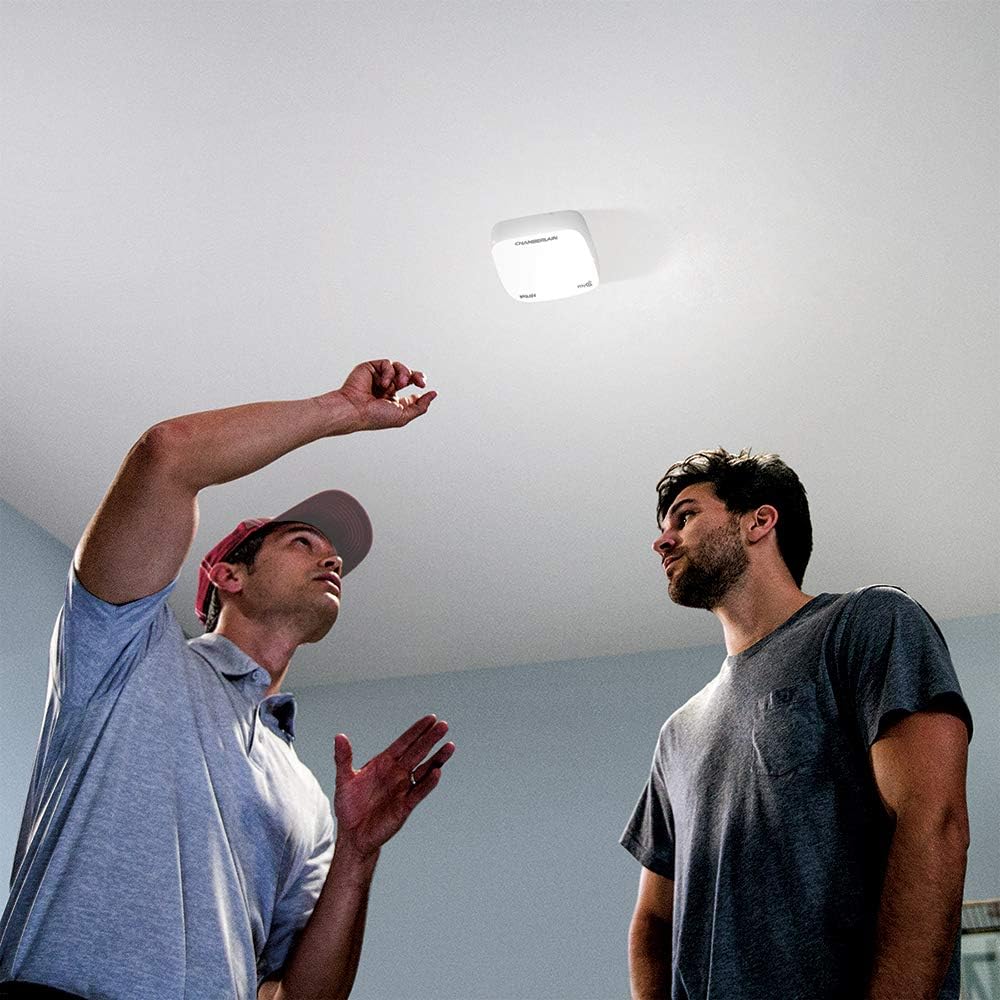
Two individuals observing the Chamberlain myQ LED Light installed on a ceiling, suggesting an installation or inspection scenario.

An image showing the Chamberlain myQ LED Light installed on a garage ceiling, providing illumination for a man working on a detailed model at a workbench.
Operating
Once installed and connected to your myQ system, the LED light can be operated as follows:
- Smartphone Control: Use the myQ app on your smartphone to turn the light on or off from anywhere. The app allows for remote control and monitoring of the light's status.
- Scheduling: Within the myQ app, you can set schedules for the light to turn on and off automatically at specific times, enhancing convenience and energy efficiency.
- Brightness: The light provides 1,500 Lumens of bright LED illumination, suitable for various tasks and general area lighting.

A close-up of a smartphone screen showing the myQ application interface, with an icon representing the LED light, indicating remote control capabilities. A person and child on a bike are blurred in the background.
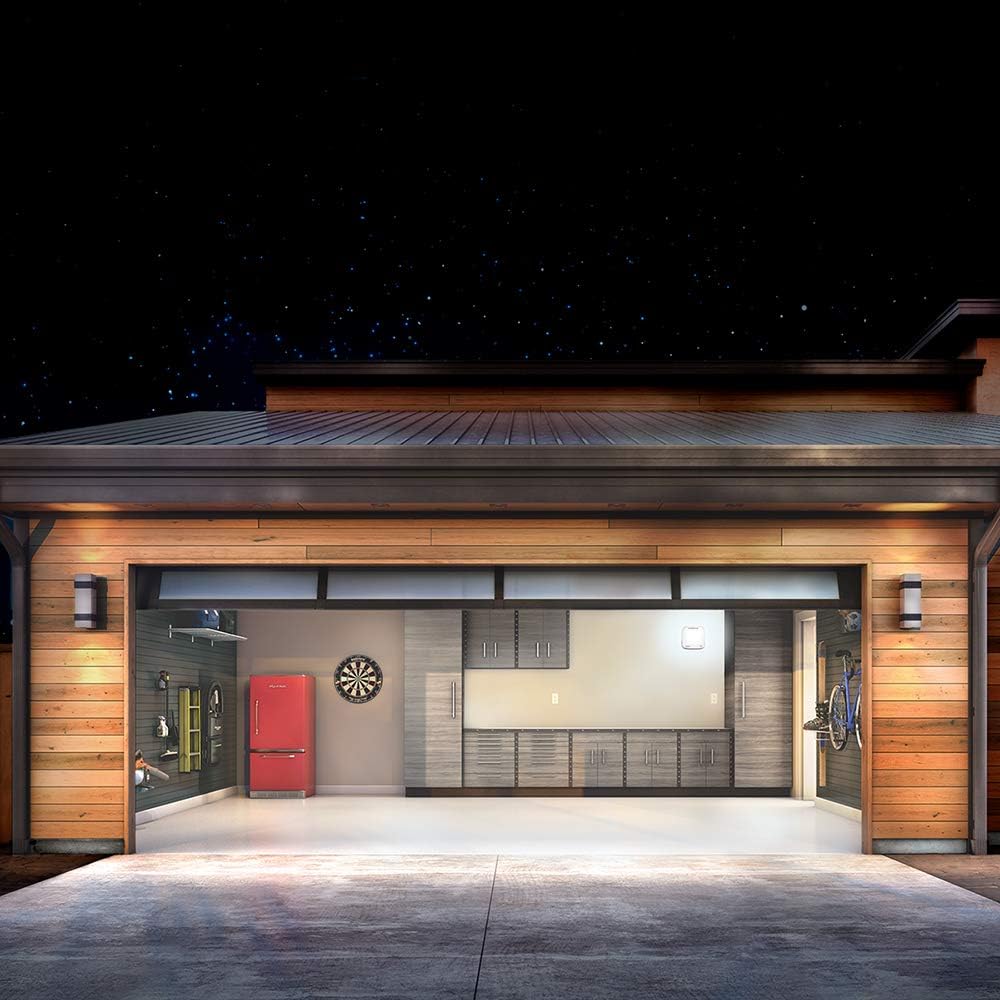
An exterior view of a garage at night, with the interior brightly lit by the Chamberlain myQ LED Light, demonstrating its effective illumination.
Maintenance
The Chamberlain Smart myQ LED Light is designed for low maintenance:
- LED Longevity: The integrated LED light source is maintenance-free and designed for a long operational life, eliminating the need for bulb replacements.
- Cleaning: To clean the exterior of the light, gently wipe it with a soft, dry cloth. Do not use abrasive cleaners or solvents, as these may damage the finish. Ensure the light is unplugged before cleaning.
Troubleshooting
If you encounter issues with your myQ LED Light, consider the following:
- Light Not Turning On:
- Check if the light is securely plugged into a working electrical outlet.
- Verify that the outlet has power by testing it with another device.
- No Smartphone Control:
- Ensure your myQ smart garage hub or Wi-Fi garage door opener is powered on and connected to your home Wi-Fi network.
- Confirm that the myQ LED Light is properly paired with your myQ system. Refer to your myQ hub/opener manual for pairing instructions.
- Check your smartphone's internet connection.
- Update the myQ app to the latest version.
- Intermittent Connectivity:
- Ensure the myQ LED Light is within range of your myQ smart garage hub or Wi-Fi garage door opener.
- Minimize interference from other wireless devices.
If problems persist, consult the official Chamberlain support resources or the full user manual PDF.
Specifications
| Feature | Specification |
|---|---|
| Brand | CHAMBERLAIN |
| Model Name | Chamberlain MYQLED1 Smart LED Light with myQ Technology |
| Part Number | MYQLED1 |
| Item Weight | 2.46 pounds |
| Product Dimensions | 8 x 8 x 2.5 inches |
| Voltage | 120 Volts |
| Brightness | 1500 Lumen |
| Power Source | Corded Electric |
| Installation Type | Surface Mount |
| Connectivity Protocol | MyQ |
| Indoor/Outdoor Usage | Indoor |
| Material | Copper |
| Color | White |
Warranty and Support
Warranty: The Chamberlain Smart myQ LED Light comes with a 1-year manufacturer's warranty.
Additional Resources:
- For a comprehensive guide, you can refer to the official User Manual (PDF).
- For further support or to explore other Chamberlain products, visit the CHAMBERLAIN Store.
Related documentsMYQLED1


Ask a question about this manual
Ask about setup, troubleshooting, compatibility, parts, safety, or missing instructions. Manuals+ will review the question and use this page’s manual context to help answer it.