1. Introduction
This manual provides comprehensive instructions for the OMNIHIL 30 Feet Auxiliary AUX Cable. This cable is designed to extend the connection between audio devices, ensuring high-quality signal transmission. Please read this manual carefully to ensure proper setup and optimal performance.
2. Product Overview
The OMNIHIL Auxiliary AUX Cable features 24k gold-plated connectors for maximum signal transmission and high-density foil and tinned copper shielding to minimize electromagnetic interference (EMI) and radio frequency interference (RFI). It is suitable for extending connections for CD players, stereos, speakers, TVs, DVD/Blu-Ray players, and other audio devices, including compatibility with Samsung PS-WE550.
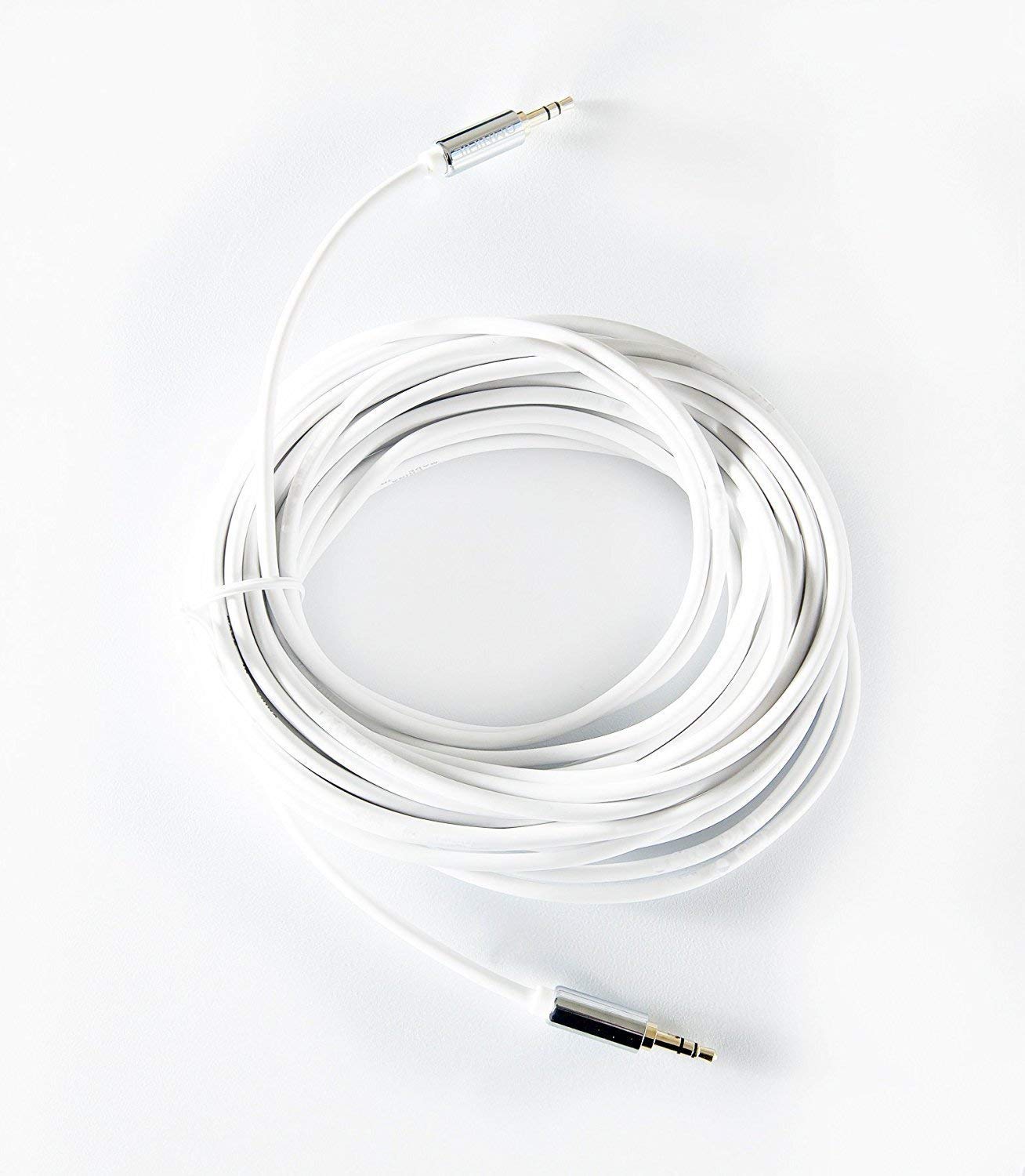
Figure 2.1: The OMNIHIL 30 Feet Auxiliary AUX Cable, coiled for storage.
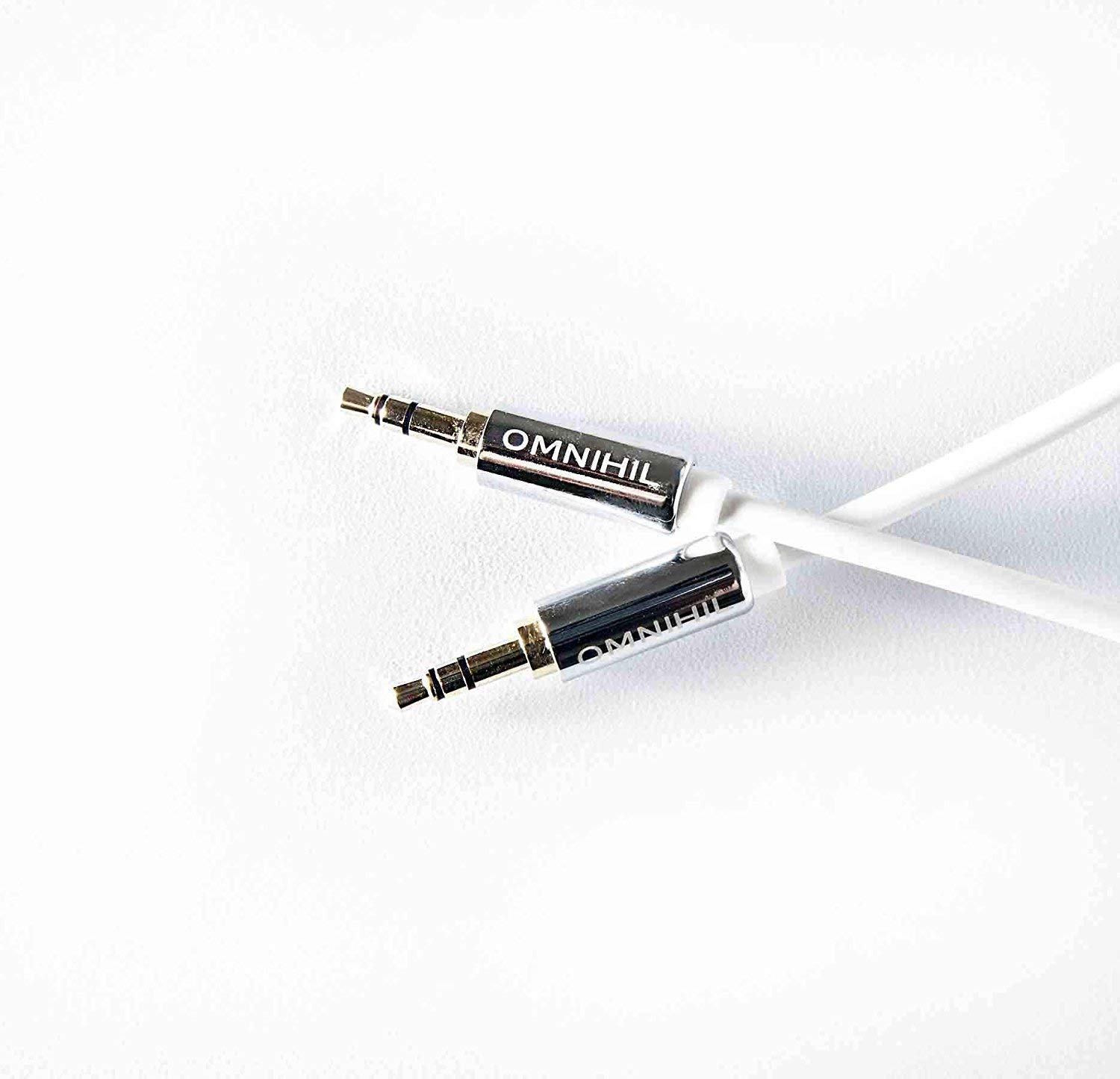
Figure 2.2: Close-up view of the 24k gold-plated 3.5mm connectors with OMNIHIL branding.
3. Setup and Connection
Follow these steps to connect your OMNIHIL Auxiliary AUX Cable:
- Identify Ports: Locate the 3.5mm auxiliary audio output port on your source device (e.g., smartphone, tablet, computer, CD player) and the 3.5mm auxiliary audio input port on your receiving device (e.g., speaker, stereo system, TV). These ports are typically labeled 'AUX OUT', 'LINE OUT', 'HEADPHONE', or 'AUX IN', 'LINE IN'.
- Connect Source: Insert one end of the OMNIHIL AUX cable into the 3.5mm audio output port of your source device.
- Connect Receiver: Insert the other end of the OMNIHIL AUX cable into the 3.5mm audio input port of your receiving device.
- Secure Connection: Ensure both connectors are fully inserted into their respective ports for a secure and stable connection.

Figure 3.1: Example of an audio cable connecting devices for shared listening.
4. Operation
Once the cable is connected, follow these general steps to operate your audio setup:
- Power On Devices: Ensure both your source device and receiving device are powered on.
- Select Input: On your receiving device (e.g., stereo, TV), select the correct audio input source. This is often labeled 'AUX', 'LINE IN', or 'AUDIO IN' and can usually be selected via a button on the device or its remote control.
- Adjust Volume: Start with a low volume level on both devices and gradually increase it to a comfortable listening level.
- Play Audio: Begin playing audio from your source device.
5. Maintenance and Care
To ensure the longevity and optimal performance of your OMNIHIL Auxiliary AUX Cable, observe the following care guidelines:
- Avoid Sharp Bends: Do not bend the cable sharply or crimp it, as this can damage the internal wiring.
- Proper Storage: When not in use, coil the cable loosely. Avoid tangling or knotting.
- Clean Connectors: Periodically inspect the connectors for dust or debris. If necessary, gently clean them with a dry, lint-free cloth. Avoid using liquids.
- Handle with Care: Always grasp the connector housing when plugging or unplugging the cable, rather than pulling on the cable itself.
- Environmental Conditions: Store the cable in a dry environment, away from extreme temperatures and direct sunlight.
6. Troubleshooting
If you encounter issues with your OMNIHIL Auxiliary AUX Cable, refer to the following troubleshooting tips:
| Problem | Possible Cause | Solution |
|---|---|---|
| No sound |
|
|
| Poor sound quality (static, distortion) |
|
|
| Cable does not fit port |
|
|
7. Specifications
- Product Dimensions: 3 x 3 x 2 inches (packaged)
- Item Weight: 4.96 ounces
- Item Model Number: OMNI1026020952
- Manufacturer: OMNIHIL
- Connector Type: Auxiliary (3.5mm)
- Cable Type: AUX
- Compatible Devices: DVD Player, PC, Speaker, Stereo Systems, TVs
- Compatible Phone Models: Samsung PS WE550 and other devices with a 3.5mm audio jack
- Features: 24k Gold Plated connectors, High-Density foil and Tinned Copper shielding
8. Warranty Information
The OMNIHIL Auxiliary AUX Cable comes with a 5-Year Free Replacement Warranty. This warranty covers manufacturing defects and ensures a free replacement if the product fails due to such issues within five years from the date of purchase. Please retain your proof of purchase for warranty claims. This warranty applies to 3rd party non-OEM parts.
9. Customer Support
For further assistance, technical support, or warranty claims, please contact OMNIHIL customer service. You can also visit the official OMNIHIL store on Amazon for more information and product details:
Visit the OMNIHIL Store on Amazon

Figure 9.1: OMNIHIL Brand Logo.