
Introduction
Welcome to the Phantom Elite Titanium Audio CD. This manual provides comprehensive instructions to help you get the most out of your new album. Please read through these guidelines to ensure proper handling, playback, and care of your Audio CD.
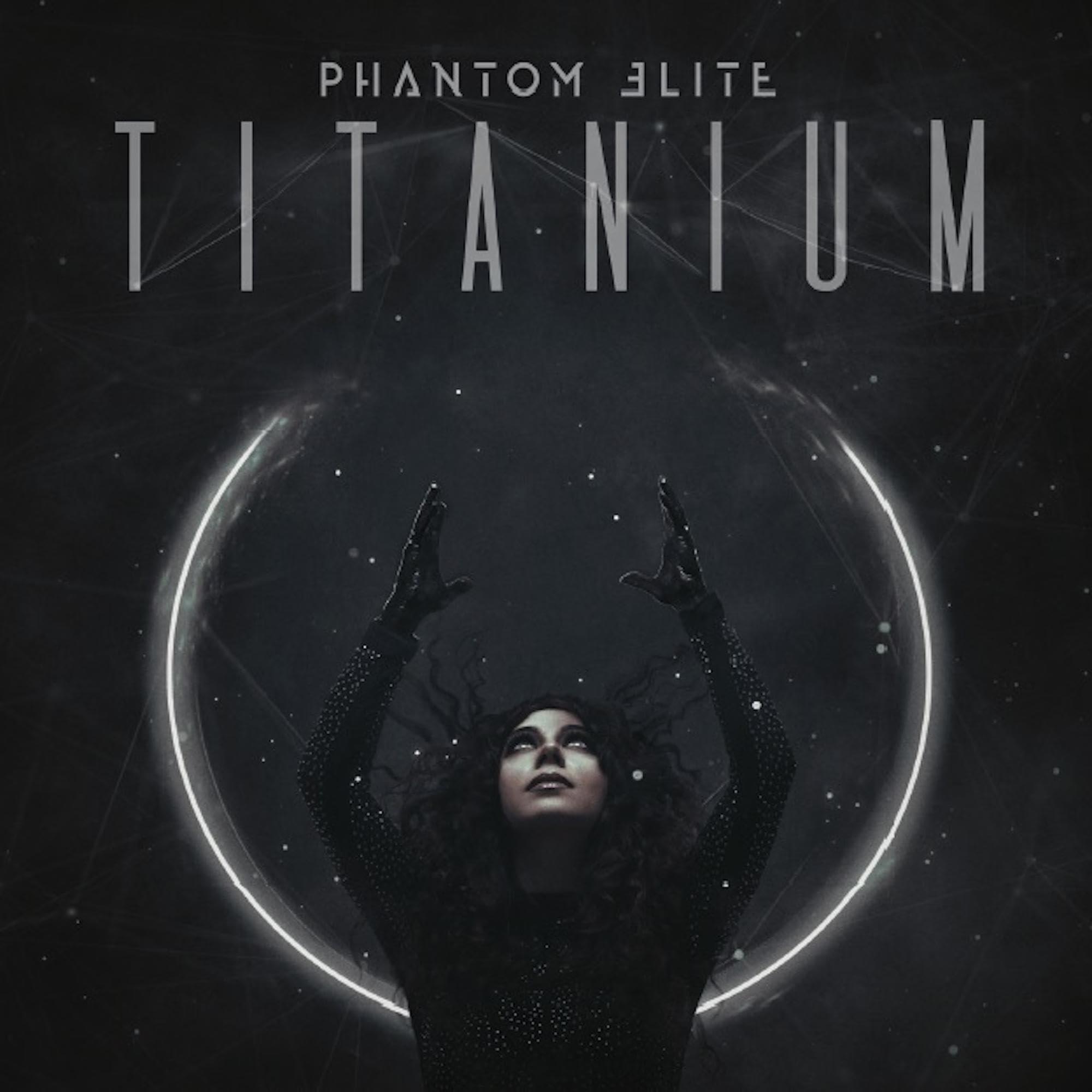
Image: The album cover for Phantom Elite's 'Titanium' Audio CD, featuring the band's logo and album title.
Setup
To begin enjoying your Phantom Elite Titanium Audio CD, follow these simple steps:
- Unpacking: Carefully remove the Audio CD from its packaging. Avoid touching the playing surface (the shiny side) of the disc. Hold the CD by its edges or by placing a finger through the center hole.
- Inspect the Disc: Before insertion, visually inspect the disc for any visible scratches, smudges, or debris on the playing surface. If found, clean the disc as described in the Maintenance section.
- Insert into Player: Open the disc tray or slot of your compatible CD player (e.g., home stereo, car stereo, computer CD/DVD drive). Place the CD into the tray with the label side facing up. Ensure it is seated correctly in the tray or slot.
- Close Tray/Slot: Gently close the disc tray or allow the player to draw the disc in.
Operating
Once the CD is loaded, you can begin playback:
- Start Playback: Most CD players will automatically begin playing the first track. If not, press the 'Play' button on your player or remote control.
- Track Navigation: Use the 'Next Track' or 'Previous Track' buttons to skip between songs.
- Pause/Stop: Press 'Pause' to temporarily stop playback and 'Stop' to end playback.
- Volume Control: Adjust the volume using your CD player's or amplifier's volume controls.
- Eject: To remove the CD, press the 'Eject' button on your player.
Maintenance
Proper care will extend the life of your Audio CD and ensure consistent sound quality:
- Handling: Always handle the CD by its outer edges or the center hole. Avoid touching the playing surface to prevent fingerprints and scratches.
- Cleaning: If the disc becomes dirty or smudged, gently wipe the playing surface with a soft, lint-free cloth. Wipe from the center of the disc outwards in a straight line, not in a circular motion. Do not use abrasive cleaners or solvents. A specialized CD cleaning solution can be used if necessary.
- Storage: Store the CD in its original jewel case or a protective sleeve when not in use. Keep discs away from direct sunlight, extreme temperatures, and high humidity, as these can cause warping or damage.
- Avoid Bending: Do not bend the CD, as this can cause irreparable damage.
Troubleshooting
If you encounter issues with your Audio CD, try these common solutions:
- Disc Not Playing/Recognized:
- Ensure the disc is inserted correctly with the label side up.
- Check the disc for dirt, smudges, or scratches and clean if necessary.
- Try playing another Audio CD to determine if the issue is with the player or the disc.
- Restart your CD player or computer.
- Skipping or Stuttering Playback:
- Clean the disc thoroughly as described in the Maintenance section.
- Ensure the CD player is on a stable, level surface to prevent vibrations.
- Check for deep scratches on the playing surface. Severe scratches may prevent proper playback.
- No Sound:
- Verify that your CD player is connected correctly to your amplifier or speakers.
- Check the volume levels on both your CD player and amplifier/speakers.
- Ensure headphones are properly plugged in if you are using them.
Specifications
| Title | Titanium |
| Artist | Phantom Elite |
| Format | Audio CD |
| Language | English |
| Product Dimensions | 4.9 x 5.6 x 0.4 inches |
| Item Weight | 2.4 ounces |
| Manufacturer | Frontiers Catalog Recordings |
| Original Release Date | 2021 |
| Number of Discs | 1 |
| ASIN | B08LJQ5KRT |
Warranty and Support
Audio CDs are generally covered by a limited warranty against manufacturing defects. If you receive a defective disc (e.g., physically damaged upon arrival, unplayable due to manufacturing error), please contact your retailer or the record label, Frontiers Catalog Recordings, for assistance regarding returns or replacements.
For general inquiries about the band Phantom Elite or their music, please refer to their official website or social media channels.