
1. Introduction
This manual provides instructions for the proper setup, operation, and maintenance of your CHOUBENBEN replacement remote control for Mitsubishi MSZ-GA71VA and MSZ-GA80VA air conditioner units. Please read this manual thoroughly before use to ensure optimal performance and longevity of your remote control.
2. Safety Information
- Do not mix old and new batteries.
- Do not mix alkaline, standard (carbon-zinc), or rechargeable (nickel-cadmium) batteries.
- Remove batteries if the remote control will not be used for an extended period.
- Keep the remote control away from water and direct sunlight.
- Avoid dropping the remote control or subjecting it to strong impacts.
3. Package Contents
- 1 x CHOUBENBEN Replacement Remote Control
- Note: AAA 1.5V batteries are not included and must be purchased separately.
4. Setup
4.1 Battery Installation
- Locate the battery compartment on the back of the remote control.
- Slide the battery compartment cover downwards to open it.
- Insert two (2) AAA 1.5V batteries, ensuring the positive (+) and negative (-) terminals match the markings inside the compartment.
- Slide the cover back into place until it clicks securely.
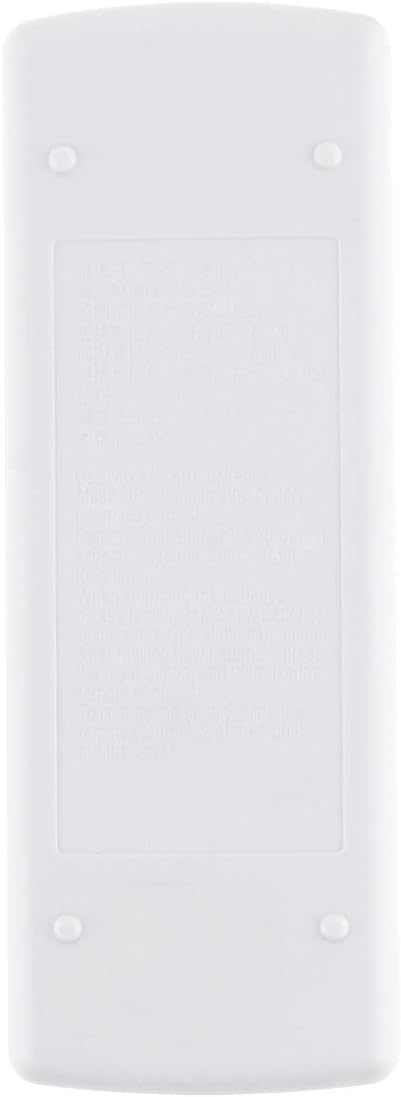
Image: Rear view of the remote control, illustrating the battery compartment cover. This is where two AAA batteries are inserted.
Once batteries are installed, the remote control is ready for use. No programming is required for compatible Mitsubishi MSZ-GA71VA and MSZ-GA80VA air conditioner models.
5. Operating Instructions
Point the remote control directly at the air conditioner unit's receiver when operating.
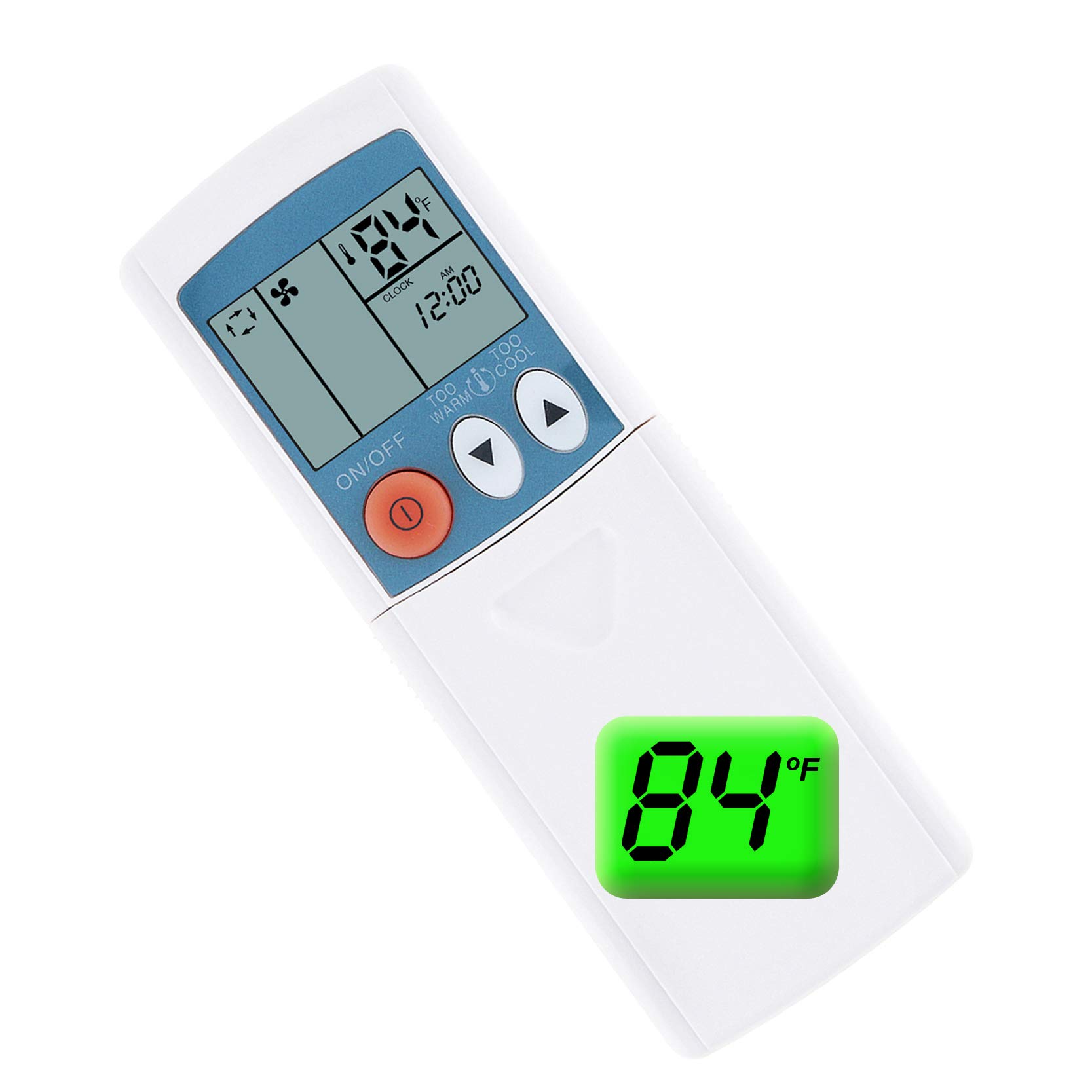
Image: Front view of the remote control, displaying the LCD screen and primary control buttons such as ON/OFF, temperature adjustment, and mode selection.
5.1 Basic Functions
- ON/OFF Button: Press the ON/OFF button (red circle with line) to turn the air conditioner unit on or off.
- Temperature Adjustment: Use the TOO WARM (▼) and TOO COOL (▲) buttons to increase or decrease the desired temperature.

Image: The remote control with its protective slide-down panel open, exposing additional buttons for functions like MODE, FAN, VANE, STOP, and START timers.
5.2 Advanced Functions (Under Slide Panel)
- MODE Button: Press the MODE button to cycle through operating modes such as Cool, Heat, Fan, Dry, and Auto. The current mode will be displayed on the LCD screen.
- FAN Button: Press the FAN button to adjust the fan speed (e.g., Low, Medium, High, Auto).
- VANE Button: Use the VANE button to control the direction of the airflow or activate the swing function.
- STOP Timer: Press the STOP button to set a timer for the unit to turn off.
- START Timer: Press the START button to set a timer for the unit to turn on.
5.3 Fahrenheit/Celsius Display Toggle
This remote control supports both Fahrenheit (℉) and Celsius (℃) temperature displays. To switch between these units:
- Ensure the remote control is powered on.
- Locate the small button or combination of buttons (often the temperature up/down buttons pressed simultaneously, or a dedicated small button) that toggles the display unit. Refer to your air conditioner's main unit manual if unsure, or try pressing the TOO WARM (▼) and TOO COOL (▲) buttons together for a few seconds.
- The temperature display on the remote's LCD screen will switch between ℉ and ℃.

Image: A visual representation of the remote's LCD screen showing temperature readings in both Fahrenheit (84℉) and Celsius (24℃), highlighting the ability to switch between units.
6. Maintenance
6.1 Cleaning
Wipe the remote control with a soft, dry cloth. Do not use liquid cleaners or abrasive materials, as these can damage the surface or internal components.
6.2 Battery Replacement
Replace batteries when the remote control's range decreases significantly or if the display becomes dim. Always replace both batteries at the same time with new AAA 1.5V batteries.
7. Troubleshooting
- Remote not responding:
- Check if the batteries are inserted correctly with the correct polarity.
- Replace old batteries with new AAA 1.5V batteries.
- Ensure there are no obstructions between the remote control and the air conditioner unit's receiver.
- Make sure you are within the effective operating range of the air conditioner unit.
- Display is dim or blank:
- Replace the batteries.
8. Specifications
| Feature | Detail |
|---|---|
| Model Number | AA320201017-183 |
| Compatible Air Conditioner Models | Mitsubishi MSZ-GA71VA, MSZ-GA80VA |
| Power Source | 2 x AAA 1.5V Batteries (not included) |
| Display Units | Fahrenheit (℉), Celsius (℃) |
| ASIN | B08LBJ8NFF |
| Manufacturer | KITCHENWARE STORE |
| Date First Available | October 17, 2020 |
9. Warranty and Support
This replacement remote control is designed to function as described. For any issues or support inquiries, please contact the seller or retailer from whom you purchased the product. Please retain your proof of purchase for warranty claims, if applicable.