
Greenworks BAG709
Greenworks 24V 4.0Ah Lithium-Ion Battery User Manual
Model: BAG709
1. Introduction
The Greenworks 24V 4.0Ah Lithium-Ion Battery (Model BAG709) is designed to provide reliable power for a wide range of Greenworks 24V indoor and outdoor tools. This battery delivers consistent, fade-free power and features a robust design for long-lasting performance. This manual provides essential information for the safe and effective use of your battery.
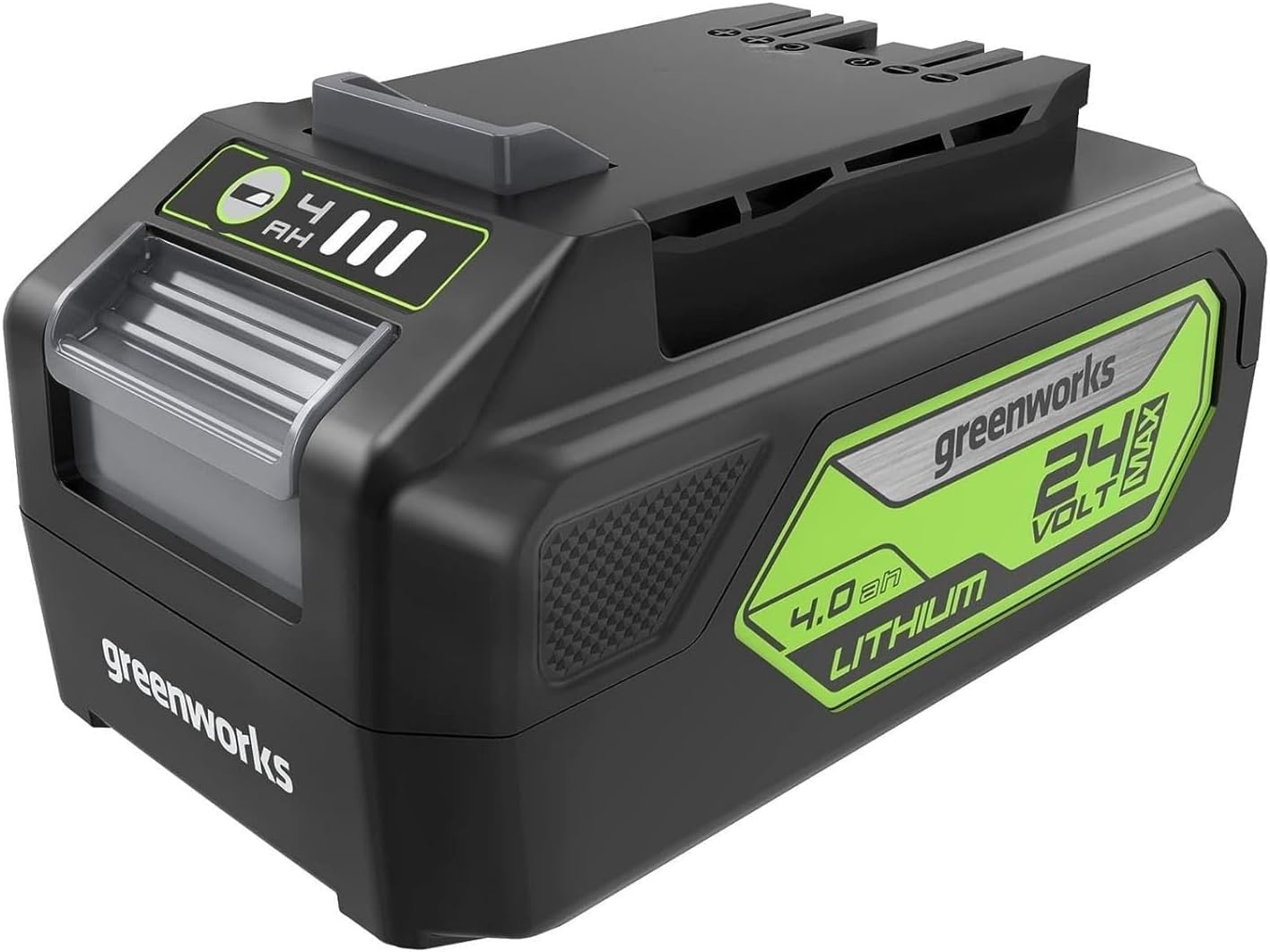
Figure 1: Greenworks 24V 4.0Ah Lithium-Ion Battery
2. Key Features
- 24V 4.0Ah (96Wh Max) Lithium-Ion: Provides fade-free power without memory loss after charging.
- On-board Battery Fuel Indicator: Allows for quick and easy checking of remaining power.
- Integrated USB Port: Functions as a portable charger for compatible electronic accessories (available on BAG709 and other specific models).
- Wide Compatibility: Powers over 125+ compatible Greenworks 24V tools.
- Multi-Protection Technology: Includes overheat, short circuit, over voltage, over current, over discharge, and over charge protection.

Figure 2: Multi-Protection Technology ensures battery safety and longevity.
3. Setup
3.1 Initial Charging
Before first use, fully charge the battery using a compatible Greenworks 24V charger. Refer to your charger's instruction manual for specific charging procedures. The battery features an on-board fuel indicator to show the charge status.
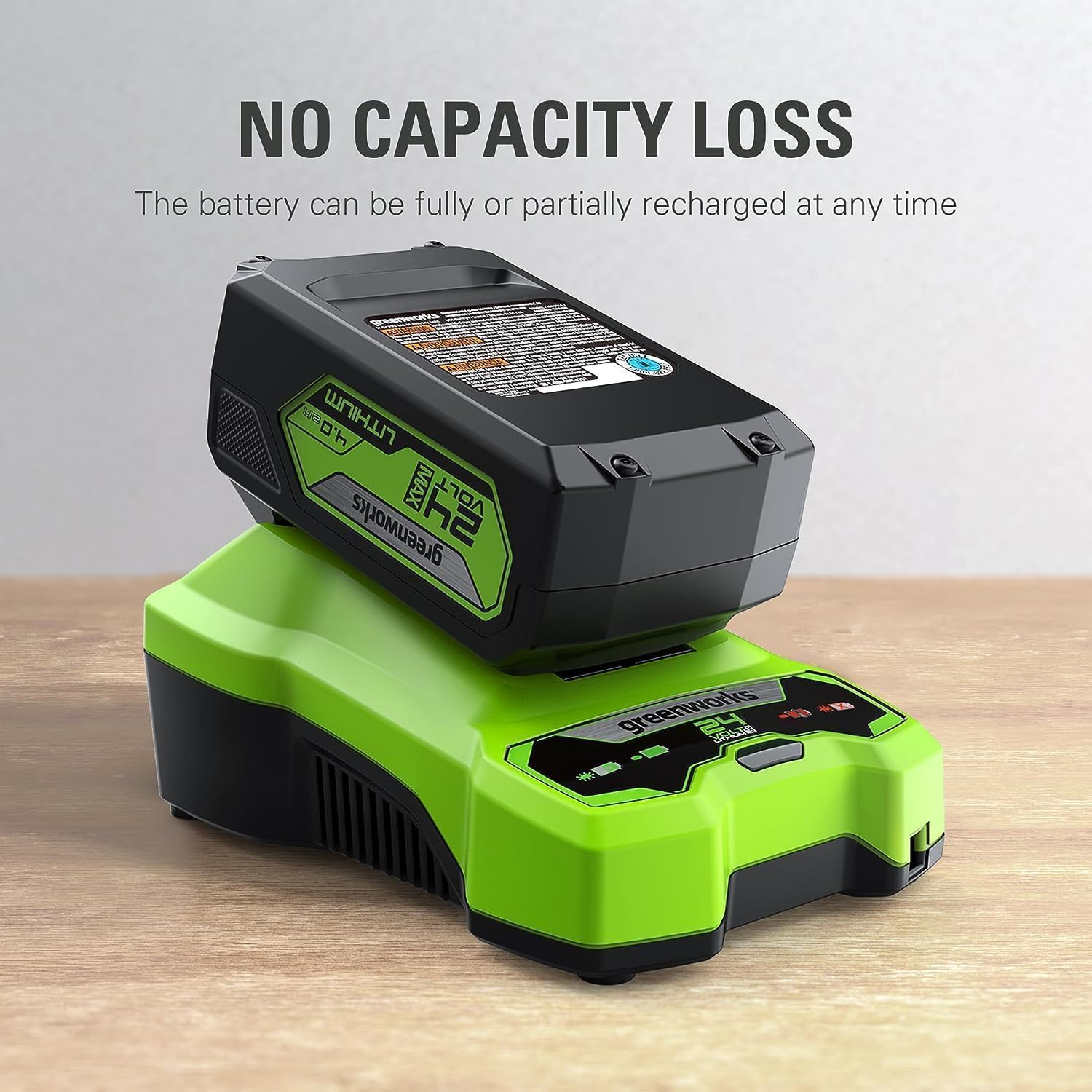
Figure 3: Battery being charged on a compatible Greenworks charger.
3.2 Installing the Battery
To install the battery into a Greenworks 24V tool, align the battery with the tool's battery port and slide it in until it clicks securely into place. Ensure the battery is fully seated before operating the tool.
3.3 Removing the Battery
To remove the battery, press and hold the battery release button (usually located on the battery or tool) and slide the battery out of the tool's port.
Video 1: Demonstration of installing and removing Greenworks 24V batteries from a charger.
4. Operating the Battery
4.1 Checking Battery Charge Level
Press the battery fuel indicator button on the battery to view the current charge level. The LED lights will illuminate to indicate the remaining power.

Figure 4: LED indicator displays the battery's charge status.
4.2 Using the Integrated USB Port
The BAG709 battery includes a USB port for charging small electronic devices. To access, slide open the protective cover on the battery. Plug your device's USB cable into the port. Press the power button next to the USB port to begin charging your device.
Video 2: Demonstration of the Greenworks 24V 4.0Ah battery's integrated USB charging feature.
4.3 Tool Compatibility
This 24V 4.0Ah battery is compatible with over 125+ tools within the Greenworks 24V platform, offering versatility across your outdoor power equipment and power tools.

Figure 5: The Greenworks 24V battery platform supports a wide range of tools.
Video 3: Overview of the Greenworks 24V 4.0Ah Lithium-Ion Battery and its features.
5. Maintenance
5.1 Charging Practices
The lithium-ion battery can be fully or partially recharged at any time without developing a 'memory effect'. This means you do not need to fully discharge the battery before recharging it.

Figure 6: Advanced Lithium-Ion technology ensures long-lasting power and holds charge for over 12 months.
5.2 Storage
Store the battery in a cool, dry place away from direct sunlight and extreme temperatures. For long-term storage, it is recommended to store the battery with a partial charge (around 50%).
5.3 Safety Precautions
- Do not immerse the battery in water or other liquids.
- Do not store or charge the battery in temperatures below 0°C (32°F) or above 45°C (113°F).
- Do not short-circuit the battery terminals.
- Do not attempt to open or disassemble the battery pack.
- Dispose of batteries responsibly according to local regulations.
6. Troubleshooting
6.1 Battery Not Charging
If the battery is not charging, ensure the charger is properly plugged into a working outlet and the battery is correctly seated in the charger. Check the indicator lights on the charger and battery for error codes or charging status. If the issue persists, consult the charger's manual or contact customer support.
6.2 Reduced Run-Time
Reduced run-time can be caused by extreme temperatures, prolonged heavy use, or the natural aging of the battery. Ensure the battery is fully charged before use. If run-time significantly decreases, the battery may need replacement.
7. Specifications
| Specification | Value |
|---|---|
| Brand | Greenworks |
| Model Number | BAG709 |
| Voltage | 24 Volts |
| Amperage | 4 Amps (4.0Ah) |
| Battery Cell Composition | Lithium Ion |
| Reusability | Rechargeable |
| Item Weight | 1.7 Pounds (816 Grams) |
| Item Dimensions | 5.1 x 3 x 2.5 inches |
| Compatible Phone Models | Smart phone (via USB port) |
8. Warranty and Support
8.1 Warranty Information
The Greenworks 24V 4.0Ah Lithium-Ion Battery comes with a 3-year battery warranty. Please retain your proof of purchase for warranty claims.
8.2 Customer Support
For technical assistance, troubleshooting, or warranty inquiries, please visit the official Greenworks website or contact their customer service department. Refer to the product packaging or the Greenworks website for the most current contact information.