
Shentec 7.2V-18V Battery Charger
Shentec 7.2V-18V Battery Charger Instruction Manual
Compatible with Black and Decker Ni-MH/Ni-Cd Pod Style Batteries (Models PS120, PS130, PS140, PS145)
1. Introduction
This manual provides essential instructions for the safe and efficient operation of your Shentec 7.2V-18V Battery Charger. Please read this manual thoroughly before first use and retain it for future reference. This charger is designed to charge Black and Decker Ni-MH/Ni-Cd pod style batteries, including models PS120, PS130, PS140, and PS145.

Image 1.1: The Shentec 7.2V-18V Battery Charger, showing the charging dock and the power adapter unit.
2. Safety Instructions
To prevent personal injury and damage to the charger or battery, observe the following safety precautions:
- Read all instructions: Before using the battery charger, read all instructions and cautionary markings on the charger, battery, and product using the battery.
- Indoor use only: Do not expose the charger to rain or wet conditions.
- Proper ventilation: Ensure adequate ventilation during charging. Do not block ventilation openings.
- Compatible batteries only: Charge only Ni-MH and Ni-Cd pod style batteries specified for this charger. Charging other types of batteries may cause them to burst, leading to personal injury and damage.
- Avoid short circuits: Do not short-circuit the charger terminals.
- Unplug when not in use: Disconnect the charger from the power supply when not in use or before cleaning.
- Inspect for damage: Do not operate the charger if it has received a sharp blow, been dropped, or otherwise damaged. Take it to a qualified service person.
- Children and pets: Keep the charger and batteries out of reach of children and pets.
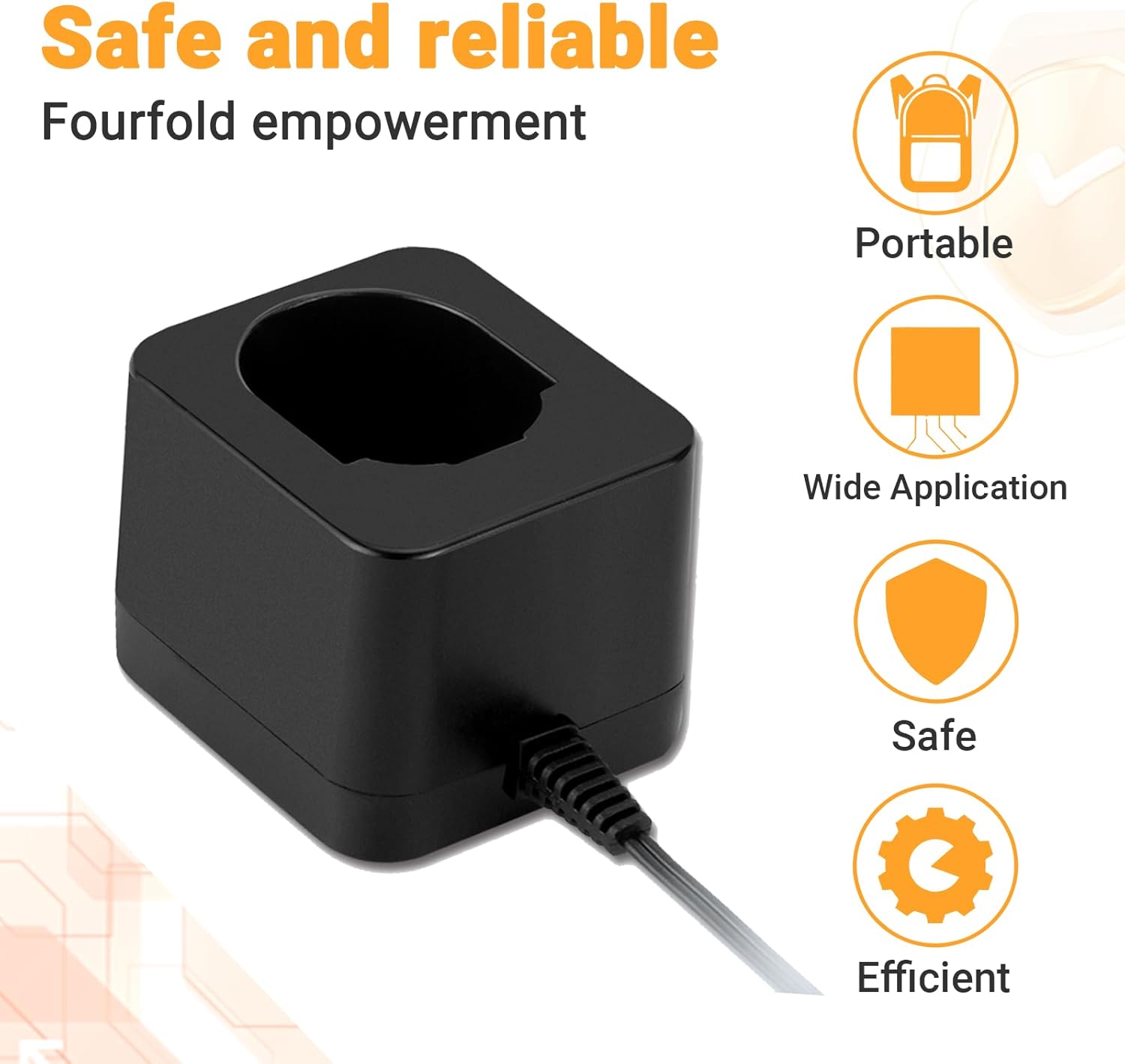
Image 2.1: The Shentec charger highlighting its portable, wide application, safe, and efficient design features.
3. Package Contents
Verify that all items are present upon opening the package:
- Shentec 7.2V-18V Battery Charger Unit
- Instruction Manual (this document)
4. Setup
- Unpack: Carefully remove the charger from its packaging.
- Placement: Place the charger on a stable, flat, non-flammable surface in a well-ventilated area.
- Connect Power: Plug the charger's power cord into a standard AC 100-240V wall outlet. The charger is designed for universal voltage input.
5. Operating Instructions
Follow these steps to charge your compatible Black and Decker Ni-MH/Ni-Cd pod style battery:
- Insert Battery: Align the battery with the charging dock on the charger. Slide the battery firmly into the dock until it clicks into place. Ensure a secure connection.
- Charging Indication: The LED indicator on the charger will illuminate to show the charging status. Refer to Section 6 for LED indicator details.
- Charging Time: A fully discharged battery typically takes 1.5 to 3 hours to fully charge. Charging time may vary based on battery capacity and discharge level.
- Remove Battery: Once the battery is fully charged (indicated by the LED), remove it from the charger by pressing any release buttons (if present) and sliding it out.
- Disconnect Charger: Unplug the charger from the power outlet when not in use.
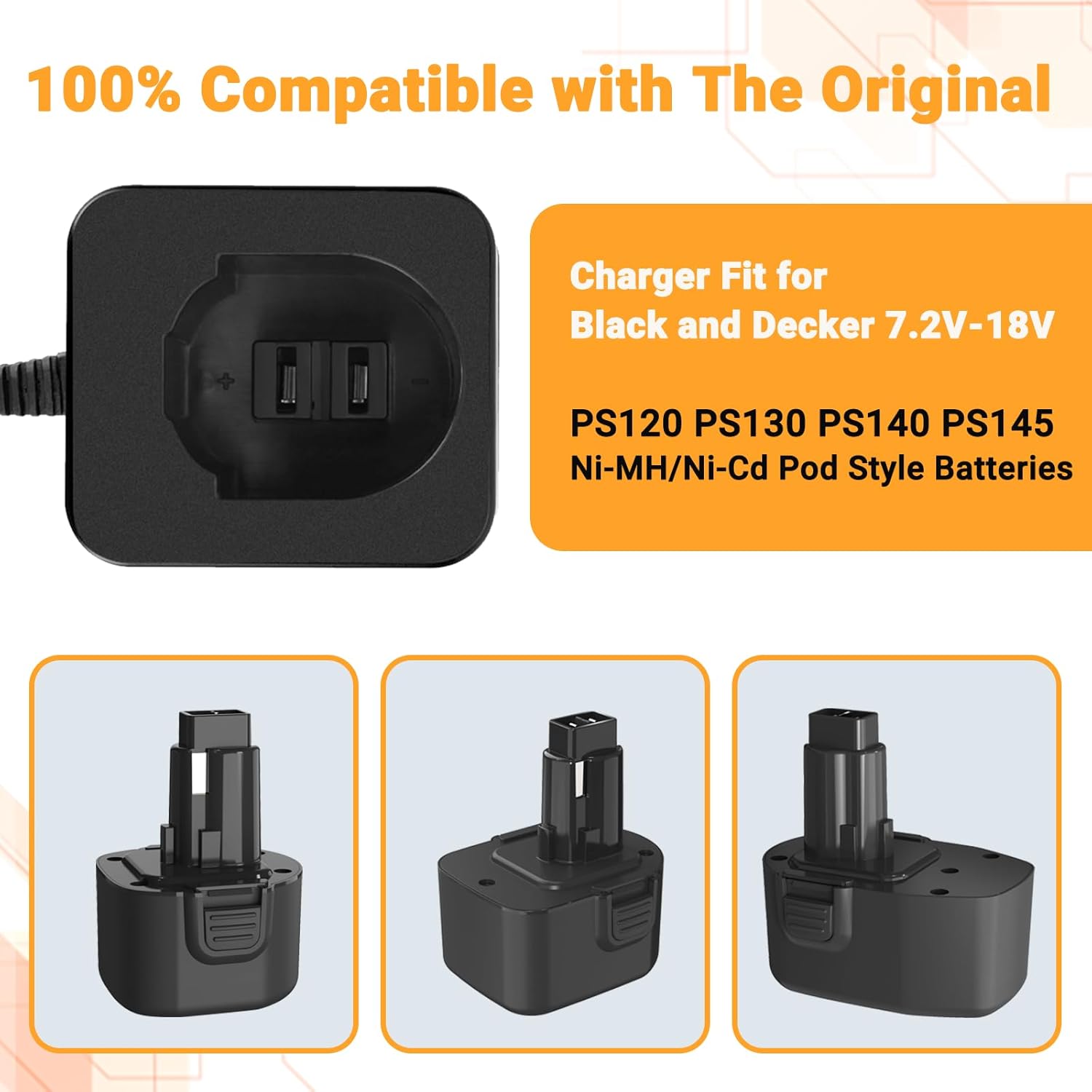
Image 5.1: The Shentec charger demonstrating compatibility with various Black and Decker Ni-MH/Ni-Cd pod style batteries, including models PS120, PS130, PS140, and PS145.
6. LED Indicator Guide
The charger features an LED indicator to communicate the charging status:
- Red Light (Solid): Indicates that the battery is currently charging.
- Green Light (Solid): Indicates that charging is complete, and the battery is fully charged.
- Red Light (Blinking): May indicate a fault condition, such as a defective battery, incorrect battery type, or extreme temperature. Refer to the Troubleshooting section.

Image 6.1: Visual representation of the LED indicator light states: red for charging in progress and green for charging completed.
7. Maintenance
- Cleaning: Disconnect the charger from the power supply before cleaning. Use a dry, soft cloth to wipe the exterior of the charger. Do not use water or chemical cleaners.
- Storage: Store the charger in a cool, dry place away from direct sunlight and moisture when not in use.
- Terminal Inspection: Periodically inspect the charging terminals for dirt or damage.
8. Troubleshooting
| Problem | Possible Cause | Solution |
|---|---|---|
| Charger LED does not light up. | No power to the charger. | Check if the charger is properly plugged into a live outlet. Test the outlet with another device. |
| Red LED blinks continuously. | Defective battery, incorrect battery type, or extreme temperature. | Remove the battery and reinsert it. Ensure the battery is a compatible Ni-MH/Ni-Cd type. Allow the battery to cool down or warm up to room temperature before charging. If the issue persists, the battery may be faulty. |
| Battery does not charge fully. | Battery is old or damaged. | Try charging a different, known-good battery. If other batteries charge correctly, the original battery may need replacement. |
9. Specifications
| Feature | Specification |
|---|---|
| Brand | Shentec |
| Input | AC 100-240V, 50/60Hz |
| Output | 7.2V-18V / 1.5A |
| Compatibility | Black and Decker PS120, PS130, PS140, PS145 Ni-MH/Ni-Cd Pod Style Batteries |
| Charging Time | 1.5 - 3 hours (for fully discharged batteries) |
| Certifications | CE, FCC, RoHS |
| Item Weight | 7.8 ounces |
| Package Dimensions | 7.09 x 4.57 x 2.32 inches |

Image 9.1: A visual summary of the Shentec battery charger's key specifications, including brand, input, output, compatibility, and type.
10. Warranty and Support
Shentec products are manufactured to high-quality standards. For warranty information or technical support, please refer to the contact details provided with your purchase or visit the official Shentec website. Please retain your proof of purchase for warranty claims.
For additional information or to explore other Shentec products, you may visit the Shentec Store on Amazon.
Ask a question about this manual
Ask about setup, troubleshooting, compatibility, parts, safety, or missing instructions. Manuals+ will review the question and use this page’s manual context to help answer it.