
1. Introduction
This manual provides detailed instructions for the safe installation, operation, and maintenance of your Gdrasuya10 23-inch Modern Ceiling Fan Light. This product integrates a ceiling fan with an LED light, offering adjustable fan speeds and dimmable lighting with color temperature control. Please read this manual thoroughly before installation and use, and retain it for future reference.
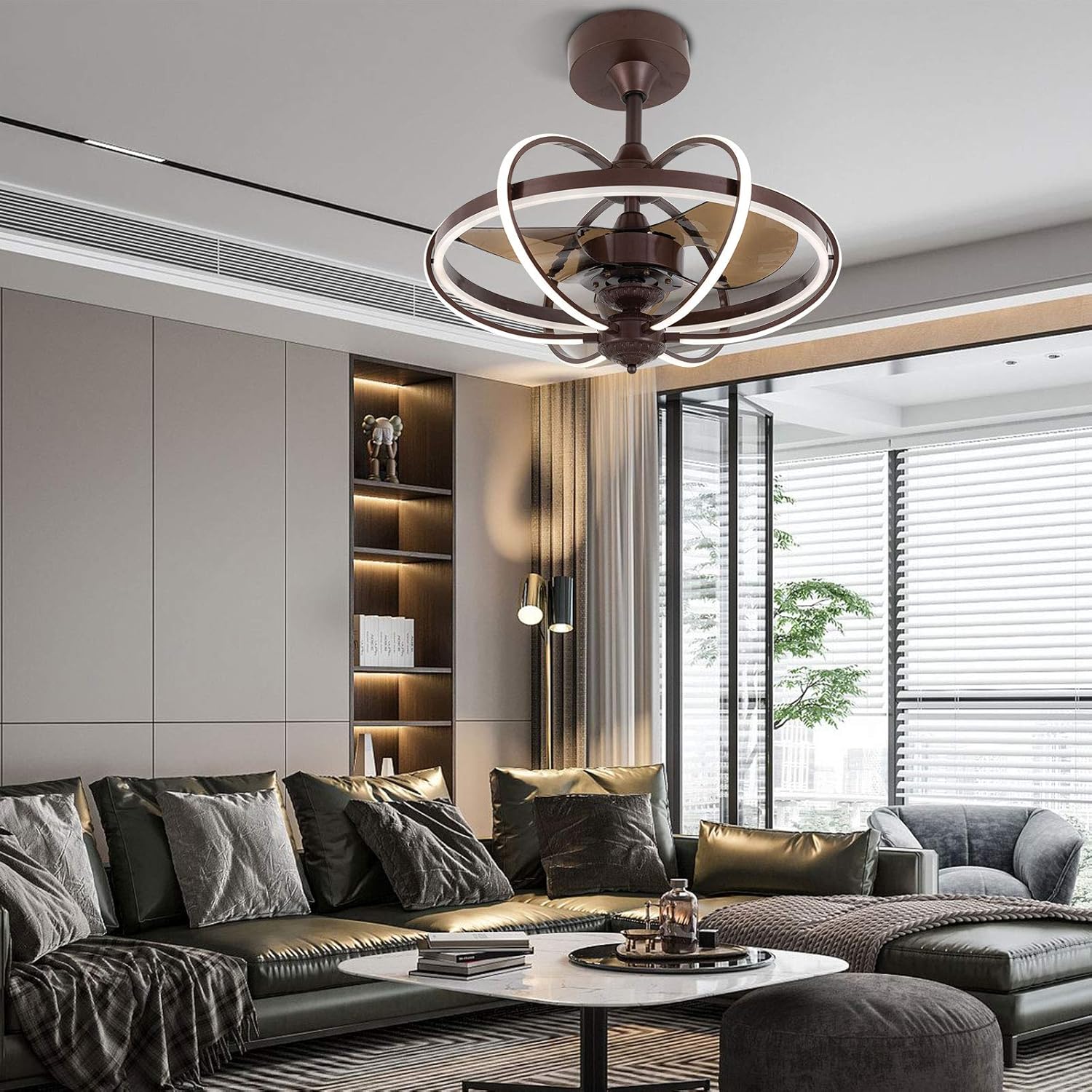
Image 1.1: The Gdrasuya10 23-inch Modern Ceiling Fan Light in a contemporary living room setting.
2. Important Safety Information
To reduce the risk of electric shock, fire, or injury to persons, read and follow all instructions carefully. Installation must be performed by a qualified electrician in accordance with all local and national electrical codes.
- Ensure the power is turned off at the circuit breaker before installation or servicing.
- All wiring must be in accordance with national and local electrical codes.
- The ceiling fan must be securely mounted to a structural ceiling joist or outlet box marked 'Acceptable for Fan Support of 35 lbs (15.9 kg)'.
- Do not bend the fan blades during installation or cleaning.
- Keep hands, clothing, and other objects away from the fan blades when the fan is operating.
- This product is designed for indoor use only.
3. Package Contents
Carefully unpack all components and ensure all items are present before beginning installation. If any parts are missing or damaged, contact customer support.
- Telescopic ceiling fan x 1
- Screw set x 1
- Descending rod x 2 (12CM and 25CM)
- Remote control x 1
- Instruction manual x 1
4. Installation Instructions
Follow these steps for proper installation. It is recommended to have two people for installation due to the size and weight of the unit.
4.1 Pre-Installation Checks
- Turn off power at the main circuit breaker.
- Ensure the ceiling height is greater than 110 inches (2.79 meters).
- Verify the ceiling can support at least 110 pounds (50 kg).
- For gypsum board and wood ceilings, a modified bracket may need to be purchased separately. This fan is suitable for flat roof concrete ceiling houses.
4.2 Mounting the Bracket
Attach the mounting bracket to the ceiling outlet box using the provided screws. Ensure the bracket is firmly secured.
4.3 Assembling the Fan
- Select the desired descending rod (12CM or 25CM) and attach it to the fan motor assembly.
- Carefully lift the fan assembly and hang it onto the mounting bracket.
4.4 Wiring Connections
Connect the electrical wires according to the wiring diagram provided in the separate wiring guide (if applicable) or the standard color codes:
- Connect the live wire (usually black) from the ceiling to the live wire of the fan.
- Connect the neutral wire (usually white) from the ceiling to the neutral wire of the fan.
- Connect the ground wire (usually green or bare copper) from the ceiling to the ground wire of the fan.
Ensure all connections are secure and insulated with wire nuts.
4.5 Final Assembly
Secure the fan canopy to the mounting bracket, covering all wiring. Ensure all screws are tightened.
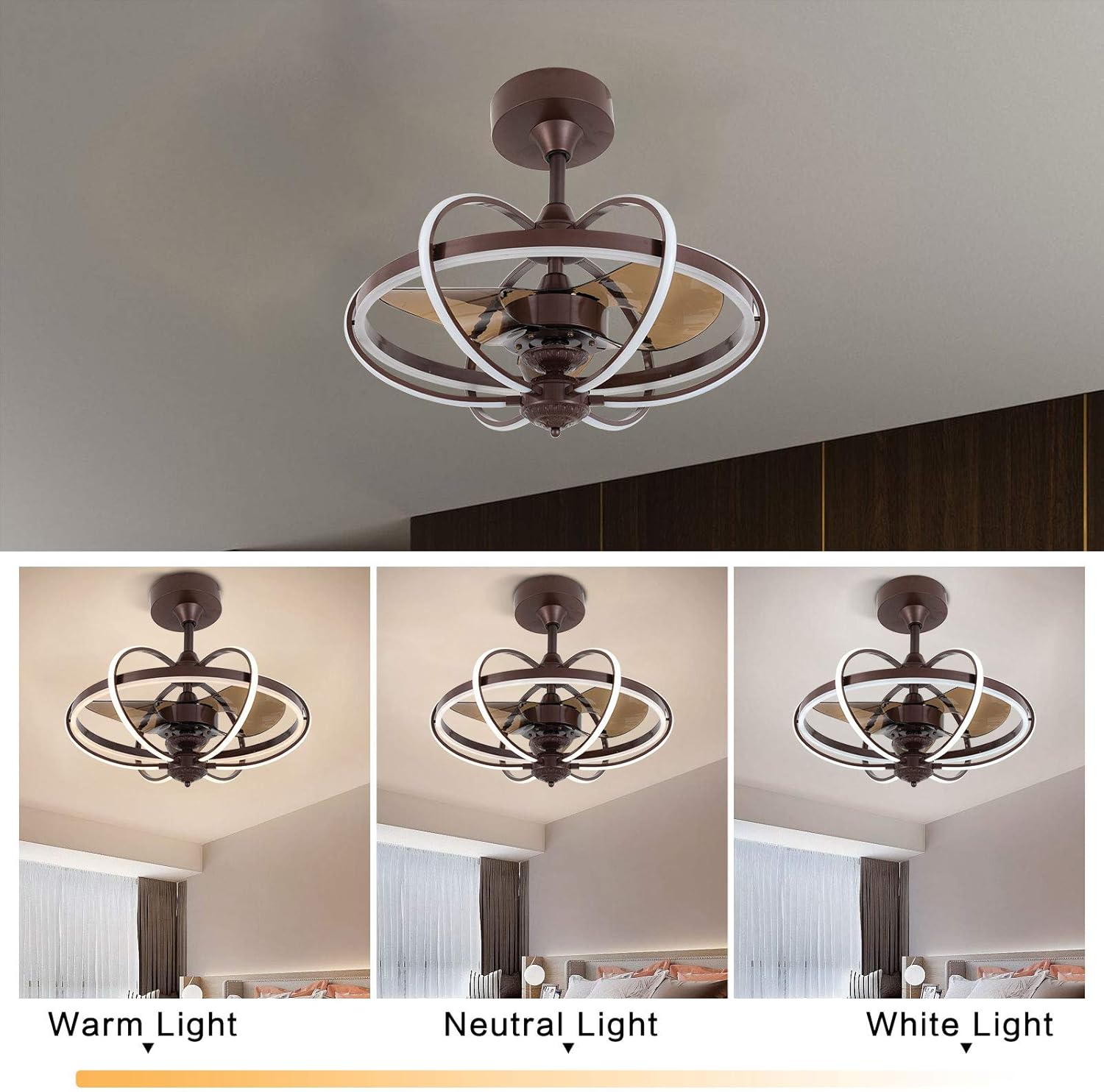
Image 4.1: Detailed view of the fan's central motor and surrounding LED light rings, illustrating components for assembly.
5. Operating Instructions
Your Gdrasuya10 ceiling fan light is controlled by the included remote control. Ensure the remote has 2 x 1.5V AAA batteries installed.
5.1 Remote Control Functions

Image 5.1: The Gdrasuya10 ceiling fan light shown with its dedicated remote control for easy operation.
- Power On/Off: Press the power button to turn the fan and light on or off.
- Fan Speed Control: Use the fan speed buttons (Low, Medium, High) to adjust the airflow. There are 3 speed settings available.
- Light On/Off: Separate button for light control.
- Light Color Temperature Adjustment: Press the light color temperature button to cycle through three settings: Warm White (3000K), Cool White (5700K), and Full Light (8700K).
- Light Dimming: The LED light is dimmable. Use the designated dimming buttons (if present on your remote) or hold the light button to adjust brightness.
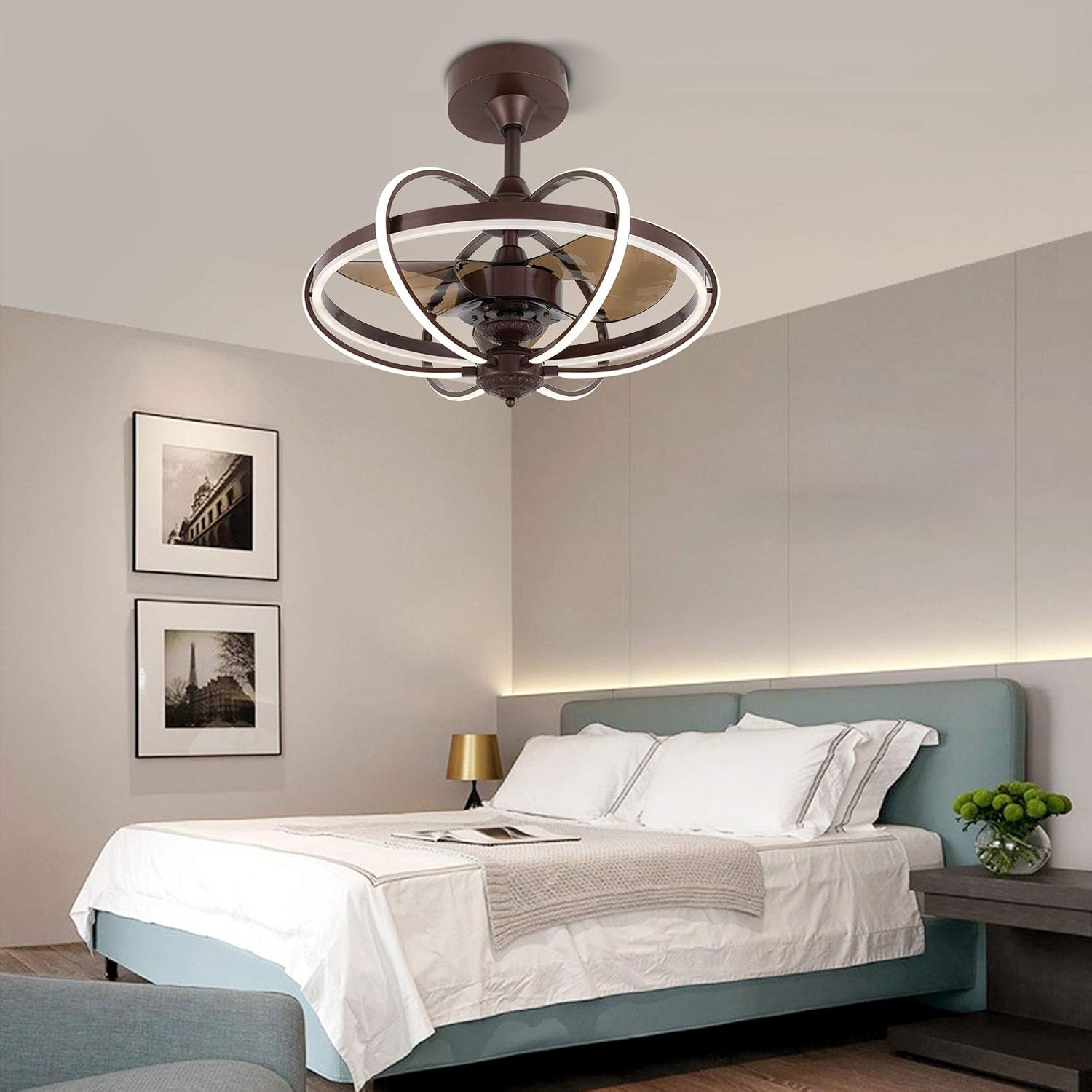
Image 5.2: Demonstration of the three adjustable light color temperatures: Warm Light, Neutral Light, and White Light.
6. Maintenance
Regular maintenance ensures optimal performance and extends the lifespan of your ceiling fan light.
6.1 Cleaning
- Always turn off the power at the circuit breaker before cleaning.
- Use a soft, damp cloth to clean the fan blades and light fixture. Do not use abrasive cleaners or solvents.
- Avoid getting water into the motor housing or electrical components.
6.2 General Care
- Periodically check all connections and mounting screws to ensure they are secure.
- The LED light source is integrated and not user-replaceable. If the LED light fails, contact customer support.
7. Troubleshooting
If you encounter issues with your ceiling fan light, refer to the following common problems and solutions:
| Problem | Possible Cause | Solution |
|---|---|---|
| Fan does not start | No power supply; Loose wiring; Remote control battery low. | Check circuit breaker; Verify wiring connections; Replace remote control batteries. |
| Light does not turn on | No power supply; Loose wiring; LED failure. | Check circuit breaker; Verify wiring connections; Contact customer support if LED fails. |
| Fan wobbles | Loose mounting screws; Unbalanced blades. | Tighten all mounting screws; Ensure blades are securely attached and balanced. |
| Remote control not working | Low or dead batteries; Remote not paired. | Replace batteries (2 x AAA); Refer to remote pairing instructions (if applicable, usually automatic). |
If the problem persists after attempting these solutions, please contact customer support.
8. Product Specifications
Key technical details for the Gdrasuya10 23-inch Modern Ceiling Fan Light:
- Model: B08L3D2VMW
- Brand: Gdrasuya10
- Color: Dark Brown
- Material: Acrylic
- Style: Modern
- Light Fixture Form: Ceiling
- Room Type: Bedroom, Living Room
- Power Source: Corded Electric
- Special Feature: Dimmable
- Control Method: Remote Control
- Light Source Type: LED
- Shade Material: Acrylic
- Voltage: 120 Volts
- Included Components: Remote Control
- Wattage (Light): 36W
- Motor Power: 56W
- Fan Speeds: 3 (Low, Medium, High)
- Color Temperature: CCT Dimmable (3 light cycles: Warm White 3000K, Cool White 5700K, Full Light 8700K)
- UPC: 738635566720
9. Warranty and Customer Support
For warranty information, please refer to the documentation provided at the time of purchase or contact the retailer. Gdrasuya10 is committed to providing quality products and customer satisfaction.
9.1 Customer Support
If you have any questions, require technical assistance, or need to report a problem, please contact Gdrasuya10 customer support through the retailer's platform or visit the official Gdrasuya10 store online. Please have your model number (B08L3D2VMW) and purchase date ready when contacting support.
Visit the Gdrasuya10 Store for more information.