1. Product Overview
The Hama Bluetooth Pocket 2.0 is a compact and portable waterproof speaker designed for mobile music enjoyment. Featuring Bluetooth 5.0 connectivity, IPX7 water resistance, and a built-in hands-free function, it offers versatility for various environments. Its robust design and integrated carabiner make it an ideal companion for outdoor activities.
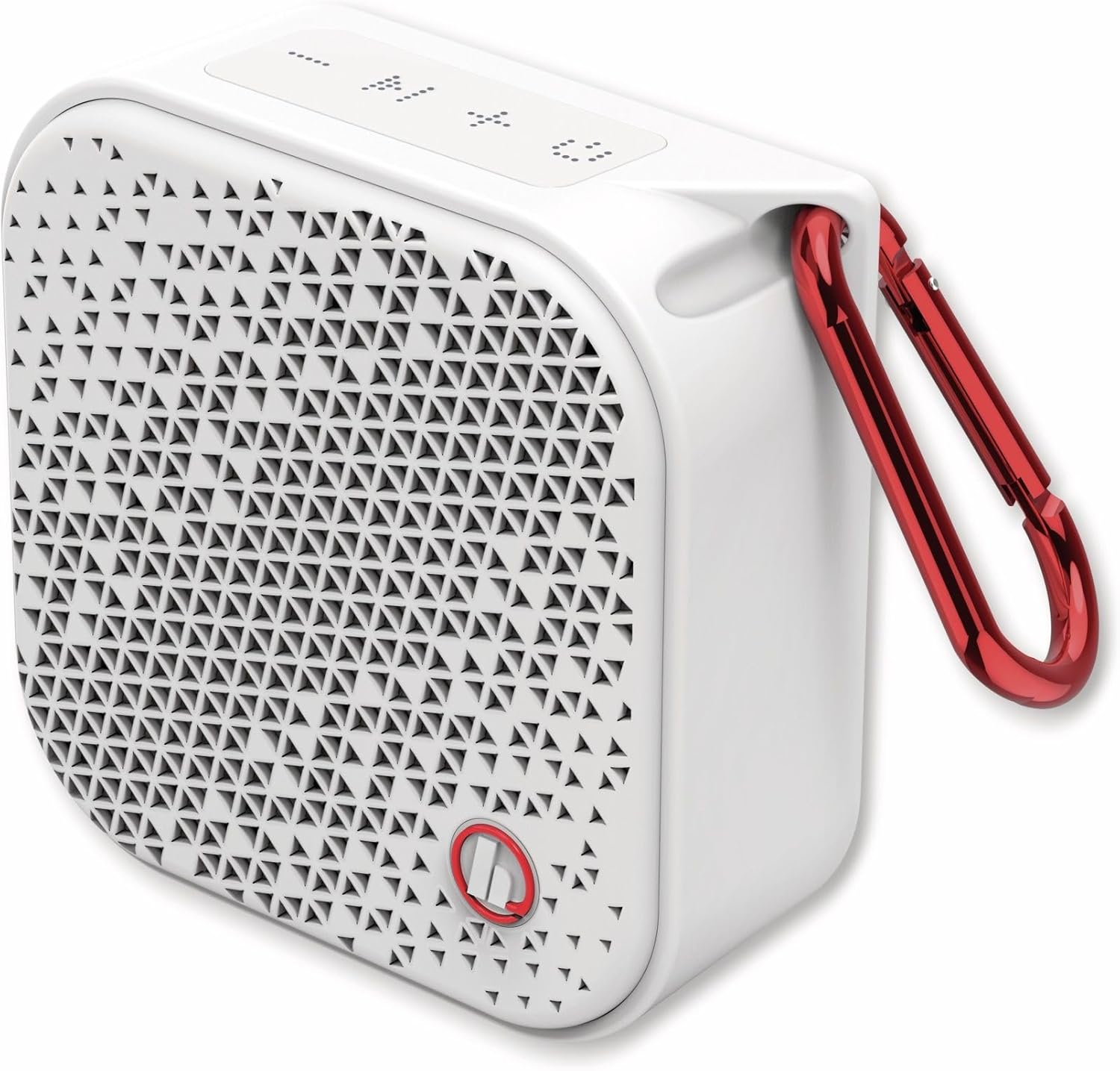
Image 1.1: Front view of the Hama Bluetooth Pocket 2.0 speaker, showcasing its compact design and integrated carabiner.
Key Features:
- Bluetooth 5.0: For stable wireless connection.
- IPX7 Waterproof: Protected against temporary immersion in water (up to 1 meter for 30 minutes).
- 14 Hours Battery Life: Extended playback time on a single charge.
- Hands-free Function: Integrated microphone for calls.
- AUX Input: For wired audio connection.
- Compact Design: Lightweight with a practical carabiner for portability.

Image 1.2: The speaker highlighting its waterproof capability and 14-hour battery life.
2. Setup
2.1 Unboxing and Included Components
Carefully remove all components from the packaging. Ensure all items are present:
- Hama Bluetooth Pocket 2.0 Speaker
- USB Charging Cable
- Carabiner
- User Manual
2.2 Charging the Speaker
Before first use, fully charge the speaker. The charging time is approximately 3 hours.
- Connect the micro USB end of the charging cable to the speaker's micro USB port.
- Connect the USB-A end of the charging cable to a suitable USB power source (e.g., USB wall adapter, computer USB port).
- The LED indicator will show the charging status. It will typically turn off or change color once fully charged.
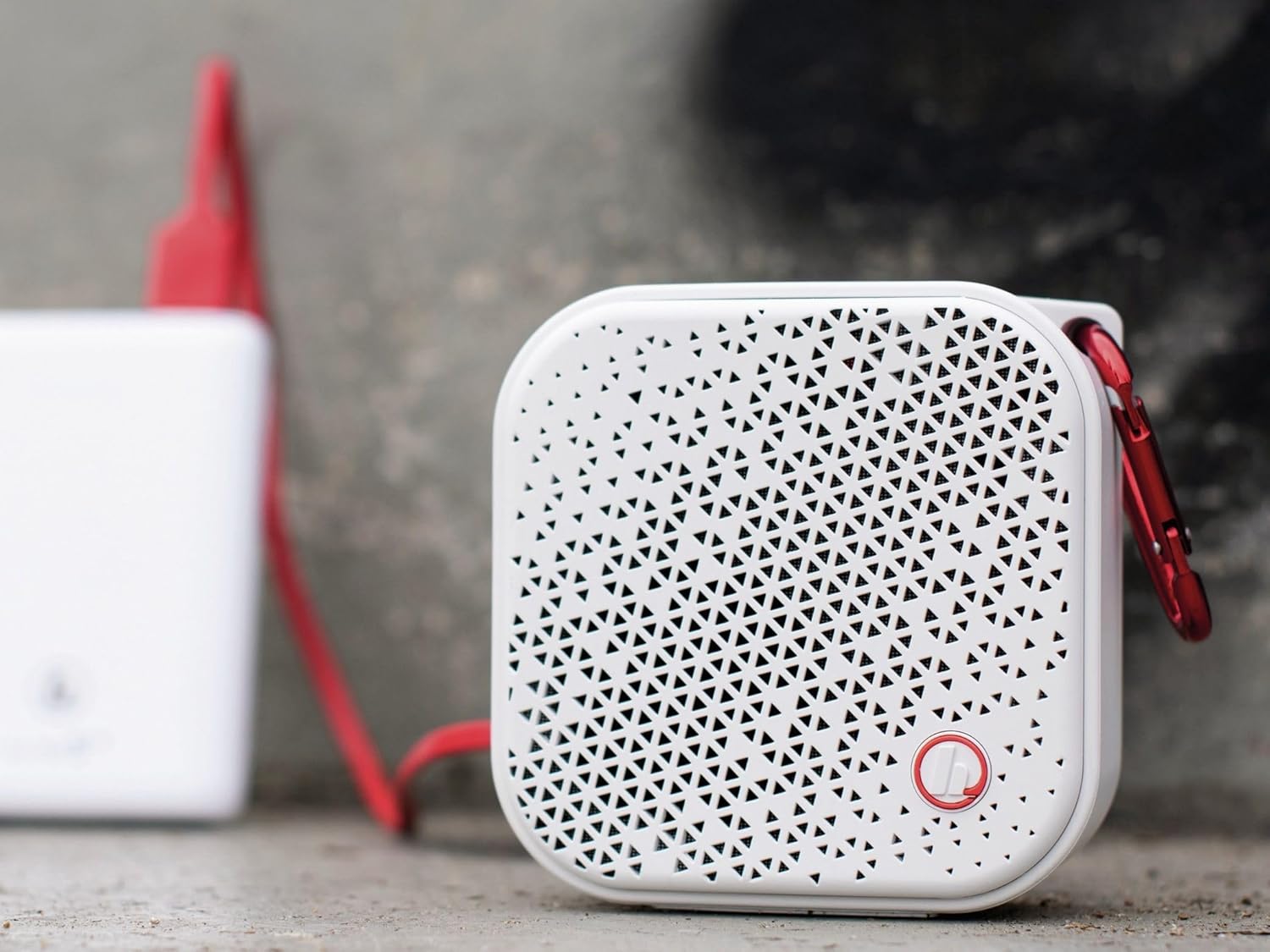
Image 2.1: The speaker being charged via a USB cable connected to a power source.
2.3 Powering On/Off
- To Power On: Press and hold the Power button (usually marked with a power symbol) for a few seconds until you hear an audible prompt or see the LED indicator light up.
- To Power Off: Press and hold the Power button again for a few seconds until you hear an audible prompt or the LED indicator turns off.
2.4 Bluetooth Pairing
To connect the speaker wirelessly to your device:
- Ensure the speaker is powered on and in pairing mode. The LED indicator will typically flash rapidly (e.g., blue) to indicate it's ready to pair.
- On your smartphone, tablet, or other Bluetooth-enabled device, go to the Bluetooth settings.
- Search for available devices. The speaker should appear as "Hama Pocket 2.0" or a similar name.
- Select the speaker from the list to initiate pairing.
- Once successfully paired, the speaker will provide an audible confirmation, and the LED indicator will typically stop flashing and remain solid.
2.5 AUX Connection
For wired audio playback, use the 3.5mm AUX input:
- Connect one end of a 3.5mm audio cable (not included) to the AUX port on the speaker.
- Connect the other end of the 3.5mm audio cable to the headphone jack of your audio source (e.g., MP3 player, laptop).
- The speaker will automatically switch to AUX mode, or you may need to press a mode button if available.

Image 2.2: The speaker connected to an audio device using an AUX cable.

Image 2.3: Close-up view of the speaker's micro USB charging port and AUX input.
3. Operating the Speaker
3.1 Music Playback
- Play/Pause: Press the Play/Pause button (often marked with a triangle or two vertical bars) to start or stop music playback.
- Volume Control: Use the Volume Up (+) and Volume Down (-) buttons on the speaker to adjust the audio level. You can also control the volume from your connected device.
- Next/Previous Track: Press and hold the Volume Up (+) button for the next track, and the Volume Down (-) button for the previous track (functionality may vary slightly by model).
3.2 Hands-free Calling
When connected via Bluetooth, the speaker can be used for hands-free calls.
- Answer Call: When an incoming call is received, press the Play/Pause button to answer.
- End Call: During a call, press the Play/Pause button to end the conversation.
- Reject Call: Press and hold the Play/Pause button to reject an incoming call.
3.3 LED Indicators
The LED indicator provides information about the speaker's status:
- Flashing Blue: Bluetooth pairing mode.
- Solid Blue: Bluetooth connected.
- Solid Red: Charging.
- LED Off (after solid red): Fully charged.
- Flashing Red: Low battery.
4. Maintenance
4.1 Cleaning
- Disconnect the speaker from all power sources and devices before cleaning.
- Use a soft, dry, lint-free cloth to clean the exterior of the speaker.
- Do not use abrasive cleaners, solvents, or strong chemicals, as these may damage the surface.
4.2 Water Resistance (IPX7)
The Hama Pocket 2.0 speaker is IPX7 rated, meaning it is protected against the effects of temporary immersion in water. This allows for use in wet environments like showers or near pools.

Image 4.1: The speaker demonstrating its waterproof capability in water.
- Ensure all port covers (e.g., for USB and AUX) are securely closed before exposing the speaker to water.
- Do not intentionally submerge the speaker for extended periods or beyond the specified depth (1 meter for 30 minutes).
- After exposure to water, wipe the speaker dry with a soft cloth. Do not charge the speaker if the ports are wet.
4.3 Storage
Store the speaker in a cool, dry place away from direct sunlight and extreme temperatures when not in use for extended periods. For optimal battery health, charge the speaker periodically if stored for a long time.
5. Troubleshooting
If you encounter issues with your Hama Bluetooth Pocket 2.0 speaker, refer to the following common solutions:
- No Power:
- Ensure the battery is charged. Connect the speaker to a power source and allow it to charge for at least 30 minutes.
- Press and hold the Power button for a longer duration (5-10 seconds) to ensure it's powering on correctly.
- No Sound:
- Check the volume levels on both the speaker and your connected device.
- Ensure the speaker is correctly paired via Bluetooth or the AUX cable is fully inserted.
- If using Bluetooth, try unpairing and re-pairing the speaker.
- Bluetooth Pairing Issues:
- Make sure the speaker is in pairing mode (LED flashing).
- Ensure your device's Bluetooth is enabled and within range (up to 10 meters).
- Turn off and on both the speaker and your device's Bluetooth.
- Clear the speaker from your device's Bluetooth history and try pairing again.
- Poor Connection/Intermittent Audio:
- Reduce the distance between the speaker and your device.
- Remove any obstacles (walls, large objects) that may interfere with the Bluetooth signal.
- Avoid using the speaker near other devices that emit strong radio frequencies (e.g., Wi-Fi routers, microwaves).
6. Specifications
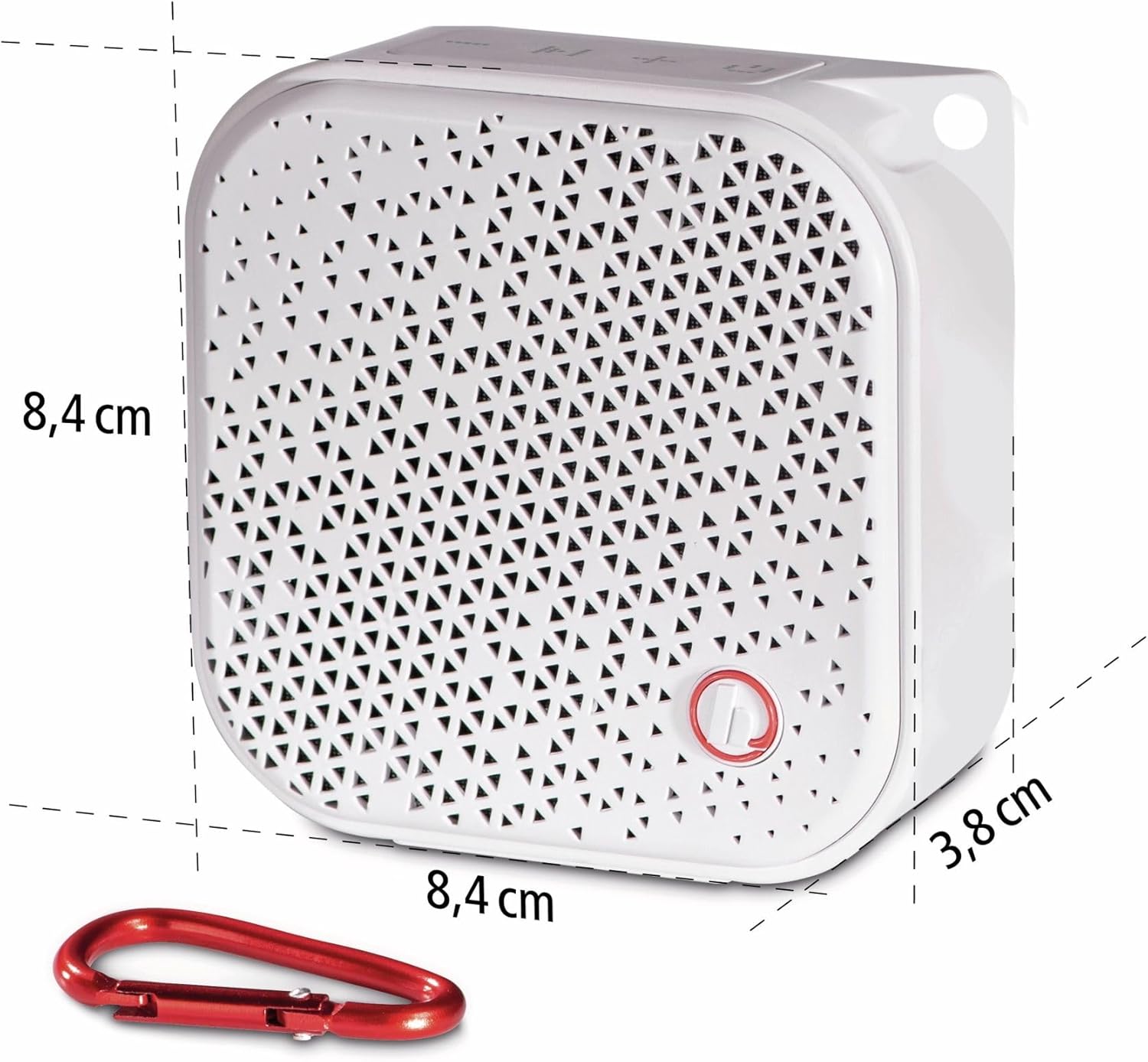
Image 6.1: Dimensions of the Hama Bluetooth Pocket 2.0 speaker.
| Feature | Detail |
|---|---|
| Model Number | 00173194 |
| Brand | Hama |
| Connectivity Technology | Bluetooth, AUX, USB (for charging) |
| Bluetooth Version | 5.0 |
| Supported Bluetooth Profiles | A2DP V1.2, AVRCP V1.4, HFP V1.5 |
| Wireless Range | Up to 10 meters |
| Audio Output Mode | Mono |
| Speaker Output Power | 3.5 Watts |
| Waterproof Rating | IPX7 (Protection against temporary immersion for approx. 30 min) |
| Battery Type | Integrated Lithium-Polymer |
| Battery Capacity | 1050 mAh |
| Battery Voltage | 3.7 V |
| Max. Playback Time | 14 hours |
| Charging Time | Approx. 3 hours |
| Dimensions (L x W x H) | 8.4 x 8.4 x 3.8 cm |
| Weight | 240 Grams |
| Compatible Devices | Smartphone, Tablet, Laptop, Desktop Computer |
| Special Features | Waterproof, Hands-free function, Practical carabiner |
7. Warranty and Support
Hama products are manufactured with care and undergo strict quality controls. This product is covered by the statutory warranty conditions of the country of purchase. For specific warranty terms and conditions, please refer to your purchase documentation or the official Hama website.
If you experience any issues or require technical assistance, please contact Hama customer support. You can typically find contact information on the official Hama website or in the product packaging.
- Online Support: Visit the official Hama website for FAQs, drivers, and support contact details.
- Contact Information: Refer to the product packaging or Hama's website for phone numbers or email addresses for customer service.