
1. Introduction
This manual provides essential instructions for setting up, operating, maintaining, and troubleshooting your DUODUOGO Hi5 Smartwatch. Please read it carefully to ensure proper use and to maximize the device's features.
The DUODUOGO Hi5 is a versatile smartwatch designed for daily activity tracking and health monitoring. It features a 0.96-inch TFT LCD color display, Bluetooth 4.0 connectivity, and is compatible with both Android and iOS smartphones.
2. Package Contents
- 1 x DUODUOGO Hi5 Smartwatch
- 1 x USB Charging Cable
- 1 x User Manual (this document)
3. Setup
3.1 Initial Charging
Before first use, fully charge your smartwatch. Connect the provided USB charging cable to the charging port on the watch and to a standard USB power adapter (not included) or a computer USB port.
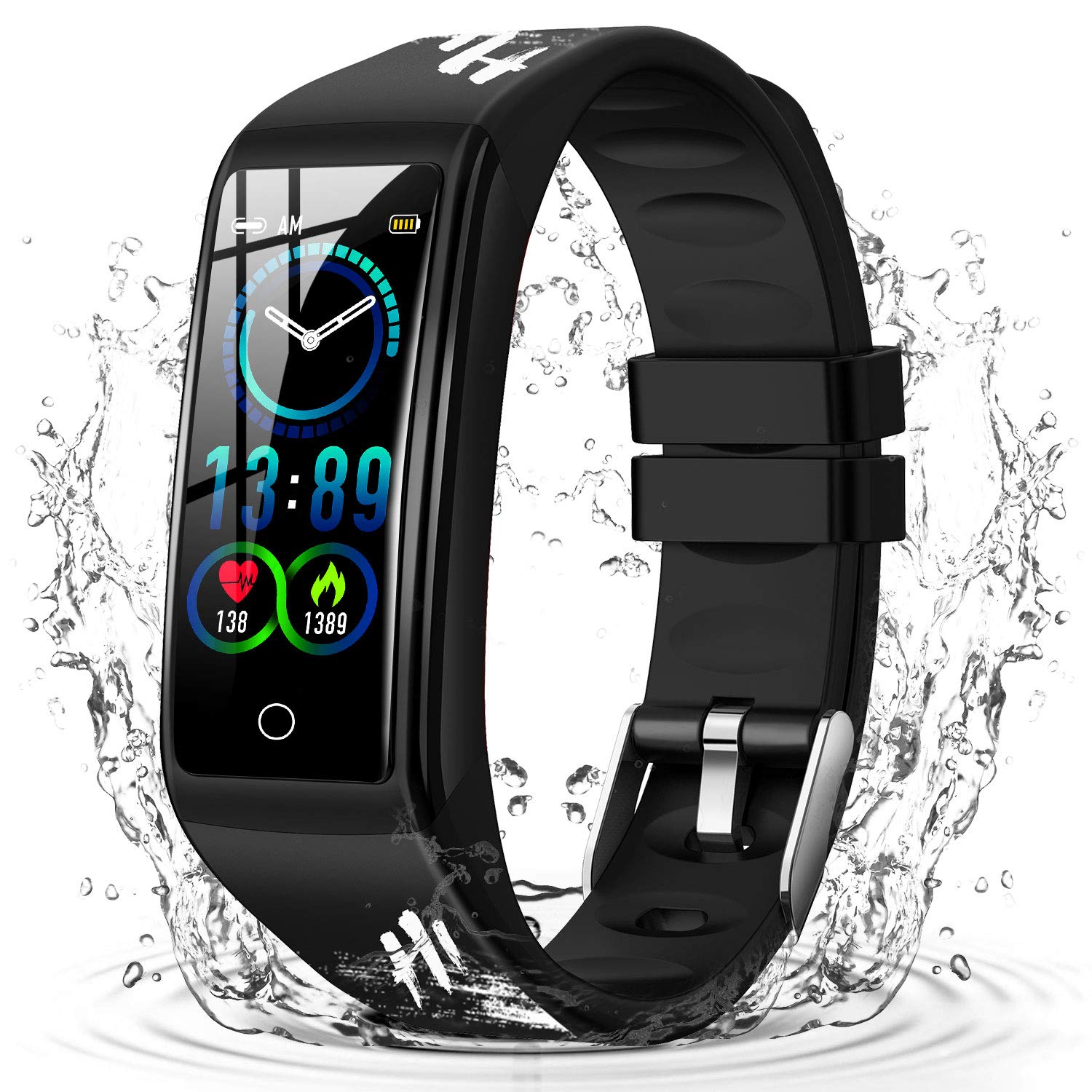
Image: The DUODUOGO Hi5 Smartwatch, ready for initial charging.
3.2 App Installation
To unlock all features and synchronize data, you need to install the "H Band" application on your smartphone.
- Scan the QR code provided in the physical manual (if available) or search for "H Band" in the Google Play Store (for Android) or Apple App Store (for iOS).
- Download and install the "H Band" app.
3.3 Device Pairing
- Ensure Bluetooth is enabled on your smartphone.
- Open the "H Band" application.
- Follow the in-app instructions to search for and connect to your DUODUOGO Hi5 Smartwatch. The watch will automatically connect once found.
- Activate necessary permissions and functions within the app to enable features like call notifications, message alerts, and health monitoring.
4. Operating Instructions
4.1 Navigating the Interface
The DUODUOGO Hi5 Smartwatch features a single-touch screen interface. Tap the touch area at the bottom of the screen to cycle through different functions and screens.
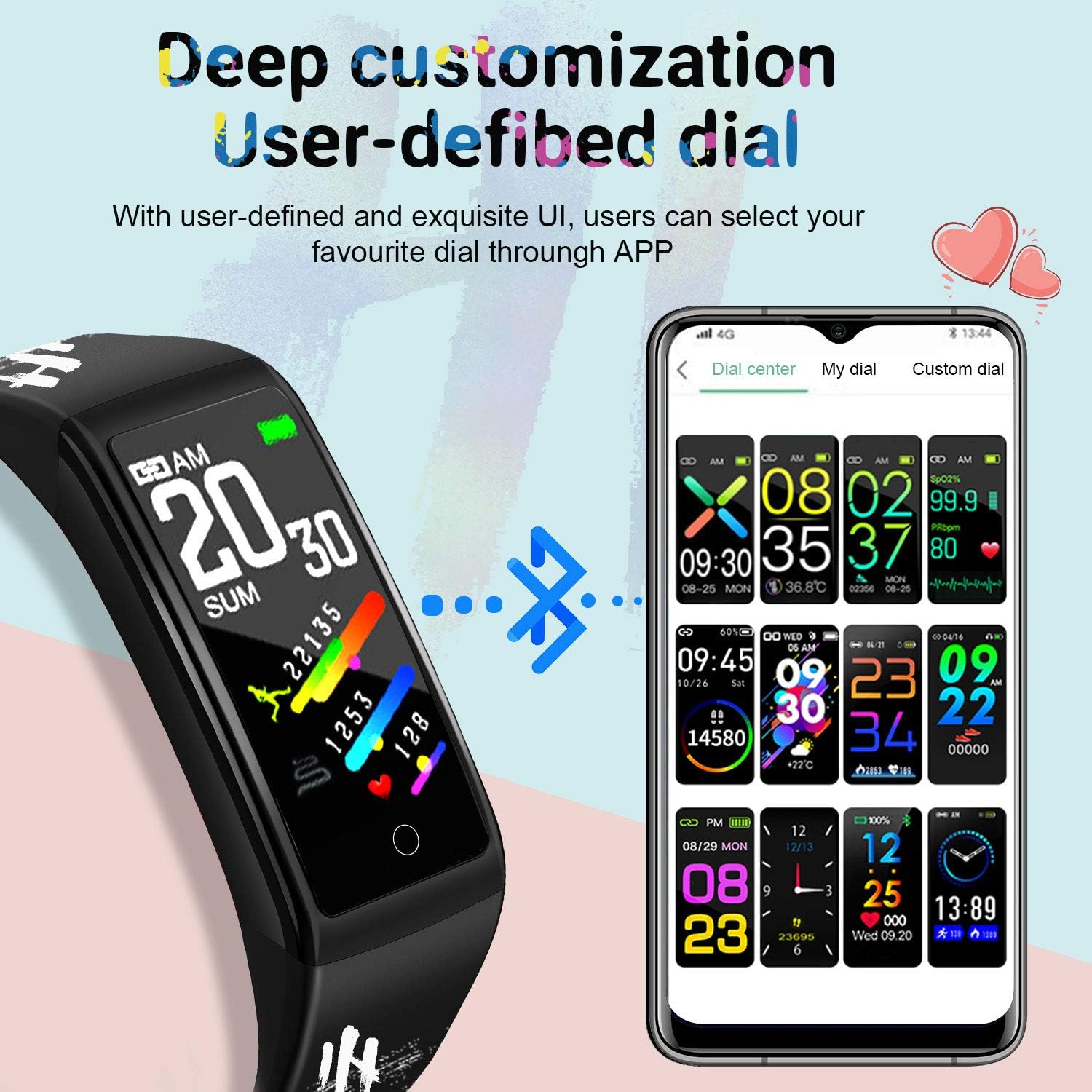
Image: The smartwatch displaying various customizable watch faces, demonstrating the user interface options.
4.2 Key Features
- Activity Tracking: Monitors steps, distance, and calories burned throughout the day.
- Heart Rate Monitor: Provides real-time heart rate data.
- Blood Pressure Monitor: Measures blood pressure.
- Sleep Monitor: Tracks sleep patterns and quality.
- Multiple Sports Modes: Supports various activities like running, cycling, basketball, and mountain climbing.
- Message Notifications: Receives alerts for incoming calls, SMS, and social media apps (WhatsApp, Facebook, Twitter, etc.) when connected to your smartphone.
- Sedentary Reminder: Alerts you to move after periods of inactivity.
- Female Physiological Cycle Monitoring: Tracks and predicts menstrual cycles.
- Stopwatch & Countdown: Basic timing functions.
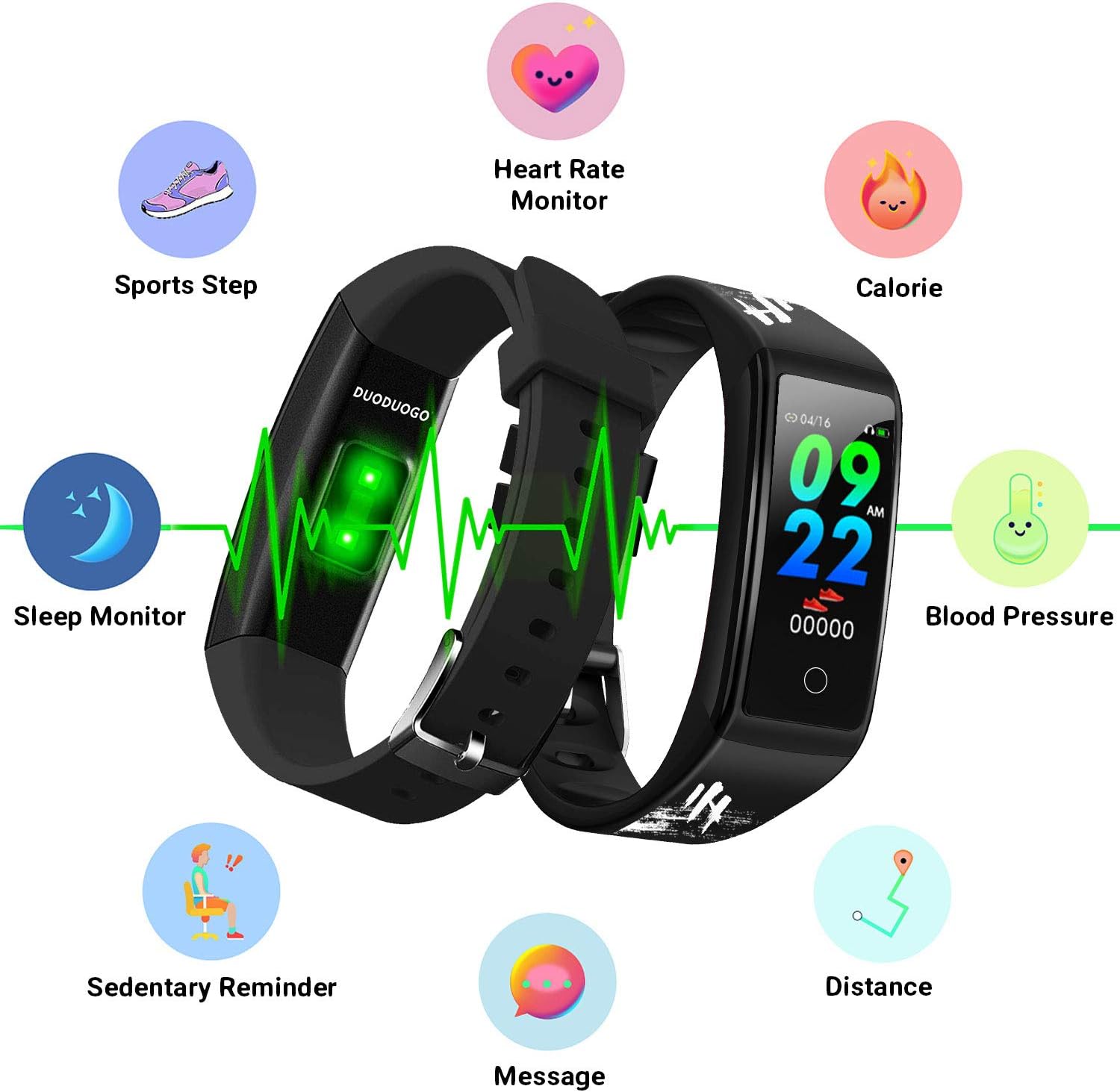
Image: An illustration of the DUODUOGO Hi5 Smartwatch highlighting its core features: Heart Rate Monitor, Calorie tracking, Blood Pressure, Sedentary Reminder, Distance, Message notifications, Sleep Monitor, and Sports Step tracking.

Image: The smartwatch interface displaying icons for various sports modes, including running, cycling, basketball, and mountain climbing, with accompanying lifestyle photos.

Image: The smartwatch displaying health metrics such as heart rate (BPM) and sleep duration, alongside illustrations of ECG monitoring, blood oxygen monitoring, and sleep monitoring.

Image: The smartwatch displaying an incoming call notification and a smartphone screen showing various app notification settings, illustrating the message reminder feature.
4.3 GPS Functionality
The DUODUOGO Hi5 Smartwatch utilizes your smartphone's GPS for tracking outdoor activities. Ensure your phone is with you and its GPS is active during sports modes for accurate route and distance recording.
5. Maintenance
5.1 Water Resistance
The DUODUOGO Hi5 Smartwatch is IP68 waterproof, meaning it is resistant to dust and can withstand immersion in water up to 1.5 meters for up to 30 minutes. It is suitable for daily use, hand washing, and showering. However, it is not recommended for hot water baths, saunas, or deep diving.

Image: The DUODUOGO Hi5 Smartwatch submerged in water, demonstrating its waterproof capability, with icons indicating suitability for rain, handwashing, and showering.
5.2 Cleaning
Wipe the watch and strap regularly with a soft, damp cloth. Avoid using harsh chemicals or abrasive materials that could damage the device.
5.3 Battery Care
To prolong battery life, avoid fully discharging the watch frequently. Charge it when the battery level is low. Store the watch in a cool, dry place when not in use for extended periods.
6. Troubleshooting
6.1 Device Not Turning On
- Ensure the watch is fully charged. Connect it to the charger for at least 30 minutes.
- Press and hold the touch area for a few seconds to power on.
6.2 Cannot Connect to "H Band" App
- Make sure Bluetooth is enabled on your smartphone.
- Ensure the watch is within Bluetooth range of your phone.
- Restart both your smartphone and the smartwatch.
- Try unpairing and re-pairing the device through the "H Band" app.
- Check if the "H Band" app has all necessary permissions enabled in your phone's settings.
6.3 Inaccurate Health Data
- Ensure the watch is worn snugly on your wrist, about one finger's width from your wrist bone.
- Avoid excessive movement during measurements.
- Clean the sensor on the back of the watch.
- Note that smartwatches are not medical devices and readings are for reference only.
6.4 Notifications Not Appearing
- Verify that the watch is successfully connected to the "H Band" app.
- Check notification settings within the "H Band" app to ensure desired apps are enabled.
- Ensure your phone's notification settings allow the "H Band" app to display alerts.
- Keep the "H Band" app running in the background on your phone.
7. Specifications
| Brand | DUODUOGO |
| Model | Hi5 |
| Display | 0.96-inch TFT LCD Color Screen |
| Bluetooth Version | BT 4.0 |
| Battery Capacity | 90 mAh |
| Standby Time | 20-30 days |
| System Compatibility | Android 4.4 or later, iOS 9.0 or later |
| Water Resistance | IP68 |
| Weight | 32.2 g |
| Connectivity | Bluetooth, USB (for charging) |
8. Warranty and Support
For warranty information, please refer to the purchase documentation or contact your retailer. If you encounter any issues not covered in this manual, please contact DUODUOGO customer support through their official website or the "H Band" app for assistance.
Regular software updates for the "H Band" app may introduce new features or improvements. Ensure your app is always up to date for the best experience.