
1. Important Safety Information
Please read all instructions carefully before using your Westinghouse Heated Electric Twin Blanket. Retain this manual for future reference. Failure to follow these instructions may result in fire, electric shock, or injury.
- ETL & FCC Certified: This blanket is designed for safety and energy efficiency, featuring built-in overheat protection for safe operation.
- Power Specifications: Operates at 100W, 60Hz.
- Avoid Folding: Do not fold or place heavy objects on the heating wires when the blanket is in use. This can cause localized overheating.
- Dry Use Only: Never use the blanket while it is wet.
- Supervision: Do not use with infants, children, incapacitated persons, or anyone insensitive to heat.
2. Product Overview
The Westinghouse Heated Electric Twin Blanket provides customizable warmth and comfort with advanced safety features.
- Material: Crafted from double-layer 200GSM flannel for exceptional softness.
- Size: Twin size, measuring 62 x 84 inches.
- Heating Levels: 10 customizable heat settings.
- Auto-Off Timer: Adjustable timer from 1 to 12 hours.
- Memory Function: Retains your last preferred heat setting.
- Heat Distribution: Designed for consistent and even warmth.

Figure 2.1: Westinghouse Heated Electric Twin Blanket (Beige)
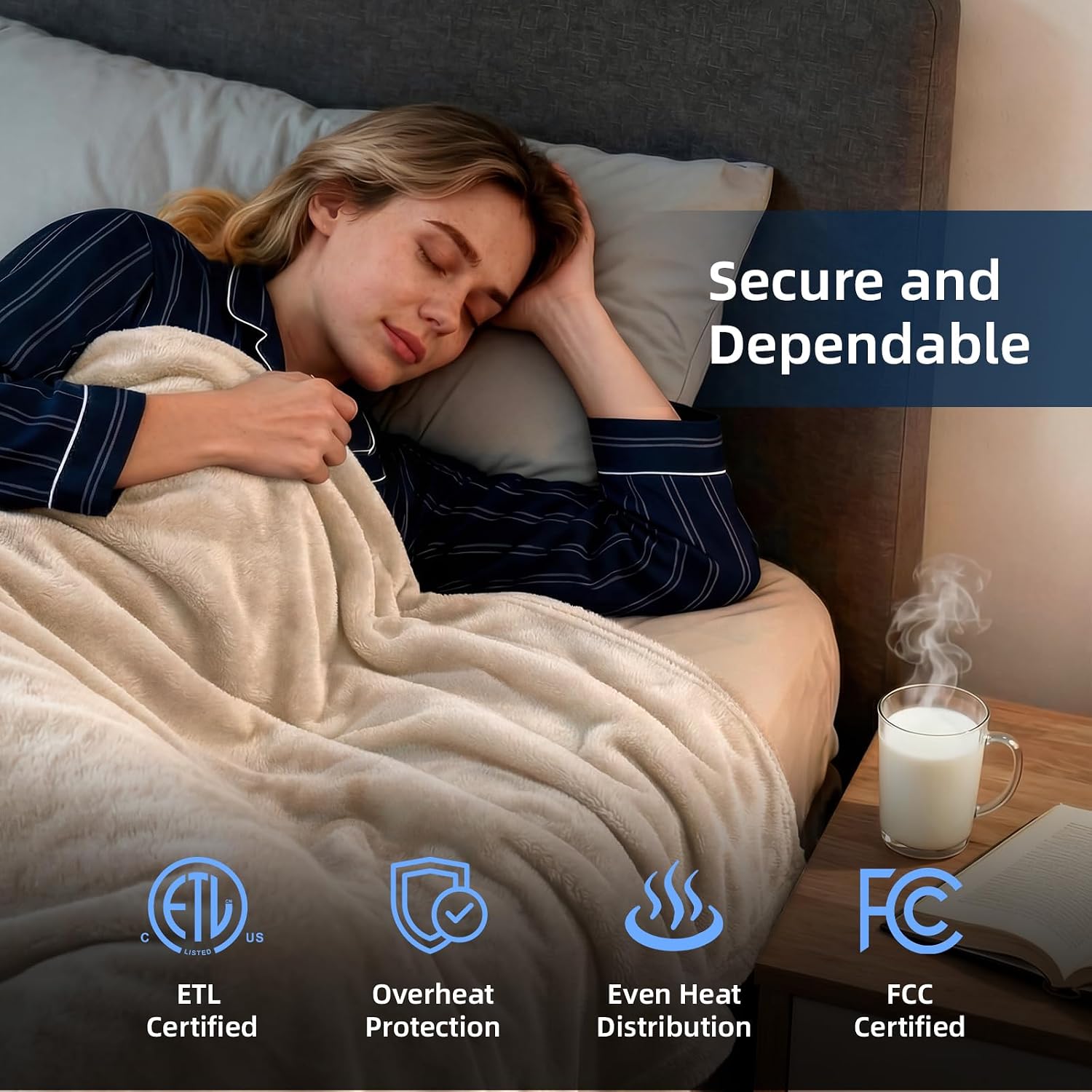
Figure 2.2: Safety and Feature Icons
3. Setup Instructions
- Unpack: Carefully remove the blanket and controller from its packaging.
- Placement: Lay the heated blanket flat on your bed. Ensure the connector port on the blanket is positioned at the foot of the bed and facing upward for easy access to the controller.
- Connect Controller: Locate the connector on the blanket and firmly plug the controller cord into it. Ensure a secure connection.
- Power Connection: Plug the power cord from the controller into a standard 120V AC electrical outlet.

Figure 3.1: Connecting the Controller to the Blanket
Video 3.1: Demonstrating the connection of the controller to the Westinghouse Electric Blanket. This video shows how to properly attach the power cord and controller to the blanket for operation.
4. Operating Instructions
Your blanket features an easy-to-use controller for personalized comfort.
- Power On/Off: Press the power button (usually a central button) to turn the blanket on or off. The display will illuminate when active.
- Adjust Heat Level: Use the 'HEAT' buttons (typically '+' and '-') to select your desired warmth level from 1 to 10. Level 1 is the lowest, and 10 is the highest. The memory function will recall your last setting.
- Set Timer: Use the 'TIME' buttons (typically '+' and '-') to set the automatic shut-off timer. You can choose a duration from 1 to 12 hours. The blanket will automatically turn off after the selected time.

Figure 4.1: Controller Interface with Heat and Timer Settings
Video 4.1: Demonstrating the use of the controller to adjust heat settings and timer on the Westinghouse Electric Blanket. The video shows pressing buttons to change temperature and duration.
5. Maintenance and Cleaning
Proper care ensures the longevity and performance of your heated blanket.
- Disconnect Power: Always unplug the controller from both the blanket and the wall outlet before cleaning.
- Machine Wash: Machine wash on a cold, gentle cycle. Do not bleach or iron.
- Hand Wash: Alternatively, hand wash the blanket gently.
- Drying: Tumble dry on low heat or line dry. Ensure the blanket is completely dry before reconnecting the controller and using it.
- Storage: Store the blanket in a cool, dry place when not in use.

Figure 5.1: Unplugging Controller for Washing
Video 5.1: This video demonstrates how to disconnect the controller from the Westinghouse Electric Blanket before placing it in a washing machine for cleaning.
6. Troubleshooting
If your heated blanket is not functioning as expected, please refer to the following common issues:
- No Heat: Ensure the controller is securely plugged into both the blanket and the wall outlet. Check if the power outlet is functional.
- Uneven Heat: Verify that the blanket is laid flat and not folded or bunched up, which can impede even heat distribution.
- Automatic Shut-off: The blanket has a built-in auto-off timer (1-12 hours) and overheat protection. If it turns off unexpectedly, it may be due to these safety features. Allow it to cool down before attempting to restart.
- Controller Display Issues: If the display is not working or showing error codes, try unplugging the blanket for a few minutes and then reconnecting it.
If problems persist, please contact Westinghouse customer support for assistance.
7. Specifications
| Feature | Detail |
|---|---|
| Brand | Westinghouse |
| Model Name | KTHB-QAVV-T |
| UPC | 810045671123 |
| Material | Flannel (Double Layer 200GSM) |
| Color | Beige |
| Size | Twin Size (62" x 84") |
| Item Weight | 5 Pounds |
| Power | 100W, 60Hz |
| Heat Settings | 10 Levels |
| Auto-Off Timer | 1-12 Hours |
| Safety Certifications | ETL & FCC Certified, Overheat Protection |
8. Warranty and Support
Westinghouse is committed to providing quality products and dedicated after-sales service.
- For any questions, concerns, or warranty inquiries, please contact Westinghouse customer support.
- Please refer to your product packaging or the official Westinghouse website for specific warranty details and contact information.