
1. Product Overview
The Oracer Coffee Mug Warmer is designed to keep your beverages at an optimal drinking temperature, ensuring your coffee, tea, or milk stays warm from the first sip to the last. This versatile device also functions as a candle wax warmer, providing a pleasant aroma without an open flame. It features smart temperature settings, an auto shut-off function, and a compact, waterproof design for safe and convenient use.

Image: The Oracer Coffee Mug Warmer in dark black, with a white mug of steaming coffee placed on its heating plate. The power button glows red, indicating it is active. Text overlays highlight 'Heating Plate for Hot Drink', '7s' Fast Heat-up', and 'Up to 150°F'.
2. Setup
- Unpack: Carefully remove the mug warmer and its power cord from the packaging.
- Placement: Place the mug warmer on a flat, stable, and heat-resistant surface. Ensure it is away from flammable materials.
- Connect Power: Plug the power cord into a standard 110V electrical outlet. The device is now ready for use.
Video: A user unboxes the Oracer Mug Warmer, demonstrating how to plug it in and activate it. The video highlights the simplicity of the setup process and the immediate readiness of the device for warming beverages.
3. Operating Instructions
- Power On: Tap the touch-activated power button once. The indicator light will illuminate.
- Temperature Settings:
- High Temperature (Red Light): Tap the power button once for the high setting, maintaining beverage temperature between 130℉-150℉ (50-65℃).
- Medium Temperature (Blue Light): Tap the power button a second time for the medium setting.
- Place Mug: Place your mug (preferably thin-walled and flat-bottomed for best results) onto the heating plate. The indicator light will stop blinking and remain solid, confirming the mug is detected and warming has begun.
- Power Off: Tap the power button a third time to turn off the warmer. The indicator light will turn off.
Video: A user demonstrates the mug warmer's operation, showing how to turn it on, select temperature settings (red for high, blue for medium), and place a mug on the heating plate. The video also highlights the automatic shut-off feature when the mug is removed.

Image: A visual guide illustrating the touch controls: 'Tap Once (High 140°F)', 'Tap Twice (Low 120°F)', and 'Tap Three Times (Off)'.
4. Safety Features
- Auto Shut-Off: The mug warmer automatically turns off after 8 hours of continuous use.
- Intelligent Cup Sensing: The heating plate will shut off within 5 minutes if it detects that the cup has been removed. This prevents accidental overheating and saves energy.
- Overheating Protection: Built-in NTC temperature control prevents the device from overheating, protecting both the warmer and your desk surface.
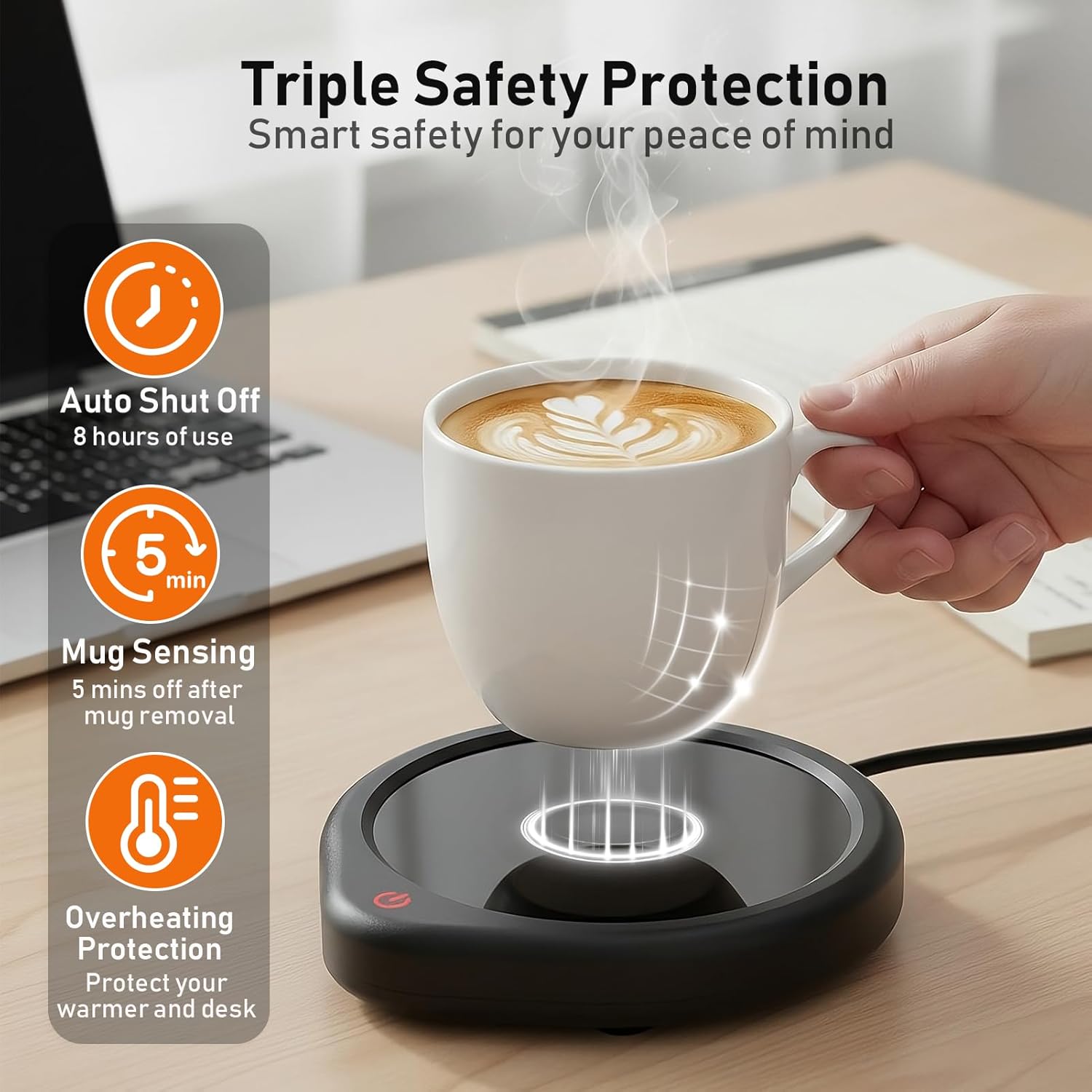
Image: A graphic detailing the 'Triple Safety Protection' of the mug warmer, including 'Auto Shut Off (8 hours of use)', 'Mug Sensing (5 mins off after mug removal)', and 'Overheating Protection'.
5. Maintenance
- Cleaning: Ensure the device is unplugged and cool before cleaning. Wipe the conductive glass surface with a damp cloth. Do not immerse the device in water.
- Storage: Store the mug warmer in a dry place when not in use.
6. Troubleshooting
- Light Not Blinking/Device Not Working:
- Ensure the mug warmer is plugged in.
- Tap the switch to activate.
- Place a mug on the warmer.
- If the issue persists, unplug the warmer and plug it back in to reset the device.
- Beverage Not Hot Enough: Ensure you are using a thin-walled, flat-bottomed mug for optimal heat transfer. Check that the device is set to the high-temperature (red light) mode.
7. Specifications
| Brand | Oracer |
| Model | B08JH1QY6P |
| Item Weight | 8 ounces (0.5 Pounds) |
| Product Dimensions | 5.5"L x 5.12"W x 0.7"H |
| Material | Glass, Plastic |
| Color | Dark Black |
| Power Source | Corded Electric |
| Voltage | 110 Volts |
| Wattage | 20 watts |
| Temperature Settings | 130℉-150℉ (50-65℃) |
8. Warranty and Support
The Oracer Coffee Mug Warmer comes with a 12-month warranty. If you encounter any issues or are not satisfied with your product, please contact Oracer customer service for assistance. They are committed to resolving any problems you may experience.
For further support or to activate your warranty, please refer to the information provided in your product packaging or visit the official Oracer website.