
Introduction
This manual provides essential information for the safe and efficient operation of your Klarstein Bornholm Single Smart Electric Convection Heater. Please read these instructions carefully before use and retain them for future reference. The Klarstein Bornholm Single Smart convection heater enhances any room and ensures pleasant temperatures, regardless of how cold it is outside.
Safety Instructions
General Safety
- Read all instructions before using the appliance.
- Do not cover the heater. Overheating may occur.
- Keep children and pets away from the appliance.
- Do not use this heater in the immediate vicinity of a bath, shower, or swimming pool.
- Ensure the appliance is placed on a stable, level surface.
- Do not insert objects into the ventilation openings.
Electrical Safety
- Connect the appliance only to a properly installed and earthed socket.
- Do not operate the appliance with a damaged cord or plug.
- Disconnect the appliance from the power supply before cleaning or maintenance.
- Do not pull the power cord to disconnect the plug from the socket.
Placement
- Maintain a minimum distance of 1 meter from flammable materials (curtains, furniture, etc.).
- The appliance is IP24 splash-proof, making it suitable for use in bathrooms, but it must not be directly exposed to water spray.
Package Contents
Carefully unpack the box and ensure all items are present and undamaged.
- 1 x Klarstein Bornholm Single Smart Electric Convection Heater
- 1 x Remote Control
- 2 x Supports (with 2 castors each)
- 1 x Mounting Material (for wall mounting)
- 1 x User Manual (this document)
Product Overview
The Klarstein Bornholm Single Smart heater features a sleek design with an integrated LED touch display and can be operated via an app or remote control.

Image: Front view of the Klarstein Bornholm Single Smart Electric Convection Heater, showing its white glass panel and digital display.
Main Components
- Front Glass Panel with LED Touch Display
- Heating Element (internal)
- Power Cord
- Supports with Castors (for mobile use)
- Wall Mounting Brackets (optional installation)
Control Panel (LED Touch Display)

Image: Close-up of the heater's LED touch display, showing temperature digits and control icons.
The LED display shows the current room temperature and allows for setting desired temperatures and modes via touch controls.
Remote Control

Image: The remote control for the Klarstein Bornholm heater, featuring power, ECO, set, and directional buttons.
The included remote control provides convenient access to all heater functions from a distance.
Setup
Mobile Installation (with feet)
- Attach the two supports with castors to the bottom of the heater using the provided screws. Ensure they are securely fastened.
- Place the heater on a stable, level surface, ensuring adequate clearance from walls and furniture.
- Plug the power cord into a suitable earthed electrical outlet.

Image: The Klarstein Bornholm heater standing on its attached feet with castors, ready for mobile use.
Wall Mounting (optional)
- Select a suitable wall location, ensuring it is clear of obstructions and maintains required clearances.
- Use the provided mounting material to securely attach the wall brackets to the wall. Refer to the detailed wall mounting instructions in the separate manual for precise measurements and drilling.
- Carefully hang the heater onto the installed wall brackets. Ensure it is firmly seated.
- Plug the power cord into a suitable earthed electrical outlet.

Image: The Klarstein Bornholm heater mounted on a wall, demonstrating its space-saving installation option.
Operating Instructions
Power On/Off
Press the power button on the control panel or remote control to turn the heater on or off.
Setting Temperature
Use the '+' and '-' buttons on the control panel or remote to adjust the desired temperature between 5°C and 45°C in 1°C increments. The LED display will show the set temperature.
Heat Levels
The heater offers two heat levels: 500W and 1000W. These can typically be selected via the control panel or remote, or automatically adjusted by the thermostat to reach the set temperature.
Image: The remote control, highlighting the ECO button for energy-saving operation.
ECO Mode
Activate ECO mode to optimize energy consumption. In this mode, the heater will maintain the set temperature with reduced power when possible, contributing to energy savings.

Image: The heater with an ECO leaf icon, indicating its energy-saving feature.
Weekly Timer
Program the weekly timer to automatically turn the heater on and off at specific times. Refer to the detailed instructions in the full manual for setting up custom schedules.

Image: The heater operating in a bedroom while a person sleeps, illustrating the convenience of the automatic timer function.
OpenWindow Detection
This feature automatically detects a rapid drop in room temperature (e.g., when a window is opened) and temporarily switches off the heating to prevent energy waste. The heater will resume operation once the temperature stabilizes or the window is closed.
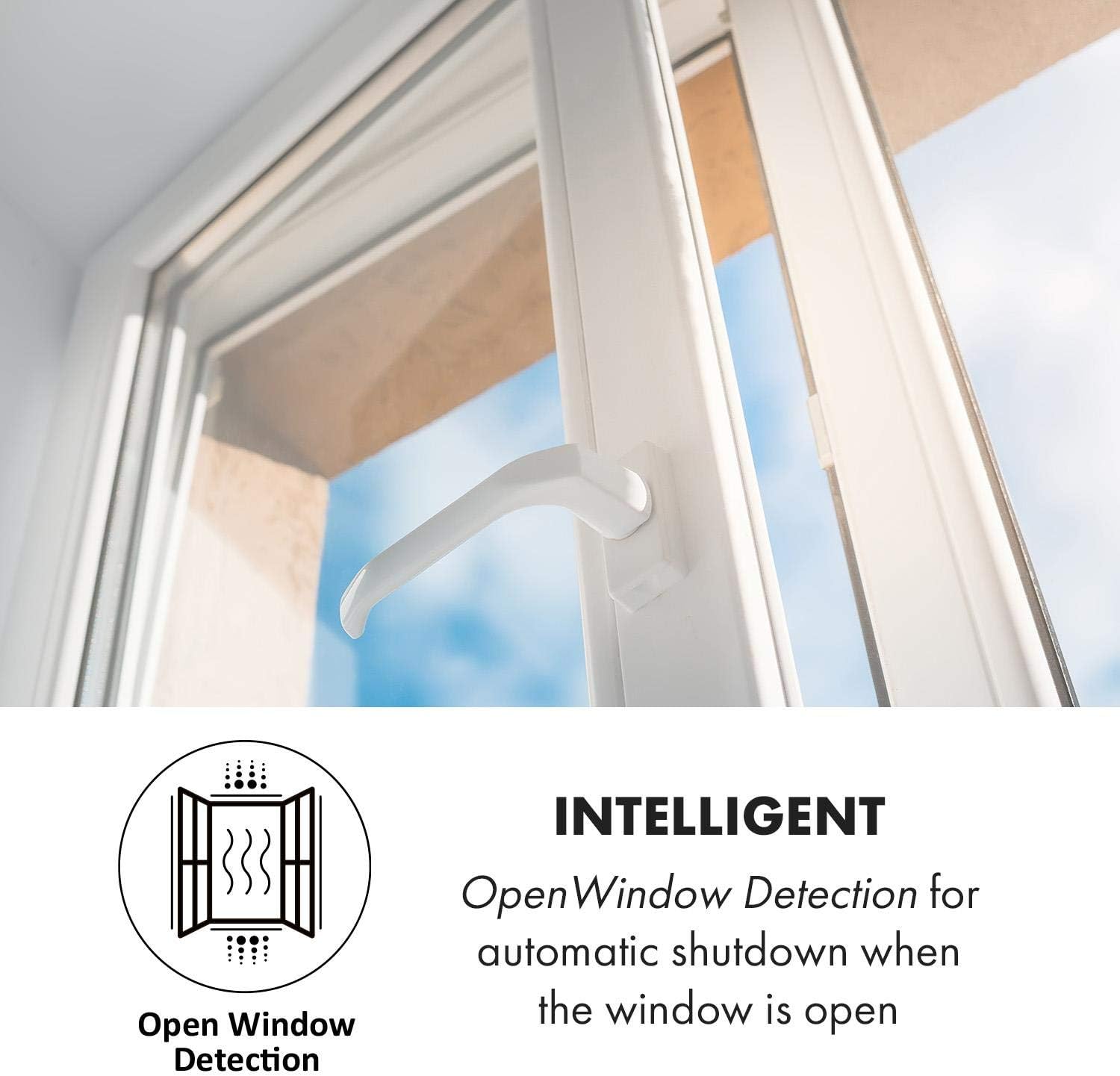
Image: A window partially open, with an icon representing the OpenWindow Detection feature of the heater.
App Control (Klarstein App Experience)
The Klarstein Bornholm Single Smart heater can be controlled via the Klarstein App Experience on your smartphone (Android or iOS).
- Download the "Klarstein App Experience" from your device's app store.
- Ensure your heater is connected to a 2.4 GHz Wi-Fi network.
- Follow the in-app instructions to pair your heater with the application.
- Once paired, you can control the heater's power, temperature, modes, and timer settings remotely.

Image: A person using a smartphone to control the Klarstein Bornholm heater via the dedicated app, showing the app interface.
Maintenance
Cleaning
- Always unplug the heater from the power outlet and allow it to cool completely before cleaning.
- Wipe the exterior surfaces with a soft, damp cloth. Do not use abrasive cleaners or solvents.
- Ensure no water enters the internal components.
- Regularly clean the air inlet and outlet grilles to prevent dust buildup, which can affect performance. Use a soft brush or vacuum cleaner.
Storage
If storing the heater for an extended period, ensure it is clean and dry. Store it in its original packaging in a cool, dry place, away from direct sunlight and moisture.
Troubleshooting
| Problem | Possible Cause | Solution |
|---|---|---|
| Heater does not turn on. | No power supply; Power button not pressed; Overheat protection activated. | Check power cord and outlet; Press power button; Unplug and allow to cool for 30 minutes. |
| Heater not heating effectively. | Temperature setting too low; ECO mode active; OpenWindow detection active; Room size too large. | Increase temperature setting; Deactivate ECO mode; Close windows/doors; Consider room size vs. heater capacity. |
| App control not working. | No Wi-Fi connection; Incorrect pairing; App issues. | Ensure heater is connected to 2.4 GHz Wi-Fi; Re-pair device in app; Restart app/phone. |
| Display shows error code. | Internal malfunction. | Refer to the full manual for specific error codes or contact customer support. |
Specifications
| Feature | Detail |
|---|---|
| Model | ACO7-BrnhlmSnglSmrtW |
| Power | 500W / 1000W |
| Voltage | 220 Volts |
| Temperature Range | 5°C - 45°C |
| IP Rating | IP24 (Splash-proof) |
| Dimensions (with feet) | 51.5 x 45 x 24.5 cm (L x H x D) |
| Dimensions (without feet) | 51.5 x 45 x 10.5 cm (L x H x D) |
| Cable Length | 150 cm |
| Weight | 6.3 kg |
| Control | Touch Display, Remote Control, Wi-Fi App |
| Special Features | Weekly Timer, ECO Mode, OpenWindow Detection, Child Safety, Overheat Protection |
Warranty and Support
For warranty information, please refer to the documentation provided with your purchase or contact Klarstein customer support.
If you encounter any issues not covered in the troubleshooting section, please contact Klarstein customer service for assistance.


