
TELLUR TLL511361
TELLUR Ambia True Wireless Bluetooth Headphones User Manual
Model: TLL511361
Introduction
Thank you for choosing the TELLUR Ambia True Wireless Bluetooth Headphones. This manual provides comprehensive instructions to help you set up, operate, and maintain your headphones, ensuring optimal performance and longevity. Please read this manual carefully before using the product.
Product Overview
The TELLUR Ambia headphones are designed for a seamless audio experience, featuring true wireless connectivity, smart wear detection, and intuitive controls.
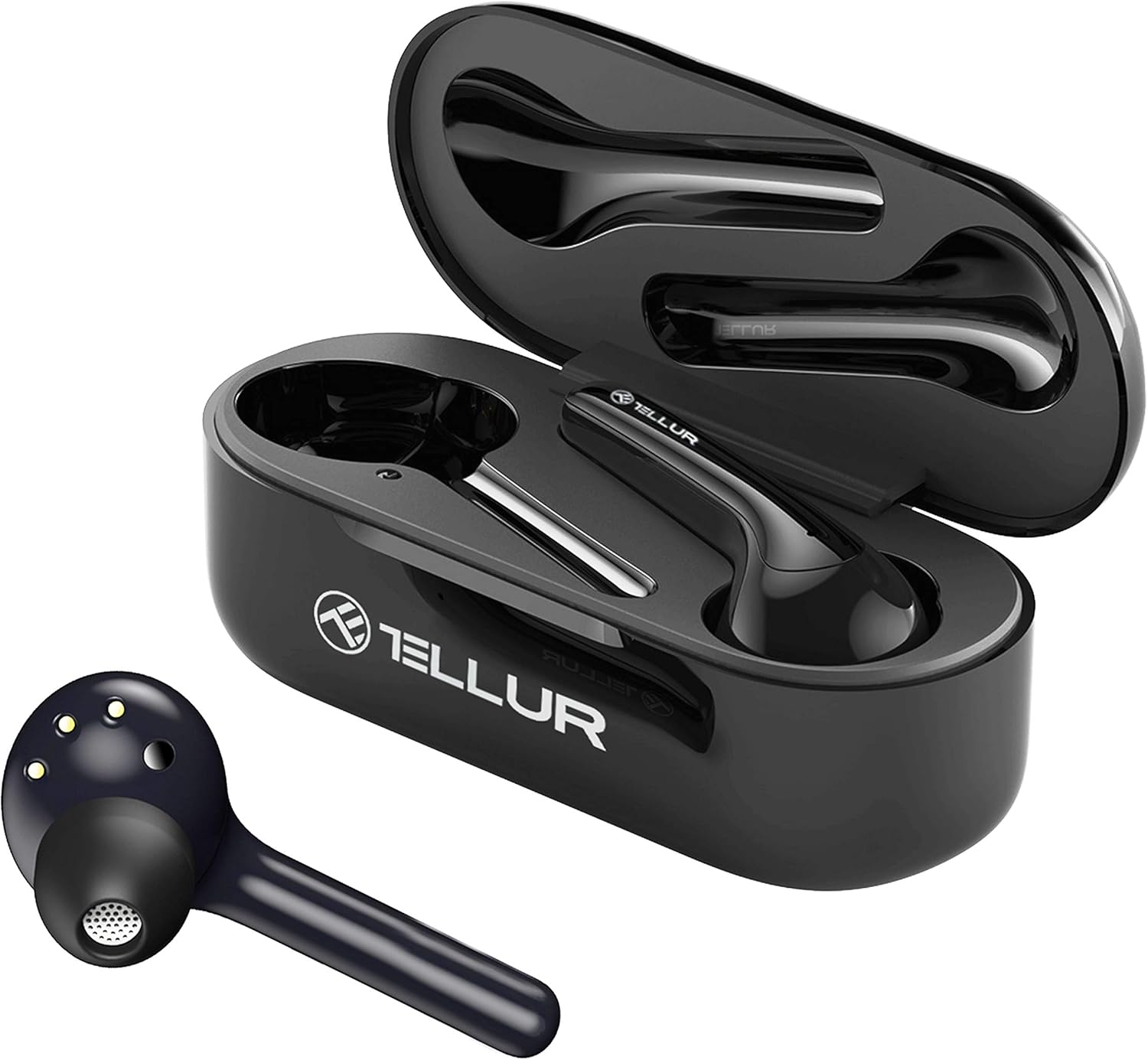
Figure 1: TELLUR Ambia headphones in their open charging case, showcasing both earbuds and the case interior.

Figure 2: Top-down view of the TELLUR Ambia earbuds resting inside their charging case, with the lid open.
Package Contents
Please ensure all items are present in the package:
- TELLUR Ambia True Wireless Bluetooth Headphones (Left and Right earbuds)
- Charging Case
- USB Charging Cable
- User Manual (this document)
Important Safety Information
- Do not expose the headphones or charging case to extreme temperatures, humidity, or liquids.
- Avoid dropping or applying excessive force to the device.
- Do not attempt to disassemble or repair the headphones yourself.
- Keep out of reach of children.
- Dispose of the product responsibly according to local regulations.
Setup
1. Initial Charging
Before first use, fully charge the headphones and the charging case.
- Place both earbuds into the charging case.
- Connect the USB charging cable to the charging port on the case and to a power source (e.g., USB wall adapter, computer USB port).
- The indicator light on the charging case will show charging status. It will typically turn solid or off when fully charged.

Figure 3: TELLUR Ambia headphones inside the charging case, showing the green indicator light, signifying charging or full charge.
2. Pairing with Your Device
The TELLUR Ambia headphones feature one-step connection and automatic pairing with the last device.
- Ensure Bluetooth is enabled on your smartphone or audio device.
- Open the charging case. The earbuds will automatically enter pairing mode.
- On your device, search for Bluetooth devices and select "TELLUR Ambia" from the list.
- Once connected, you will hear a confirmation tone.
Note: For the first Bluetooth pairing, manual connection is required. Subsequent connections will be automatic when the case is opened.
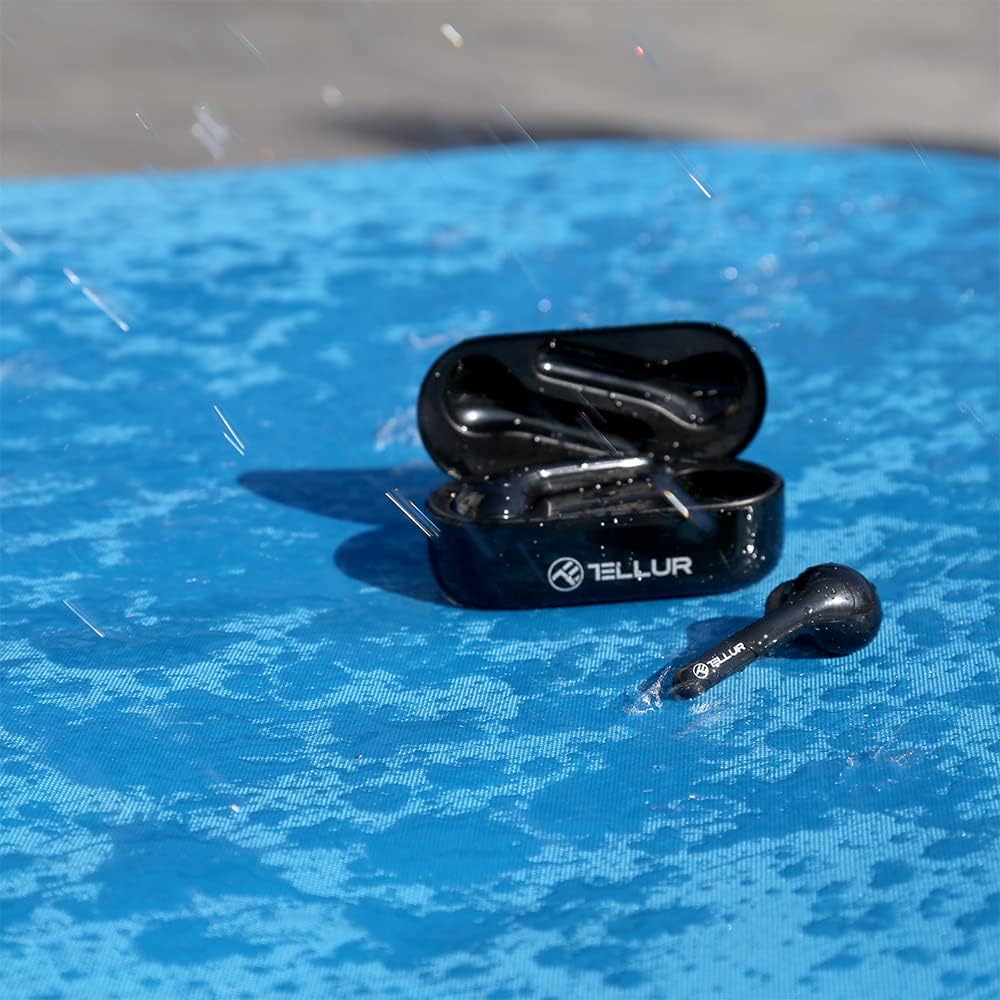
Figure 4: A hand holding the TELLUR Ambia charging case next to a smartphone displaying its Bluetooth settings, showing "TELLUR Ambia" as a discoverable device, illustrating the one-step connection process.
Operating Instructions
Wear Detection
The infrared sensors detect when you are wearing the earbuds. Music will automatically play when worn and pause when removed.

Figure 5: A close-up image showing the TELLUR Ambia earbud being inserted into an ear, highlighting the infrared proximity sensor for automatic ear detection.
Touch Controls
The Ambia headphones feature intuitive tap controls for various functions:
| Action | Function |
|---|---|
| Double tap (Left earphone) | Awake voice assistant |
| Double tap (Right earphone) | Play/Pause music, Resume audio |
| Double tap (Either earphone during call) | Answer/End a call |
| Voice Commands | Accept/Reject call, Play/Pause music, Next/Previous song, Volume Up/Down |

Figure 6: A woman smiling while touching her earbud, demonstrating the ease of tap commands for controlling music and calls.
Making Calls
The headphones support clear hands-free calls with four high-performance microphones and Environmental Noise Cancelling technology.
- Answering/Ending Calls: Double tap either earbud.
- Rejecting Calls: Use voice commands or your connected device.
- Dual Talk Time: Use one earbud at a time to double your hands-free talk time.

Figure 7: A woman sitting outdoors with a laptop, using her TELLUR Ambia headphones for a call, highlighting the clear hands-free call feature.
Maintenance and Care
- Clean the earbuds and charging case regularly with a soft, dry cloth.
- Do not use abrasive cleaners or solvents.
- Ensure the charging contacts on both the earbuds and the case are clean and free of debris.
- Store the headphones in their charging case when not in use to protect them and keep them charged.
- The headphones have an IPX4 rating, meaning they can withstand sweat, water drops, and light rain. Do not submerge them in water.

Figure 8: The TELLUR Ambia charging case and one earbud placed on a blue, wet surface with water droplets, demonstrating its IPX4 water resistance.
Troubleshooting
| Problem | Possible Solution |
|---|---|
| Headphones not pairing |
|
| No sound or low volume |
|
| Earbuds not charging |
|
| Wear detection not working |
|
Specifications
| Feature | Detail |
|---|---|
| Model Name | Ambia |
| Model Number | TLL511361 |
| Connectivity Technology | Wireless (Bluetooth) |
| Wireless Communication Technology | Bluetooth |
| Form Factor | In-Ear |
| Control Type | Voice Control, Tap Control |
| Special Features | Wear Detection, Smart Switch, Automatic Connection, Environmental Noise Cancelling |
| Water Resistance Level | IPX4 (Sweat and light rain resistant) |
| Battery Composition | Lithium-ion |
| Color | Black |
| Material | Plastic |
Warranty and Support
For warranty information and technical support, please refer to the warranty card included with your product or visit the official TELLUR website. Keep your proof of purchase for warranty claims.
Manufacturer: TELLUR
Date of First Availability on Amazon.com.be: April 17, 2022