
1. Introduction and Overview
This manual provides essential information for the safe and efficient operation of your Optoma UHD65 True 4K UHD Cinema Projector. The UHD65 is designed to deliver an immersive home theater experience with stunning 4K UHD resolution, accurate color reproduction, and advanced motion processing.
Key features include:
- True 4K Ultra HD: Experience premium home cinema with 8.3 million distinct on-screen pixels, powered by the Texas Instruments 4K UHD DLP chipset.
- 6-Segment Color Wheel: The RGBRGB color wheel ensures richer colors and enhanced brightness, reproducing cinematic color accurately.
- Blur-Free Visuals: PureMotion technology provides sophisticated frame-interpolation and advanced motion control to eliminate blurring and judder in fast-action scenes.
- HDR10-Compatible: Supports HDR10 technology with DCI-P3 wide color gamut, delivering brighter whites, deeper black levels, and greater color depth.
- High Contrast Ratio: Dynamic Black technology smooths lamp output for an impressive 1,200,000:1 contrast ratio, enhancing detail in both bright and dark scenes.

Figure 1.1: Optoma UHD65 True 4K UHD Cinema Projector (White)
2. Safety Information
Please read all safety warnings and instructions before using your projector. Keep this manual for future reference.
- Do not block ventilation openings. Ensure adequate airflow around the projector.
- Avoid looking directly into the projector lens when the lamp is on, as the bright light can cause eye damage.
- Do not place the projector on an unstable cart, stand, or table.
- Use only attachments/accessories specified by the manufacturer.
- Unplug the projector during lightning storms or when unused for long periods.
- Refer all servicing to qualified service personnel.
3. Setup
3.1 Unpacking and Placement
Carefully remove the projector from its packaging. Place the projector on a stable, level surface or mount it securely. Consider the throw distance required for your desired screen size. The UHD65 offers a 15% vertical lens shift and 1.6x optical zoom for flexible installation.

Figure 3.1: Optimal placement for home theater viewing
3.2 Connecting Devices
The Optoma UHD65 features extensive connectivity options for various media players, gaming consoles, PCs, and mobile devices. Refer to the rear panel diagram for port locations.

Figure 3.2: Rear panel connectivity ports
Available ports include:
- HDMI 1 & HDMI 2: For connecting high-definition sources like Blu-ray players, gaming consoles, and streaming devices.
- VGA: For connecting older computers.
- Audio In/Out: 3.5mm audio jacks for external audio systems.
- USB: For media playback or powering external devices.
- RS-232: For control system integration.
- RJ-45: For network control.
Connect your desired source devices to the appropriate input ports using compatible cables. Ensure all connections are secure before powering on the projector.
4. Operating Instructions
4.1 Powering On/Off
- Connect the power cord to the projector and a power outlet.
- Press the power button on the projector or the remote control to turn on the unit. The lamp will warm up, and the image will appear shortly.
- To power off, press the power button again. Confirm shutdown if prompted. Allow the projector to cool down before unplugging or moving.
4.2 Basic Image Adjustments
Use the projector's on-screen display (OSD) menu, accessible via the remote control, to adjust image settings.
- Focus and Zoom: Adjust the lens rings manually to achieve a sharp image and desired screen size.
- Keystone Correction: If the image is trapezoidal, use the keystone correction feature in the OSD menu to square the image.
- Picture Mode: Select from various preset picture modes (e.g., Cinema, HDR, Game) or customize settings like brightness, contrast, color, and sharpness.
- HDR Settings: For HDR10 content, ensure your source device is configured for HDR output and select the appropriate HDR mode on the projector.
- PureMotion: This feature can be enabled or disabled in the OSD menu to reduce motion blur and judder in fast-moving scenes.

Figure 4.1: HDR10-compatible display for enhanced viewing

Figure 4.2: Experience amazing detail in 4K
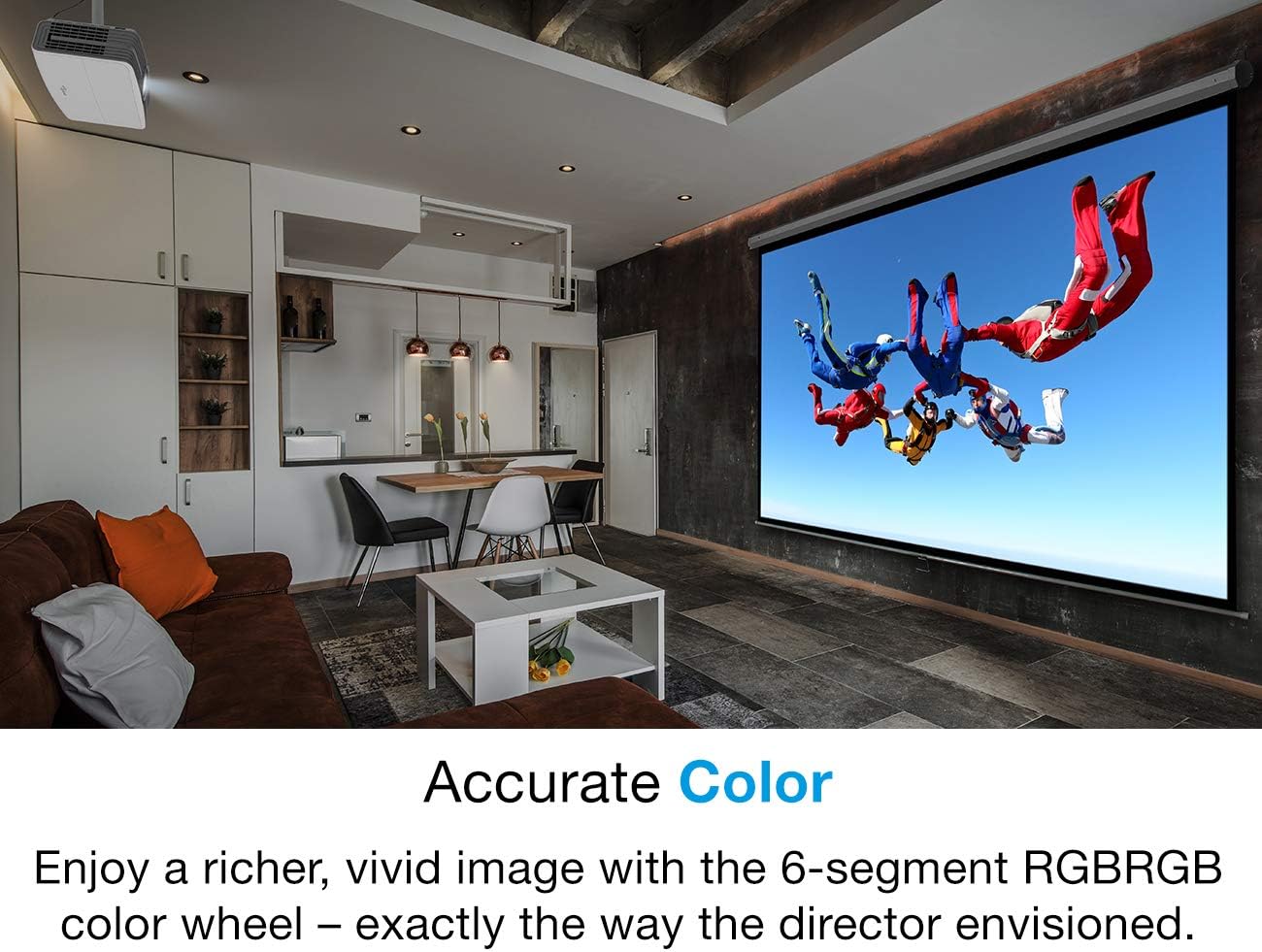
Figure 4.3: Accurate color reproduction with 6-segment RGBRGB color wheel
5. Maintenance
5.1 Lamp Life and Replacement
The Optoma UHD65 projector lamp has a life expectancy of up to 15,000 hours, providing extended viewing time. When the lamp reaches the end of its life, a warning message will appear. Refer to the full user manual for detailed lamp replacement instructions.

Figure 5.1: Extended lamp life for prolonged use
5.2 Cleaning
- Lens: Use a soft, lint-free cloth specifically designed for optical lenses. Do not use abrasive cleaners.
- Casing: Wipe the projector casing with a soft, damp cloth. Avoid harsh chemicals.
- Air Filters: Regularly check and clean the air filters to ensure proper ventilation and prevent overheating. Refer to the full user manual for filter access.
6. Troubleshooting
If you encounter issues with your Optoma UHD65 projector, refer to the following common problems and solutions:
| Problem | Possible Cause | Solution |
|---|---|---|
| No image on screen | Power cable disconnected, input source not selected, source device off, 'handshake' issue. | Check power connections. Ensure source device is on and connected. Select correct input. Try restarting both projector and source device. |
| Image is blurry | Lens out of focus, projector too close/far from screen. | Adjust the focus ring on the lens. Use the zoom function or reposition the projector. |
| Image is trapezoidal | Projector not perpendicular to screen. | Adjust the projector's position or use the keystone correction feature in the OSD menu. |
| No audio | Audio cables disconnected, volume too low, incorrect audio output selected. | Check audio connections. Increase volume. Ensure correct audio output is selected on source device and projector. |
| Projector overheats/shuts down | Blocked ventilation, dirty air filters. | Ensure clear airflow around the projector. Clean air filters. |
If the problem persists after attempting these solutions, please contact Optoma customer support.
7. Technical Specifications
| Feature | Specification |
|---|---|
| Brand | Optoma |
| Model Number | UHD65-W |
| Display Technology | Single 0.66” TRP S610 4K UHD DMD DLP Technology by Texas Instruments |
| Native Resolution | 4K UHD 3840x2160 @ 60Hz with XPR Technology |
| Maximum Resolution | 4K 4096x2160 @ 60Hz with XPR Technology |
| Brightness | 2200 Lumens |
| Contrast Ratio | Up to 1,200,000:1 with Dynamic Black |
| Color Wheel | RGBRGB 6 Segment color wheel |
| HDR Compatibility | HDR10 with DCI-P3 wide color gamut support |
| Lamp Life | Up to 15,000 hours |
| Connectivity Technology | HDMI, USB, 3.5mm Audio |
| Product Dimensions | 13.5 x 6.7 x 15.4 inches |
| Item Weight | 3.98 ounces |
| Power Source | AC Power |
| Batteries | 2 AAA batteries (included for remote) |
8. Warranty and Support
For detailed warranty information and customer support, please refer to the official Optoma website or contact your local Optoma dealer. Keep your proof of purchase for warranty claims.
Visit the Optoma Store for additional product information and support resources.