
1. Product Overview
The Amazfit Zepp E Circle Smart Watch is a sophisticated wearable device designed for health management and activity tracking. It features a 3D curved bezel-less glass and an integrated metal case, offering a sleek and ultra-slim design. This manual provides essential information for setting up, operating, and maintaining your device.
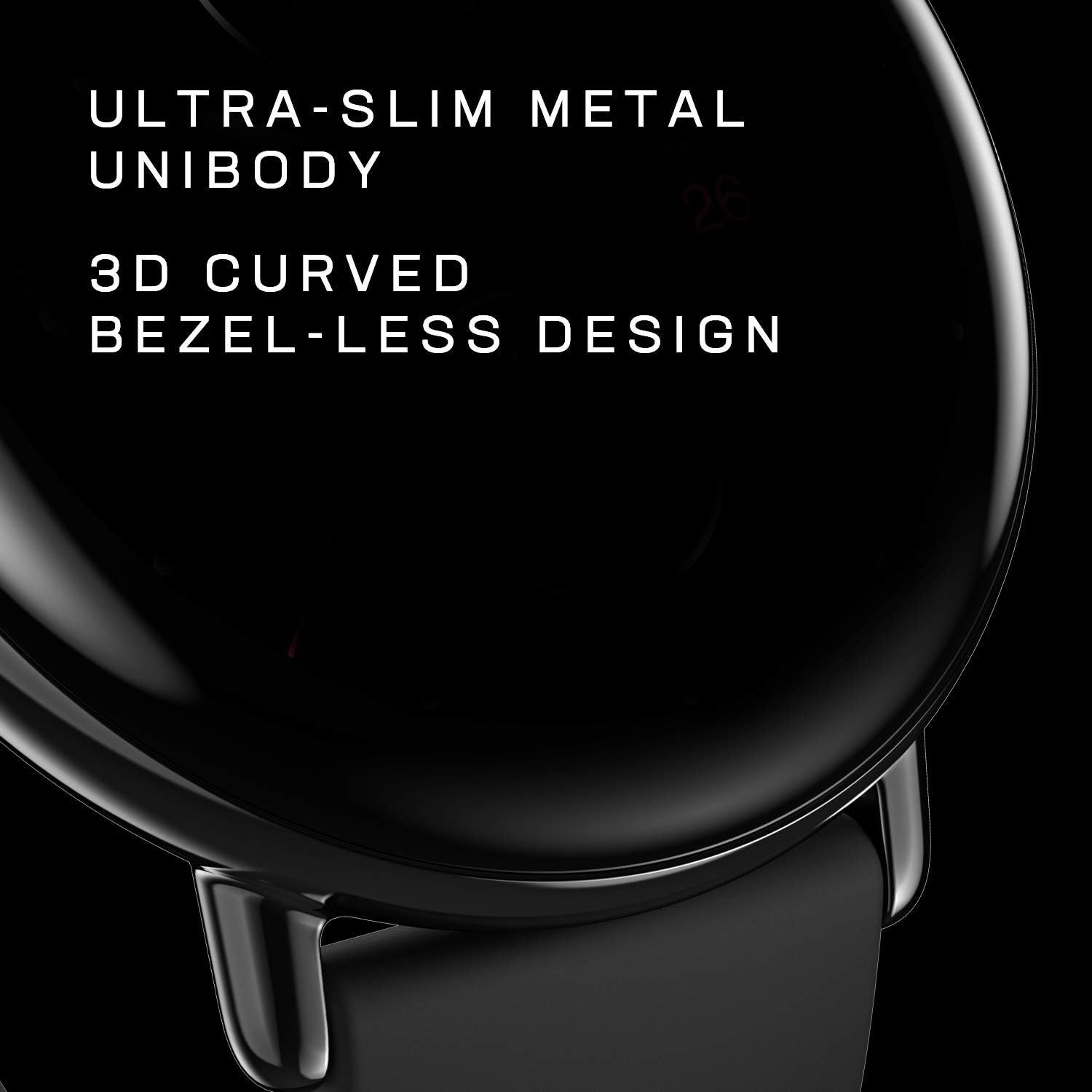
Figure 1.1: Amazfit Zepp E Circle Smart Watch
2. What's in the Box
Verify that all items are present in your product packaging:
- Smart Watch
- Magnetic Charging Base
- User Manual
3. Setup Guide
3.1 Initial Charging
Before first use, fully charge your Amazfit Zepp E Circle Smart Watch. Connect the magnetic charging base to a USB power adapter (not included) and attach the watch to the base. The watch display will indicate charging status.
3.2 Pairing with Your Smartphone
To unlock the full functionality of your smart watch, pair it with the Zepp app on your smartphone.
- Download the Zepp app from the App Store (iOS) or Google Play Store (Android).
- Open the Zepp app and create an account or log in.
- Follow the on-screen instructions in the app to add your Amazfit Zepp E Circle Smart Watch. Ensure Bluetooth is enabled on your smartphone.
- Confirm the pairing request on both your watch and smartphone.

Figure 3.1: Zepp App Interface for pairing
Video 3.1: Overview of the Zepp E Circle Smart Watch features, including heart rate and SpO2 monitoring, and its sleek design.
4. Operating Instructions
4.1 Basic Navigation
The Zepp E Circle Smart Watch features a responsive touchscreen and a physical button for navigation. Swipe left, right, up, or down to access different functions and menus. Press the side button to return to the watch face or access the app list.
4.2 Customizing Watch Faces
Personalize your watch by changing the watch face. You can select from various pre-installed faces or download more through the Zepp app.
- On the watch face, press and hold the screen to enter the watch face selection menu.
- Swipe left or right to browse available watch faces.
- Tap to select your desired watch face.

Figure 4.1: Customizable Watch Faces
4.3 Notifications and Alarms
Receive notifications for incoming calls, emails, messages, and other applications directly on your watch. Set alarms and sedentary reminders to stay on track.
- Ensure notifications are enabled in the Zepp app settings on your smartphone.
- Swipe down on the watch face to view recent notifications.
- Set alarms and reminders via the Zepp app or directly on the watch.
4.4 Phone Music Control
Control music playback on your smartphone directly from your watch. This feature allows you to play, pause, skip tracks, and adjust volume without needing to access your phone.
5. Health Monitoring Features
The Zepp E Circle Smart Watch offers comprehensive health tracking capabilities to help you monitor your well-being.
5.1 Heart Rate Monitoring
The watch continuously monitors your heart rate throughout the day. You will receive notifications if your heart rate exceeds the recommended limit.
Video 5.1: Demonstration of various health monitoring features of the Zepp E Smart Watch, including heart rate, blood oxygen, and sleep tracking.
5.2 Blood Oxygen Saturation (SpO2) Measurement
Measure your current blood-oxygen saturation instantly from your wrist. SpO2 is an important indicator of health, particularly in high-altitude or low-oxygen environments, or during high-intensity sports.

Figure 5.1: Blood Oxygen Saturation Measurement
5.3 Sleep Quality Monitoring
The watch monitors your sleep patterns, including light sleep, deep sleep, rapid eye movement (REM), and awake time. It provides a score on sleep quality and breathing quality, and can even track short naps during the day.

Figure 5.2: Sleep Quality Monitoring
5.4 Stress Detection
The watch can detect and monitor your stress levels throughout the day, providing insights into your mental well-being.
5.5 PAI Health Assessment System
The PAI (Personal Activity Intelligence) system converts heart rate data into a single, personalized score, providing an easy-to-understand metric for your overall health and fitness.

Figure 5.3: PAI Health Assessment System
6. Sports Modes and Battery Life
6.1 Sports Modes
The watch supports 11 sports modes, allowing you to track various physical activities and monitor your performance.

Figure 6.1: Sports Mode Tracking
6.2 Battery Life
The Zepp E Circle Smart Watch offers up to 7 days of battery life in typical usage mode on a single full charge, reducing the need for frequent recharging.

Figure 6.2: Extended Battery Life
6.3 Water Resistance
The device features 5 ATM water resistance, making it suitable for swimming and other water-related activities. Avoid using it in hot showers or saunas.

Figure 6.3: Water Resistance Feature
7. Maintenance
Proper maintenance ensures the longevity and optimal performance of your smart watch.
- Cleaning: Regularly wipe the watch screen and strap with a soft, dry cloth. If necessary, use a slightly damp cloth for the strap. Avoid harsh chemicals.
- Charging: Use only the provided magnetic charging base. Ensure the charging contacts on both the watch and base are clean and dry before charging.
- Storage: Store the watch in a cool, dry place when not in use. Avoid extreme temperatures.
8. Troubleshooting
If you encounter issues with your Amazfit Zepp E Circle Smart Watch, refer to the following common solutions:
- Watch not turning on: Ensure the watch is fully charged. Connect it to the charging base for at least 30 minutes.
- Cannot pair with phone: Make sure Bluetooth is enabled on your phone and the watch is within range. Restart both the watch and your phone, then try pairing again through the Zepp app.
- Inaccurate health data: Ensure the watch is worn snugly on your wrist, not too tight or too loose. Clean the sensor on the back of the watch.
- Notifications not appearing: Check notification settings in the Zepp app and your phone's system settings to ensure the app has necessary permissions.
- Screen unresponsive: Try restarting the watch by pressing and holding the side button until it powers off, then power it back on.
9. Specifications
| Feature | Detail |
|---|---|
| Model Name | W1936OV1Q |
| Brand | Amazfit |
| Operating System | Zepp OS |
| Screen Size | 1.28 Inches |
| Display Type | AMOLED |
| Resolution | 368 x 448 |
| Connectivity Technology | Bluetooth |
| Water Resistance Level | 50 Meters (5 ATM) |
| Battery Average Life | 7 days |
| Metrics Measured | Optical Heart Rate Sensor, SpO2 Sensor |
| Compatible Devices | Smartphone (Android, iPhone) |
| Item Weight | 36 Grams |
| Item Dimensions | 1.66 x 1.66 x 0.36 inches |
| Band Material Type | Fluoroelastomer |
| Case Material Type | Stainless Steel |
10. Warranty Information
The Amazfit Zepp E Circle Smart Watch comes with a 1-Year Limited Warranty. This warranty covers manufacturing defects under normal use. For detailed terms and conditions, please refer to the official Amazfit website or contact customer support.
11. Support
For further assistance, technical support, or to view frequently asked questions, please visit the official Amazfit support website or contact their customer service team. Keep your purchase receipt and product model number (W1936OV1Q) handy when seeking support.
Official Website: www.amazfit.com


