

1. Introduction
This manual provides detailed instructions for the installation, operation, and maintenance of your STEREN CCTV-204 Wi-Fi Full HD Fixed Security Camera. This camera is designed for indoor surveillance, offering Full HD 1080p video, night vision, two-way audio, and motion detection capabilities. It connects via Wi-Fi and can be controlled through the Steren Home application on your mobile device.
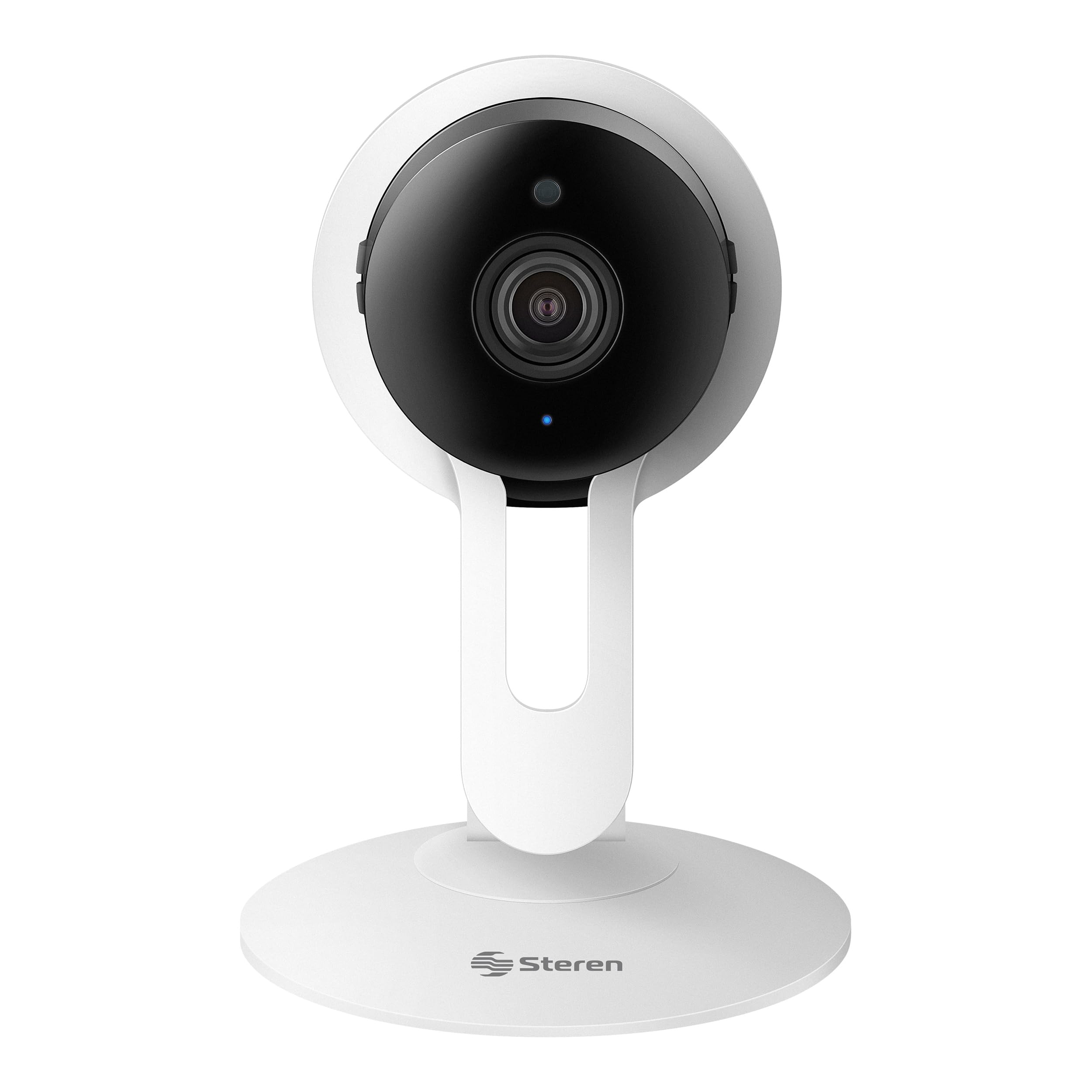
Image: STEREN CCTV-204 Wi-Fi Full HD Fixed Security Camera and its packaging.
2. What's Included
Please verify that all components are present in the package:
- 1 x STEREN CCTV-204 Wi-Fi Full HD Fixed Security Camera
- 1 x USB Power Cable
- 1 x Power Adapter (Voltage Converter)
- 1 x Mounting Base
- 1 x Instruction Manual (Spanish and English)

Image: All items included in the STEREN CCTV-204 camera package.
3. Product Overview
The STEREN CCTV-204 camera features a compact design with essential components for effective surveillance.
3.1 Camera Components
- Front: Full HD Lens, Infrared LEDs for night vision.
- Back: Micro USB power port, Reset button, MicroSD card slot, Built-in speaker.
- Base: Detachable base for flexible placement (wall or ceiling mountable).

Image: The camera can be detached from its base for more discreet placement.
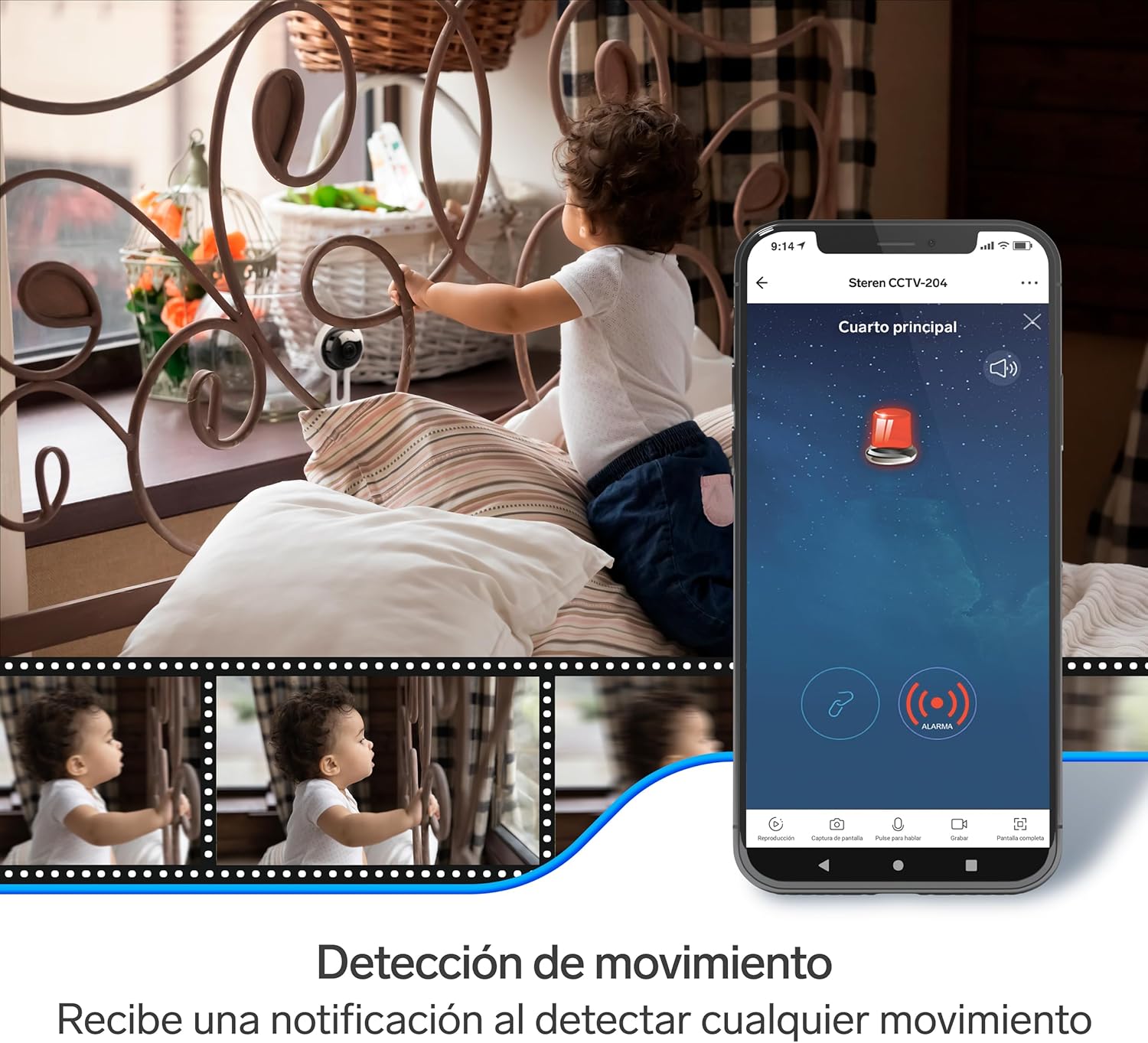
Image: Rear view of the camera, highlighting the Micro USB power port, MicroSD slot, and reset button.
4. Setup
4.1 Powering On
- Connect the USB power cable to the camera's Micro USB port.
- Plug the power adapter into a standard electrical outlet.
- The camera will power on and initiate its self-diagnostic sequence. Wait for the camera to indicate it is ready for configuration (e.g., a voice prompt or LED indicator).
4.2 App Installation
- Download the Steren Home application from your device's app store (available for Android and iOS).
- Register or log in to your Steren Home account.

Image: The Steren Home app icon and options to download from App Store or Google Play.
4.3 Connecting to Wi-Fi
- Ensure your mobile device is connected to a 2.4 GHz Wi-Fi network. The camera does not support 5 GHz networks.
- In the Steren Home app, tap the "+" icon to add a new device.
- Select "Security Camera" or the appropriate device type.
- Follow the on-screen instructions to connect the camera to your Wi-Fi network. This typically involves scanning a QR code displayed on your phone with the camera lens.
- Once connected, you will hear a confirmation prompt from the camera.
4.4 Mounting
The camera can be placed on a flat surface or mounted on a wall or ceiling using the provided base.
- Choose a suitable location for optimal viewing coverage.
- If mounting, secure the base to the desired surface using appropriate screws (not included).
- Attach the camera to the mounted base. Ensure it is securely fastened.
5. Operation
5.1 Live View
Access the live video feed from your camera through the Steren Home app.
- Open the Steren Home app and select your CCTV-204 camera from the device list.
- The live feed will be displayed. You can switch between standard definition (SD) and high definition (HD) for optimal viewing based on your network speed.

Image: Monitoring your space from your mobile phone using the Steren Home app.
5.2 Two-Way Audio
The camera features a built-in microphone and speaker, allowing for two-way communication.
- In the live view interface of the app, tap the microphone icon to speak through the camera's speaker.
- Tap the speaker icon to listen to audio from the camera's surroundings.

Image: Illustration of two-way communication using the camera's audio features.
5.3 Night Vision
The camera automatically switches to night vision mode in low-light conditions, providing clear black and white video.
- Infrared LEDs activate automatically to illuminate the area for night viewing.

Image: The camera incorporates night vision for clear monitoring in darkness.
5.4 Motion Detection
The camera can detect movement and send alerts to your mobile device.
- Enable motion detection in the Steren Home app settings for your camera.
- You will receive notifications when motion is detected, allowing you to view the recorded event.

Image: The camera's motion detection feature sends alerts to your phone.
5.5 Recording (MicroSD)
The camera supports local storage via a MicroSD card (sold separately).
- Insert a MicroSD card into the designated slot on the camera.
- Configure recording settings (continuous or event-triggered) within the Steren Home app.
5.6 Remote Access
View your camera feed from anywhere with an internet connection.
- Access the live feed and recorded footage through the Steren Home app on your mobile device.
- Alternatively, you can view the camera feed via a web browser by following instructions in the app or manufacturer's website.
6. Maintenance
To ensure optimal performance and longevity of your camera, follow these maintenance guidelines:
- Cleaning: Use a soft, dry cloth to clean the camera lens and body. Avoid abrasive cleaners or solvents.
- Placement: Ensure the camera is placed in a stable environment, away from direct sunlight, extreme temperatures, and moisture. This model is designed for indoor use only.
- Software Updates: Regularly check the Steren Home app for firmware updates to ensure your camera has the latest features and security enhancements.
- Power Supply: Use only the provided power adapter or a compatible 5V DC power source.
7. Troubleshooting
If you encounter issues with your STEREN CCTV-204 camera, refer to the following common problems and solutions:
| Problem | Possible Cause | Solution |
|---|---|---|
| Camera not powering on | No power, faulty adapter/cable | Check power connection, try a different outlet or USB cable. |
| Unable to connect to Wi-Fi | Incorrect Wi-Fi password, 5 GHz network, weak signal | Ensure correct 2.4 GHz Wi-Fi password. Move camera closer to router. Reset camera and try again. |
| No live video feed | Network issue, camera offline | Check Wi-Fi connection. Restart camera and router. Verify app permissions. |
| Motion detection not working | Feature disabled, incorrect sensitivity | Enable motion detection in app settings. Adjust sensitivity levels. |
| Two-way audio issues | Microphone/speaker muted, network latency | Check mute settings in the app. Ensure stable internet connection. |
If the problem persists, please refer to the official STEREN support website or contact customer service.
8. Specifications
Detailed technical specifications for the STEREN CCTV-204 Wi-Fi Full HD Fixed Security Camera:

Image: Key product attributes and features of the STEREN CCTV-204 camera.
| Feature | Description |
|---|---|
| Model | CCTV-204 |
| Video Capture Resolution | 1080p (Full HD) |
| Connectivity Technology | Wi-Fi (2.4 GHz) |
| Special Features | Two-way audio, Night vision, Motion detection |
| Recommended Use | Indoor Security |
| Viewing Angle | 80° |
| Storage | MicroSD card slot (card sold separately) |
| Power Source | Cable Electric (5V DC) |
| Color | White |
| Material | Plastic |
| Dimensions (L x W x H) | 24.99 x 30 x 19.99 cm (approx. 9.84 x 11.81 x 7.87 inches) |
| Weight | 100 Grams |
| Mounting Type | Wall Mount, Ceiling Mount |

Image: Detailed dimensions of the STEREN CCTV-204 camera.
9. Warranty and Support
For warranty information, technical support, or further assistance, please refer to the official STEREN website or contact their customer service department. Keep your purchase receipt for warranty claims.


