
Amazfit A2001
Amazfit Neo Smartwatch User Manual
Model: A2001
Introduction
The Amazfit Neo Smartwatch combines a retro digital display with modern smart features, offering a balanced blend of style and functionality. Designed for daily wear and active lifestyles, it provides essential health monitoring and notification capabilities.
Key features include a 1.2-inch Always-On digital display, continuous heart rate monitoring, comprehensive sleep tracking, an impressive battery life of up to 28 days, 5 ATM water resistance, and smart notifications from your smartphone.

Image: The Amazfit Neo Smartwatch, showcasing its retro design and digital display.
What's in the Box
- Watch body (with standard strap)
- Charging base
- Instruction manual
Setup
1. Charging the Device
Before first use, fully charge your Amazfit Neo. Connect the charging base to a USB power source and place the watch onto the magnetic charging pins. The display will indicate charging status.
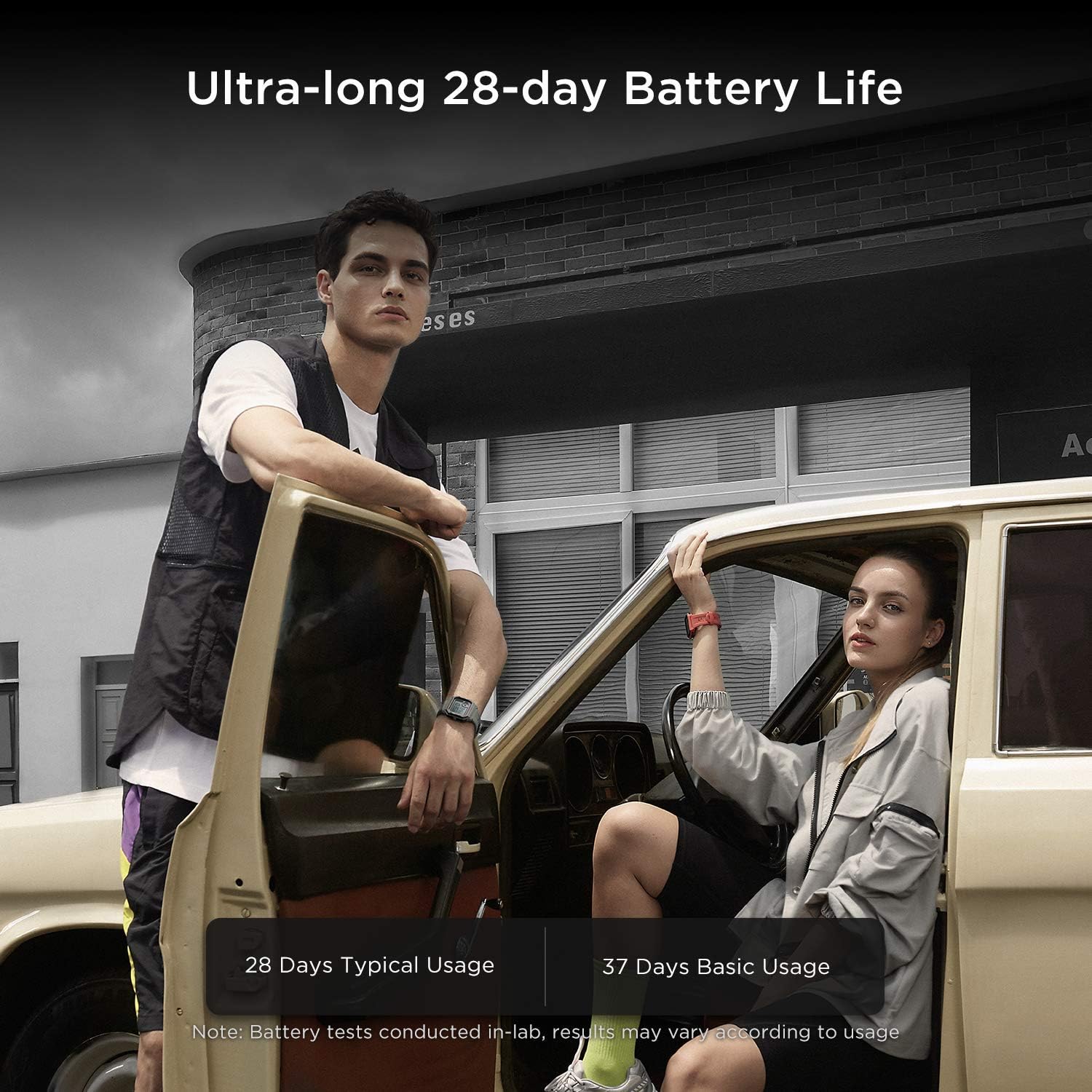
Image: The Amazfit Neo Smartwatch highlighting its ultra-long 28-day battery life.
2. Pairing with the Zepp App
- Download the Zepp App from your smartphone's app store (available for Android 5.0+ and iOS 10.0+).
- Open the Zepp App and create an account or log in.
- Follow the in-app instructions to add your Amazfit Neo. Ensure Bluetooth is enabled on your smartphone.
- The app will guide you through the pairing process. Confirm the pairing request on both your phone and the watch.

Image: A visual representation of the Zepp App interface, used for tracking fitness, sleep, and other metrics.
Operating the Smartwatch
Display and Buttons
The Amazfit Neo features a 1.2-inch Always-On digital display. It has four physical buttons for navigation and function control:
- SELECT: Confirm selections or enter modes.
- BACK: Go back to the previous screen or exit a function.
- UP: Navigate upwards through menus or increase values.
- DOWN: Navigate downwards through menus or decrease values.

Image: The 1.2-inch Always-on Retro Display of the Amazfit Neo, visible in both day and night conditions.
Health Monitoring
The Amazfit Neo provides comprehensive health tracking features:
- Continuous Heart Rate Monitoring: The watch monitors your heart rate 24/7. You can view your heart rate data in real-time on the watch or in detail within the Zepp App. It can also alert you to abnormal heart rates.
- Sleep Monitoring: Track your sleep stages (including REM) and quality. The BioTracker™ PPG sensor allows for monitoring even during short naps (20 minutes between 11 AM and 6 PM). Review your sleep patterns in the Zepp App to understand and improve your sleep.
- PAI™ Health Assessment System: The PAI (Personal Activity Intelligence) system converts heart rate data into a single, personalized score, providing an easy-to-understand metric of your overall health and fitness.

Image: The Amazfit Neo Smartwatch demonstrating 7/24 Heart Rate Monitoring capabilities.

Image: The Amazfit Neo Smartwatch actively monitoring sleep, including REM and nap detection.

Image: The Amazfit Neo Smartwatch in use during physical activity, demonstrating the PAI™ Health Assessment System.
Sports Tracking
The Amazfit Neo supports tracking for 3 sports modes. While running or exercising, the watch records your activity data, which can be synchronized and analyzed in the Zepp App.
Water Resistance
The Amazfit Neo has a 5 ATM water resistance rating, meaning it can withstand pressures equivalent to a depth of 50 meters. This makes it suitable for showering, swimming, and other shallow-water activities. Note: It is not suitable for diving or high-pressure water activities.

Image: The Amazfit Neo Smartwatch demonstrating its 5 ATM water resistance in a water splash scenario.
Smartphone Notifications
Once paired with your smartphone via the Zepp App, the Amazfit Neo can receive notifications for incoming calls, text messages, emails, and alerts from various popular applications. The watch will display a "+1" notification for new alerts.
Maintenance
Cleaning Your Smartwatch
- Wipe the watch body and strap regularly with a soft, damp cloth.
- Ensure the charging contacts on the back of the watch and on the charging base are clean and dry to prevent corrosion and ensure proper charging.
- Avoid using harsh chemicals or abrasive materials for cleaning.
Battery Care
- To maximize battery life, avoid extreme temperatures.
- Charge the watch fully before long periods of inactivity.
- Regularly update the watch firmware via the Zepp App, as updates often include battery optimization improvements.
Troubleshooting
Bluetooth Connection Issues
- Ensure Bluetooth is enabled on your smartphone and the watch is within range.
- Check if the Zepp App is running in the background and has necessary permissions.
- Try restarting both your smartphone and the Amazfit Neo.
- If connection issues persist, try unpairing and re-pairing the device through the Zepp App.
App Synchronization Problems
- Ensure your Zepp App is updated to the latest version.
- Verify your internet connection on your smartphone.
- Close and reopen the Zepp App.
- If data is not syncing, perform a factory reset on the watch (refer to the Zepp App for specific instructions on how to reset your device).
Specifications
| Feature | Detail |
|---|---|
| Model Name | A2001 |
| Brand | Amazfit |
| Display Size | 1.2 Inches |
| Display Type | Always-On Digital |
| Battery Life (Typical Usage) | Up to 28 days |
| Battery Composition | Lithium Ion |
| Water Resistance | 5 ATM (up to 50 meters) |
| Connectivity | Bluetooth |
| Operating System Compatibility | Android 5.0 or iOS 10.0 and later versions |
| Dimensions | 1.17 x 4.03 x 4.1 cm |
| Weight | 32 grams |
| Special Features | Time display, Sedentary reminder, Pedometer, Alarm clock, 24/7 Heart Rate Monitoring, Sleep Tracking, PAI Health Assessment |
Warranty and Support
For information regarding warranty and returns, please refer to the Amazon.it help pages or contact Amazfit customer support directly. The product is covered by standard warranty terms.
If you encounter any issues not covered in this manual, please visit the official Amazfit support website or contact their customer service for assistance.
For specific information on purchases made through the Marketplace, consult the relevant help page on Amazon.it.