
Introduction
Thank you for purchasing the N-Gear The Flash 1510 Bluetooth Speaker Trolley. This portable party system is designed to deliver rich sound and versatile connectivity for various occasions. This manual provides detailed instructions for setup, operation, maintenance, and troubleshooting to ensure you get the most out of your device.
Please read this manual carefully before using the product and keep it for future reference.
Setup
Package Contents
- N-Gear The Flash 1510 Bluetooth Speaker Trolley
- Wireless Microphone
- Wired Microphone
- Power Adapter
- Remote Control
- User Manual (this document)
Charging the Battery
Before first use, fully charge the speaker's internal 2600 mAh battery. Connect the provided power adapter to the DC 15V input port on the speaker's control panel and plug it into a power outlet. The charging indicator light will show the charging status (e.g., red for charging, blue for full).

Image: Top control panel with DC 15V charging port.
A full charge provides up to 6 hours of playback time, depending on usage and volume levels.
Positioning the Speaker
Place the speaker on a stable, flat surface. The trolley design with wheels and a retractable handle allows for easy transport. Ensure adequate ventilation around the speaker.
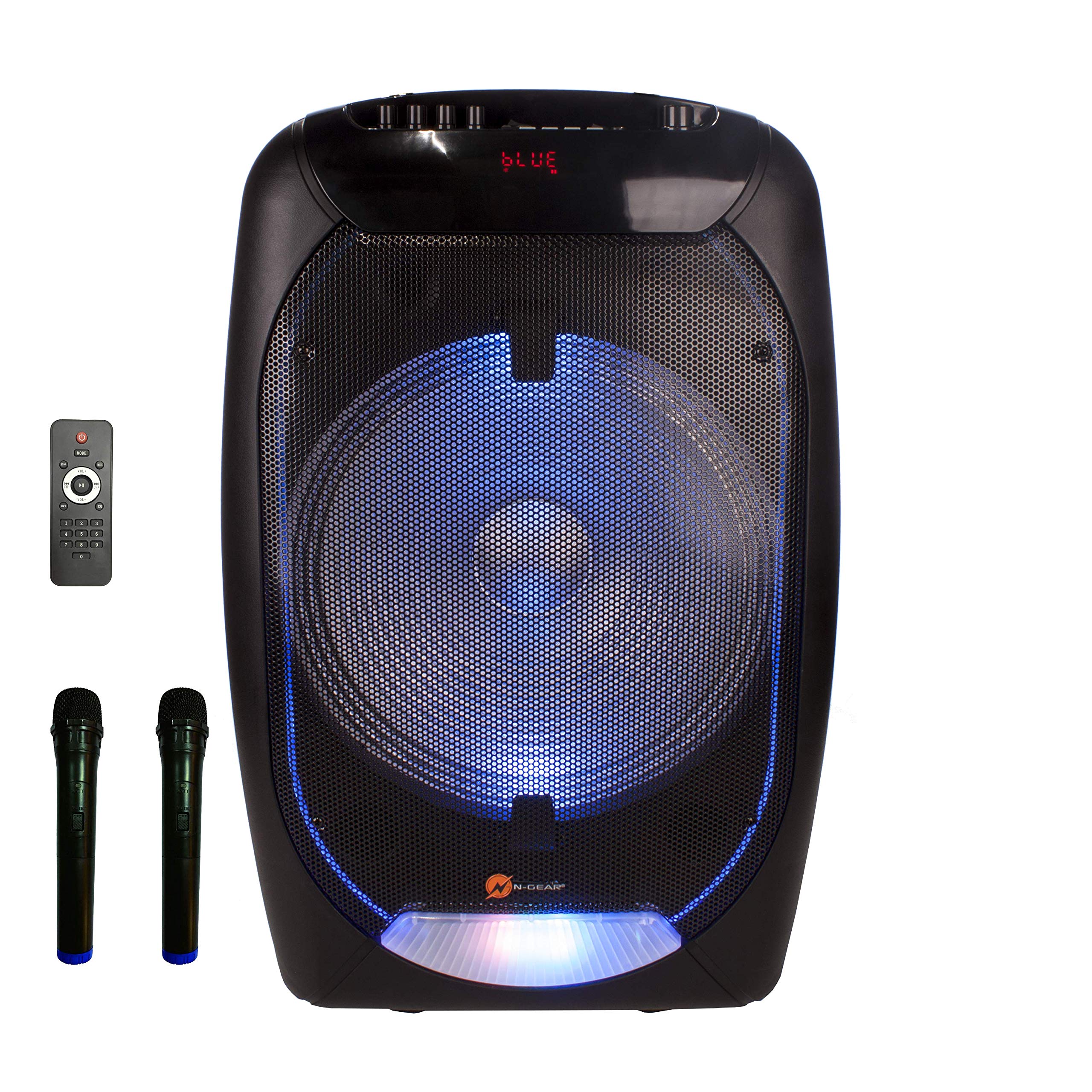
Image: Front view of the speaker trolley with handle extended.
Operating Instructions
Power On/Off
Locate the POWER switch on the control panel. Slide it to the ON position to power on the speaker. Slide it to OFF to power off.
Bluetooth Connectivity
- Power on the speaker. The display will show "BLUE" indicating Bluetooth mode.
- Enable Bluetooth on your mobile device (smartphone, tablet, laptop).
- Search for available Bluetooth devices and select "N-GEAR TF-1510" from the list.
- Once paired, the speaker will emit a confirmation sound. You can now play audio from your device.

Image: Speaker front with blue LED lights, showing "BLUE" on the display.
USB/MicroSD Playback
- Insert a USB flash drive (max. 64GB) or a microSD card (max. 32GB) containing MP3 audio files into the respective port on the control panel.
- The speaker will automatically switch to USB or TF Card mode and begin playback.
- Use the PREV, PLAY/PAUSE, and NEXT buttons to control playback.
AUX Input
Connect an external audio device (e.g., MP3 player, laptop) to the AUX IN port using a 3.5mm audio cable (not included). Press the MODE button to switch to AUX mode.
Microphone Usage (Karaoke)
- Wireless Microphone: Insert batteries (not included) into the wireless microphone. Power it on. The speaker will automatically detect it.
- Wired Microphone: Plug the wired microphone into the MIC IN port.
- Adjust microphone volume using the MIC.VOL knob.
- Adjust echo effect using the ECHO knob.

Image: Wireless microphone included with the speaker.
LED Light Effects
The speaker features integrated RGB LED lights on the front grille. Use the Light Switch on the control panel to turn the lights on or off.
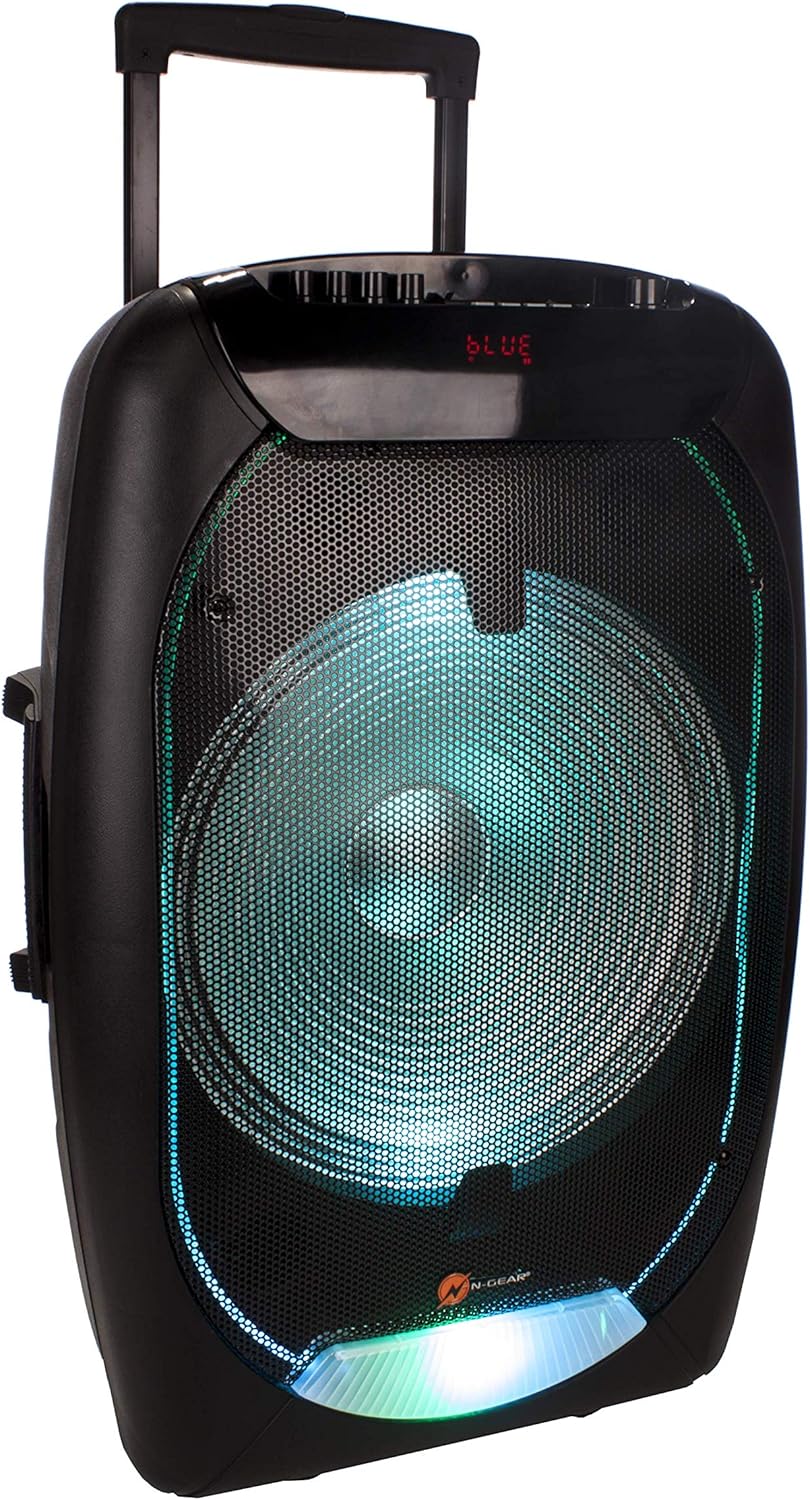
Image: Speaker front with green LED lights.
Remote Control Functions
The included remote control allows for convenient operation from a distance. Functions include power, mode selection, volume control, track navigation, mute, and equalizer settings.

Image: Remote control for the speaker.
Maintenance
- Cleaning: Use a soft, dry cloth to clean the exterior of the speaker. Do not use abrasive cleaners or solvents.
- Battery Care: To prolong battery life, avoid fully discharging the battery frequently. Recharge the speaker regularly, even if not in use for extended periods.
- Storage: Store the speaker in a cool, dry place away from direct sunlight and extreme temperatures.
- Water Exposure: This speaker is not waterproof. Avoid exposure to water or excessive moisture.
Troubleshooting
| Problem | Possible Cause | Solution |
|---|---|---|
| No power | Battery is discharged; Power switch is OFF. | Charge the battery; Slide the power switch to ON. |
| No sound | Volume is too low; Incorrect input mode; Device not paired (Bluetooth). | Increase volume; Press MODE to select correct input; Re-pair Bluetooth device. |
| Bluetooth not connecting | Speaker not in pairing mode; Device too far; Interference. | Ensure speaker is in Bluetooth mode; Move device closer; Turn off other Bluetooth devices. |
| Microphone not working | Microphone not powered on (wireless); Volume too low; Incorrect port. | Check microphone power/batteries; Increase MIC.VOL; Ensure microphone is plugged into MIC IN. |
Specifications
- Model: TF-1510
- Brand: N-Gear
- Output Wattage: 500 Watts
- Speaker Size: 15-inch bass speaker
- Connectivity: Bluetooth, USB, MicroSD, AUX (3.5mm)
- Compatible Devices: Laptop, Smartphone
- USB Support: Up to 64GB
- MicroSD Support: Up to 32GB
- Power Source: Battery Powered (2600 mAh internal battery) / DC 15V adapter
- Battery Life: Up to 6 hours (depending on usage)
- Microphones: 1x Wireless, 1x Wired (included)
- Special Features: Trolley design with wheels and handle, RGB LED light effects, Power bank function (via internal battery)

Image: Rear view of the speaker showing the rating label.
Warranty and Support
For warranty information and technical support, please refer to the documentation provided with your purchase or visit the official N-Gear website. Keep your proof of purchase for any warranty claims.


