1. Introduction
This manual provides essential information for the assembly, usage, and maintenance of your Mondeer FSDK21WT-G2N L-Shaped Desk with Bookshelves. Please read these instructions carefully before beginning assembly or use to ensure proper setup and safe operation.
The L-shaped desk is designed to optimize space, creating an efficient study or office area. Its versatile design allows for various configurations to suit your needs. The desk features a spacious desktop and a two-story storage compartment for organizing books, magazines, and other items.

Figure 1: Overall view of the Mondeer L-Shaped Desk with Bookshelves.
2. Safety Information
- Assembly should be performed by an adult. Ensure all parts are securely fastened before use.
- Do not exceed the maximum weight recommendation of 26 kilograms (approximately 57 lbs) on the desk surface or shelves. Exceeding this limit may compromise the desk's stability and functionality.
- It is recommended that two people assemble the desk for ease and safety.
- Keep small parts and packaging materials away from children to prevent choking hazards.
3. Package Contents
Verify that all components listed below are present before beginning assembly. If any parts are missing or damaged, please contact customer support.
- Computer Desk Panels (various sizes) x 1 set
- Hardware Pack (screws, dowels, cam locks, etc.) x 1
- Assembly Instruction Manual x 1
- Tools for Assembly (e.g., Allen wrench) x 1 set
4. Assembly Instructions
The desk is designed for straightforward assembly. All necessary hardware and tools are included, and parts are clearly labeled. Follow the step-by-step diagrams provided in the included printed instruction manual for detailed guidance.
Key Assembly Considerations:
- Preparation: Clear a spacious area for assembly. Lay out all parts and hardware, matching them against the parts list.
- Panel Orientation: Pay close attention to the orientation of each panel as indicated in the diagrams to ensure correct alignment of screw holes and dowel pins.
- Secure Fasteners: Tighten all screws and cam locks firmly, but do not overtighten to avoid damaging the engineered wood.
- L-Shape Configuration: The desk features a flexible L-shaped design. The two main sections can be positioned at a 90-degree angle to form a corner desk.
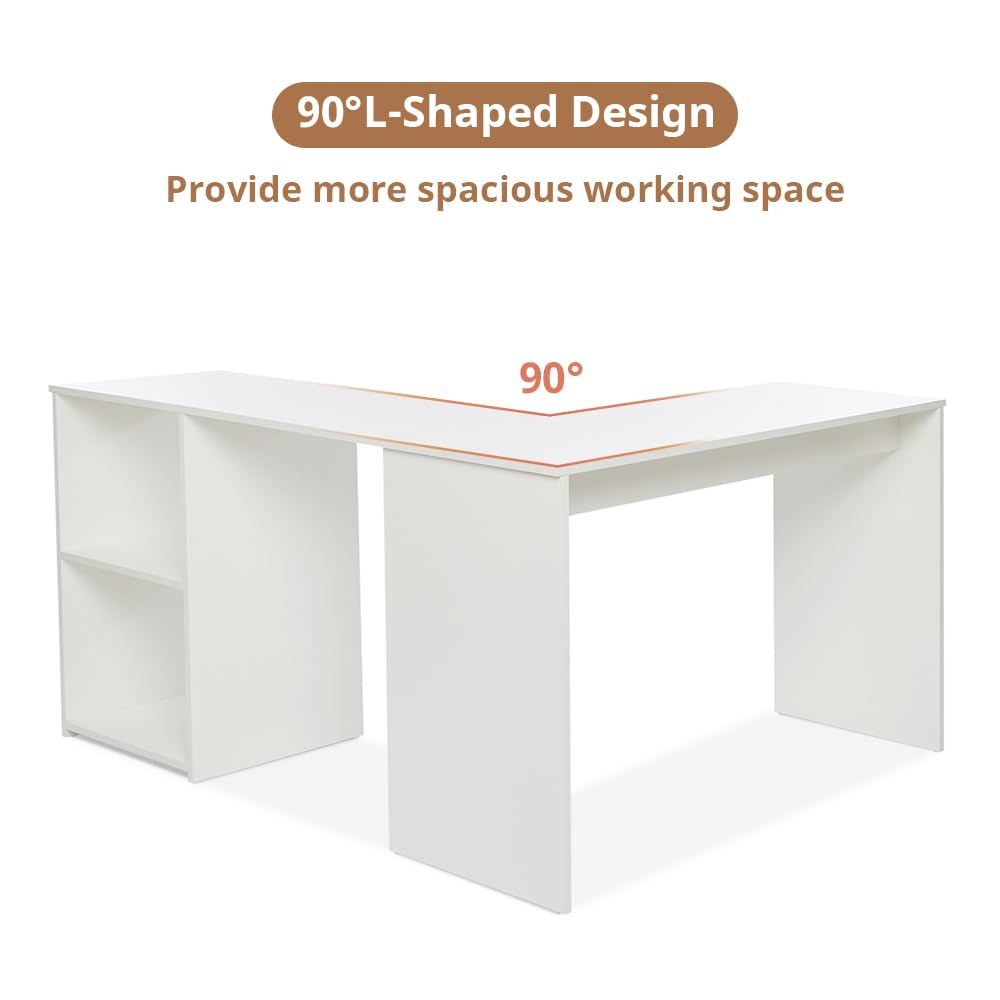
Figure 2: Illustration of the 90-degree L-shaped design for optimal space utilization.
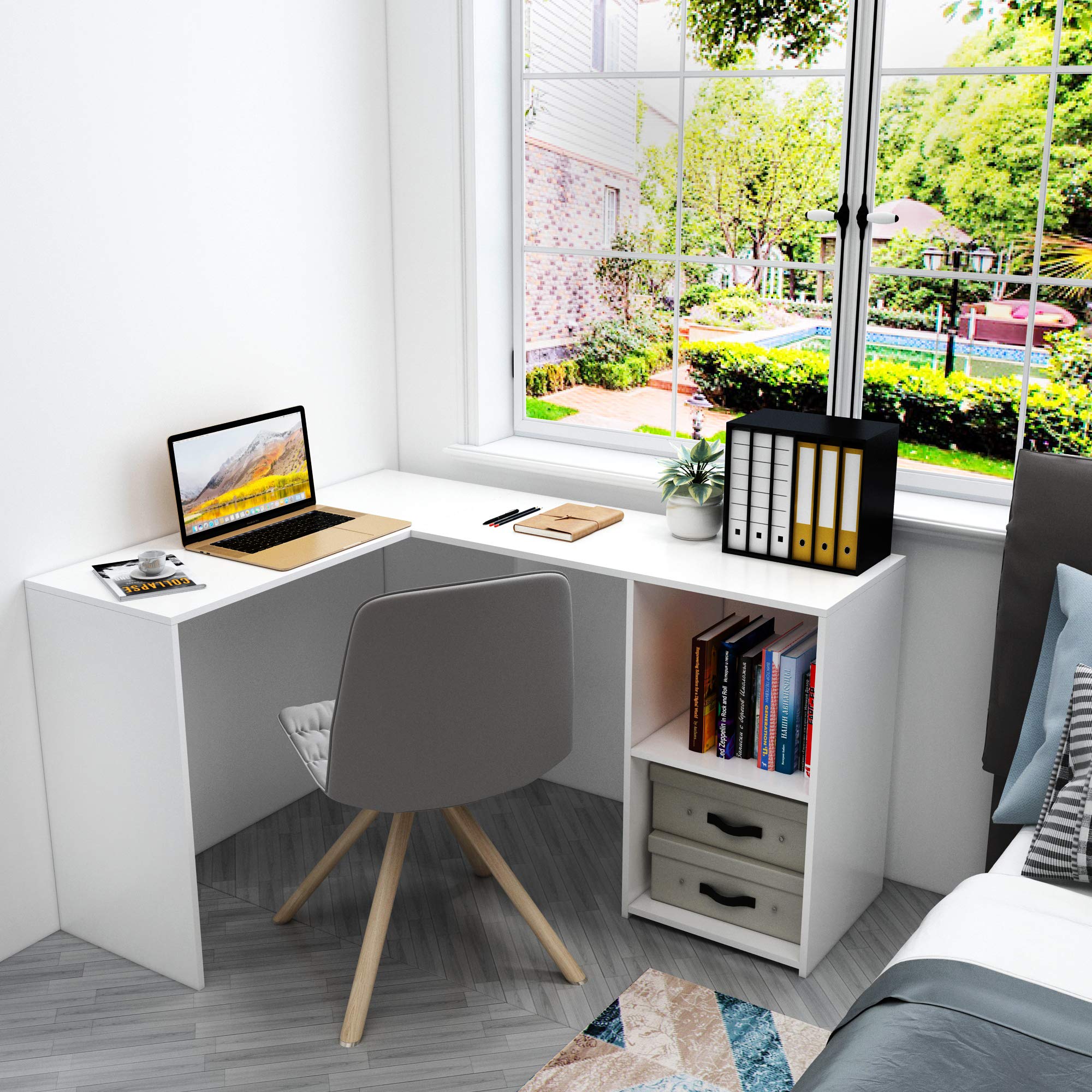
Figure 3: Example of the L-shaped desk configured in a corner, providing ample workspace.
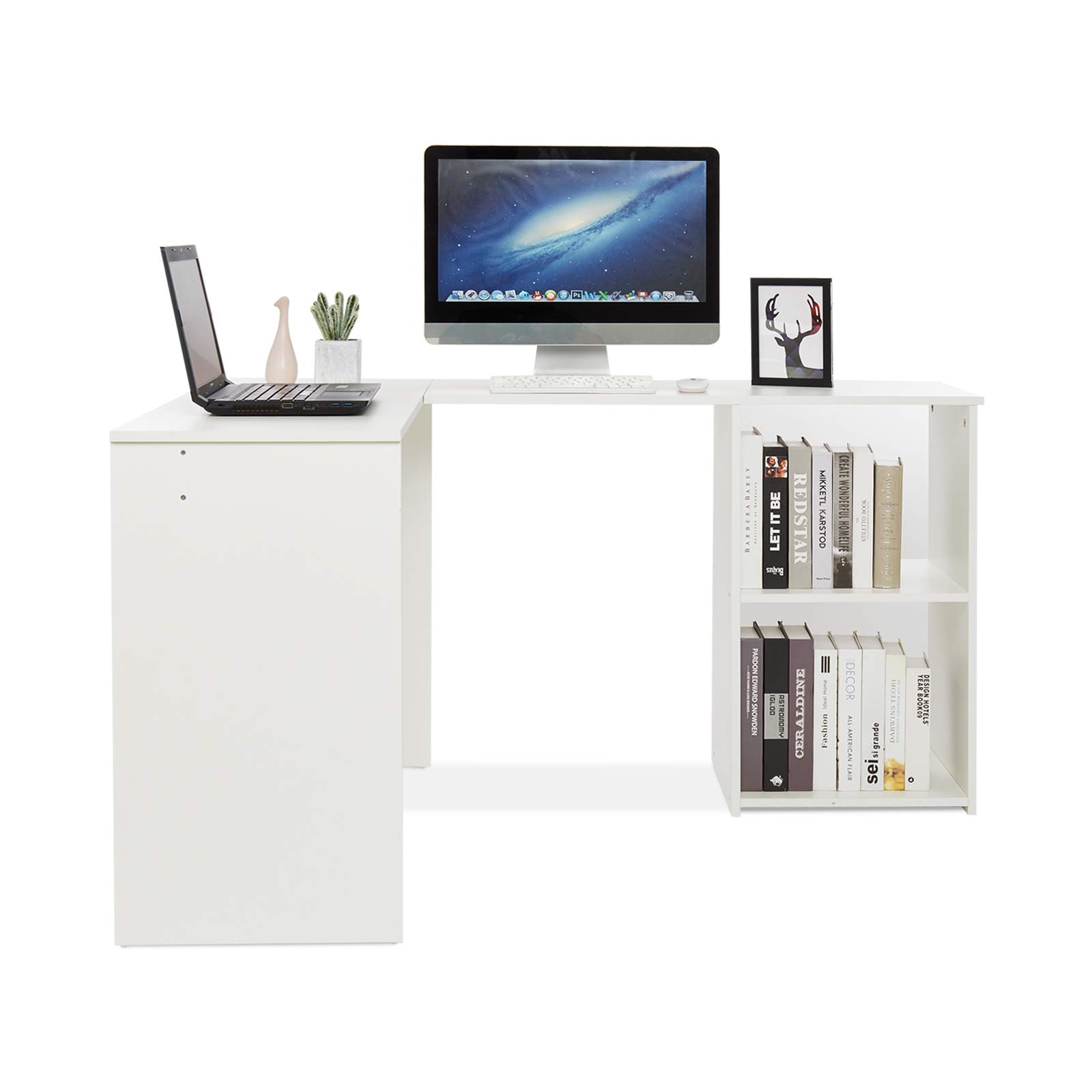
Figure 4: Example of the desk configured in a straight line, suitable for various room layouts.
5. Usage and Operating Instructions
Your Mondeer L-Shaped Desk is designed for versatility and functionality in various settings, including home offices, study areas, and gaming setups.
Configuring the Desk:
- The desk consists of two main sections that can be arranged to form an L-shape, ideal for corner placement, or extended into a longer, straight configuration.
- To adjust the configuration, carefully lift and pivot the movable section. Ensure the desk is empty of heavy items before repositioning.
Utilizing Storage Space:
The desk includes a two-story storage compartment. This area is suitable for:
- Storing books, binders, and documents.
- Housing small electronic devices such as printers or external hard drives.
- Displaying decorative items or plants.
The spacious desktop provides ample room for a computer monitor, keyboard, mouse, and other work essentials.
6. Maintenance
To maintain the appearance and longevity of your Mondeer L-Shaped Desk, follow these simple care instructions:
- Cleaning: Wipe the desk surfaces with a damp cloth. Avoid using harsh chemicals or abrasive cleaners, which can damage the finish.
- Spills: Clean up spills immediately to prevent staining or damage to the engineered wood.
- Protection: Use coasters for drinks and desk pads for writing or computer equipment to protect the surface from scratches and heat.
- Inspection: Periodically check all fasteners and tighten them if necessary to ensure the desk remains stable.
7. Troubleshooting
If you encounter any issues with your desk, consider the following common solutions:
- Instability/Wobbling: Ensure all screws and cam locks are fully tightened. Verify that the desk is placed on a level surface. Adjust the desk's position if necessary.
- Difficulty in Assembly: Re-check the instruction manual to ensure all parts are correctly oriented and assembled according to the diagrams. Do not force parts together.
For further assistance, please refer to the support section.
8. Specifications
| Feature | Detail |
|---|---|
| Brand | Mondeer |
| Model Number | FSDK21WT-G2N |
| Product Dimensions (D x W x H) | 42.5"D x 53.1"W x 28.9"H (108cm x 135cm x 73.5cm) |
| Item Weight | 26 Kilograms (approx. 57 lbs) |
| Maximum Weight Recommendation | 26 Kilograms |
| Color | White |
| Style | Minimalist |
| Material | Engineered Wood (Base, Top, Hutch, Furniture Leg) |
| Finish Type | Painted, Laminate |
| Special Feature | Scratch Resistant |
| Room Type | Living Room, Home Office, Study |
| Recommended Uses | Studying, Working, Gaming |
| Required Assembly | Yes |
| Recommended Number of People for Assembly | 2 |
| Includes All Assembly Tools | Yes |
| Number of Shelves | 2 (enclosed) |
| Tabletop Thickness | 0.59 Inches |
| Drawer Type | No Drawer |
| Mounting Type | Freestanding |
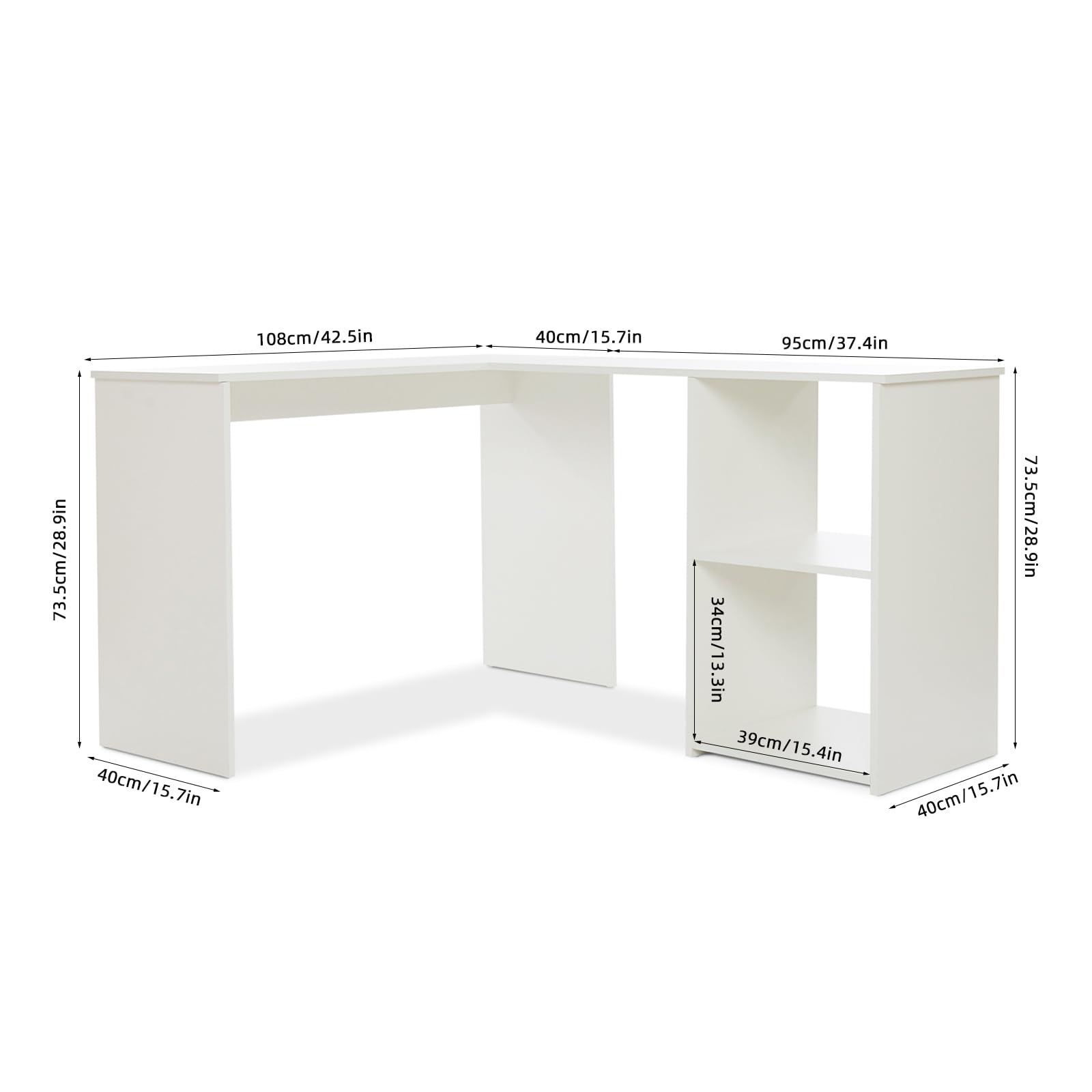
Figure 5: Detailed dimensions of the Mondeer L-Shaped Desk.
9. Warranty and Support
This Mondeer L-Shaped Desk comes with a Limited Warranty. For specific details regarding warranty coverage, please refer to the documentation included with your purchase.
For customer support, product inquiries, or to report missing/damaged parts, please visit the official Mondeer Store on Amazon:


